


Bulk

Automotive supplier software that catches the miss at the cell.

Bulk stamps operator, machine and control-plan check on every operation as it is built, and a failed check raises a quality issue on the job at the cell. Containment starts from the record, with the suspect quantity on hold and the NCR driven to 8D. Order to invoice on the same record.

Automotive manufacturing software for tier 2 and tier 3 suppliers.

Bulk is production and quality software for automotive suppliers: pressings, machined parts, mouldings and assemblies. Customer orders, control plan checks, quality holds and the NCR record sit on one part record, with the invoice raised from it. It is not a PLM or a CAD tool. It runs beside them and holds the record the auditor asks for.

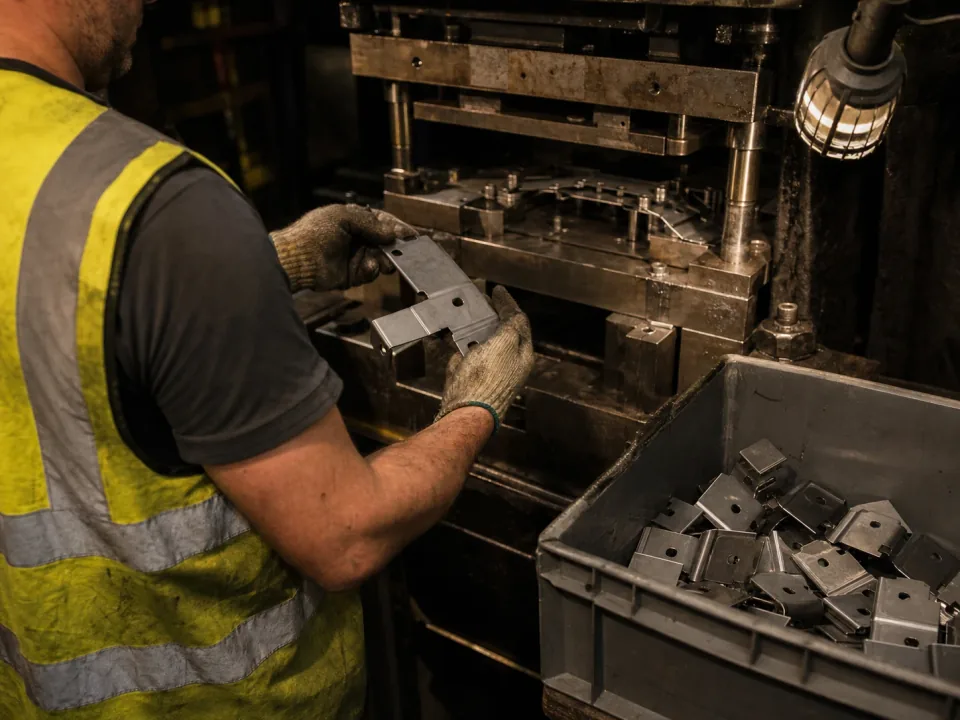
Operator feeding a stamping press on an automotive supplier line

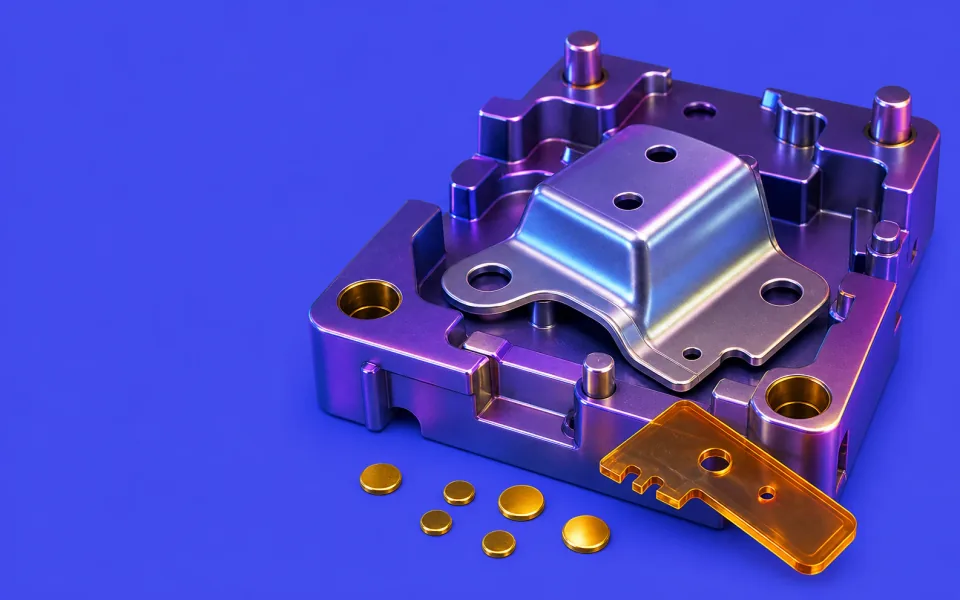
Production tracking across press, mould and assembly cells

Every operation stamps itself on one part record as it happens. Press strokes, machining ops, moulding runs and assembly steps book the operator, the machine and the time, so the part's history is one thread rather than four cell logs. Downtime and scrap show on the wall TV while the shift can still act.

  • Operator, machine and cycle booked per operation on the part record
  • Live job progress and OEE by cell on a desk screen or the wall TV
  • Scrap and rework raised at the cell with a reason, not at month end
See production
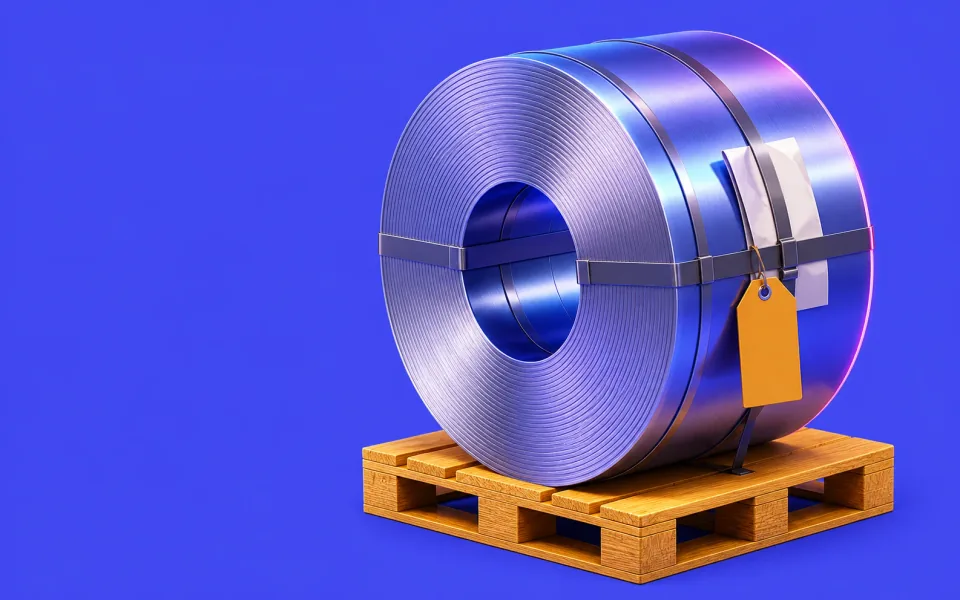
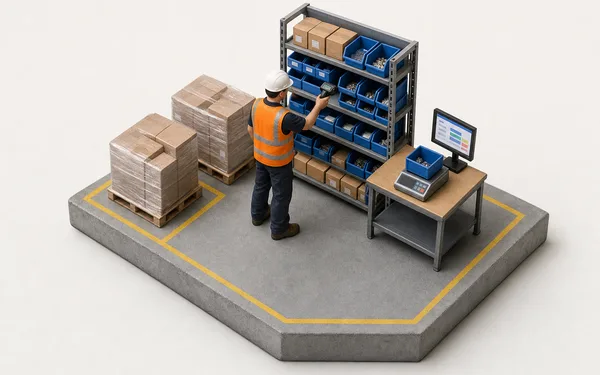
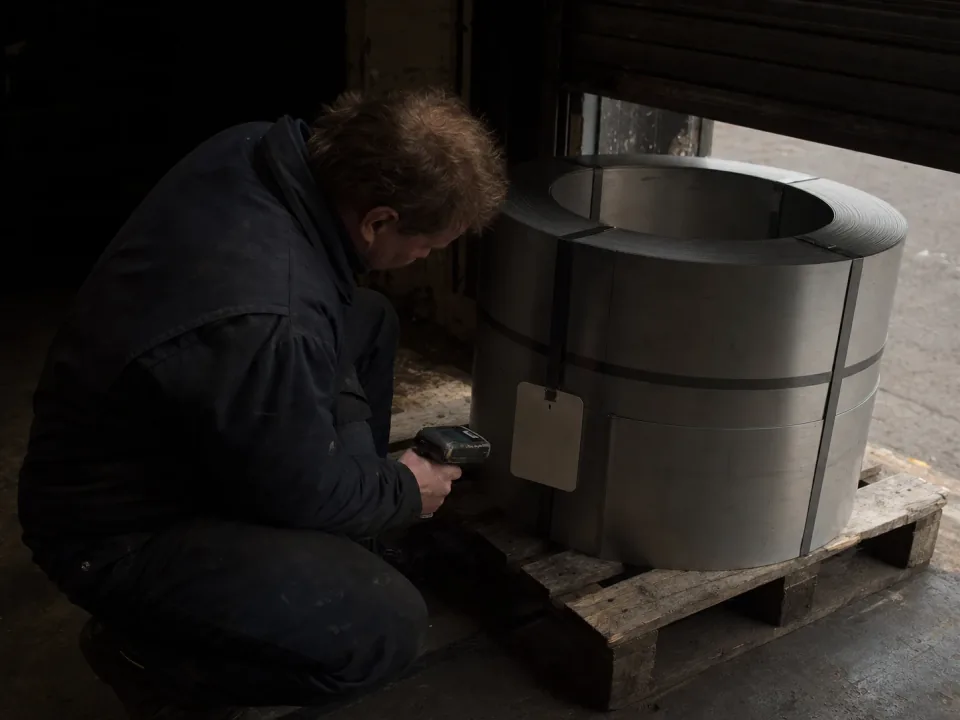
Steel coil at a receiving bay

Containment from the part record

A failed check raises a quality issue linked to the job, the step and the machine. Put the suspect quantity on hold with a reason, a containment action and a quarantine area, then release it, part-release it or scrap it. Coil and lot references sit in custom fields on the job with the supplier cert attached, so both are a search in the grid.

  • Quality issues linked to the job, step and machine
  • Quantity holds with reason, containment and quarantine area
  • Coil and lot references in custom fields, searchable in the grid
See quality
Planner at a desk in a glazed office overlooking a production line

Releases, schedule, stock and invoicing on one record

Customer orders, read from the PO, become scheduled jobs against real capacity. Stock is booked against the job that used it, so a shortage warns before it stops the line. The invoice is raised from the delivery note on the same record, with nothing re-keyed between the office and the cell.

  • Customer releases turned into scheduled jobs with a real delivery date
  • Coil, component and consumable stock booked against the job that consumed it
  • Invoices and credit notes raised from the delivery, not a spreadsheet
See scheduling
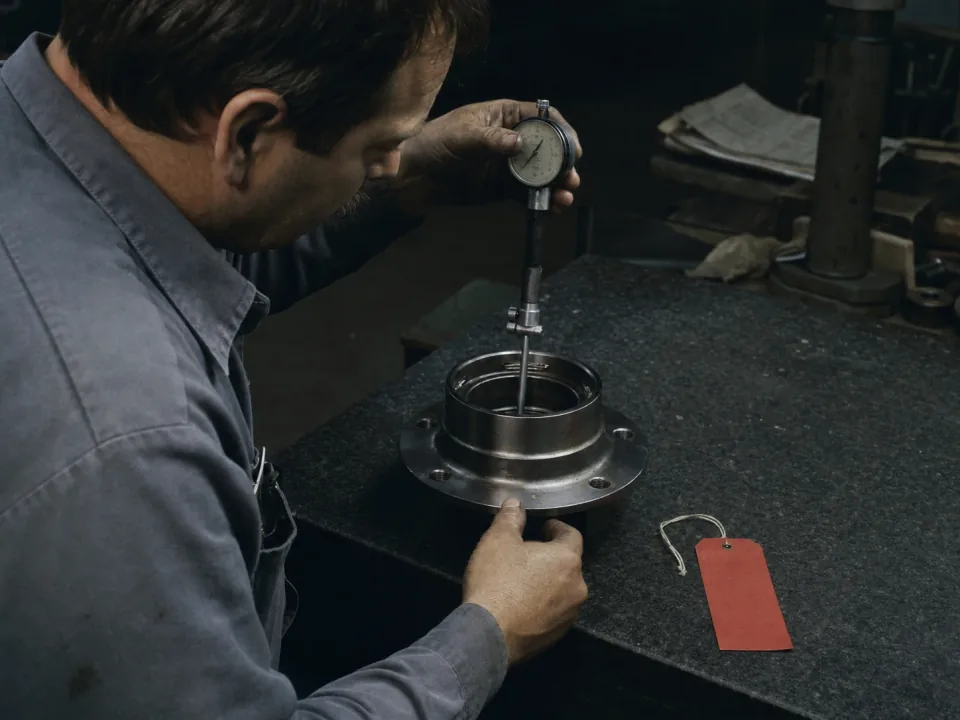
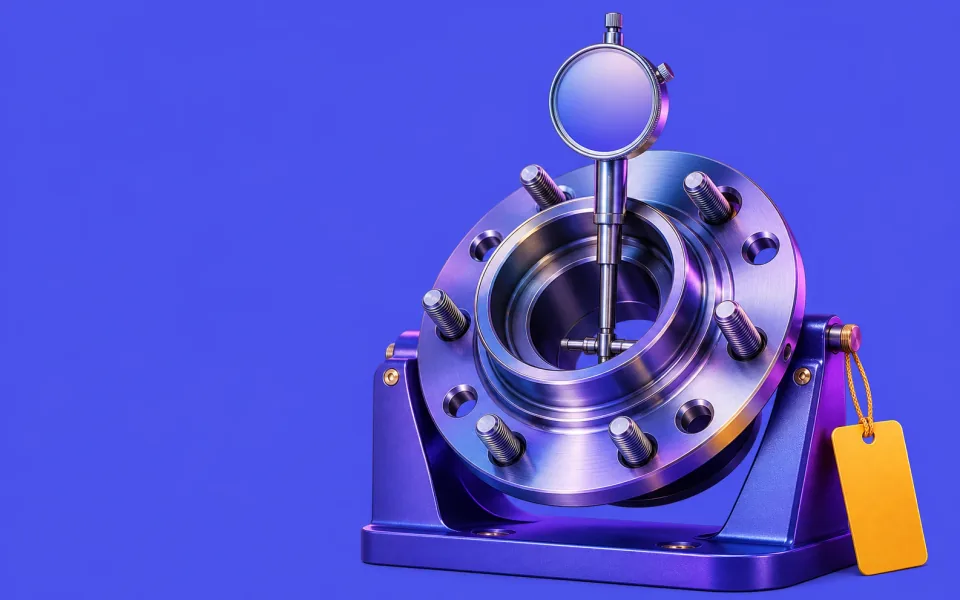
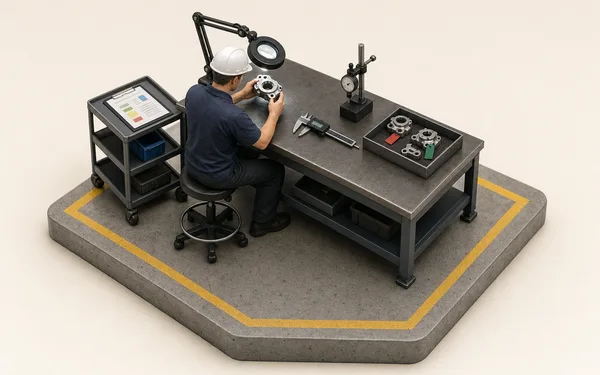
Quality inspector gauging a machined hub on a granite surface plate

IATF 16949 control plans and PPAP evidence

Control plan checks are signed where they happen, on the part, with the gage and the reading. A failed check raises the NCR and puts the suspect quantity on hold until it is dispositioned and the 8D is closed. Layered process audits and the check results behind your PPAP sit on the same record, ready before the auditor asks.

  • In-process checks with reading, gage and operator on the part
  • NCR, containment and 8D driven from the failed check
  • Layered process audits scheduled and evidenced on the floor
See quality

From release to invoice, one thread.

Take the order in

The customer's purchase order is read into a production order against the part; nobody re-types a quantity.

See inbound OCR
Customer PO read
  • Week 35pulled forward
  • Quantity2,400 pcs
  • PO 88213.pdfCustomer PO

Same parts. Fewer surprises.

90%Less time chasing part status at Halden Driveline
99.5%First-pass yield at final inspection
0Re-keys from customer order to dispatch
“A customer complaint used to mean two days trawling travellers for the checks and the operators. Now it is one search: the job, every control-plan check, who ran each op and what was found, on screen while they are still on the call. The surveillance audit stopped being the week everyone dreaded.”
HD
Quality Manager — Halden DrivelineAutomotive supply — machined & assembled driveline parts

Questions, answered.

01

Is Bulk an MES or an ERP for automotive suppliers?

Both, on one record. An MES assumes an integrator and a PLC network; an ERP holds the order and the invoice but never sees the line. Bulk records every operation, drives the control plan and holds containment on the line, and runs the commercial loop around it — the customer order, dispatch, invoices and credit notes — on the same record. Install the apps you need one at a time; where you keep an accounts package, Bulk syncs both ways with it.

02

Does it support IATF 16949 and PPAP evidence?

As evidence on the record, yes. Control-plan checks are captured in line on forms linked to the job and stay attached to the part, and nonconformances run through NCR, containment and 8D on the same record. Bulk does not generate the PPAP submission itself; the check results, the quality record and the attached documents are there to compile it from, instead of being rebuilt in spreadsheets each time.

03

Can it react to a customer schedule swing?

Yes. Releases land against the part number — EDI or portal — and a pull-forward shows up as a live queue against your cells and people, so you can re-plan and give a real date rather than discovering the expedite at shift end. The schedule and the shop floor read from the same record.

04

Does Bulk track component lots and serial numbers?

Not in stock. Bulk records the material each job used by variant, quantity and cost, each operation with its operator and machine, and the control-plan results. Coil, casting or lot references go in custom fields on the job and supplier certs attach to it as files, so both are searchable in the job grid. It does not hold lot or serial numbers against stock or link shipped parts to component lots.

05

Can Bulk replace our ERP, and what about EDI?

It can. Bulk holds the commercial loop an ERP usually owns — the customer order, jobs, stock, dispatch, invoices and credit notes — on the same record as the line, and reads the customer's purchase order into it. Install the apps you need one at a time; where you keep an accounts package or an EDI translator, Bulk syncs both ways with it. Rollout is one workflow end to end, never a big-bang cutover.

06

How long does rollout take?

One part number, end to end first — release to dispatch, proven on real work in weeks — then the rest of your programmes follow on the same pattern. Your team shapes the configuration around your line and your customer's requirements, not a template, and you can start with a free trial.

Run one part number through.