


Bulk

Composites manufacturing software with cure records on the job.

Bulk runs kitting, layup and cure as steps on one job, with operator, autoclave and times on each, the roll number and out-time in custom fields and the cure chart attached. A cure outside spec opens a quality issue and an NCR against that job, so the record an OEM asks for is already there. Order to invoice on the same record.

Composites manufacturing software from layup to invoice.

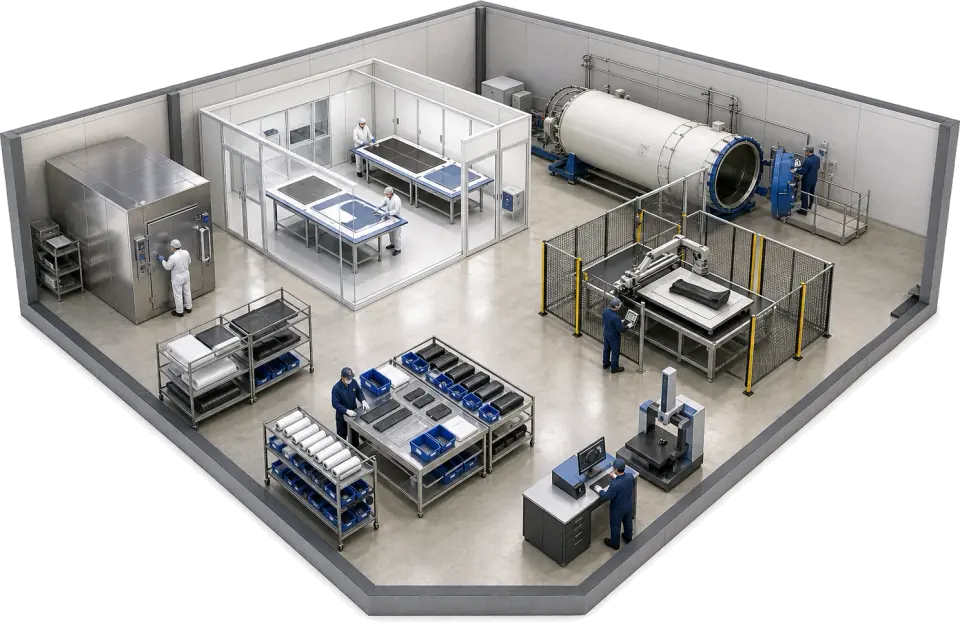
Bulk is production and quality software for composites shops: kitting, layup and cure jobs, cure records and NCRs on one job record, with the order and the invoice on the same record. It is not a laminate design tool. It runs beside one and holds the evidence an OEM or an auditor asks for.

Technician lifting a roll of prepreg out of a walk-in freezer

Prepreg out-time on the kit job

The kit job carries the roll number, the freezer-out time and the out-time used in custom fields, searchable in the grid, and the prepreg it used is logged by variant with its cost. The layup room reads it off the job instead of the whiteboard. Bulk does not run a live out-life clock per roll.

  • Roll number and freezer-out time in custom fields on the kit
  • Prepreg usage logged on the kit by variant and cost
  • Prepreg stock counted per site with low-stock alerts
See inventory
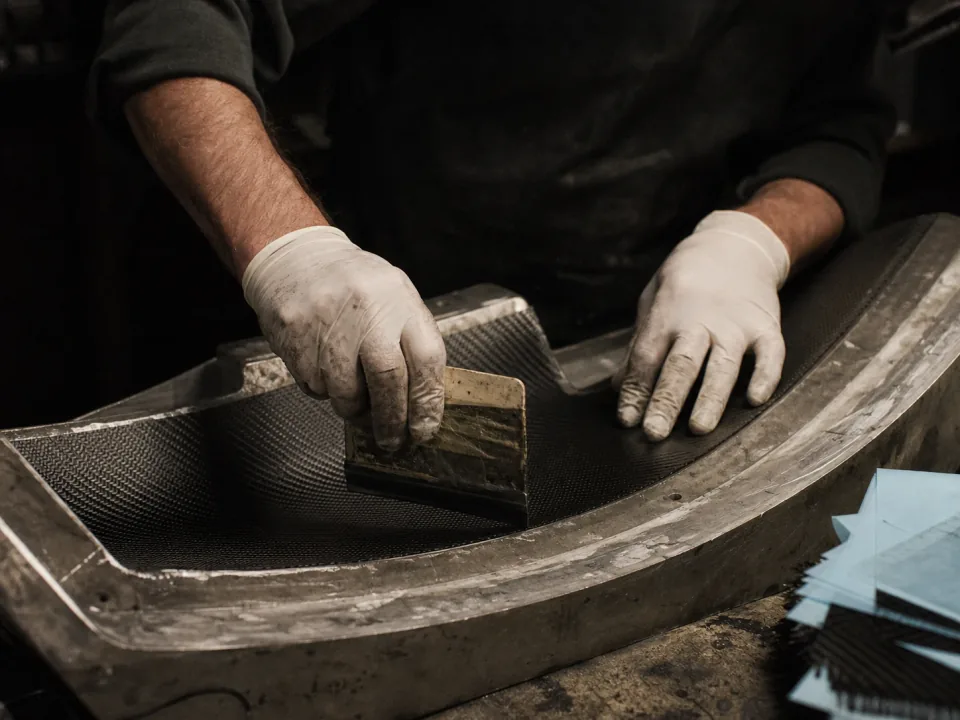
Laminator pressing a ply into a mould by hand

Layup travellers and ply checks

The traveller carries the ply table, orientation and method to the bench. The layup step records the laminator and the times, and the ply check sheet is filled in on the job, so the layup record an aerospace or automotive OEM asks for sits on the part's job rather than in a folder of travellers.

  • Travellers with ply table and orientation, printed from the job
  • Layup step with laminator, times and ply check sheet
  • One search in the job grid answers a customer query on the part
See production
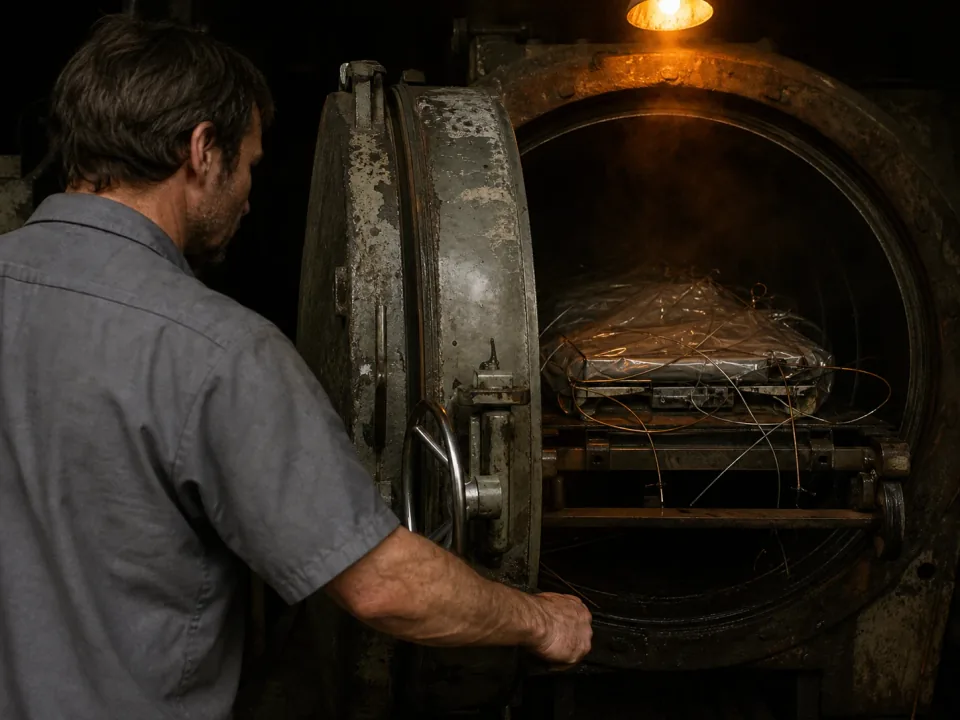
Autoclave door open at the end of a cure cycle

Cure cycle records on the part

The cure step records the autoclave or oven, the times and the dwell, temperature and pressure readings against the spec, and the chart attaches to the job. A cycle outside spec opens a quality issue and an NCR, and a hold contains the quantity until it is dispositioned.

  • Cure step with autoclave, times and readings on each job
  • Out-of-spec dwell or ramp opens a quality issue and an NCR
  • Cycle charts attached to the job for the auditor
See quality
Technician reading a printed cure chart beside an oven

Orders, kits and invoicing on the same record

The commercial loop an ERP usually owns runs in Bulk too. Take the order, plan the layup and cure against mould and autoclave capacity, log the prepreg each kit used and invoice the finished jobs from the same record. The traveller and part labels print from what is already there.

  • Orders turned into scheduled layup and cure jobs
  • Prepreg, core and consumable usage logged on the kit with its cost
  • Invoices and credit notes raised from the finished jobs
See invoicing

From kit to invoice, one thread.

Cut the kit

The kit job logs the prepreg used by variant and cost, with the roll number and freezer-out time in custom fields.

See inventory
Kit K-512 materials
  • Prepreg, carbon UD14 m²
  • Roll no. (custom field)R-3318
  • Out of freezer (custom field)07:40

The cure record is already there.

−64%Time spent chasing cure charts at Torridge Composites
0Re-keys between layup traveller and invoice
100%Cure cycles recorded on the job
“Cure charts used to live in a folder by the oven and deviations in someone's notebook. Now the cure step, the chart and any NCR sit on the job, and when an OEM asks how a part was made the answer is on screen, not in a filing cabinet.”
TC
Ceri Hughes, Operations ManagerTorridge Composites — AS9100

Questions, answered.

01

Is Bulk a composites ERP or MES?

Both, on one record. A high-volume MES was never built for a paper out-life logbook; an ERP holds the order and the invoice but never sees the layup room. Bulk runs the floor (kitting, layup and cure jobs, cure records, NCRs and documents) and the commercial loop around it: the customer order, stock, invoices and credit notes on the same record. Install the apps you need one at a time; where you keep an accounts package, Bulk syncs both ways with it.

02

Does Bulk track prepreg out-time per roll?

Not as a live clock. Bulk holds no roll or lot records in stock, so it does not count down out-life per roll or stop an expired roll being used. What it does: the roll number, the freezer-out time and the out-time used go in custom fields on the kit job, the freezer log can be a check sheet filled in on the job, and both are searchable in the grid. Prepreg is counted as stock by variant and site.

03

Can it record freezer checks?

Yes, as checks rather than alerts. A pre-use check on the freezer, with the temperature reading, a photo and a signature, runs in Audits against that machine, and the freezer-out time for a kit sits on the kit job. Bulk does not hold shelf-life or expiry dates on stock, so there is no automatic expiry alert.

04

Can it show which roll went into a part?

Only as a reference you keep. The roll number goes in a custom field on the kit or layup job and can be searched in the grid, and the kit records the prepreg it used by variant, quantity and cost. Bulk does not hold rolls or lots in stock or build a ply-by-ply link from roll to part.

05

How long does rollout take for a single-site shop?

One flow end to end first, usually one part family from kit to invoice, proven on real parts in weeks. Then the rest of the methods and part families follow on the same pattern. Never a big-bang cutover, and never a stalled floor while it goes in.

06

What does it cost for a shop like ours?

One per-site price with every module included (routing, scheduling, quality, documents and invoicing), no per-module upsell, with hosting and rollout in the figure. You configure it around your materials and cure cycles, and you can start with a free trial, no card needed.

Run one part through.