
Bulk

Furniture manufacturing software that keeps the cutting list current.

Bulk turns the commission into a cutting list and a route, books the foam and fabric the upholsterer uses to the job, and plans the finishing bay live. A change on a call reaches the bench, and the suite ships with the supplier's flammability certificate attached to its job. Order to invoice on the same record.

Furniture manufacturing software for made-to-order workshops.

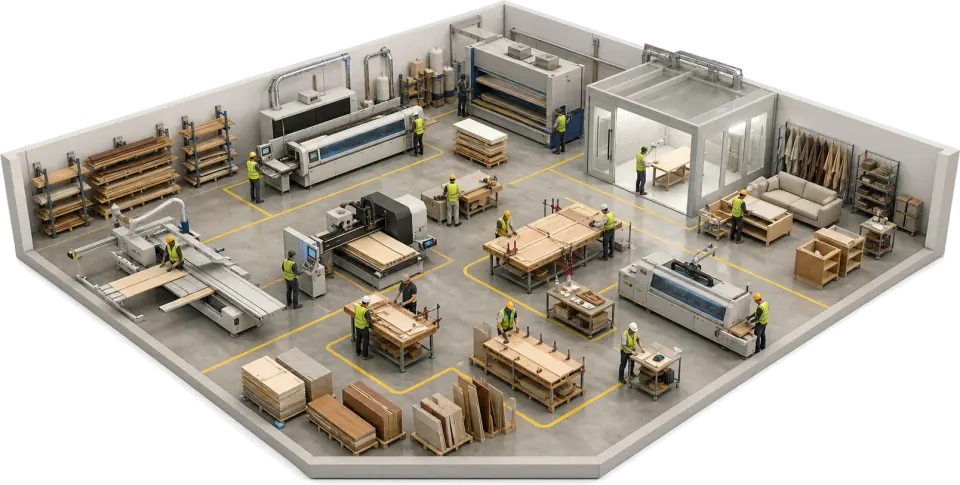
Bulk is furniture manufacturing software for workshops that make to order and run repeat lines side by side: cutting lists, job tracking, upholstery evidence and the quote-to-invoice loop on one job record. It is not a design tool or a cutting optimiser. It runs beside them and takes over where the drawing leaves off.

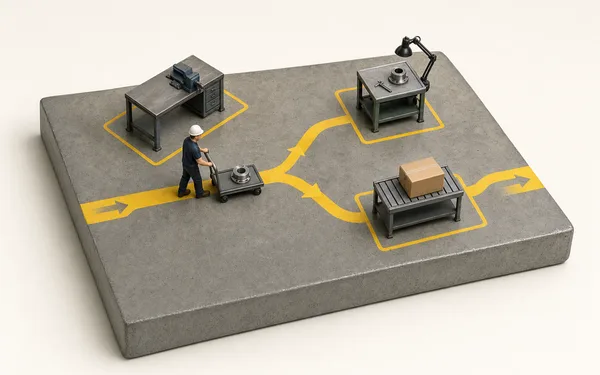
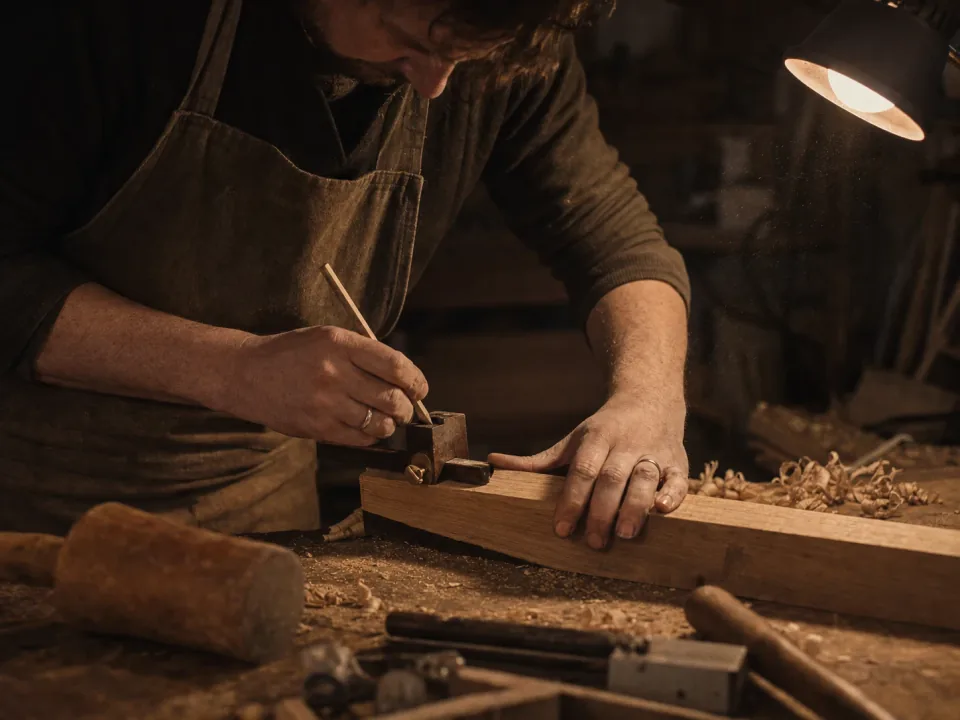
Joiner marking out a frame component at a workshop bench

Made-to-order and repeat lines on one board

A one-off commission and a repeat line run on the same schedule against the same benches. Each job carries its cutting list, its spec revision and its finish, so the joiner sees the current version at the bench and a change from the customer flags the open job before the timber is cut.

  • Cutting lists and spec revisions on the job, current at the bench
  • One schedule across bespoke commissions and repeat lines
  • Customer changes flagged on open jobs before material is cut
See routing
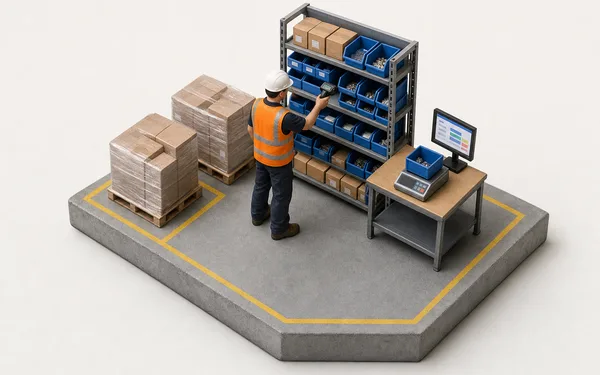
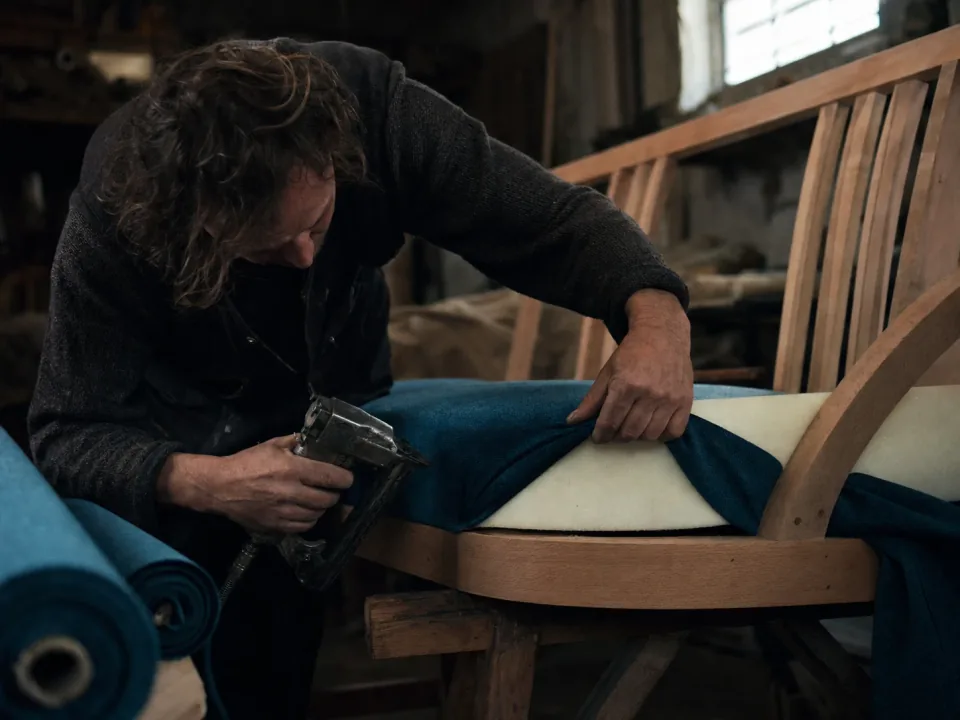
Upholsterer stapling fabric to a settee frame

Fire evidence on every upholstered piece

The foam and fabric used are booked to the job as it is upholstered, with the batch and roll numbers in custom fields and the supplier's flammability certificate attached. When a retailer or Trading Standards asks, the evidence for a sofa made two years ago is a search on the order number, not a hunt through supplier folders.

  • Foam and fabric usage booked to the job at the upholstery bench
  • Batch and roll numbers in custom fields, searchable in the grid
  • Flammability certificates attached to the job or the order
See custom fields
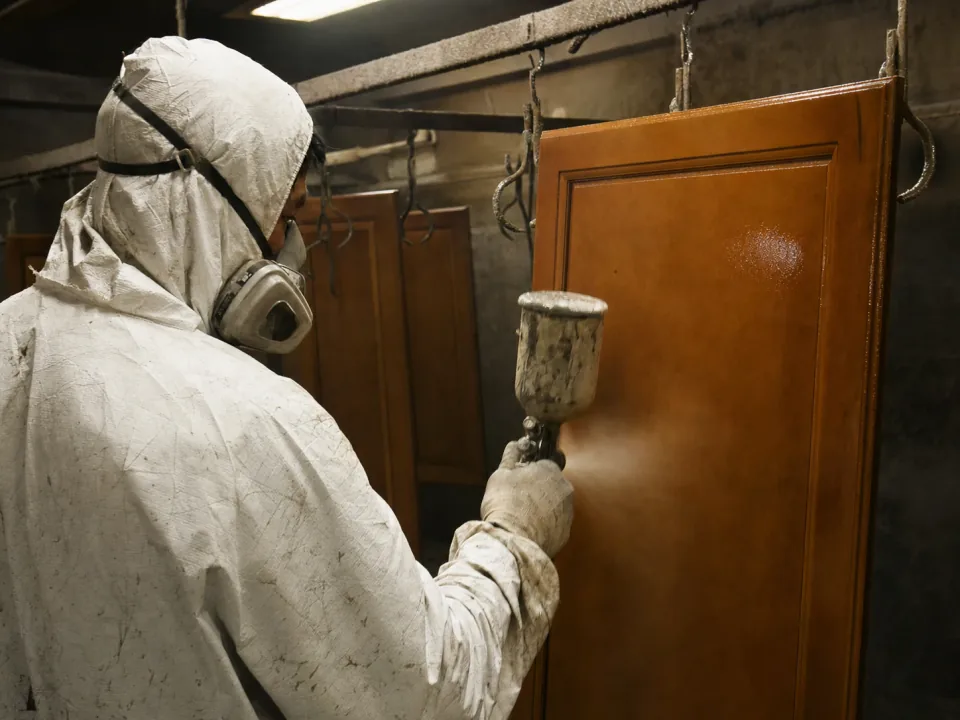
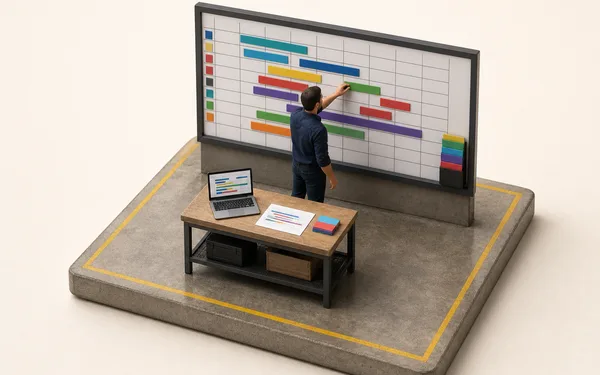
Sprayer lacquering a cabinet door in a finishing booth

Scheduling the finishing bay

Spraying and lacquering are the bottleneck in most workshops. Bulk plans the finishing bay in the open, with cure times and booth capacity on the schedule, so a promised delivery date reflects what the bay can actually do this week rather than what the sales office hoped.

  • Booth capacity and cure times on the schedule
  • Live backlog by bench, with the bottleneck visible
  • Delivery dates that hold because they were planned against capacity
See scheduling
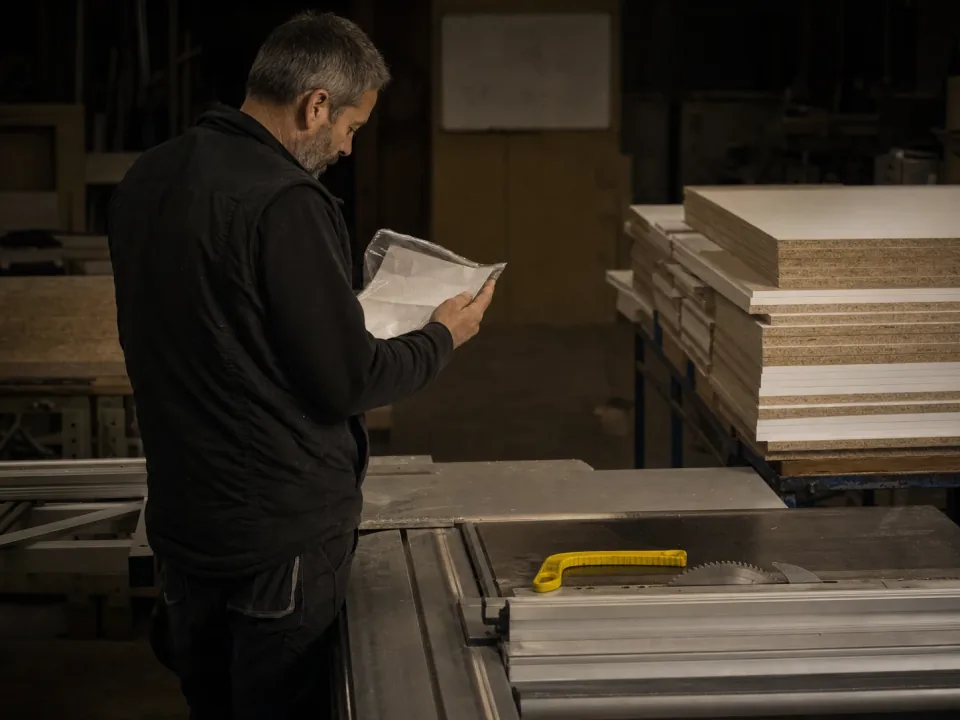
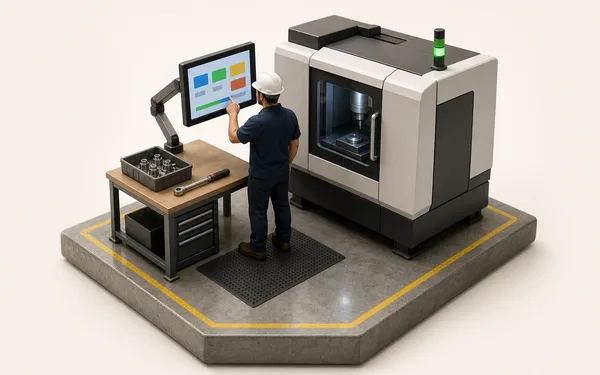
Workshop manager reading a job bag beside a panel saw

Quotes, stock and invoices on one record

The commercial loop an ERP usually owns runs in Bulk too. Quote the piece, release it as a job, book the timber, foam and fabric against the job that used them and invoice the delivery from the same record the workshop worked on. Keep your estimator if you like it. Nothing is typed twice.

  • Quotes turned into routed jobs with a cutting list in one step
  • Timber, board, foam and fabric stock booked against the job
  • Invoices and credit notes raised from the delivery
See invoicing

From order to delivered suite, one thread.

Build the cutting list

The commission lands; Bulk turns it into a cutting list and a route across the benches.

See routing
Cutting list issued
  • Two-seat setteeoak frame
  • Parts14
  • Spec rev B.pdfPinned to the job

The suite ships with its paperwork done.

−4 daysOff made-to-order lead time at Harewood & Frame
98%First-time-right on finish and fit
0Re-keys from cutting list to invoice
“Every settee leaves with its foam batch, fabric roll and fire cert already on the job, so there's no folder to dig through if the inspector asks. And I can finally see into the finishing bay, so the dates I give customers actually hold.”
HF
Workshop manager — Harewood & FrameBespoke seating & fitted joinery — Long Eaton

Questions, answered.

01

Is Bulk an ERP or a cabinet-shop estimator?

Bulk is the system the whole workshop runs on; the estimator is the one thing it isn't. Estimators quote and cut-optimise, then go quiet once the job hits the bench. Bulk runs the making itself — cutting lists and routes, the finishing schedule, foam and fabric usage with their batch numbers, NCRs, stock and the fire-safety paperwork — and the commercial loop around it: the customer order, invoices and credit notes on the same record. Install the apps you need one at a time; shops that keep an estimator or an accounts package sync them to Bulk.

02

Does Bulk handle UK upholstered-furniture fire-safety evidence?

Yes, as evidence on the job. The foam and fabric used are booked to the piece at the bench, their batch and roll numbers go in custom fields on the job, and the supplier's flammability certificates attach to it as files. When an inspector asks, a search on the order number or the batch field in the job grid finds the jobs that carry it, instead of a folder-by-folder hunt. Bulk holds foam and fabric stock by material, not by batch.

03

Can it work for one-off commissions as well as repeat lines?

Yes. Made-to-order is the default: a one-off commission gets its own cutting list, route and record just like a repeat line, and the two run side by side on the same board. You get the tracking without forcing bespoke work into a batch mould it doesn't fit.

04

Does Bulk do cut optimisation or nesting?

No — that's your CAD/CAM or nesting software's job, and Bulk doesn't try to replace it. Bulk takes the cutting list into production and tracks what actually happens to those parts. Where your saw or CNC exposes data, we can bring the cut list in rather than re-key it; the specialist optimiser stays.

05

How does it handle stock across board, timber, foam and fabric?

Material comes off stock the moment a job consumes it at the bench, so the shelf and the record stay in step without a weekly stock-take. Stock is held by material, not by batch; the foam batch and fabric roll numbers go on the job in custom fields beside the attached certificate, so consumption and fire evidence sit on the same job rather than in two places.

06

What does it cost, and how long is rollout for a single workshop?

One per-site price with every module included — no per-module upsell, hosting and rollout in the figure. Rollout runs one line end to end first — order to dispatch on a job you make every week — proven on real work in weeks, then the rest follow the same pattern. Never a big-bang cutover. You can start with a free trial, no card needed.

Run one job through.