Manufacturing software, shaped to your floor.
One system from the customer order to the invoice, installed one app at a time. What changes by industry is what the record has to prove.
Pick the floor that looks like yours.
Fourteen industry pages, grouped by how the work moves. Each one shows the modules on that floor, the evidence it produces and the questions buyers in that industry ask.
Machining and fabrication
Short runs, many setups and a job that crosses benches. Bulk carries the route from the customer order to the shipped part, with the mill cert attached to the job, so nobody re-keys a traveller at each station.
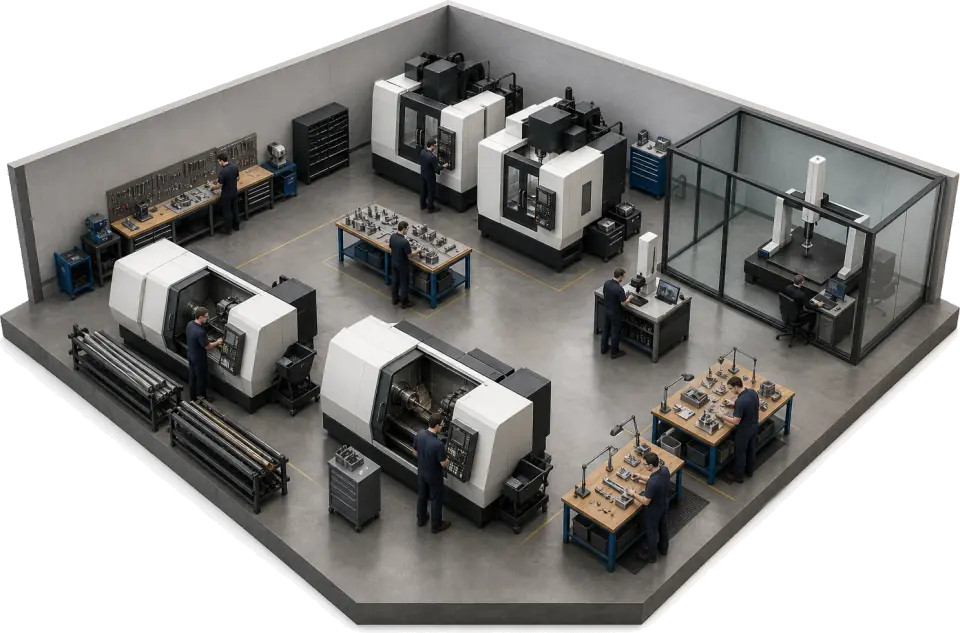 CNC machine shopsMulti-op travellers, the heat number on the job and first article results on record.
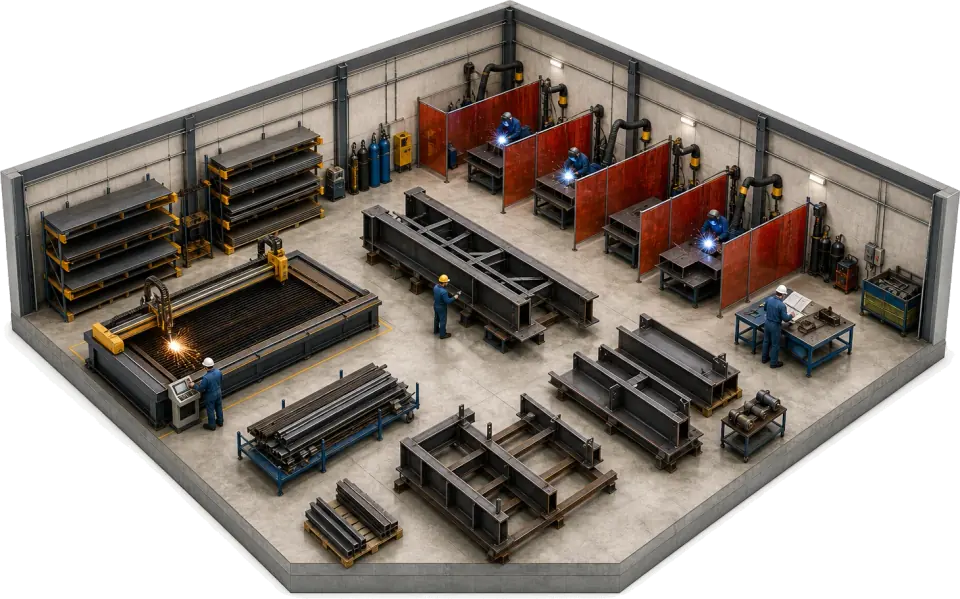 Metal fabrication and weldingHeat number and WPS on the job, the welder on every step, NDT reports attached.
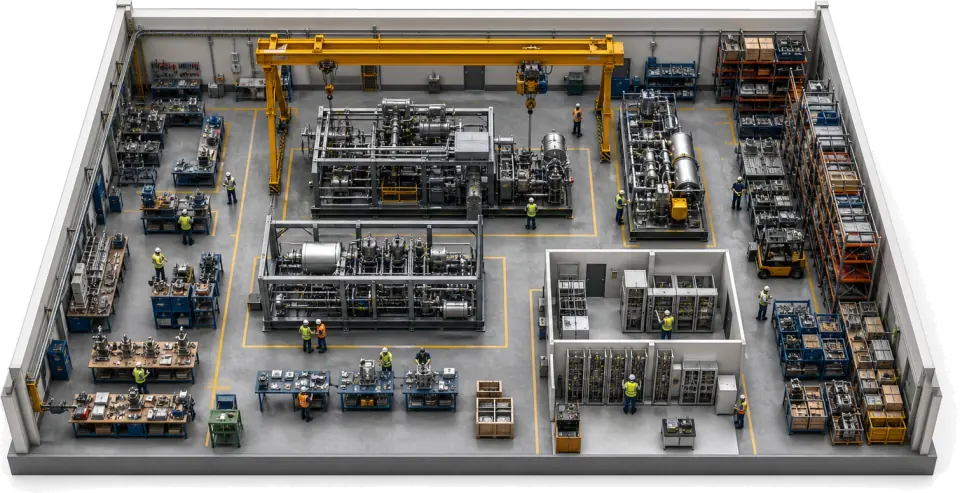 Industrial machineryOne build record per machine, from bought-in parts to the factory acceptance test.
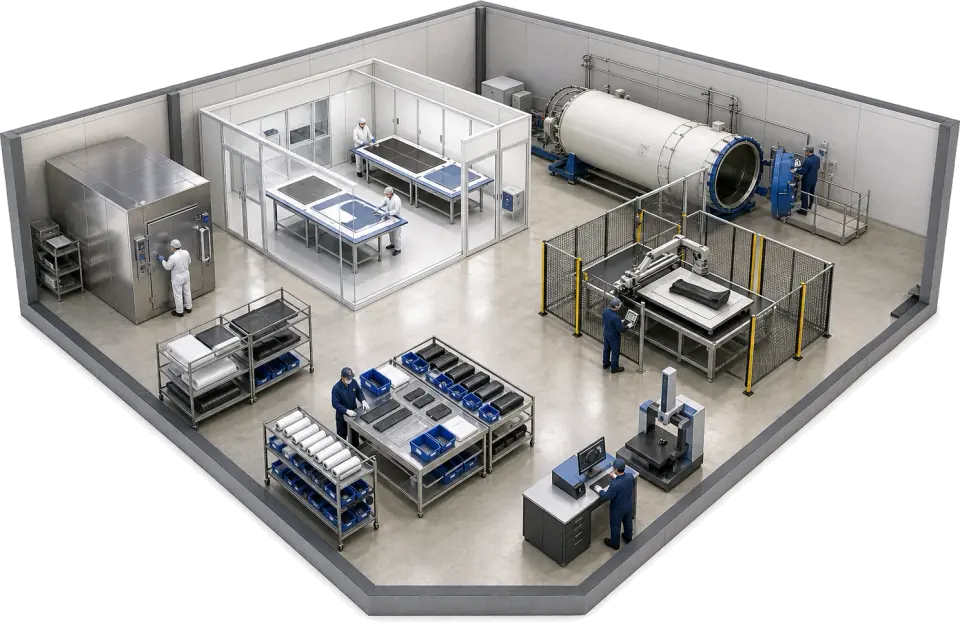 CompositesLayup steps, cure records and the prepreg roll number, kept as you lay up.
Regulated production
Sign-offs that must be on the record the day the work is done. Controlled revisions, inspection results and e-signatures build the evidence as the part is made, not the week before the audit.
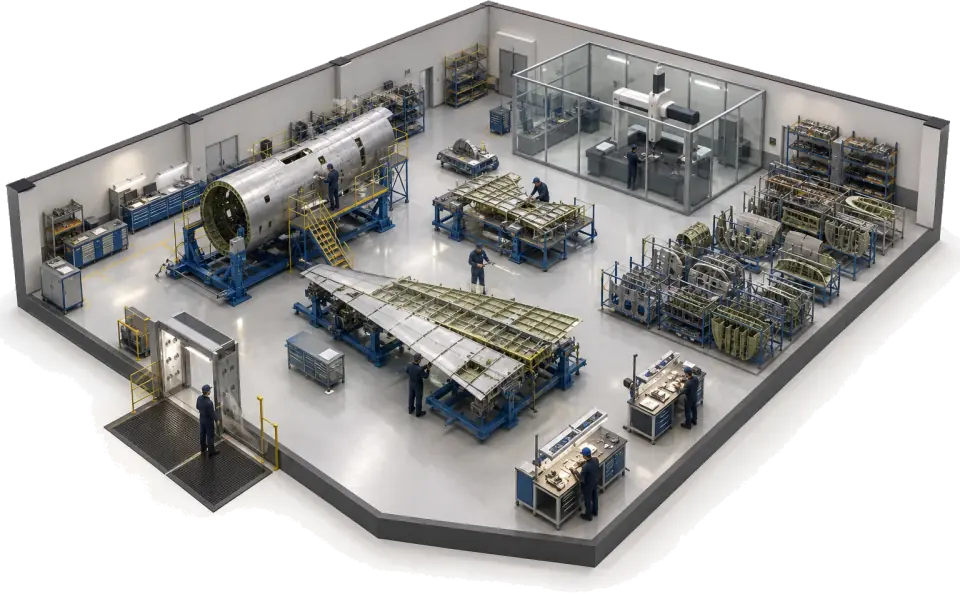 Aerospace and defenceFirst article results, NCRs and 8D reports on the same record as the job.
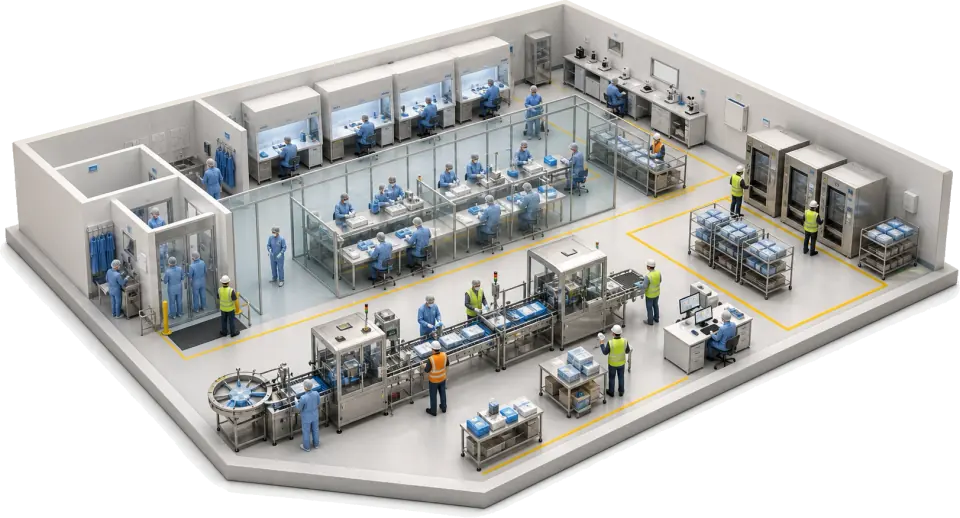 Medical devicesCleanroom build steps, in-process checks and sign-offs on the job record.
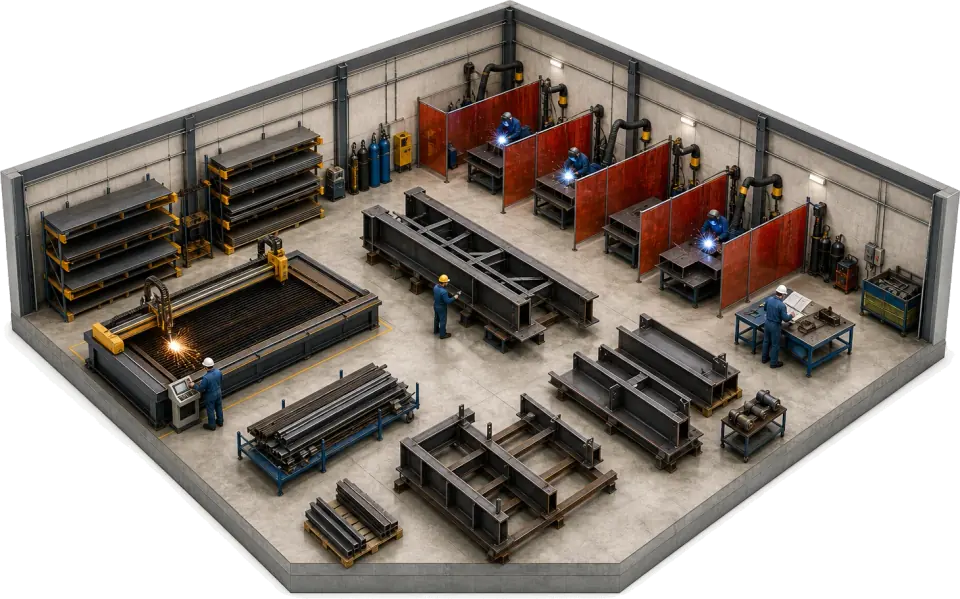 Automotive supplyQuality holds, 8D reports and control-plan checks on the job the part came from.
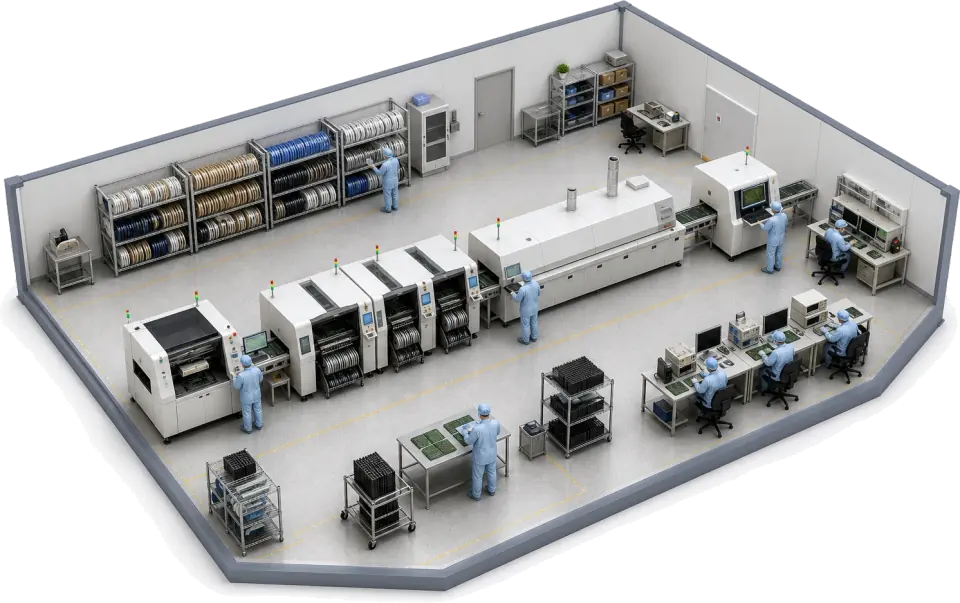 PCB assembly and electronicsLine steps, AOI and test results recorded at source, each defect tied to its job.
Process and materials
Batches, readings and material usage that must reconcile at the end of the shift. Every resin, ingredient or aggregate used is booked to the job by variant, with its cost.
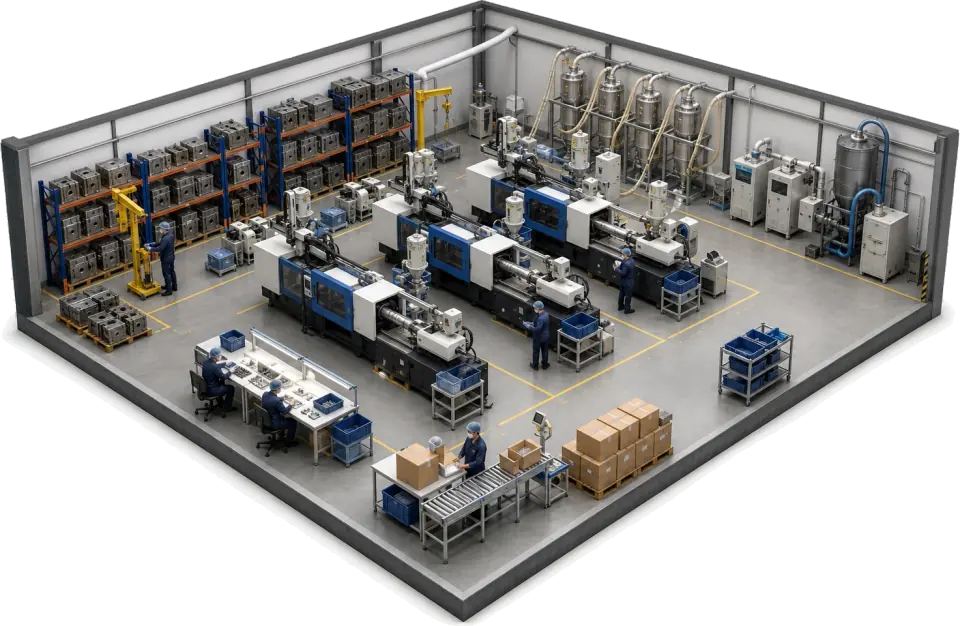 Injection mouldingShots, downtime and OEE per press, with the resin used booked to the job.
 Food and beverageHACCP checks on the batch, and quality holds released in part or scrapped.
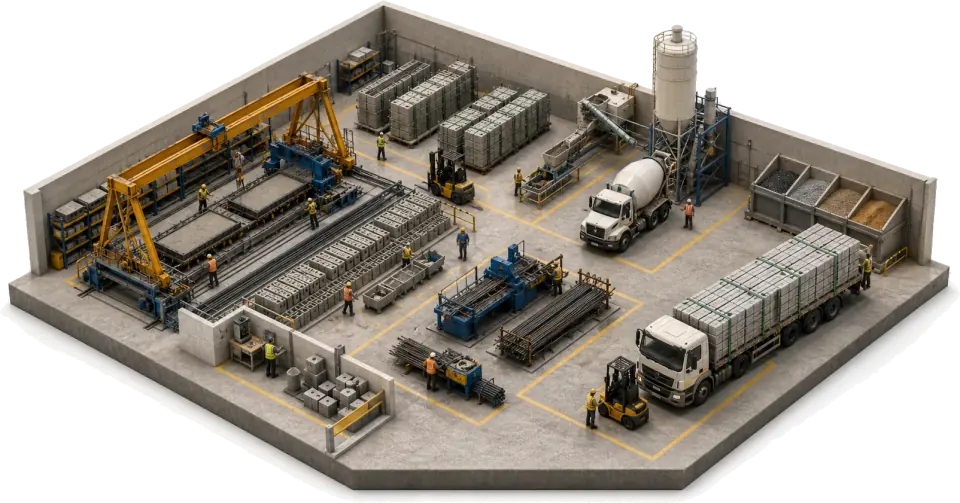
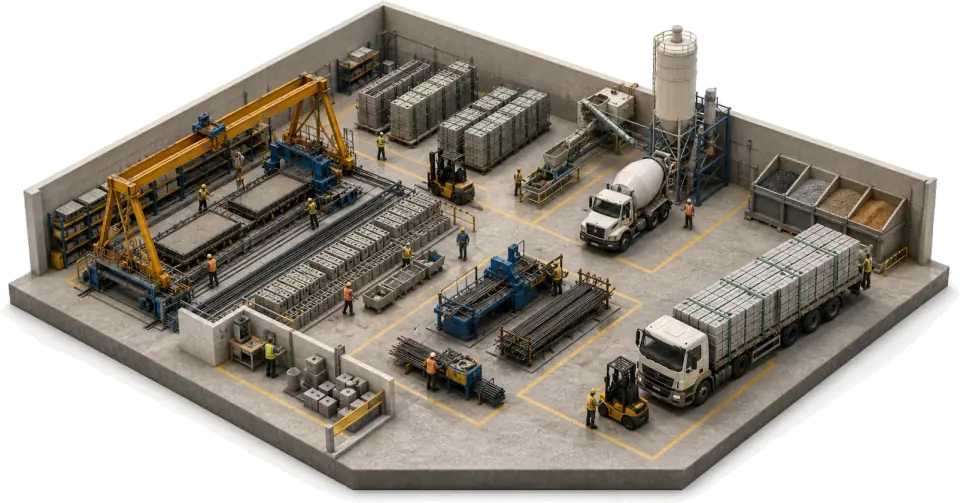 Building productsFPC checks and strength results on the batch, invoiced from the same record.
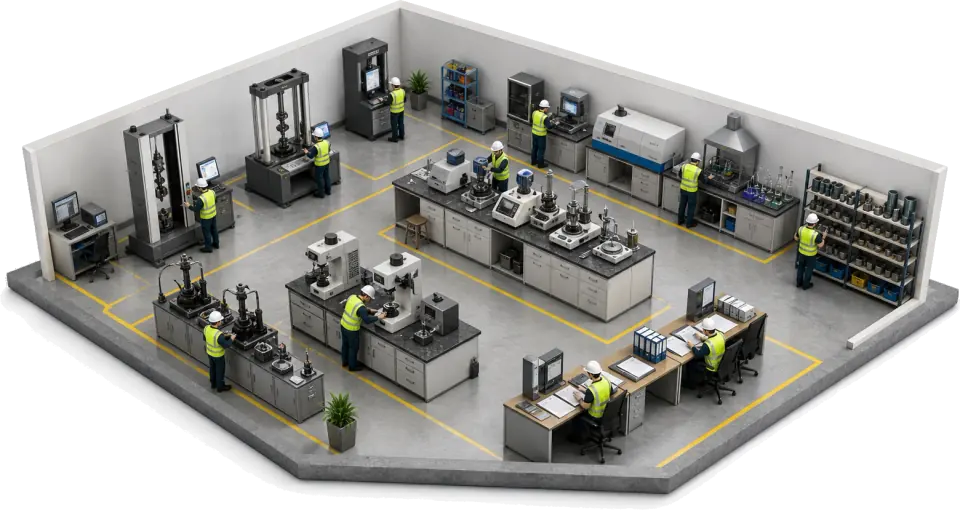 Materials testing labsSpecimen in, results on a locked datasheet, invoice out, on one record.
Made to order
Commissioned work and mixed product lines, where the order changes after it reaches the floor. The cutting list, route and schedule follow the order, not a copy of it.
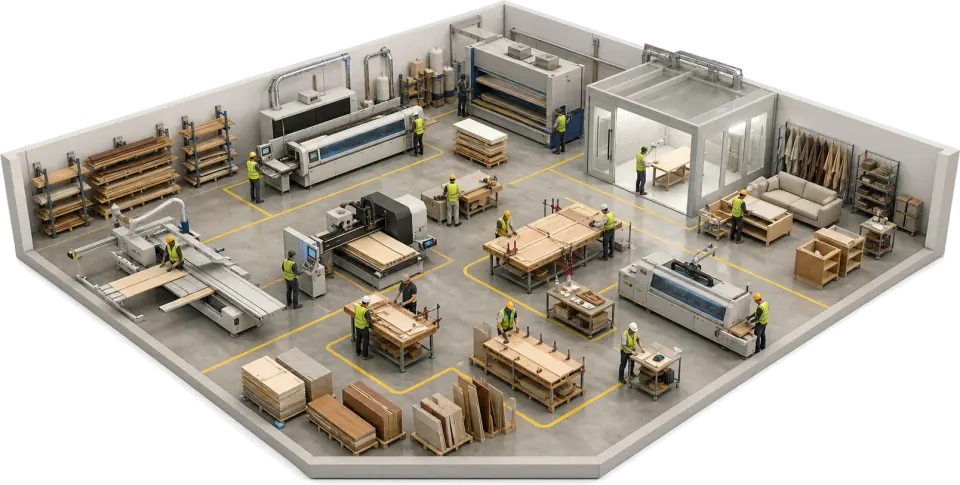
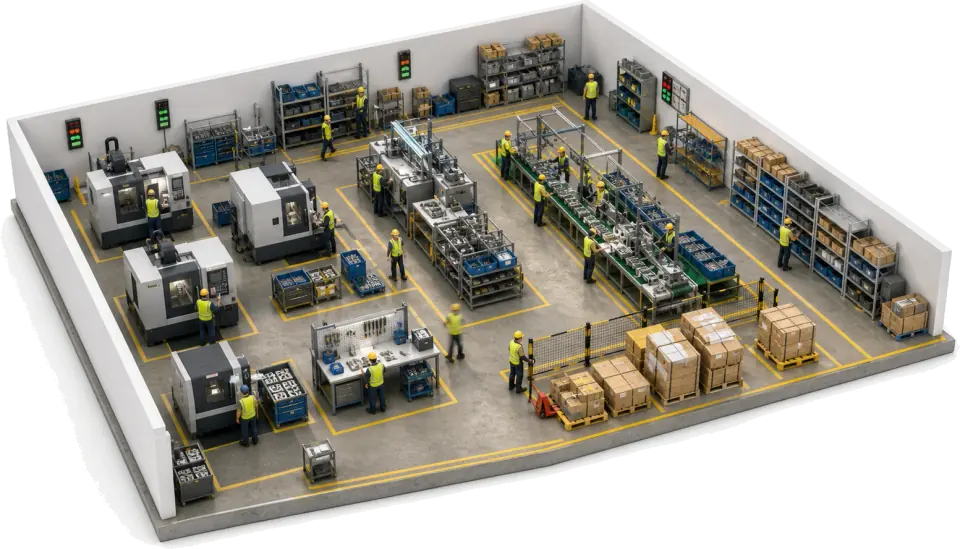
One record, whatever you make.
Every industry runs on the same apps. The order, the jobs, the stock, the checks and the invoice share one record, so nobody re-keys it between them.
- Orders and jobs
- The customer order becomes jobs, routes and travellers without re-keying. A change reaches the floor while the job is live.
- Scheduling
- Plan by machine, bay, press or line, and replan when a job slips or a material is late.
- Materials and people on the job
- Operator, machine, time and the materials used, by variant and cost, are recorded on the job as the work happens.
- Quality
- Inspections, NCR, CAPA and 8D sit on the same record as the job they belong to.
- Documents and labels
- Drawings and SOPs sit in permissioned folders, and travellers, job sheets and labels print from the job record.
- Stock and invoicing
- Stock moves with the job, and invoices and credit notes come from the same order, so the loop closes where it started.
What changes by industry.
The record is the same. What it has to show is not. This is what Bulk records on each floor, and what you can show from that record.
| Industry | Recorded as the work happens | What you can show |
|---|---|---|
| Metal fabrication software | Heat number as a custom field, WPS, welder on each step, NDT reports | Welds, welders and NDT per job for an EN 1090 audit, 3.1 certs attached |
| CNC machine shop software | Heat number on the job, multi-op travellers, setup sheets, CMM results | First article results and NCRs on the job, with the mill cert attached |
| Industrial machinery manufacturing software | Bought-in parts used on the build, fitter, bay, FAT result | The build record per machine, with certs and test reports attached |
| Composites manufacturing software | Prepreg roll number, layup steps, cure cycles, inspection results | Cure and inspection records per job, with every defect linked |
| Aerospace manufacturing software | Controlled revision per op, inspection results, heat number on the job | First article results, NCR and 8D trail for AS9100 |
| Medical device manufacturing software | Cleanroom build steps, in-process checks, operator sign-offs | The build record per job for ISO 13485, with defects and holds linked |
| Automotive supplier software | Operator, machine and control-plan check on every job | Control-plan evidence, quality holds and 8D reports for IATF 16949 |
| PCB assembly software | Line steps, AOI and ICT results, defects by category | IPC-A-610 inspection results and defects on the job |
| Injection moulding software | Tool, press, shots, downtime and the resin used by grade | OEE per tool, defects per job and quantity holds |
| Food and beverage manufacturing software | Ingredients used per batch, CCP checks, cleaning records | HACCP records and quality holds for BRCGS audits |
| Building products manufacturing software | Cement, aggregate and admixture used per batch, FPC checks, strength results | FPC records per batch, with test results attached |
| Materials testing lab software | Specimen, method revision, rig, pre-use check, operator, result | A locked results datasheet per order, invoiced per specimen |
| Furniture manufacturing software | Commission, cutting list, foam and fabric used, finishing | The BS 5852 certificate attached to the order |
| Discrete manufacturing software | Operator, machine, time and materials used on every op | Defects linked to job, step and order, and holds on a failed check |
How to choose manufacturing software for your floor.
Five questions that separate software that fits your industry from software that only lists it.
Name the record you are asked about
A machine shop is asked about a job and its heat number. A food plant is asked about a batch and its CCP checks. Pick software whose record matches the question, and check what it stores: lot and serial tracking in stock is a different product from job records.
List the evidence you are asked for
FAIR, PPAP, a device history record, a Declaration of Performance, a 3.1 certificate. Ask which ones the system generates and which it only holds. Bulk records the work and keeps the certs and reports you attach to the job; it does not generate them.
Decide where the order lives
If orders, stock and invoices sit in another system, every change is keyed twice. Bulk keeps the order-to-invoice loop on the same record, and where you keep an accounts package, it syncs both ways with it.
Capture at the bench
Operators enter data where the work happens, on a phone, tablet or terminal. If the record is written at the machine, it is right the first time and nobody rebuilds it at the end of the shift.
Roll out one workflow first
Run one workflow end to end, such as customer order to despatch for one product line, then add the next app. A big-bang cutover is how shop floor software projects stall.
Manufacturing software, answered.
What is manufacturing software?
Manufacturing software runs the work between the customer order and the invoice: jobs, routes, schedules, stock and quality checks. It covers what an MES does on the shop floor and the commercial loop an ERP usually owns. Bulk does both on one record, installed one app at a time.
Do different industries need different manufacturing software?
They need the same core with a different proof. A fabricator needs heat-number and weld evidence, a food plant needs HACCP records, a test lab needs ISO 17025 evidence. Bulk runs one platform and configures the records, checks and documents per floor, which is what each industry page shows.
Is Bulk an MES or an ERP?
Both jobs, on one system. Bulk runs the shop floor like an MES, with jobs, operators, machines and quality, and the order-to-invoice loop around it: customer orders, stock, dispatch, invoices and credit notes. Where you keep an accounts package or ERP, Bulk syncs both ways with it. See integrations.
Can one system handle job shop and batch production?
Yes. A job shop runs a part through operations; a process plant runs a batch through its steps. In Bulk both are jobs on the same record, with the materials used booked to the job by variant and cost, which is why one platform covers machine shops, moulders and food plants. Bulk does not track lots or serial numbers in stock.
What if my industry is not listed?
If your operation runs on jobs or batches, Bulk almost certainly fits. The discrete manufacturing page is the general case. Start a free trial and set it up around what you make. No card needed.
How does a rollout start?
With one workflow run end to end, often customer order to despatch for one product line. The next app goes in once that one holds. There is no big-bang cutover.
Don't see your floor?
If your operation runs on jobs or batches, Bulk almost certainly fits. Start a free trial and set it up around what you make. No card needed.