Bulk

MES vs ERP vs MRP: what’s the difference?

MRP works out which materials to buy and when, ERP keeps the records and the money of the whole business, and MES runs the work on the shop floor. Here is what each one does, where they overlap and which you need first.

A height-adjustable desk with a monitor showing the Bulk Home screen: a news post and archive at the top, and a grid of live app tiles below.

One order, three different records.

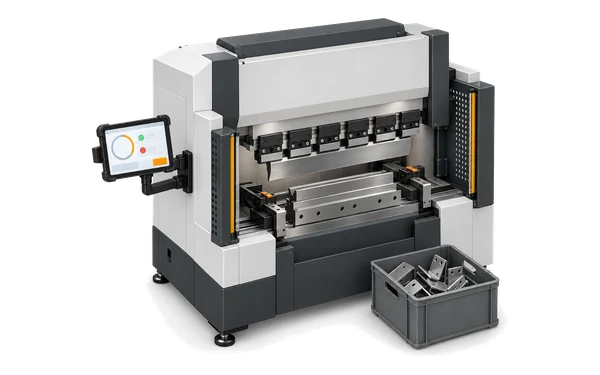
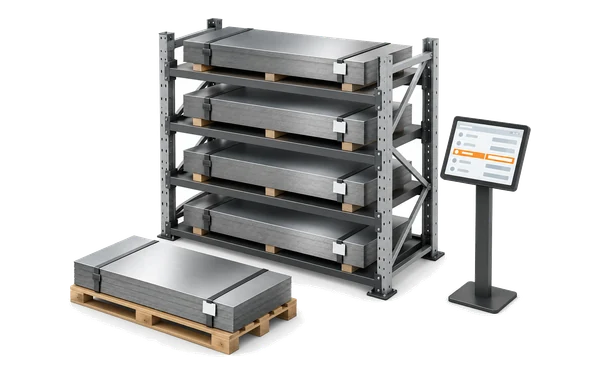
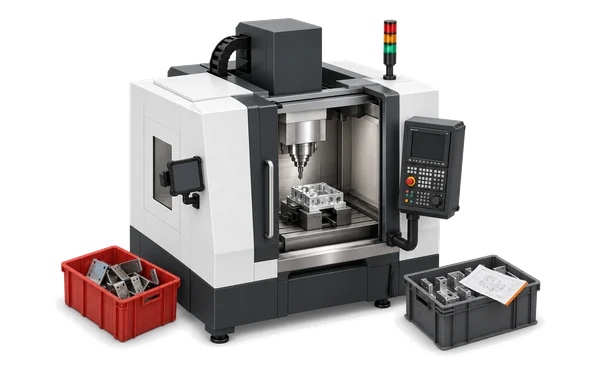
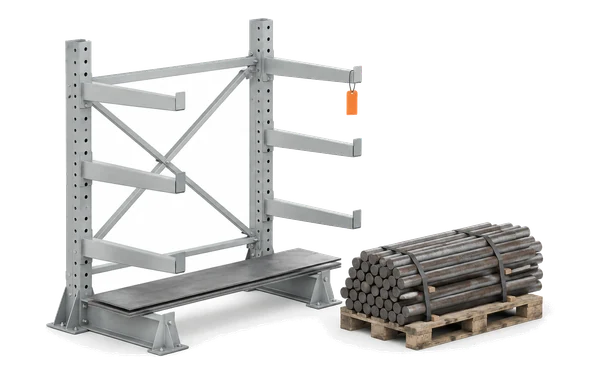
MRP (material requirements planning) answers what to buy and when, by exploding bills of materials against demand and stock. ERP (enterprise resource planning) answers what the business has sold, bought, owns and owes; most ERPs include MRP as a module. MES (manufacturing execution system) answers what is happening on the floor right now. Here is one customer order for 120 brackets, as each of the three records it.

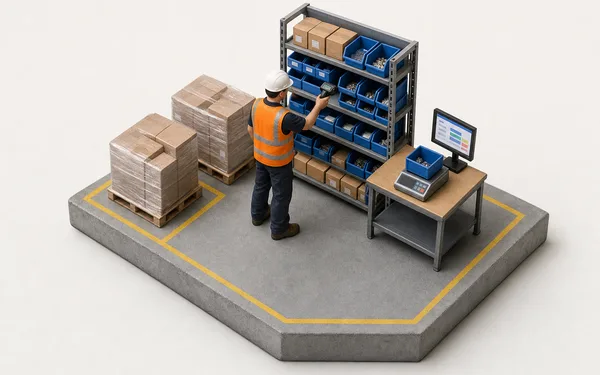
MRP knows what to buy

Weeks before the job starts, it works out that 120 brackets need 240 kg of sheet and only 90 kg is on the shelf. It never sees the press brake.

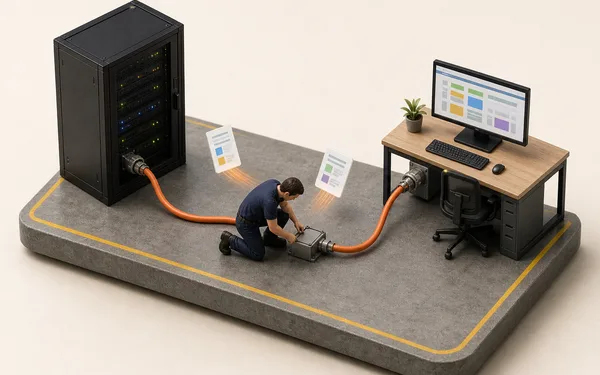
ERP knows what it is worth

It holds the sales order, the purchase order and the money owed. It learns the job is finished when someone tells it.

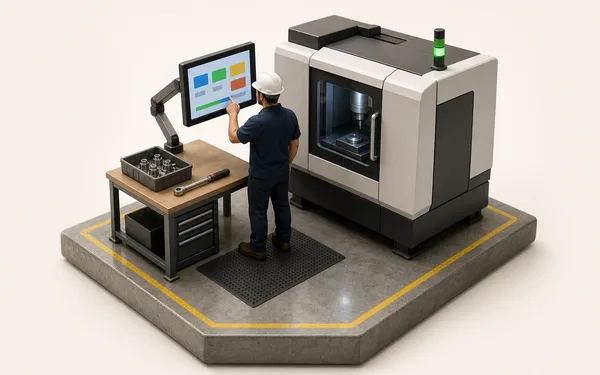
MES knows what happened

It sees the brake pause for 20 minutes waiting for sheet and three brackets scrapped for a scratch, while it is happening.

MRP vs ERP vs MES, side by side.

MRP stands for material requirements planning, ERP for enterprise resource planning and MES for manufacturing execution system. The difference between MRP and ERP is scope: MRP plans materials, and usually runs as one module inside an ERP that records the whole business, so ERP vs MRP is rarely an either-or. The difference between MES and ERP is time and place: minutes at the machine against days in the office.

MES vs MRP vs ERP compared, question by question
MESManufacturing execution systemMRPMaterial requirements planningERPEnterprise resource planning
What is it for?Directing and recording production as it happens.Working out which materials to buy or make, and when.Running the business: sales, purchasing, stock and finance.
Time horizonMinutes, shifts and days.Weeks to months ahead.Months and financial periods.
Who uses it?Operators, supervisors, planners and quality.Planners and buyers.Finance, sales, purchasing and management.
Core recordThe job, its steps, machines, operators and output.The bill of materials, the demand and the stock position.The order, the item, the supplier and the account.
Where the data comes fromThe station: timers, counts, scans, checks and machine signals.Sales orders, forecasts, bills of materials and stock levels.Transactions entered in the office.
Typical outputsLive status, OEE, downtime reasons, quality issues, actual times.Planned purchase and production orders.Invoices, stock valuation and financial statements.
MaterialsRecords what each job actually consumed.Plans what to buy by exploding bills of materials.Values stock and posts purchases to the ledger.

Which one do you need first?

Start where the pain is, not with the biggest system. Small make-to-order shops often feel the floor first, because every job is custom and an ERP only sees it as an order line.

Where most make-to-order shops start

MESFloor pain

You can’t see the floor

  • Late orders nobody saw coming
  • Machines stopped, reason unknown
  • Scrap found too late
  • Invoices typed from job sheets

Start with an MES: jobs, stops and good counts recorded at the machine. Bulk also builds the invoice from the finished jobs.

MRPMaterial pain

The material is never right

  • Material short at the machine
  • Rush orders to suppliers
  • Too much money sitting in stock

Start with MRP: what to buy and when, worked out from the orders you have.

ERPFinance pain

The books never close

  • Month-end takes a week
  • Purchasing without control
  • Sales, stock and accounts disagree

Start with an ERP: one ledger for sales, purchasing, stock and finance.

Where Bulk fits: the floor and the loop around it.

Bulk is a manufacturing execution system that also holds the commercial loop an ERP usually owns: the customer order, the jobs, consumable stock, invoices and credit notes on one record. It does not do MRP (there are no bills of materials or purchase planning), purchasing, general ledger or payroll; those stay in your ERP or accounts package. Where that ERP is Dynamics 365 Finance & Operations, Bulk syncs both ways with it.

Order to invoice on one record

The order, its jobs, the work at the machine and the invoice are one thread, so the office and the floor never reconcile two systems.

Syncs where you keep an ERP

Dynamics 365 Finance & Operations is live, SAP S/4HANA is in private beta and Oracle NetSuite is planned. There is no Xero, QuickBooks or Sage connector. See integrations.

Reads out to everything else

BI tools and scripts read Bulk through the REST API, AI clients such as Claude Code and Codex work through MCP, and scheduled exports send CSV, Excel or JSON files to your team.

One order, through Dynamics 365 and back.

This is MES and ERP integration in practice. Where Dynamics 365 Finance & Operations stays the system for customers and finance, the sales order crosses into Bulk once, runs on the floor, and the job status and the invoice go back. Nobody types either side in twice.

Nothing typed in twice

Customers and sales orders arrive on your Azure Service Bus queue, and each runs a workflow you publish, such as creating the job.

Only what you switch on

Each message type is a payload in one direction, switched on separately. New payloads start off, and a connection test checks the queues before live traffic.

No big-bang cutover

One workflow end to end first, installed one app at a time, running alongside what you have until the team trusts it.

What Bulk covers, app by app.

The MES side and the order-to-invoice loop are separate apps on one record; install the ones you need.

Questions, answered.

01

What is the difference between MRP and ERP?

MRP (material requirements planning) calculates which materials to buy or make and when, from demand, bills of materials and stock. ERP (enterprise resource planning) covers the whole business: sales, purchasing, inventory, finance and often HR, and usually includes MRP as one module. So ERP vs MRP is mostly a question of scope: they are not the same system, but MRP usually lives inside an ERP.

02

What is the difference between MES and ERP?

ERP vs MES comes down to time and place. An ERP records business transactions in the office over days and weeks; an MES directs and records the work on the shop floor minute by minute. The ERP knows an order is due Friday; the MES knows it is on machine 3, 60% done, and why it stopped for 20 minutes this morning.

03

What is the difference between MES and MRP?

MRP plans materials ahead of time from demand and bills of materials. MES executes and records production as it happens, including what each job actually consumed. MES vs MRP in one line: MRP asks what should happen; MES records what did.

04

Is MRP part of ERP?

Usually, yes, which is why MRP and ERP are so often sold as one system. MRP came first in the 1960s and 70s, grew into MRP II with capacity and costing, and ERP grew out of that by adding finance, sales, purchasing and HR. Most ERPs still carry MRP as a module.

05

What do ERP, MRP and MES stand for?

ERP stands for enterprise resource planning, MRP for material requirements planning (MRP II, its successor with capacity and costing, for manufacturing resource planning) and MES for manufacturing execution system.

06

Do I need both an MES and an ERP?

Many plants run both: the ERP for finance and purchasing, the MES for the floor, synced so orders flow down and job status and invoices flow back. A small make-to-order plant can often run its order-to-invoice loop in the MES itself, alongside an accounts package for the books.

07

How does MES and ERP integration work?

The ERP sends customers and sales orders down to the MES, and the MES sends job status and invoices back, so neither side is typed in twice. In Bulk, integration with Dynamics 365 Finance & Operations runs over your own Azure Service Bus: each message type is a payload you switch on separately, and each incoming one runs a workflow you publish, such as creating the job. SAP S/4HANA is in private beta. See integrations.

08

Can an MES replace an ERP?

Bulk can, for the loop it holds: customer orders, jobs, consumable stock, invoices and credit notes on one record. If you need general ledger, payroll, purchasing or material requirements planning, keep a system that does those, and Bulk syncs both ways with it where an integration exists.

09

Does Bulk do MRP?

No. Bulk has no bills of materials or purchase planning. It records the consumables each job actually uses, draws down stock as work runs and raises alerts when a variant falls below its minimum, but it does not calculate what to buy.

10

Which should a small manufacturer implement first?

The one that fixes the problem costing you most. For make-to-order shops that is usually the floor, because late jobs and unexplained downtime cost more than a slow month-end. See manufacturing software for small business and MES software.

Not sure which you need? Start with what hurts.

Start a free trial and put the part of your loop that hurts most on one record, from the customer order to the invoice. Where you keep an ERP, Bulk syncs both ways with it. No card needed.