Integrations for Dynamics 365, BI tools and machines.
Bulk syncs with Dynamics 365 Finance & Operations over your own Azure Service Bus, serves a REST API to your data warehouse and BI tools, and takes sensor readings from machine gateways.
What syncs with Dynamics 365.
Two-way sync with Dynamics 365 Finance & Operations, one message type at a time. Each type is a payload you switch on separately.
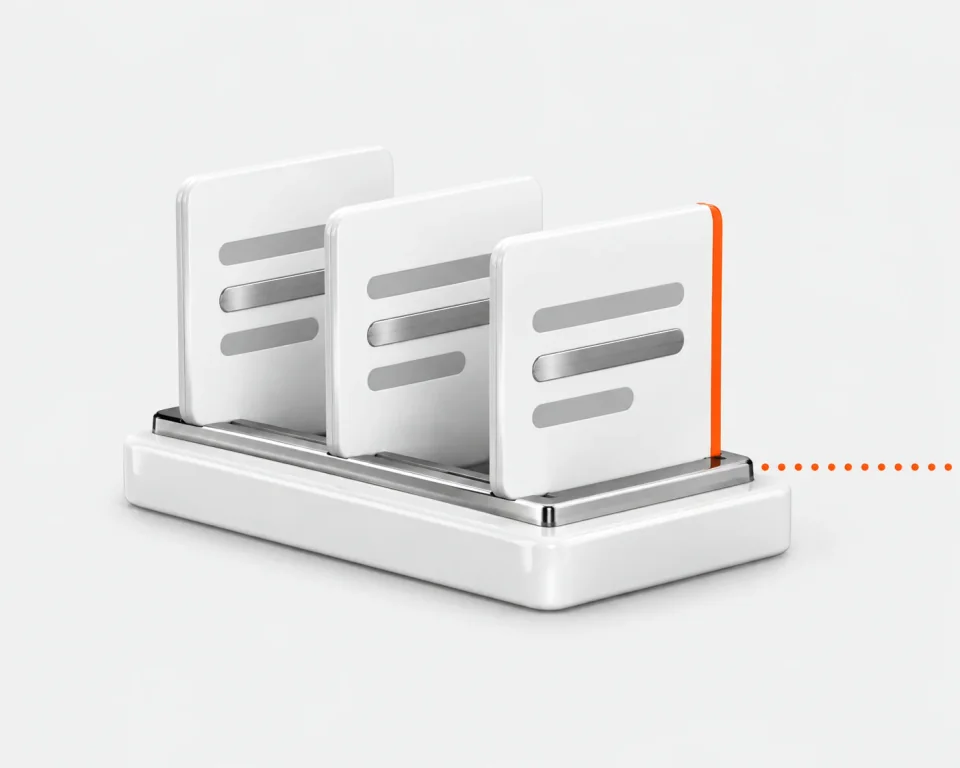
Customers and sales orders arrive from Dynamics 365
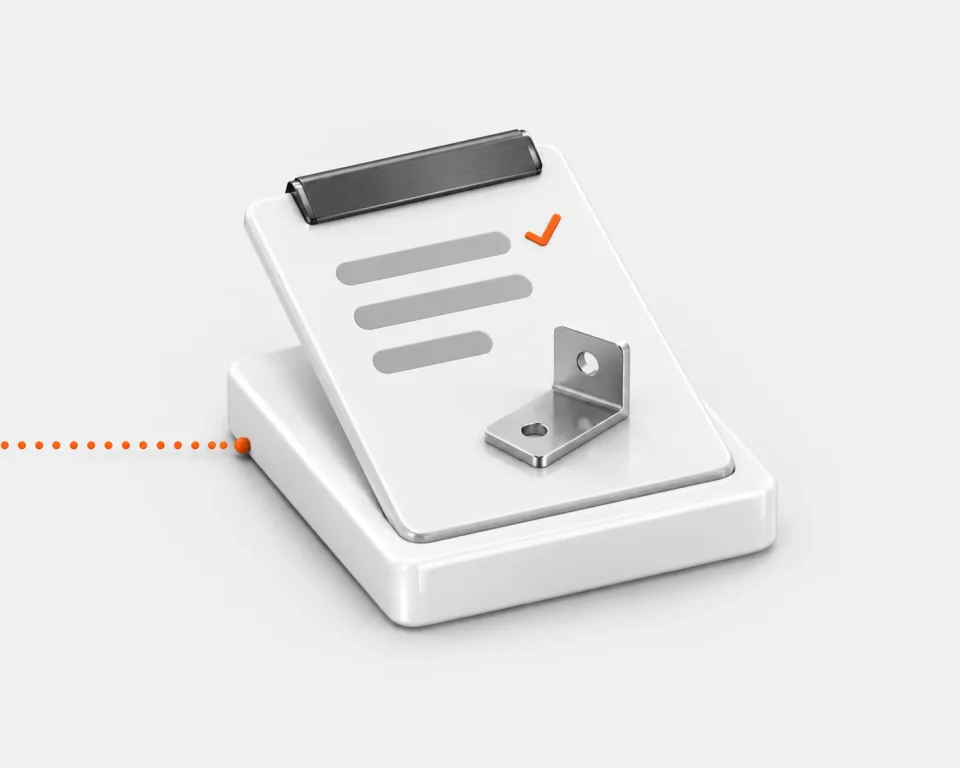
Each runs a workflow you publish, such as creating a job
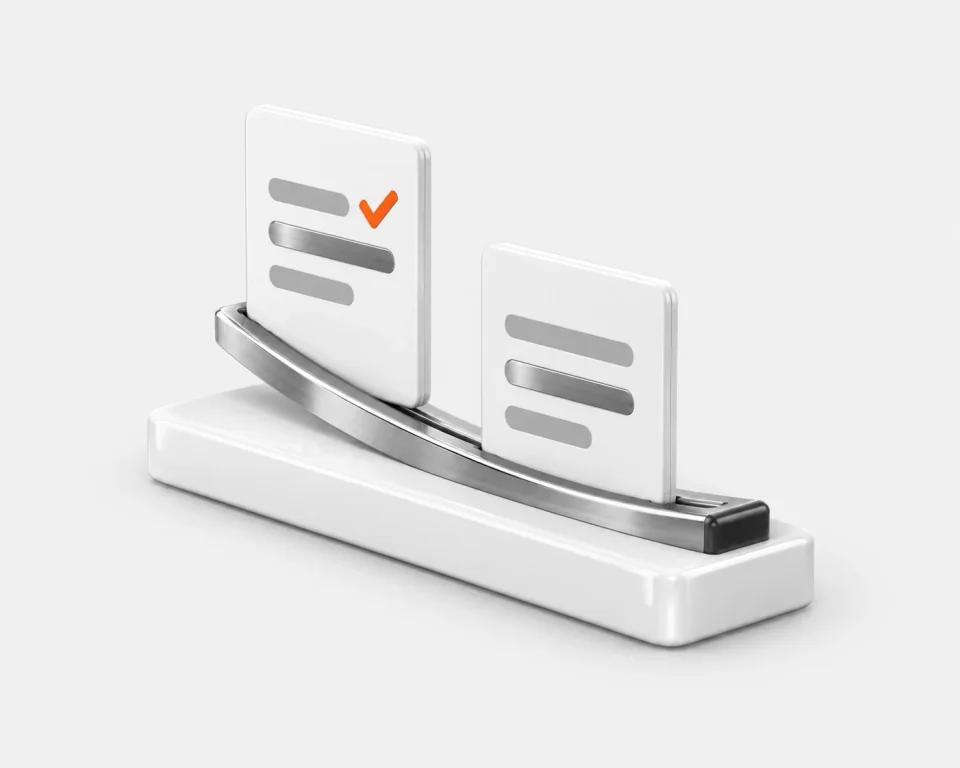
Job status and invoices go back when a workflow sends them
Runs on your Azure Service Bus
Connect your namespace with a SAS connection string or Microsoft Entra ID. Secrets are encrypted at rest and never shown back, and each site keeps its own connections.
Test it before live traffic
New payloads start switched off. Run the connection test first: it checks the namespace and credentials, peeks each inbound queue and, only if you allow it, publishes one tagged probe to each outbound queue or topic.
Read your production data from your own tools.
Data warehouses, BI tools and scripts read jobs, orders, stock, quality and OEE events over a REST API with an OpenAPI spec. Each key is tied to one site and reads only what you tick.
Read-only, apart from sensor readings
No key can change a job, an order or a stock level. The only writes are machine readings and heartbeats, for keys with the “Sensor gateway ingest” permission.
Shown once, easy to stop
The secret appears once, when you create the key. Rotate to issue a new one with the same name, site and permissions, and the old secret stops at once. Revoke to cut access entirely.
Machine monitoring on the OEE timeline.
A sensor gateway on each machine posts on/off or numeric readings to Bulk. On the OEE timeline the sensor lane sits under what operators booked, so you can see a stoppage nobody logged.
Any gateway that can post HTTP
The gateway sends binary or numeric readings to
/api/v1/sensors/readings, each tagged with thesns_code Bulk generates for its sensor, and heartbeats to/api/v1/sensors/heartbeats.A quiet sensor goes offline
Heartbeats carry firmware, signal strength and queue depth. If a sensor stops reporting for a minute, Bulk marks it offline rather than leaving it on.
Integration questions, answered.
What can Bulk integrate with today?
Three connections are available: two-way sync with Microsoft Dynamics 365 Finance & Operations, a REST API for data warehouses, BI tools, scripts and machine gateways, and Model Context Protocol (MCP) for AI clients such as Claude Code and Codex. MCP is covered on the AI & MCP page.
Does Bulk work with SAP or Business Central?
Not as general releases yet. An SAP S/4HANA connector and signed outbound webhooks are in private beta by invitation; Oracle NetSuite, Microsoft Teams, Slack and Microsoft Power BI are planned. The Dynamics 365 connector is built for Finance & Operations, not Business Central. Anything that can call a REST API can read Bulk today, with a client generated from the OpenAPI spec at /api/v1/openapi.json, and scheduled exports send CSV, Excel or JSON files to people on your team daily, weekly or monthly. If you run something not listed here, email support@trybulk.app.
Do I have to replace my ERP?
No. Bulk runs the loop an ERP usually owns, from the customer order through jobs and stock to the invoice, on the same record. Where you keep Dynamics 365 Finance & Operations (now sold as Dynamics 365 Finance and Dynamics 365 Supply Chain Management), Bulk syncs both ways with it: customers and sales orders reach the floor without re-keying, and job status and invoices go back.
How is Dynamics 365 set up?
Per site, in order: connect the Service Bus namespace, add an inbound and an outbound queue or topic, create a payload for each message type and direction and map its fields, publish the workflow each incoming payload runs, then switch on the payloads you want live.
What if a Dynamics 365 message fails?
Every inbound message is accepted, logged with its channel and delivery attempts, and runs its workflow. If the run fails, the log shows it. Messages that arrive on a channel Bulk doesn't recognise go to the Service Bus dead-letter queue, and anything Bulk can't take in yet is released so Service Bus redelivers it. Outbound messages retry automatically with exponential back-off, up to eight attempts. You can pause a connection and keep its channels and payloads.
How do I get existing data into Bulk?
Use Data Imports: upload CSV, XLSX or XLS files up to 50 MB for customers, parts, routings, production jobs and more, and map the columns to Bulk fields.
How do I connect my machines?
Through a sensor gateway you run on the machine or line. It posts on/off or numeric readings to Bulk over HTTPS, using an API key with the “Sensor gateway ingest” permission. Bulk doesn't connect to PLCs over OPC UA, MTConnect or MQTT directly; the gateway does that translation.
See what connects to what you run.
Start a free trial, create an API key for your reporting tools or connect machine sensors through a gateway. No card needed.