
This second
Boards, workstations and TVs read the same record the floor is writing right now.
A workbook is still the right tool for one person and a handful of jobs. This is where it starts costing you, and what changes when the record moves into an MES.
| A | B | C | |
|---|---|---|---|
| 1 | What | Spreadsheets | Bulk |
| 2 | Getting data in | ||
| 3 | Data entry | Re-keyed at the end of the shift, from paper notes and memory. | Captured at the workstation as work happens: starts, stops, and counts. |
| 4 | Duplicate copies | The same order keyed into the ERP, a tracker and a whiteboard. | One record. Every module reads the same row.One data thread |
| 5 | Seeing the floor | ||
| 6 | Real-time visibility | Accurate at the moment someone exported it. | Live this second, on workstations, boards and TVs. |
| 7 | OEE and reporting | Formulas one person maintains. Every workbook defines OEE its own way. | Computed from operator timers, with one definition everywhere.OEE and analytics |
| 8 | Proving it | ||
| 9 | Job history | VLOOKUP archaeology across tabs and file versions. | A job keeps its steps, materials used, defects and documents on its own record. |
| 10 | Audit trail | Cell history if you are lucky. Edits overwrite the past. | Who did what, and when, kept by default.Audit trail |
| 11 | Working together | ||
| 12 | Many hands | Locked files, merge conflicts, and v7_FINAL_final.xlsx. | Concurrent by design, with role-based access down to the action. |
| 13 | Quality and NCRs | A defects tab nobody owns. | A numbered NCR queue with an owner on every problem.Quality and NCR |
| 14 | Multi-site | One consolidation workbook, and one analyst-week per month. | All your plants on one screen, updated as work is recorded.Multi-site roll-up |
| 15 | Changing it | ||
| 16 | Cost of change | Formula spaghetti only its author understands. | Custom fields and number formats are set on a settings screen, not in formulas. |
| 17 | Who keeps it alive | It depends on the one person who built it. | The platform. It is hosted, backed up, and updated. |
Boards, workstations and TVs read the same record the floor is writing right now.
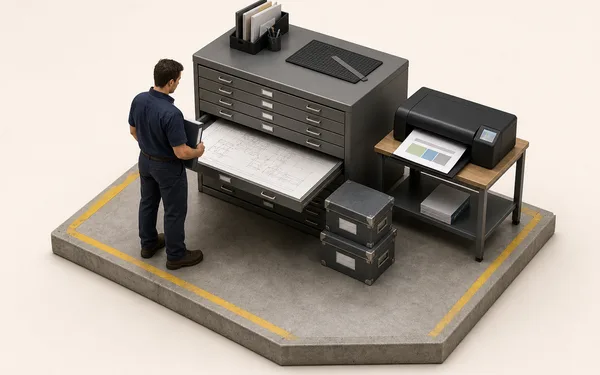
Orders, jobs, tests and documents sit together, so the same order is keyed once.
Every action is stored as a record that cannot be overwritten, ready before anyone asks for it.
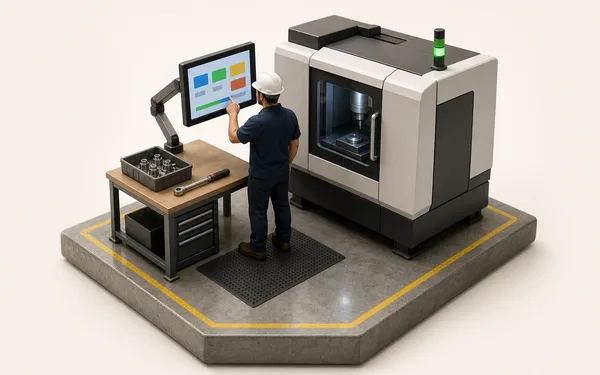
See a job’s steps, materials used, defects and documents from the record itself.
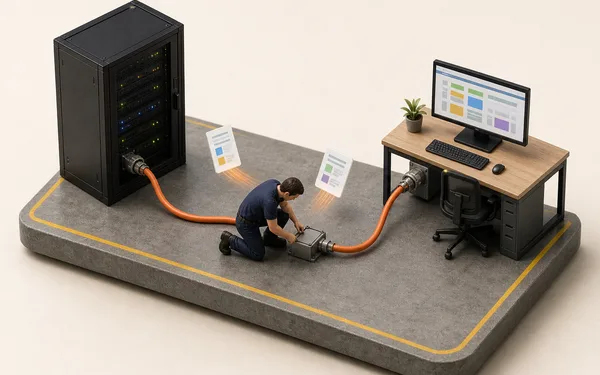
Why one linked record replaces four copies of the same order.
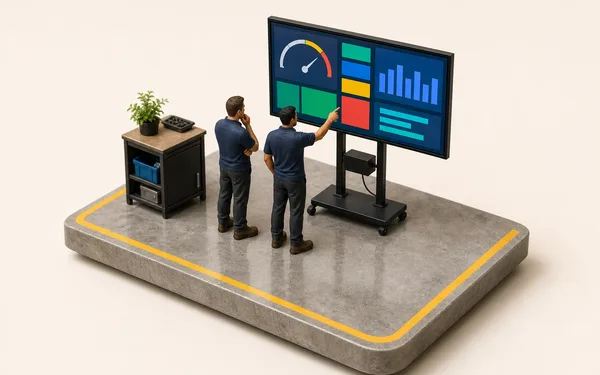
OEE comes from operator timers, on one definition for every plant.
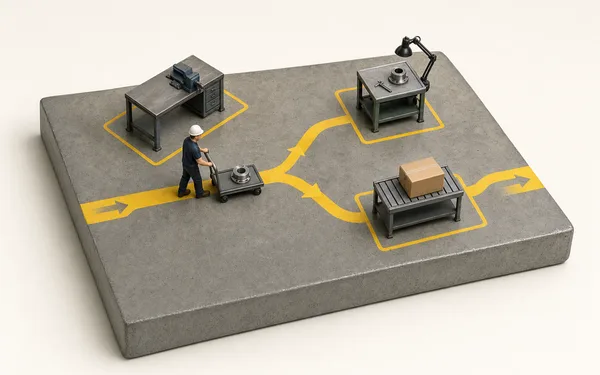
Set custom fields and number formats on a settings screen.
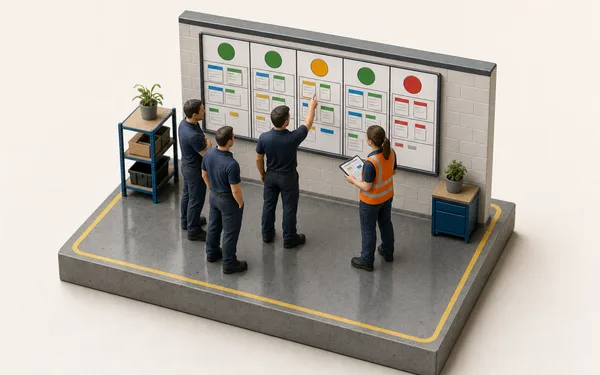
All your plants on one screen, updated as work is recorded.
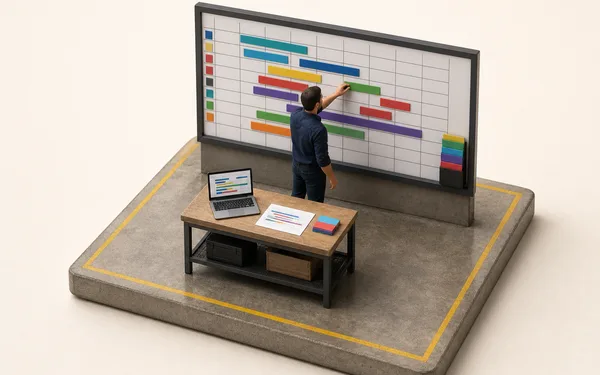
A closer look at tracking OEE in Excel, and where that breaks.
An honest look at Bulk and Tulip, if you are choosing a platform.
At small scale, yes. One person, a handful of jobs and a disciplined owner can run a floor from a workbook. It changes when several people write to the record at once, or when someone outside the company asks you to prove what happened.
The reliable signals are three people editing the same tracker, a customer asking for the history of a job, an auditor asking who changed a number, a morning meeting run on yesterday's export, or sites keeping rival versions of the truth. Any two of those, and the workbook is costing more than it saves.
The difference is how the record is made. An MES captures work as it happens, including starts, stops and counts, from many stations at once. It keeps an audit trail by default, and it keeps a job’s steps, materials used and defects on the job’s own record. In Bulk, those operator timers also feed live OEE.
No, and you can go further than the floor. Bulk holds the order-to-invoice loop itself, so the order, the job, the stock and the invoice live on one record; where you keep an ERP or accounts package, approved orders flow in as jobs and the live record flows back out.
You mostly do not have to. Add custom fields for the columns your tracker already keeps, let intake read incoming orders (they arrive as PDFs and spreadsheets anyway), and run one line in parallel until you trust it. Old workbooks stay as archive, and ready-made templates cover the forms they grew out of.
Yes, for analysis and one-off models. Scheduled exports send CSV, Excel or JSON files to your team daily, weekly or monthly, and the read-only REST API can feed a workbook. Excel is no longer the system of record on the floor.
Start a free trial and rebuild the tracker with the forked tabs and the #REF! column in Bulk, field by field, with the same jobs running live. No card needed.