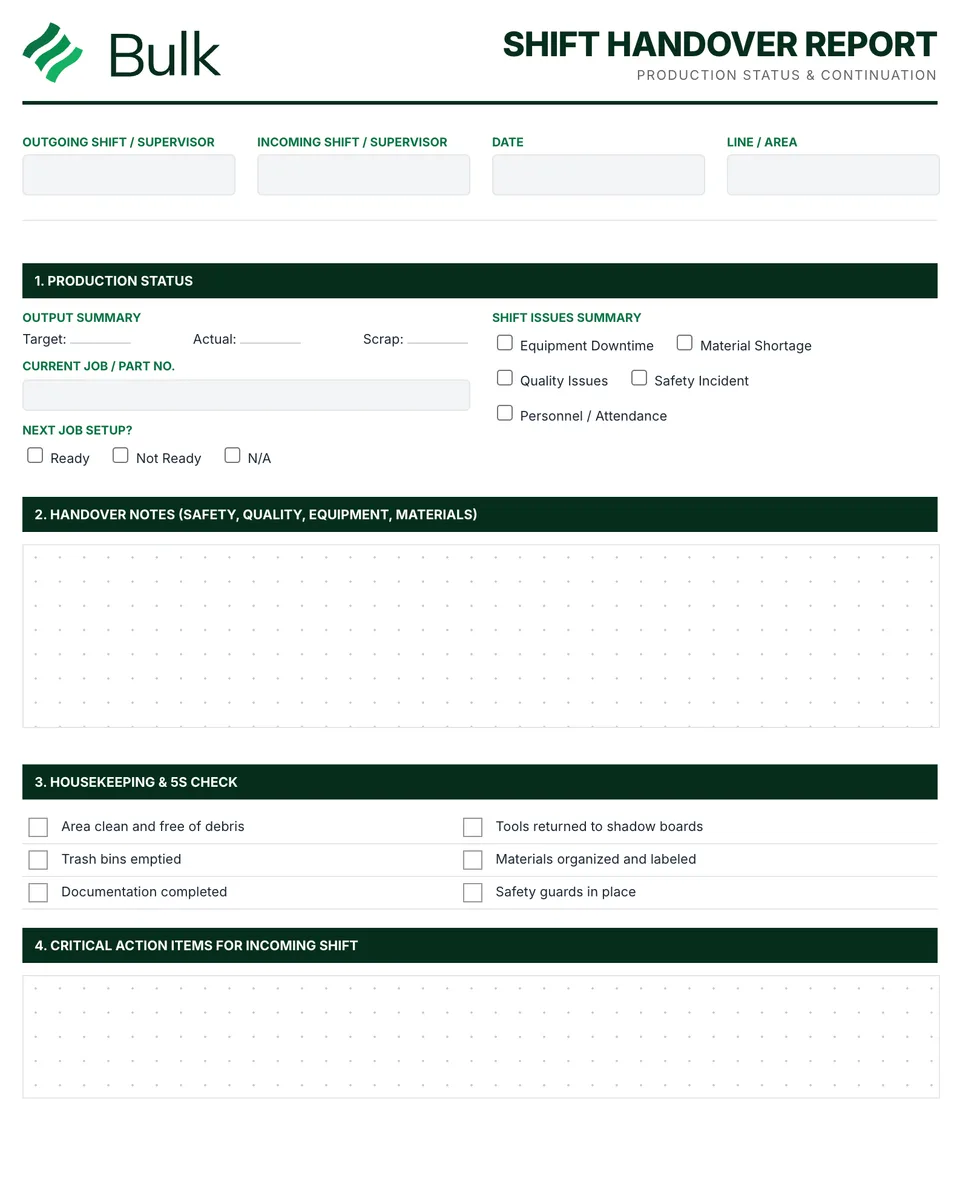
 Shift Handover TemplateConfirm the outgoing and incoming supervisors, area, current job and next job.
Production Log Template
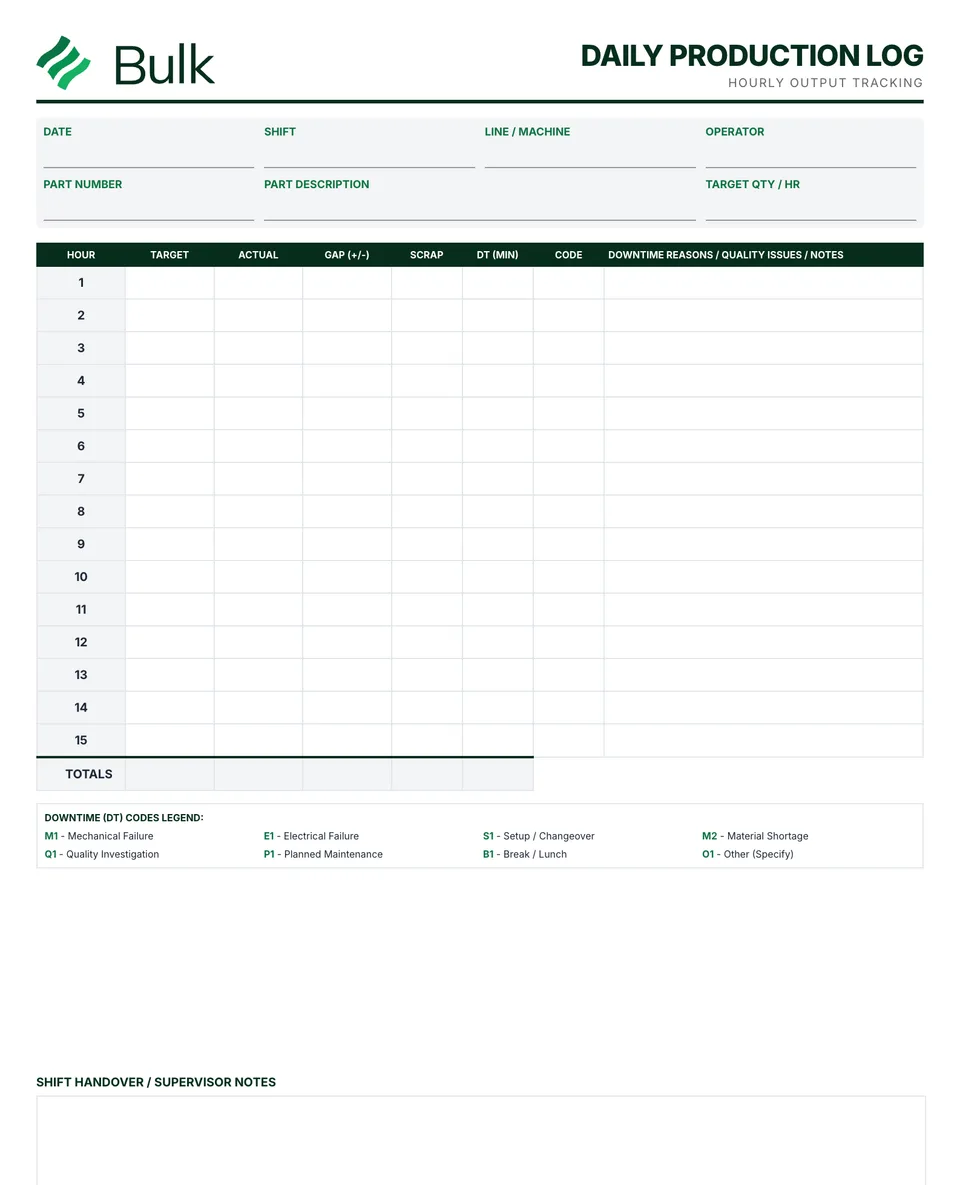
Identify the shift, product, crew and reporting window before recording output.
What it's for
Use this daily production log to keep the working record, its evidence and follow-up together. Identify the shift, product, crew and reporting window before recording output. Agree whether actual output means all pieces or good pieces; this example uses all pieces.
Using the log as a daily production report
Many plants file one production log sheet per shift in a binder and treat it as their production log book. At the end of the day, the totals (output against target, good pieces, scrap and downtime minutes) give you a daily production report without a separate production report template. Record each stop with its reason on a machine downtime log so repeat causes can be ranked on a Pareto chart, and pass open issues on with the shift handover report.
What you can download
The PDF contains the original blank form, followed by a completed fictional example and a separate instructions page. Print only the blank pages for use at work; keep the example and guide as references. The download is free; enter your email to receive a secure link valid for seven days. Product-news consent is optional.
Completed manufacturing example
A two-hour bracket run produced 190 pieces against a target of 200. Three pieces were scrapped and one sensor stop lasted five minutes.
The example’s gap is 190 - 200 = -10 pieces and attainment is 190 / 200 = 95%. Good output is 190 - 3 = 187 pieces. A production log records what happened; a production schedule plans future work.
When to use this template
Blank rows are unused time periods, not zero output. Keep planned breaks and downtime definitions consistent. This is a printable record, not an automatic production counter.
Continue with Shift Handover Report, Machine downtime log, Manufacturing schedule, OEE Tracking Sheet (Overall Equipment Effectiveness).
For shared records, evidence and follow-up, explore Bulk production. Start a free trial to run it live, no card needed.
How to use it
- Identify the shift, product, crew and reporting window before recording output. Agree whether actual output means all pieces or good pieces; this example uses all pieces.
- Record each hour or batch once. Calculate actual minus target and retain the downtime reason, duration and scrap or rework counts without double counting.
- Total only the rows used, reconcile materials and pass unresolved issues to the incoming shift with a named owner.
Key features
- Shift information and crew documentation
- Hourly or batch production quantity tracking
- Downtime events with duration and reason codes
- Quality issues and scrap/rework quantities
- Material usage and changeover documentation
- Notes section for important events or problems
- Completed fictional example and instructions
Ideal for
- Operators documenting daily manufacturing activities
- Production planners monitoring output vs. plan
- Operations managers analyzing production trends
Common uses
- Recording hourly or batch output
- Reconciling good, scrap and rework counts
- Passing unresolved losses to the next shift
Questions, answered.
01
What is a production log?
A production log is a running record of what a line or cell produced in each hour or batch against target, with downtime, scrap, rework and notes. It records what happened; a production schedule plans what should happen.
02
What should a production log book format include?
A header with date, shift, product, crew and reporting window, then one row per hour or batch with target, actual, difference, downtime reason and minutes, and scrap and rework counts. Finish with a totals row and notes for the next shift.
03
How do you write a daily production report from the log?
Total the day's log sheets for output against target, attainment, good pieces, scrap and downtime minutes, list the main loss reasons and name owners for open issues. In the worked example, 190 pieces against a target of 200 is 95% attainment.
Related templates.
Shift Handover TemplateConfirm the outgoing and incoming supervisors, area, current job and next job.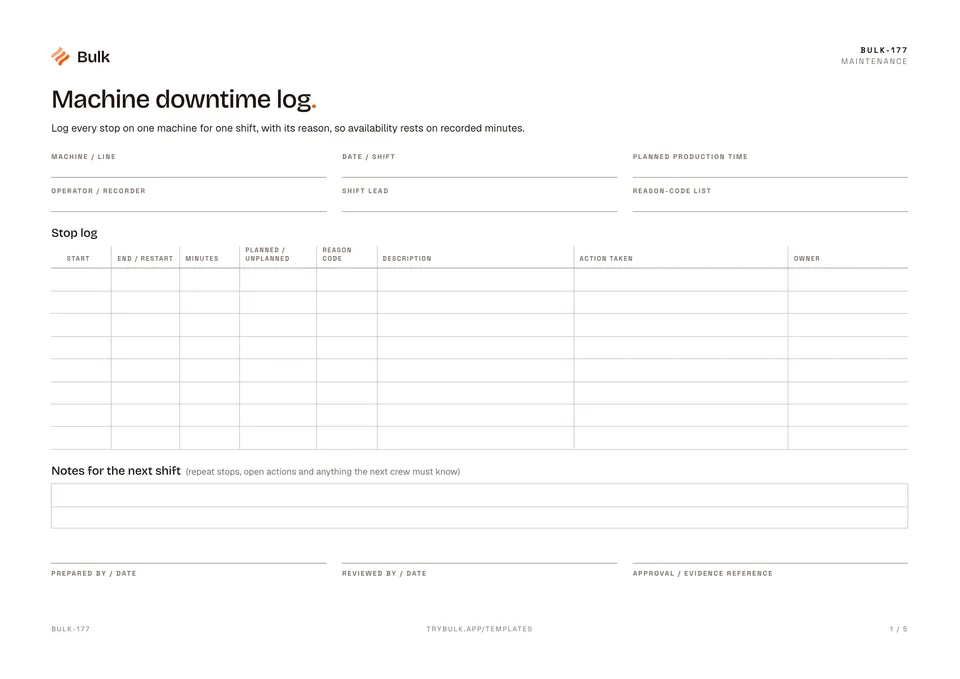 Machine downtime logLog every stop on one machine for one shift, with its reason, so availability rests on recorded minutes.
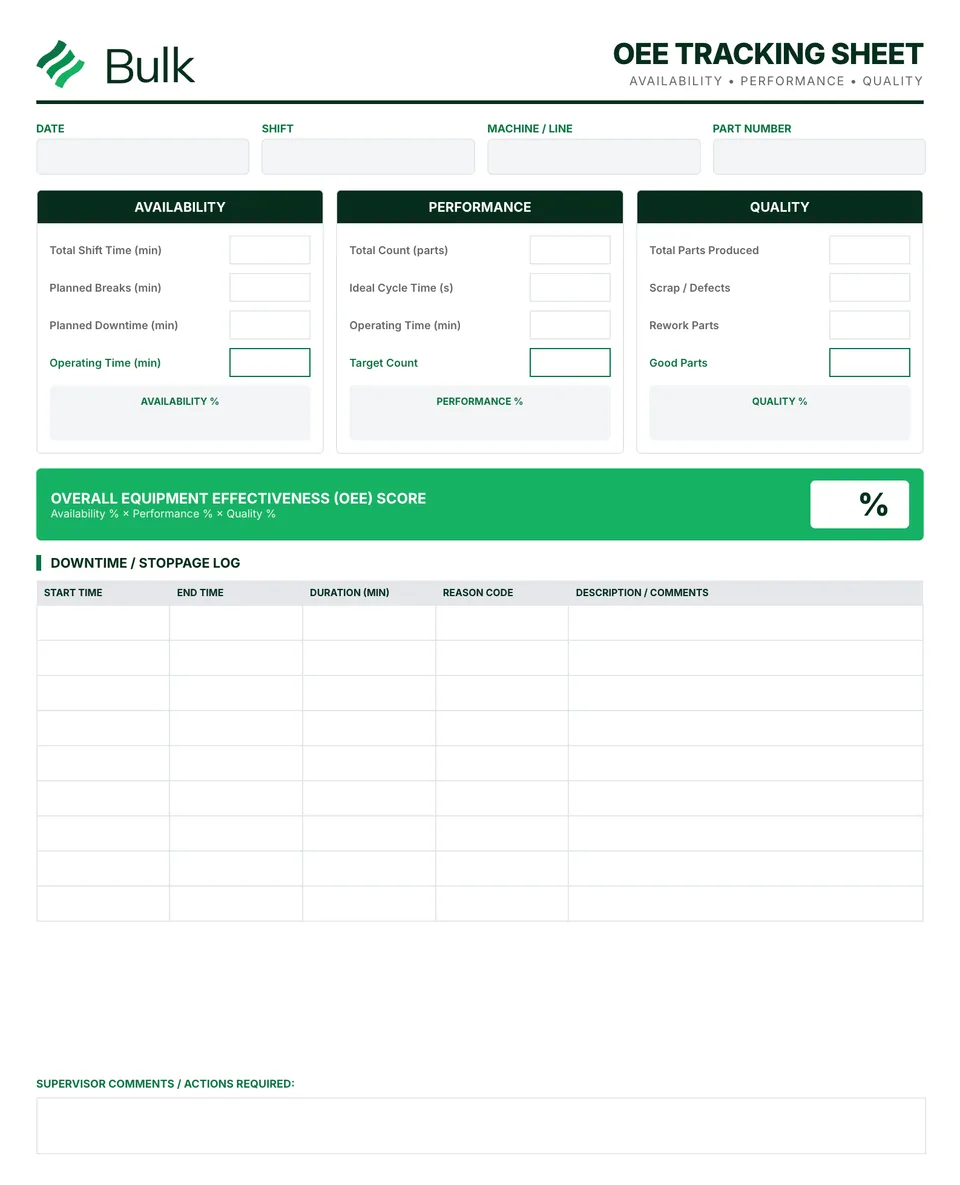 OEE Tracking Sheet (Overall Equipment Effectiveness)Define the production window and planned exclusions before collecting data.
Turn the form into a live workflow.
Bulk connects the same checks, evidence, owners and approvals to the work happening on your floor.