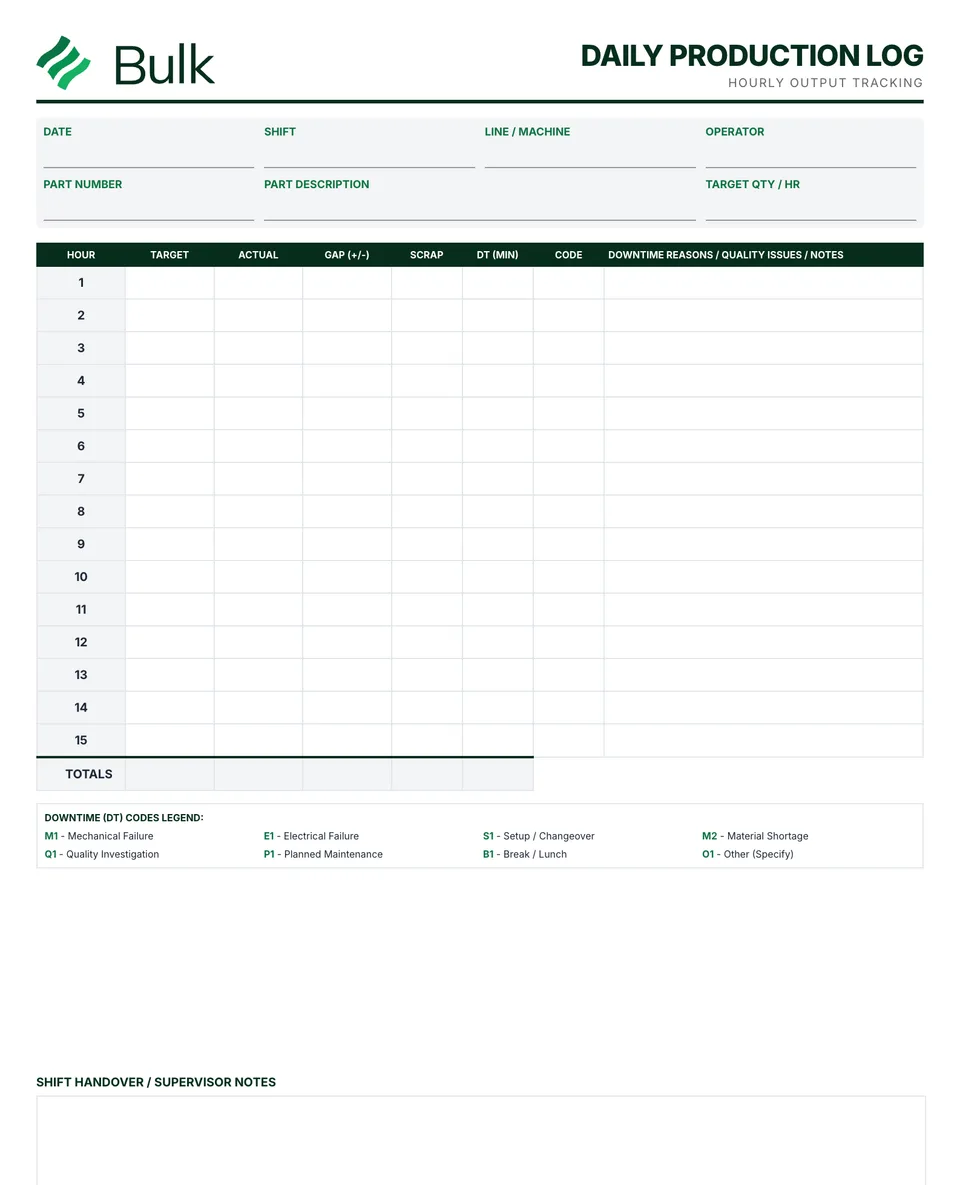
 Production Log TemplateIdentify the shift, product, crew and reporting window before recording output.
Shift Handover Template
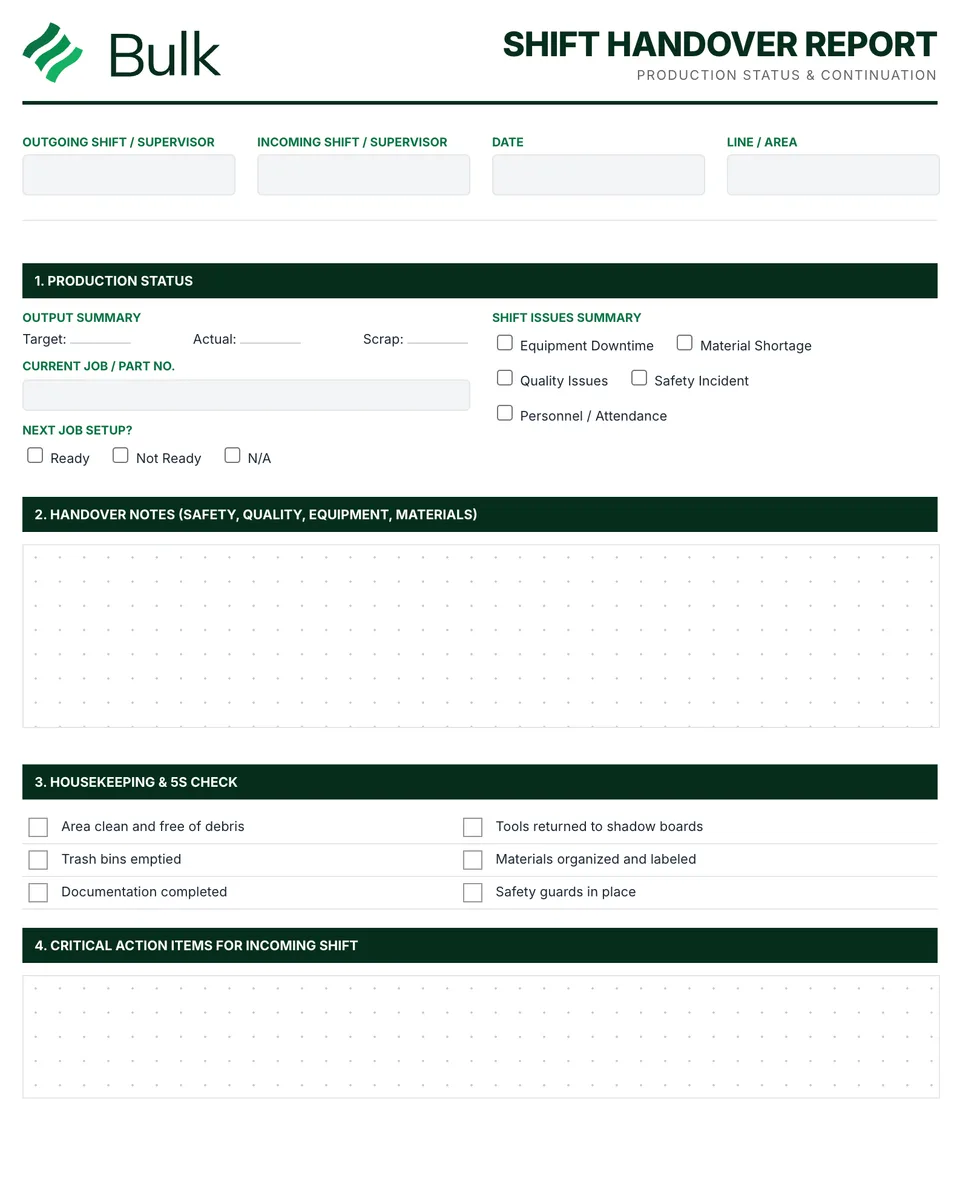
Confirm the outgoing and incoming supervisors, area, current job and next job.
What it's for
Use this shift handover report to keep the working record, its evidence and follow-up together. Confirm the outgoing and incoming supervisors, area, current job and next job. Reconcile output and scrap with the production log.
Shift report, shift handoff or changeover form?
Plants call this record a shift handover template, a shift handoff template, a shift report or a shift changeover form. The job is the same: the outgoing supervisor reports what the shift produced and what is still open, and the incoming supervisor accepts it. It is a printable PDF filled in by hand, so there is no spreadsheet to maintain. Take the totals from the daily production log, point quality holds to their NCR, and move problems that need a proper investigation to a CAPA form.
What you can download
The PDF contains the original blank form, followed by a completed fictional example and a separate instructions page. Print only the blank pages for use at work; keep the example and guide as references. The download is free; enter your email to receive a secure link valid for seven days. Product-news consent is optional.
Completed manufacturing example
The day shift hands over a three-piece quality hold, an open maintenance ticket and the material needed for the next job. Each item has an owner and deadline.
NCR-014 remains open; recording it here does not release the held brackets. The next job remains not ready until its material is staged.
When to use this template
A handover transfers information and responsibility; it does not replace work instructions, permits or authorised disposition decisions.
Continue with Daily Production Log, Non-Conformance Report (NCR), Work Order Form.
For shared records, evidence and follow-up, explore Bulk production. Start a free trial to run it live, no card needed.
How to use it
- Confirm the outgoing and incoming supervisors, area, current job and next job. Reconcile output and scrap with the production log.
- Record the exact condition of each open issue, including hold location, temporary arrangements and the record reference. Mark areas with no issue clearly.
- Prioritise actions, name an owner and deadline, and review them face to face. The incoming shift acknowledges the handover before work continues.
Key features
- Production status and quantities achieved vs. target
- Equipment status and ongoing maintenance or problems
- Quality issues and customer priority jobs
- Safety incidents or concerns requiring attention
- Material status and upcoming changeovers
- Action items and priorities for incoming shift
- Completed fictional example and instructions
Ideal for
- Shift leaders ensuring production continuity
- Operations managers improving shift communication
- Plant managers reducing information loss between shifts
Common uses
- Passing open issues between shifts
- Confirming the next job's readiness
- Assigning owners to urgent follow-up
Questions, answered.
01
What should a shift handover report include?
Output against target and scrap, equipment status and open maintenance tickets, quality holds, safety concerns, material for the next job, and action items with an owner and deadline. The incoming shift acknowledges the handover before work continues.
02
What is the difference between a shift report and a shift handover?
A shift report summarises what the shift produced and what happened. A shift handover also transfers open issues and responsibility to the incoming supervisor, who acknowledges them. This template covers both on one form.
03
Is there an Excel version of this shift handover template?
No. It is a free printable PDF designed to be filled in by hand at the line. Copy output and scrap totals from the daily production log rather than recounting them.
04
How do you run an effective shift handover?
Hold it face to face at the line and work from the written record. Go through each open issue with its owner and deadline, and have the incoming supervisor sign to acknowledge it before work continues.
Related templates.
Production Log TemplateIdentify the shift, product, crew and reporting window before recording output.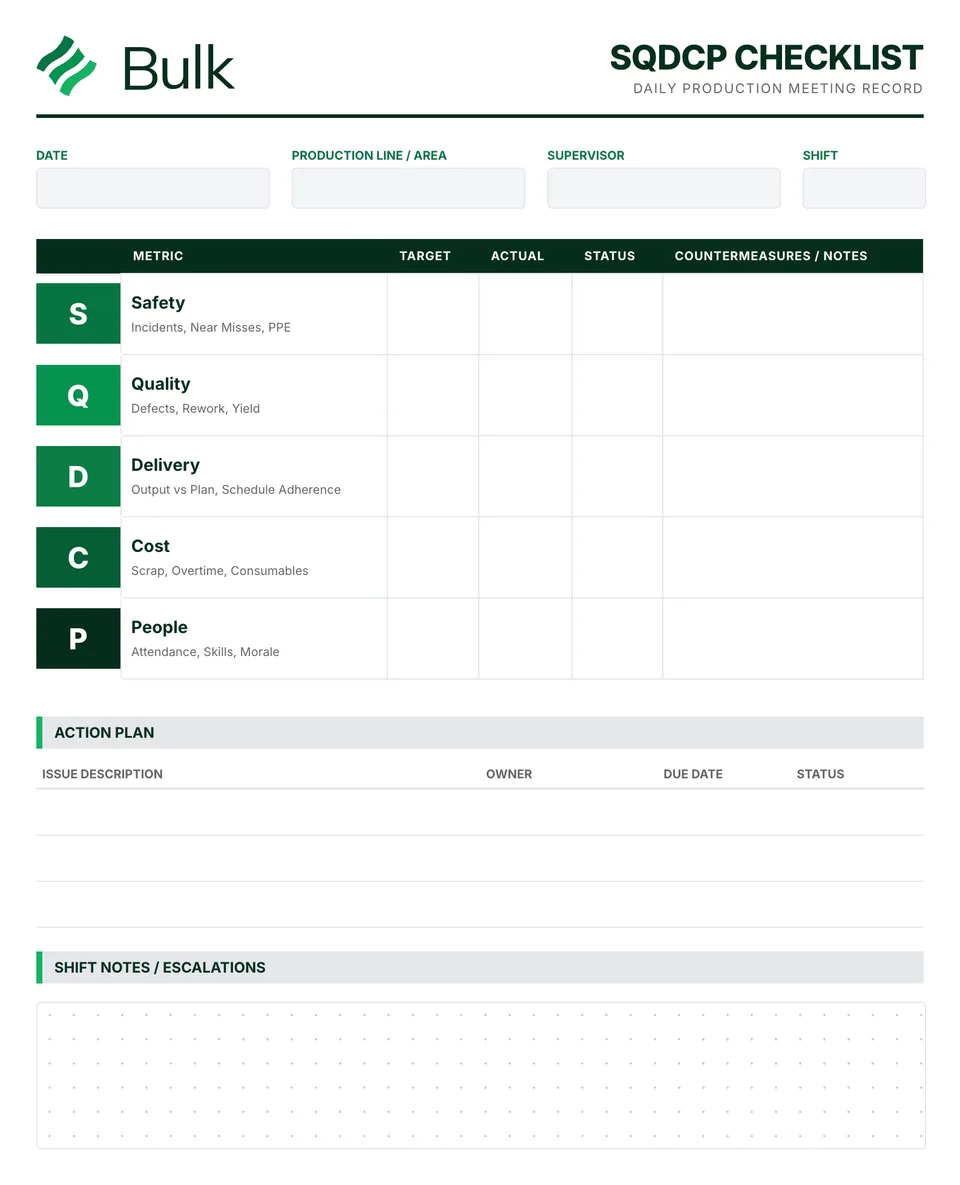 SQDCP Board TemplateDefine a target and an actual measure for Safety, Quality, Delivery, Cost and People.
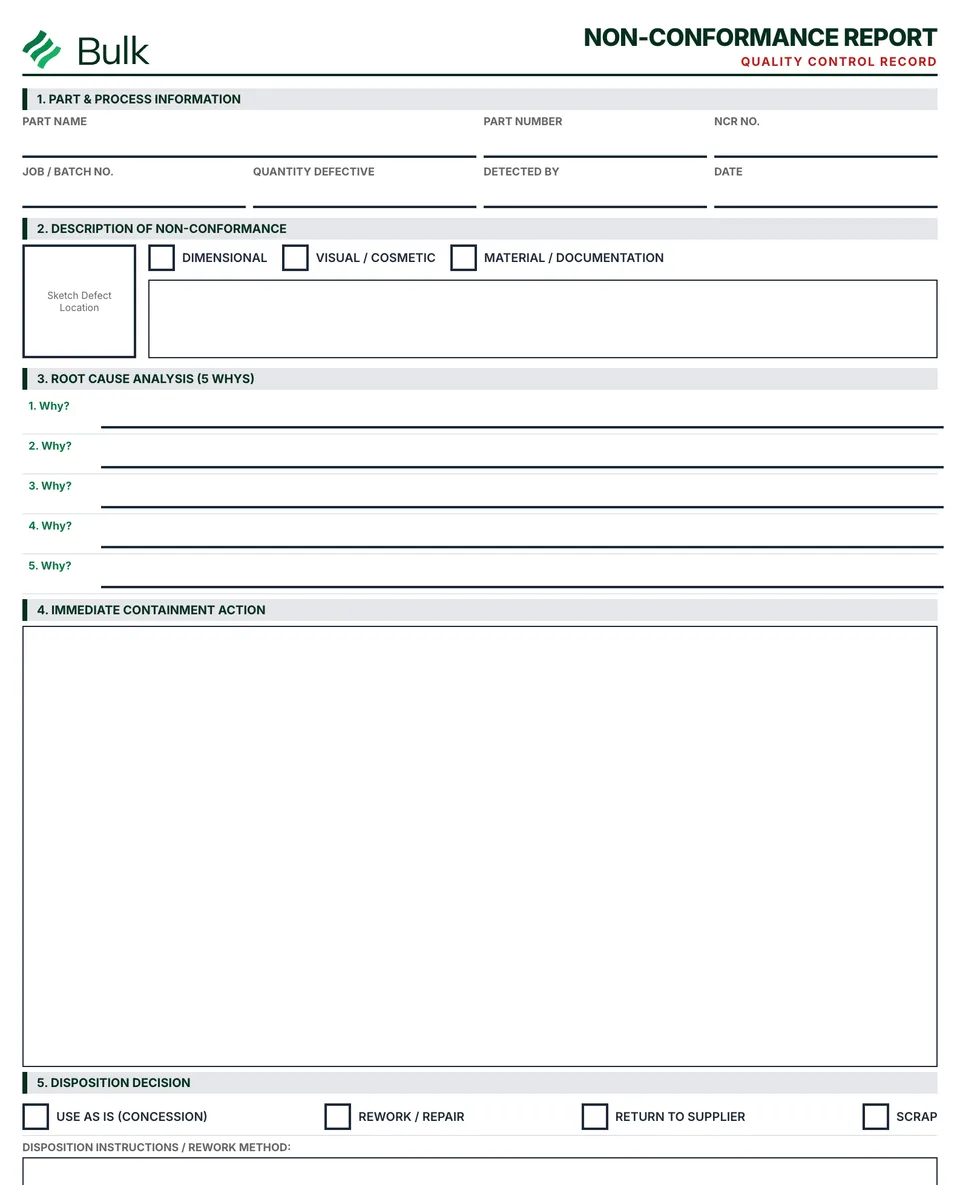 Non-Conformance Report (NCR)Identify the requirement and observed departure, using the part revision, lot, quantities and objective evidence..
Turn the form into a live workflow.
Bulk connects the same checks, evidence, owners and approvals to the work happening on your floor.