
Bulk

Industrial machinery manufacturing software, one record per machine.

Bulk gives each machine its own works order and route, with bought-in parts booked to it and supplier certs attached, and signs off every stage with the fitter, bay and time. FAT results and NCRs land on the same build, so the project engineer sees the machine and its open issues in one place. Order to invoice on the same record.

Industrial machinery manufacturing software for engineer-to-order builds.

Bulk is engineer-to-order manufacturing software for machine builders and equipment makers: one live record per machine, bought-in parts with their certificates attached, factory acceptance tests and quality issues, with the order and the invoice on the same record. It is not CAD or PLM. It runs beside them and holds the build as it happens.

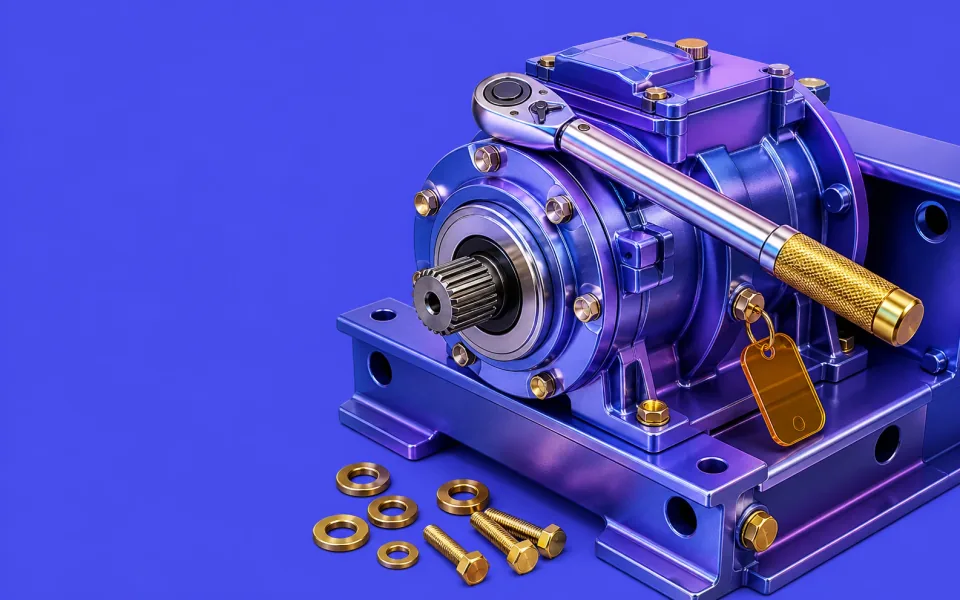
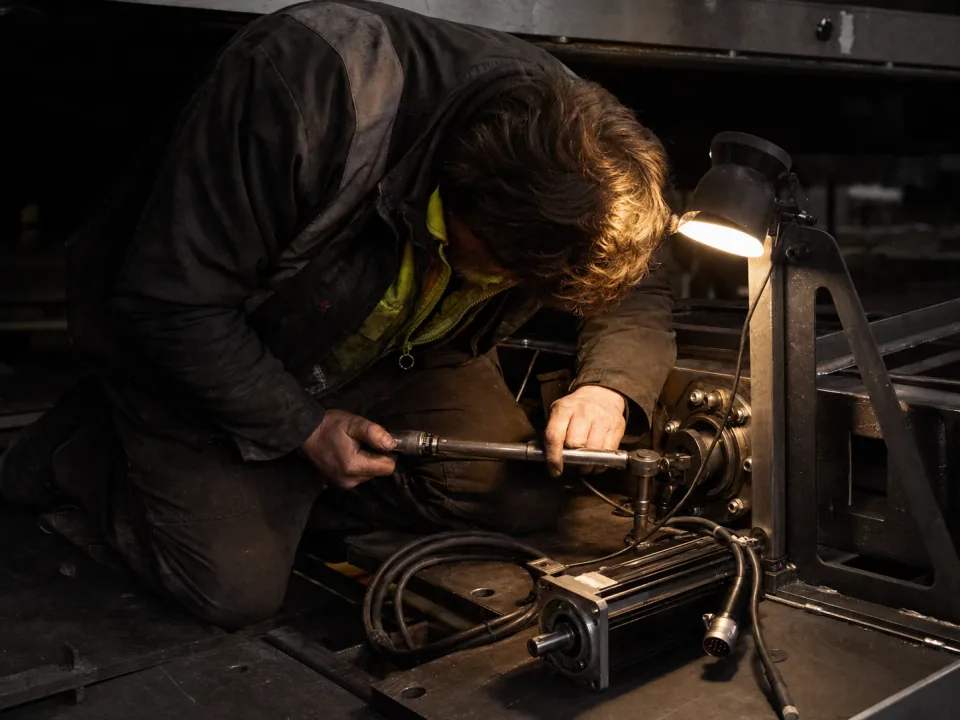
Fitter torquing a bolt inside the frame of a half-built machine

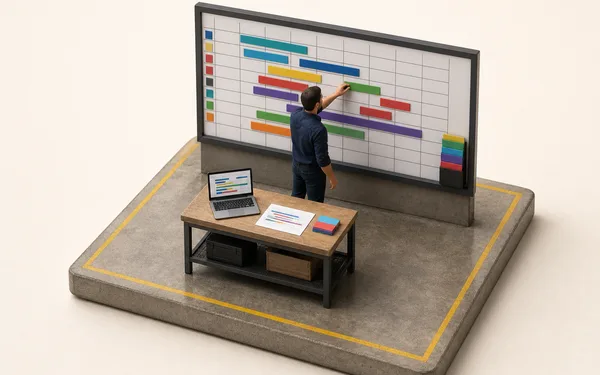
Engineer-to-order production tracking

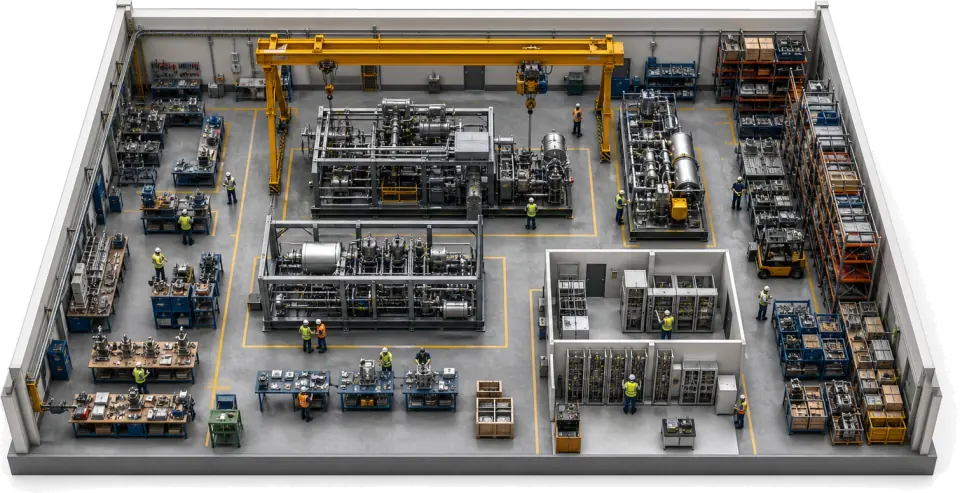
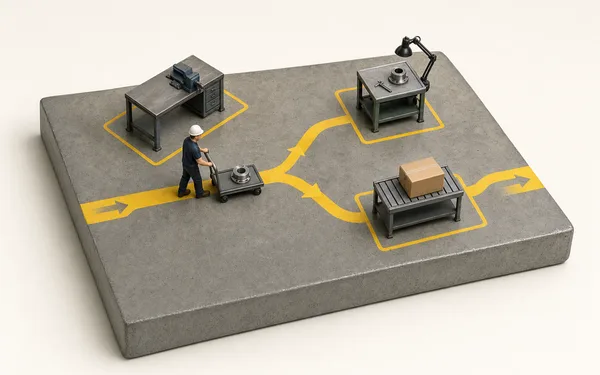
Every machine gets its own record and its own route, because no two builds are the same. Fitting, wiring, hydraulics and commissioning book the fitter, the stage and the time as they happen, so the project engineer sees where the build is and what it has cost without walking the bay.

  • A live record and a route per machine, not a fixed line
  • Stage sign-off with fitter, work instruction revision and time
  • Actual hours and cost per stage against the estimate
See production
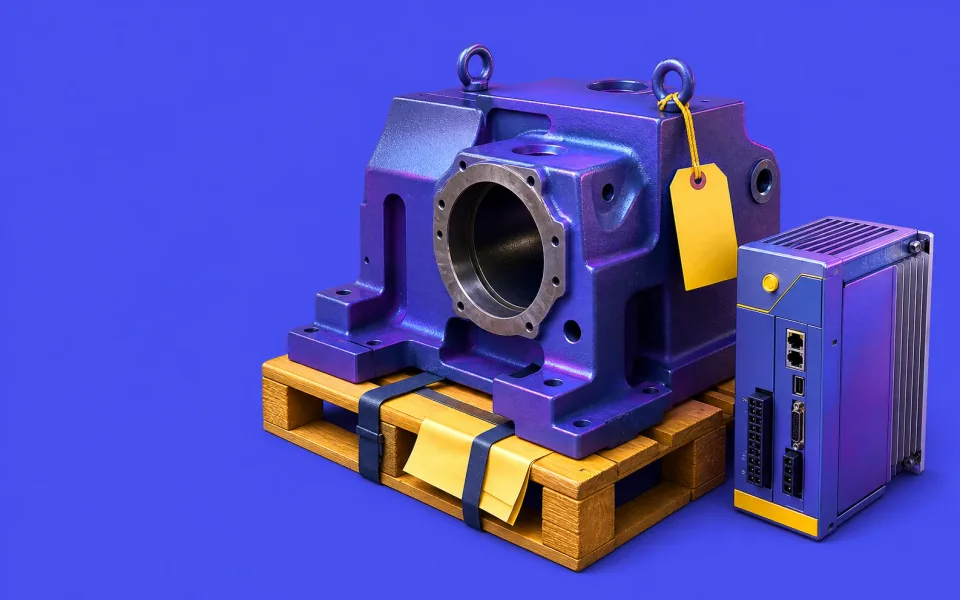
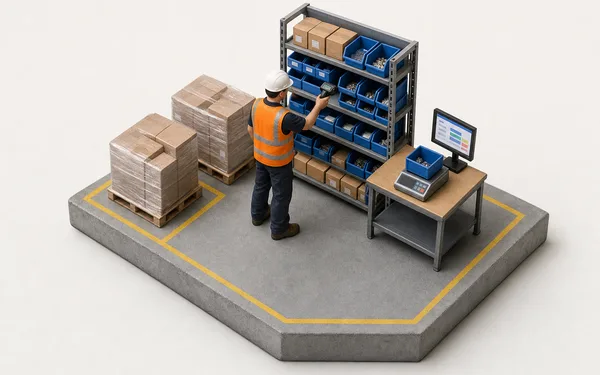
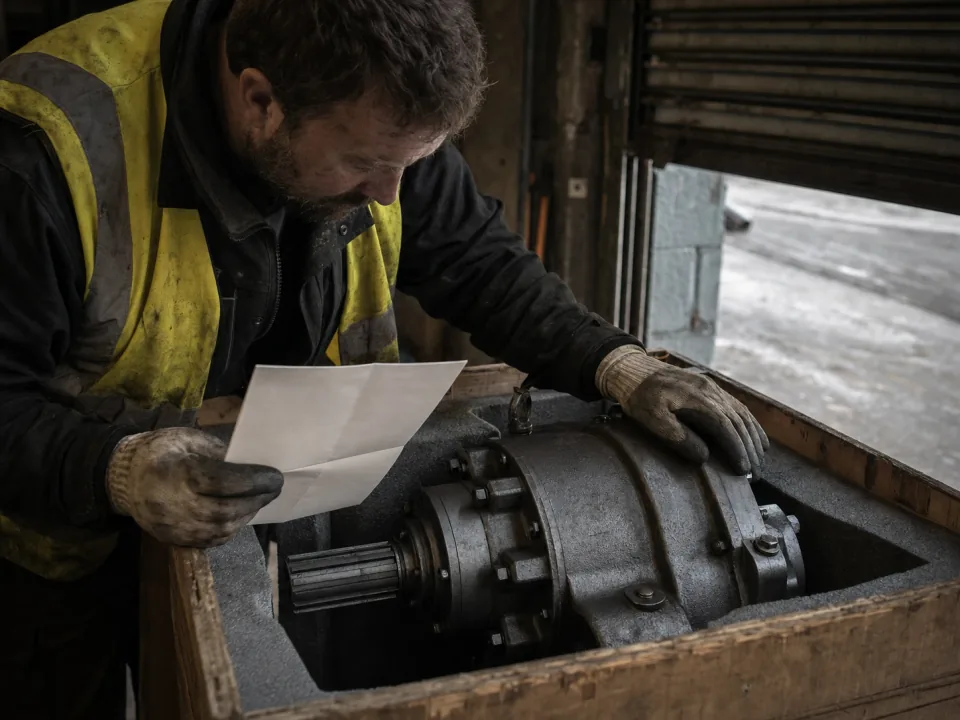
Storeman checking a crated gearbox against its supplier certificate in the stores

Bought-in parts and supplier certs on the works order

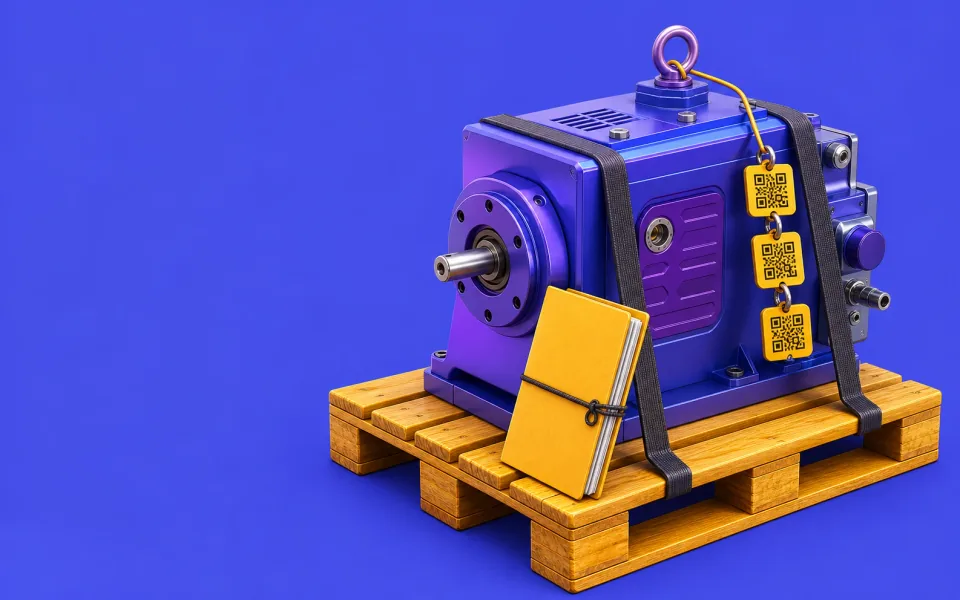
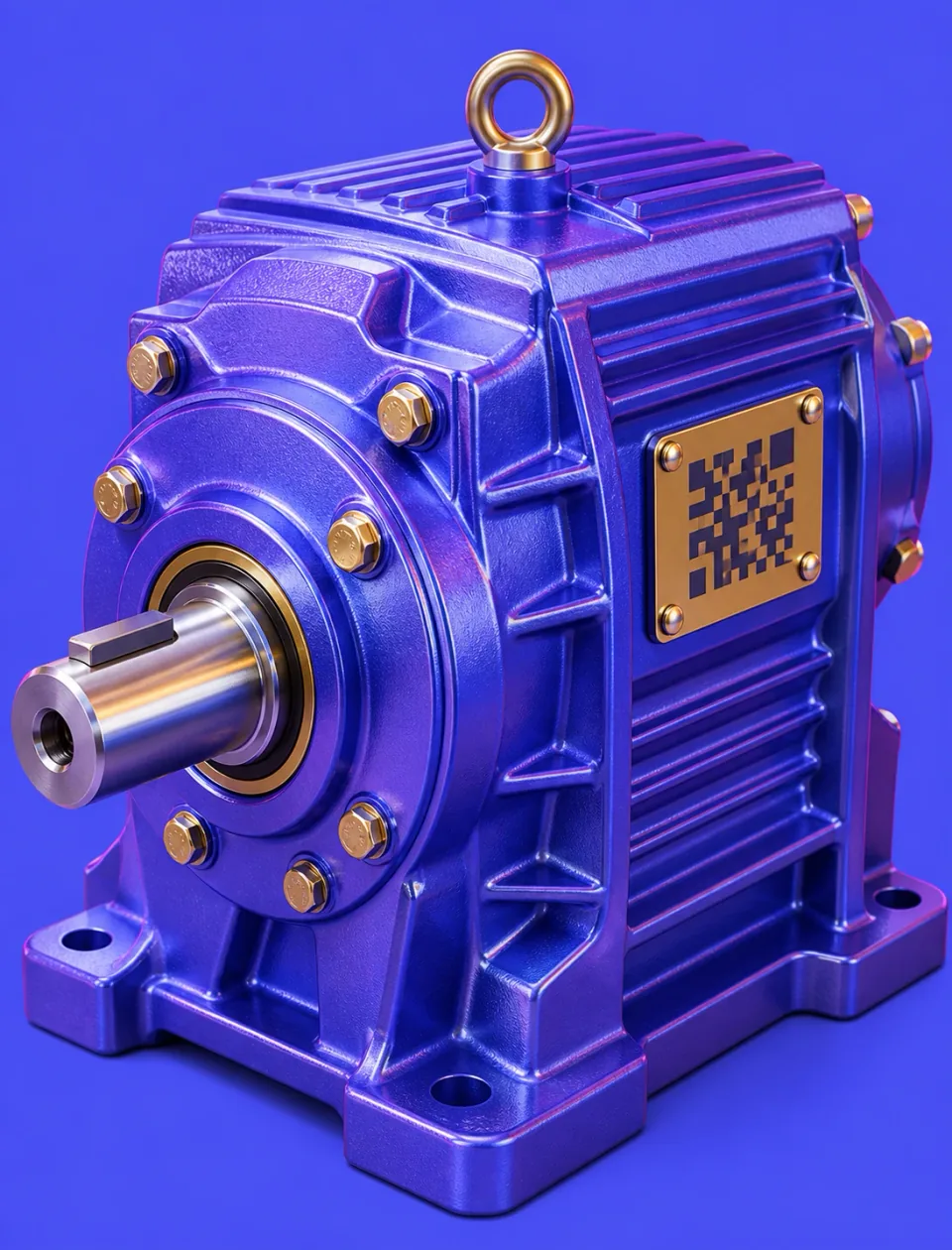
Drives, gearboxes, castings and safety components are booked to the works order as they are used, with their cost, and the supplier certificate is attached as a file. Serial or heat references go in custom fields on the build, searchable in the grid, so when an assessor asks where a part came from the answer starts from the machine record.

  • Supplier certs attached to the works order as files
  • Bought-in parts used booked to the build by item, quantity and cost
  • Serial and heat references held in custom fields, searchable in the grid
See inventory
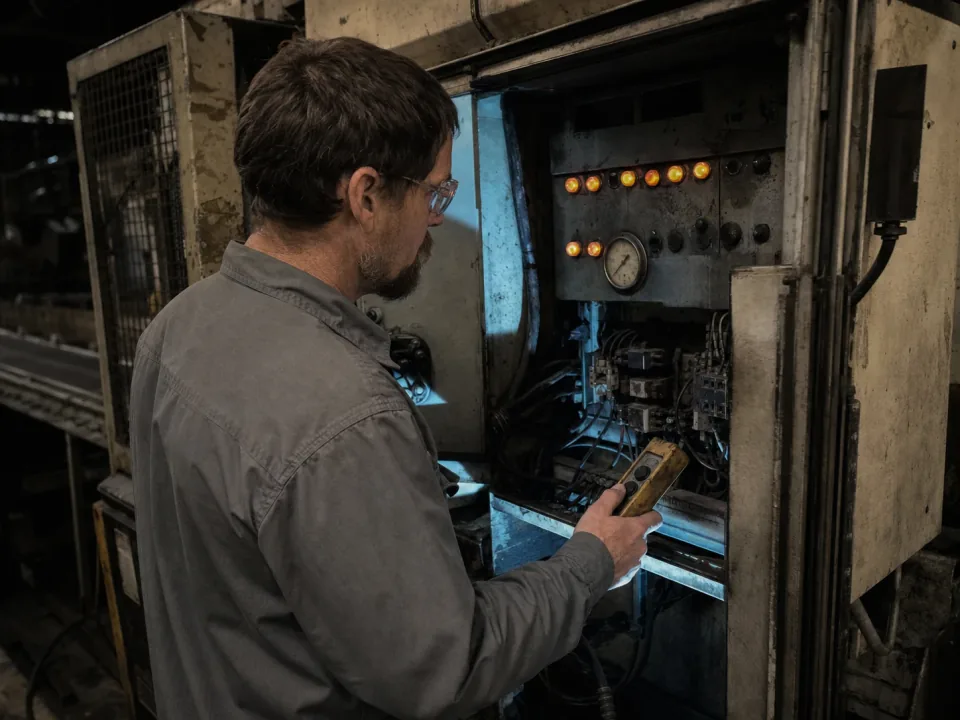
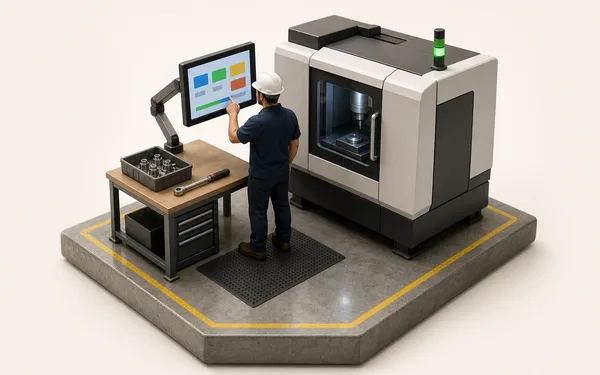
Test engineer at an open control cabinet during a factory acceptance test

Factory acceptance test software on the build

FAT checklists are run as forms on the machine record, with each test, its reading and who witnessed it. A failed test raises a quality issue on the build, and putting the order on hold freezes its jobs until it is closed. The FAT sheet, the customer witness sheet and any open punch list sit on the build, ready for the SAT.

  • FAT checklists with readings and witnesses on the build
  • Failed tests raise a quality issue or NCR on the build
  • An order hold freezes the build's jobs until the issue is closed
See quality
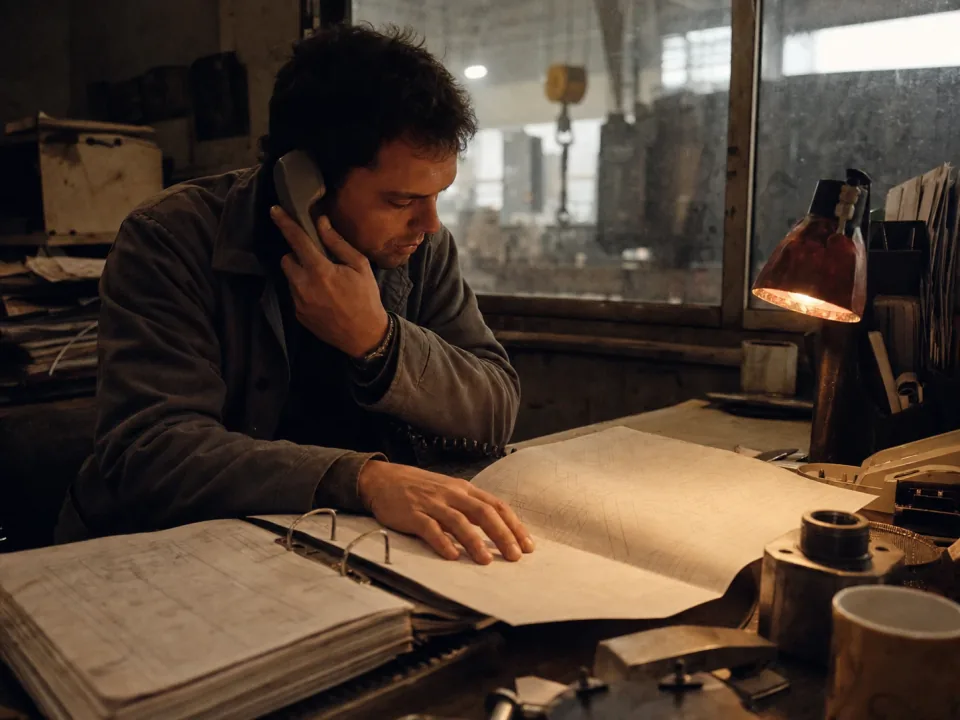
Project engineer at a desk with an open binder and a folded engineering drawing

Drawings, documents and invoicing from the build

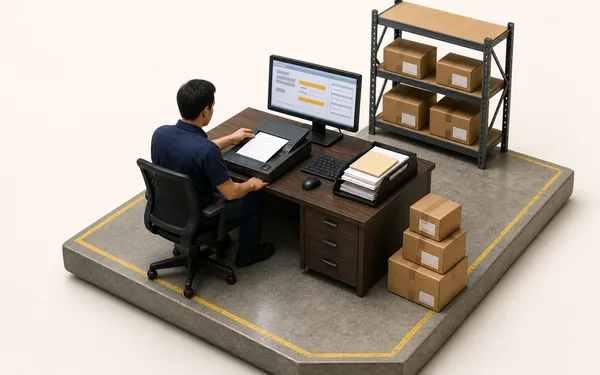
Drawings at the shipped revision, the risk assessment, supplier certificates and the FAT report attach to the build, and travellers and job sheets print from it in your layout. When you compile the technical file, the evidence is in one place. The commercial loop runs on the same record, so milestones are invoiced from the build stages rather than from a spreadsheet.

  • Drawings, certs and test reports attached at the shipped revision
  • Travellers and job sheets printed from the build record
  • Stage and milestone invoices raised from the build
See documents

From works order to invoice, one record per machine.

Kit the build

Castings and bought-in drives are booked to the works order as they are used, supplier cert attached.

See inventory
Supplier cert attached
  • Cert H31877.pdfEN 10204 3.1
  • Gearbox GB-2201 used
  • Heat no. (custom field)H31877

Every machine keeps its own record.

−83%Time spent chasing build status at Kestrel Automation
98.4%First-pass FAT sign-off
0Re-keys, works order to invoice
“A customer rang about a gearbox on a machine we shipped in 2023. We had who fitted the drive, the FAT result, the supplier cert and the drawing revision up on screen before he'd finished explaining the fault. That used to be a day in the archive.”
KA
Gareth WhitfieldOperations Director, Kestrel Automation — special-purpose machinery

Questions, answered.

01

Is Bulk an MES or an ERP for machine builders?

Both, on one record. An MES is built for repeat lines and chokes on one-offs; an ERP holds the order and the invoice but never sees the build. Bulk runs the build record itself (production, quality and stage sign-offs on the assembly floor) and the commercial loop around it: the customer order, stock, invoices and credit notes. Install the apps you need one at a time; where you keep an accounts package, Bulk syncs both ways with it.

02

We're engineer-to-order — every machine is different. Can Bulk handle that?

That's exactly what it's for. Each build gets its own live record and route rather than a fixed line sequence, so a bespoke special-purpose machine and a made-to-order standard model both track cleanly. Configure the route for the build; the build record follows whatever you actually did.

03

Can Bulk produce the as-built record for a machine we've already delivered?

For anything built on Bulk, the build record is there the moment a warranty or field-failure query comes in: stages signed off, parts used with their cost, FAT results, quality issues and the attached drawings and certs. It is a record of the build, not a serial-by-serial parts tree; Bulk does not track the serial numbers of bought-in parts in stock, though you can hold them in custom fields on the build. For machines built before you moved onto Bulk, attach their records as files.

04

Does Bulk help with the CE/UKCA technical file?

It holds the evidence; it does not write the file. Drawings, parts used, test reports, risk assessments and supplier certs live on the build record, so whoever compiles the technical file finds them in one place instead of pulling them together by hand each time. Bulk does not generate the technical file or the declaration; sign-off and conformity assessment stay your responsibility.

05

How does it handle long-lead bought-in parts and supplier certs?

Bought-in drives, castings, motors and sub-assemblies are booked to the machine's works order as they are used, with their cost, and the supplier cert is attached to the works order as a file. Stock levels by item show what has arrived, so a late delivery is visible before the stage that needs it rather than on despatch day.

06

What does it cost, and how long is rollout?

One per-site price with every module included — no per-module upsell, hosting and rollout in the figure. Rollout is never a big-bang cutover: we take one machine end to end first, prove the build record on a real build in weeks, then the rest of your builds follow the same pattern. You can start with a free trial, no card needed.

Run one machine build through.