Bulk

Medical device manufacturing software, every build step on record.

Bulk routes each device build through its steps in the cleanroom, logging the operator, machine, times, counts and in-process checks at every step, and a failed check opens a quality issue on the job. The build evidence is captured as the work happens, not collated from a batch folder afterwards. Order to invoice on the same record.

Medical device manufacturing software with the build recorded as you build.

Bulk is medical device manufacturing software for the floor: routed build steps with operator, machine and time, in-process checks, quality issues, holds and NCRs, and material usage by job, with the order and the invoice on the same record. It is not an eQMS or PLM. It runs beside them and keeps the build evidence your ISO 13485 system relies on.

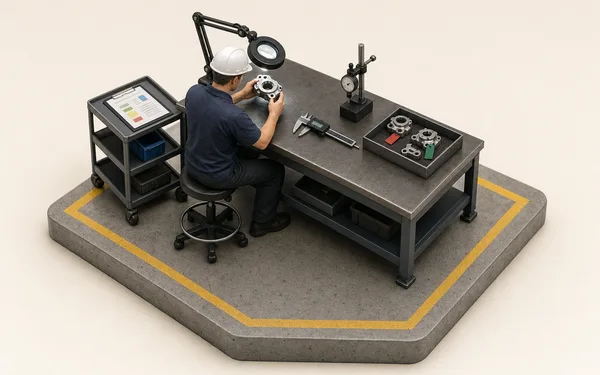
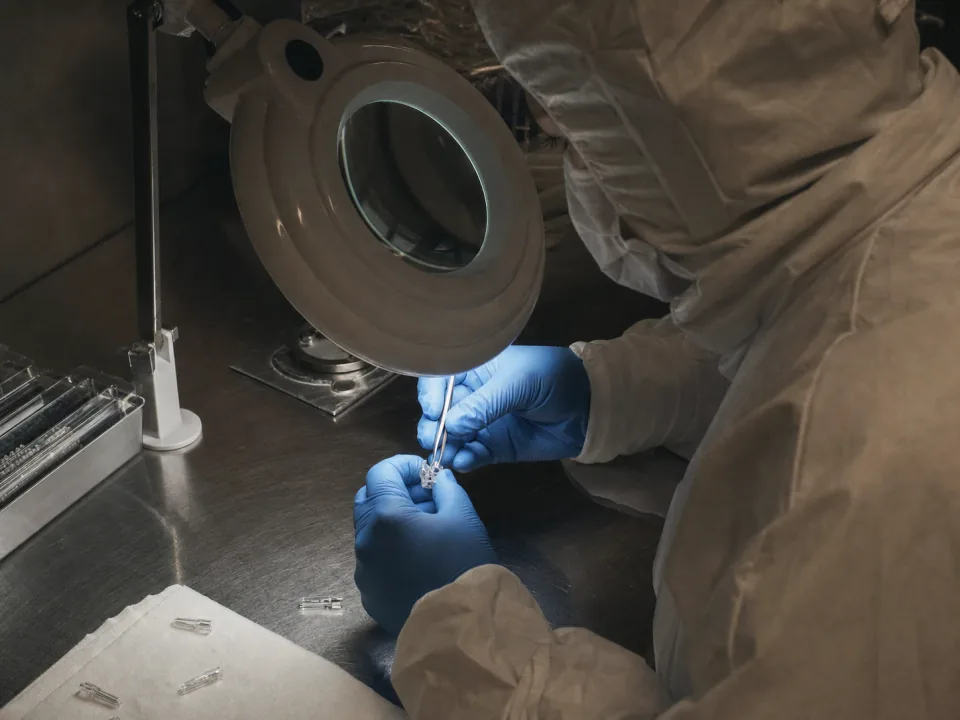
Gowned operator assembling a small surgical device at a cleanroom bench

Build records at the station

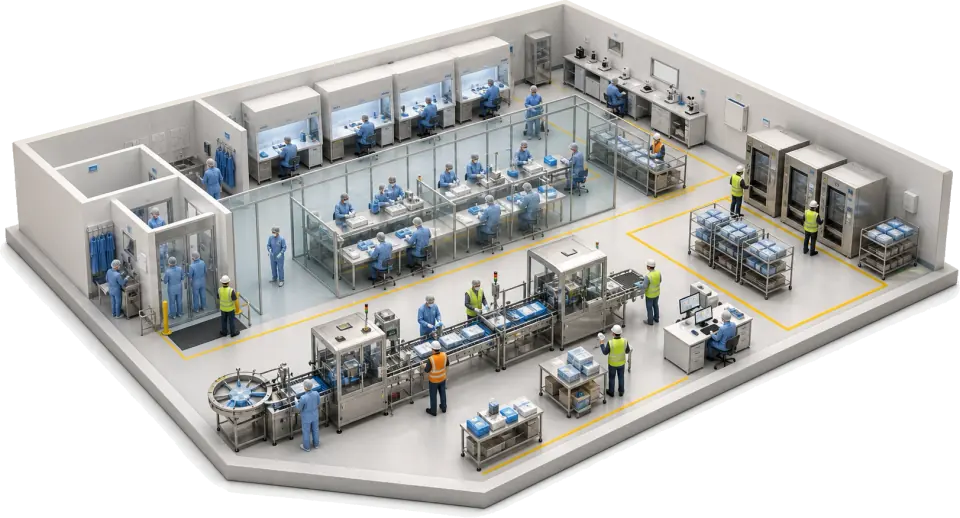
Each step of the build is completed by the operator at the station, with the machine, the times, good and reject counts and the in-process checks recorded on the job. The build record is complete when the last step is done rather than assembled from a batch folder afterwards.

  • Operator, machine, times and counts recorded on every step
  • In-process checks filled in as forms on the job
  • Work instructions at the released process revision
See production
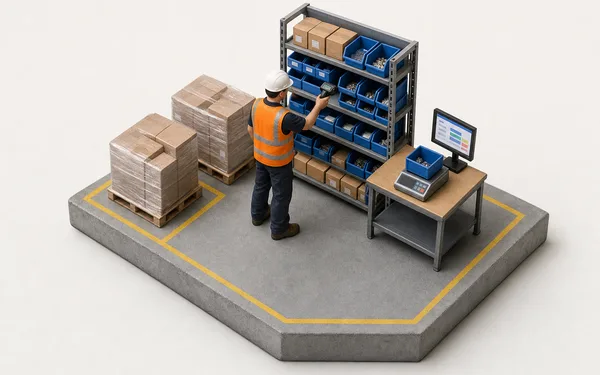
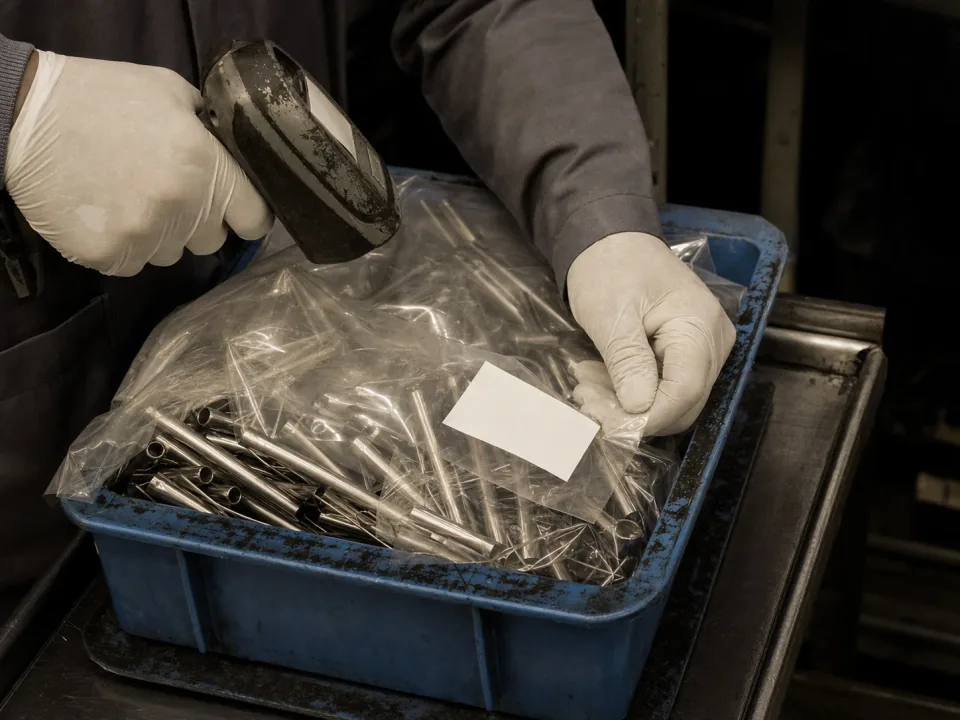
Gloved hands scanning a labelled tray of components at the receiving bench

Lot refs and supplier certificates on the job

Component lot refs, UDIs or batch numbers go in custom fields on the job and order, searchable and filterable in the grid, and the supplier's certificate attaches to the job as a file. The materials the job used are logged by variant with the quantity and cost. Bulk does not hold lots or serials in stock.

  • Custom fields for lot refs, UDIs and batch numbers
  • Supplier certificates and drawings attached to the job
  • Material usage logged by variant, quantity and cost
See custom fields
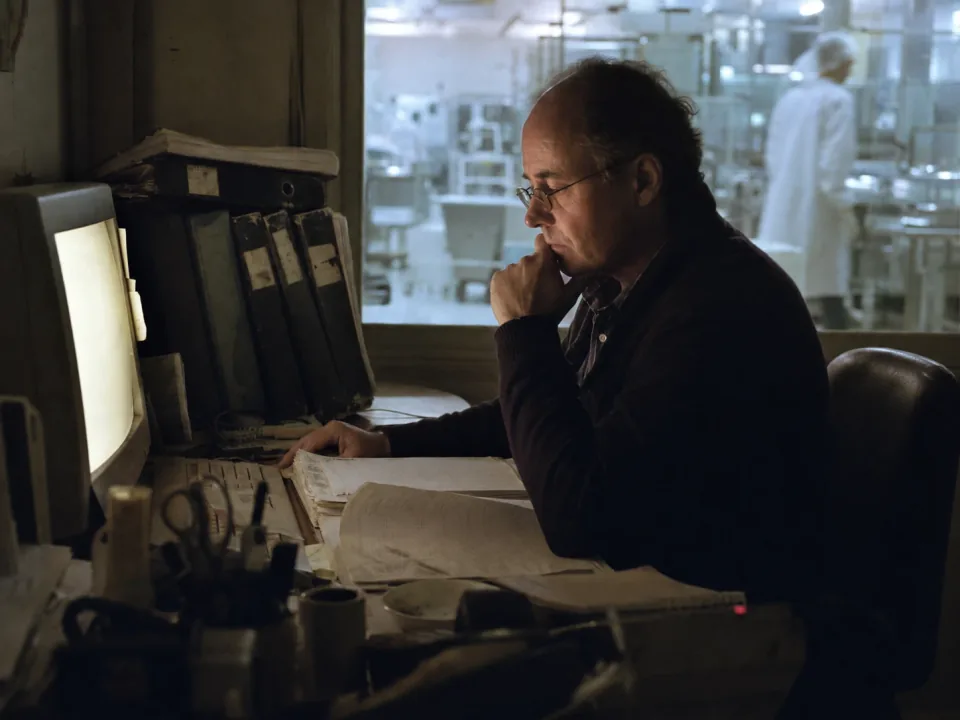
Quality manager at a desk beside the cleanroom window

Works with your eQMS, PLM and accounts

Bulk runs the build from the customer order to the finished device. Keep the eQMS for document control and the PLM for design. Quality issues raised on the floor carry the job, the step and the machine, and where you keep an accounts package Bulk syncs both ways with it.

  • Quality issues and NCRs raised on the floor with job and step attached
  • Controlled work instructions at the bench at the released revision
  • REST API and integrations to the eQMS, PLM and accounts
See quality
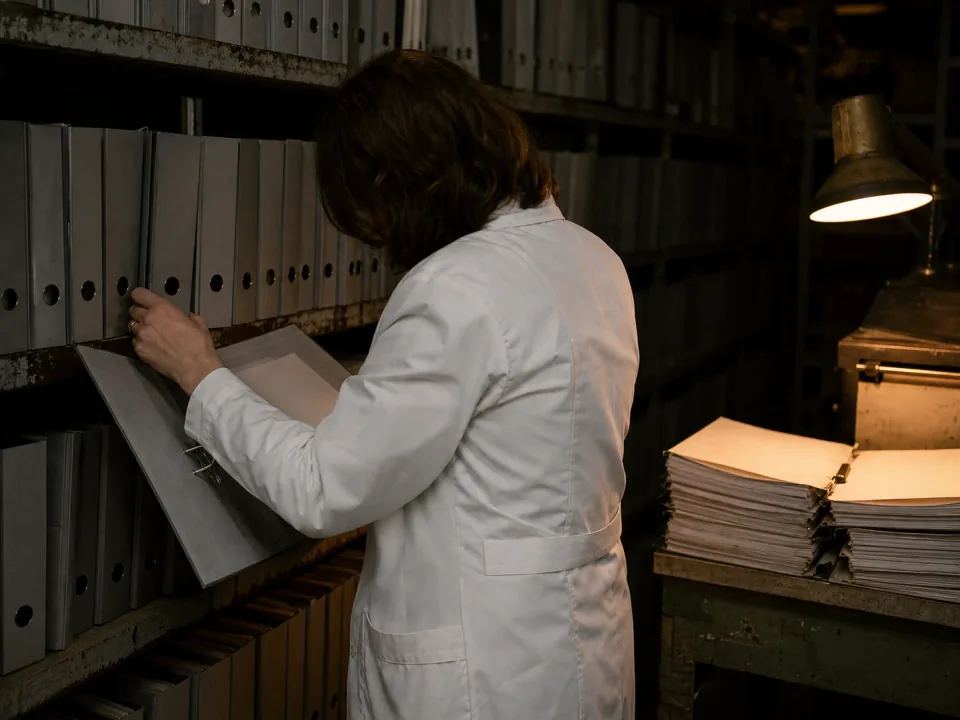
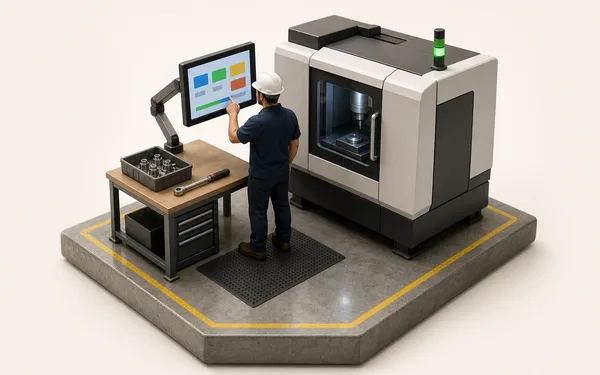
QA reviewer working through lever-arch files of batch records

Batch review from one record

Because every step, check and defect is captured as the work happens, review works from one complete job with any open quality issues and holds in front of the reviewer. The evidence for an audit is the same record, so nothing is reconstructed before the notified body or the FDA arrives.

  • Job review with open quality issues and holds shown
  • Audit evidence pulled from the live job records
  • Internal audits run as versioned checklists
See audits

From customer order to finished build, one record.

Load the order

The customer PO is read into a production order and its jobs; the component lot ref goes in a custom field and the supplier's certificate is attached.

See inbound OCR
Order 4417 created
  • PO-88213.pdfCustomer purchase order
  • Lot ref (custom field)SL-2290
  • Supplier cert SL-2290.pdfAttached to job

The build record is there at review.

−79%Time spent collating build paperwork at Ravenscroft Medical
97.6%First-pass yield on the cleanroom line
0Re-keys between the order and the invoice
“We build single-use surgical instruments, so every batch needs its paperwork complete before it ships. That used to be two days of one QA reviewer collating travellers and lot labels out of lever-arch files. Now every step, check and defect is on the job as the operators build, and review works from one record, not a rebuild.”
RM
Priya NairQuality Manager — Ravenscroft Medical (ISO 13485 contract manufacturer)

Questions, answered.

01

Is Bulk an eQMS, an MES or an ERP?

Bulk runs manufacturing execution on the build floor and the commercial loop an ERP usually owns: the customer order, jobs, consumable stock, invoices and credit notes, installed one app at a time. It is not a validated eQMS, so keep yours for document control, design history and complaint handling. Where you keep an accounts package, Bulk syncs both ways with it.

02

Can Bulk be my validated quality system for ISO 13485?

No, and we won't pretend otherwise. Bulk is not a validated eQMS; it will not certify your ISO 13485 QMS. What it does is run the floor so the in-process evidence behind your certification is captured at source and stays complete. Treat it as the production record under your quality system, not a replacement for it.

03

Does Bulk build the electronic device history record?

No. Bulk does not compile a device history record. It captures the build evidence as the work happens. Each step's operator, machine, times and counts, the in-process checks, and defects with their disposition sit on the job, and a job sheet prints from it. Your DHR draws on that record rather than a folder of travellers.

04

Does Bulk track UDI, lot and serial numbers?

As references on the job, not in stock. Bulk records the materials each job used by variant, quantity and cost. Component lot refs, UDIs or serials go in custom fields on the job and order, searchable in the grid, and supplier certificates attach as files. It does not hold lots or serials in stock or follow a component lot through to every finished device.

05

Do you support electronic signatures on build steps?

Not on production steps today. Each step records the operator who completed it and the time, and the Logs tab keeps every change. Drawn signatures are captured on audits, pre-use checks and risk assessment sign-offs. Formal 21 CFR Part 11 / Annex 11 validation stays your responsibility as part of your QMS.

06

What does it cost, and how long does rollout take?

One per-site price with every module included (production, quality, inventory and documents in the figure), no per-module upsell, hosting and rollout included. Rollout starts with one device family end to end, customer order to finished build, proven on real batches in weeks, then the rest follow on the same pattern. Never a big-bang cutover. You can start with a free trial, no card needed.

Run one device family through.