
Bulk

Discrete manufacturing software, desk to despatch on one record.

Bulk stamps each operation with operator, machine and time, and raises a quality issue on the job the moment an inspection fails. A customer query is answered from the job itself: what was used, who ran it and what was found. Order to invoice on the same record.

Discrete manufacturing software for the whole job shop.

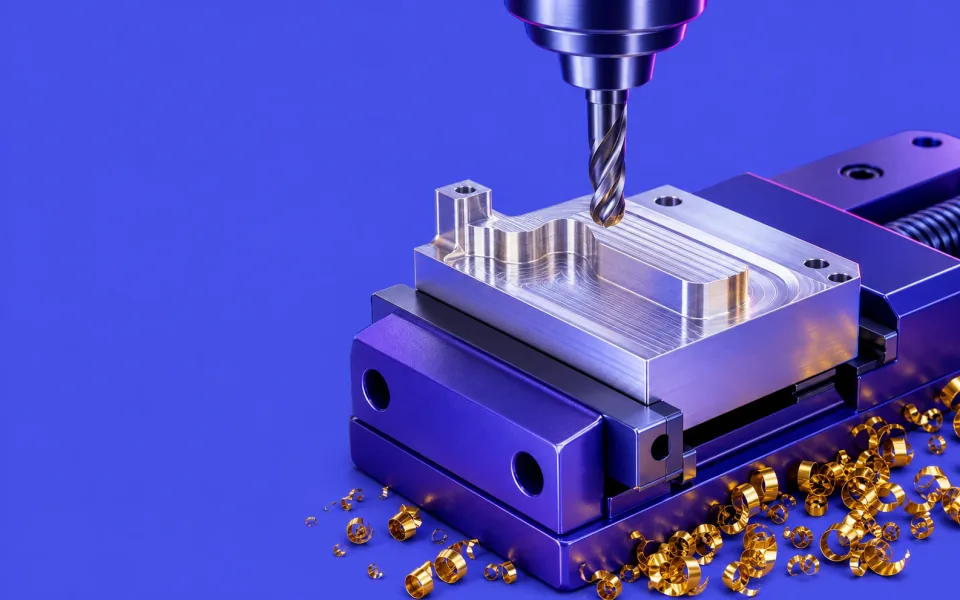
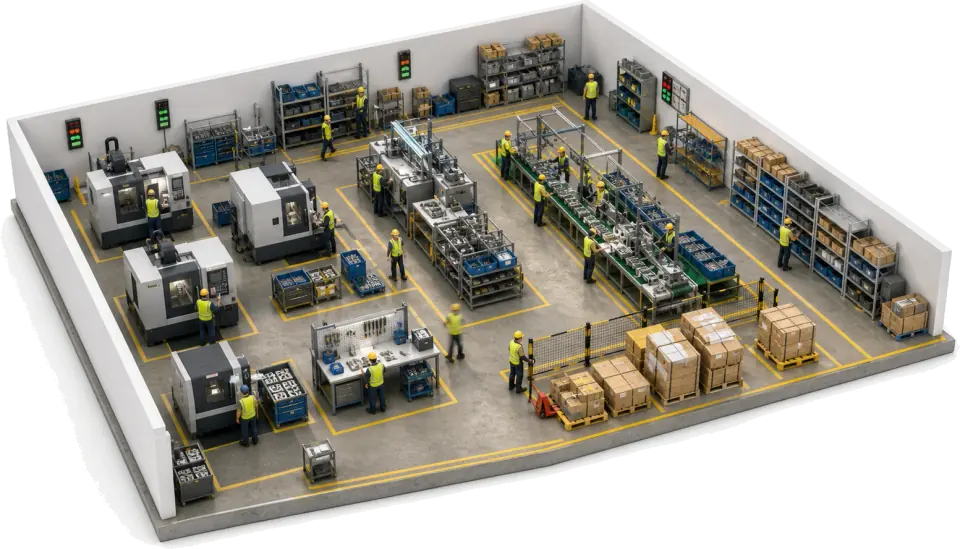
Bulk is discrete manufacturing software for shops that mill, weld, mould, press and assemble: job tracking, material usage by job, quality and the order-to-invoice loop on one record. It is not CAD or an accounts package. It runs beside them and takes over where the drawing and the order leave off.

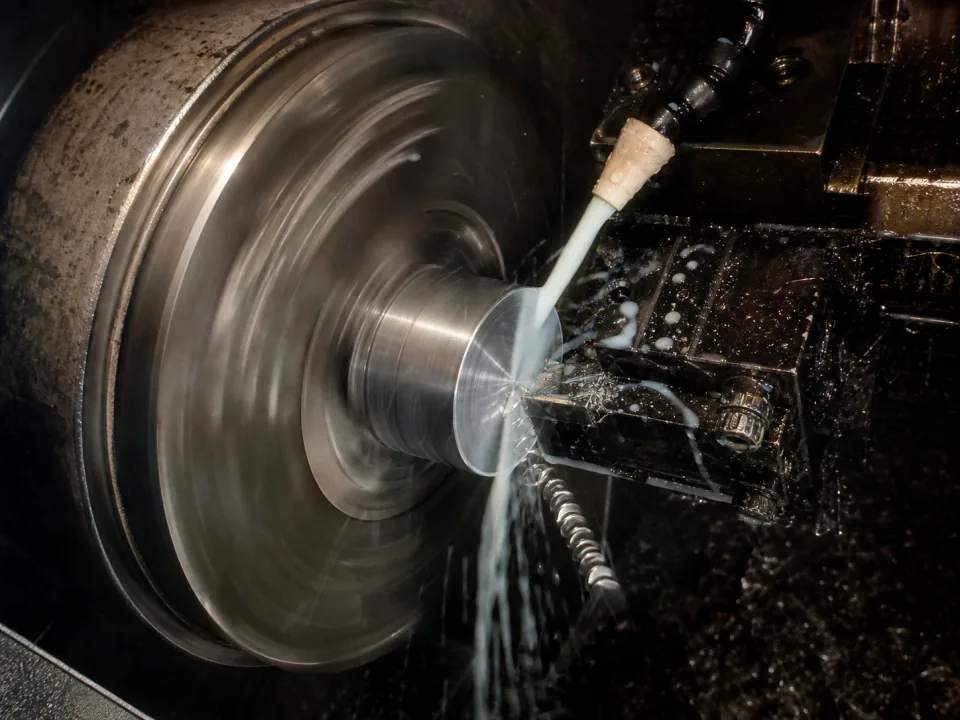
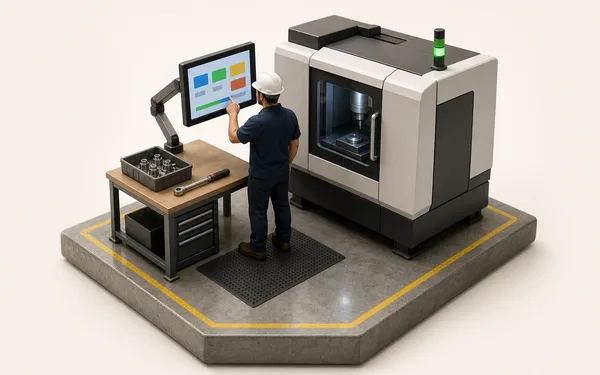
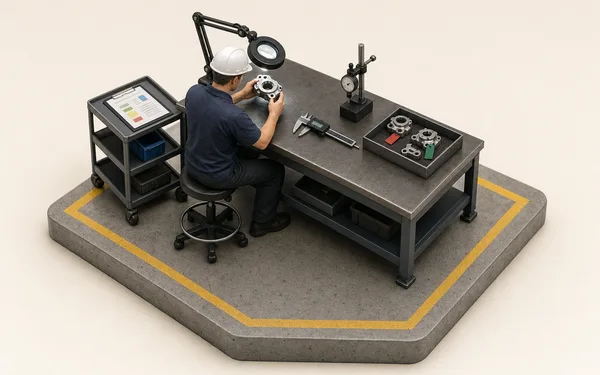
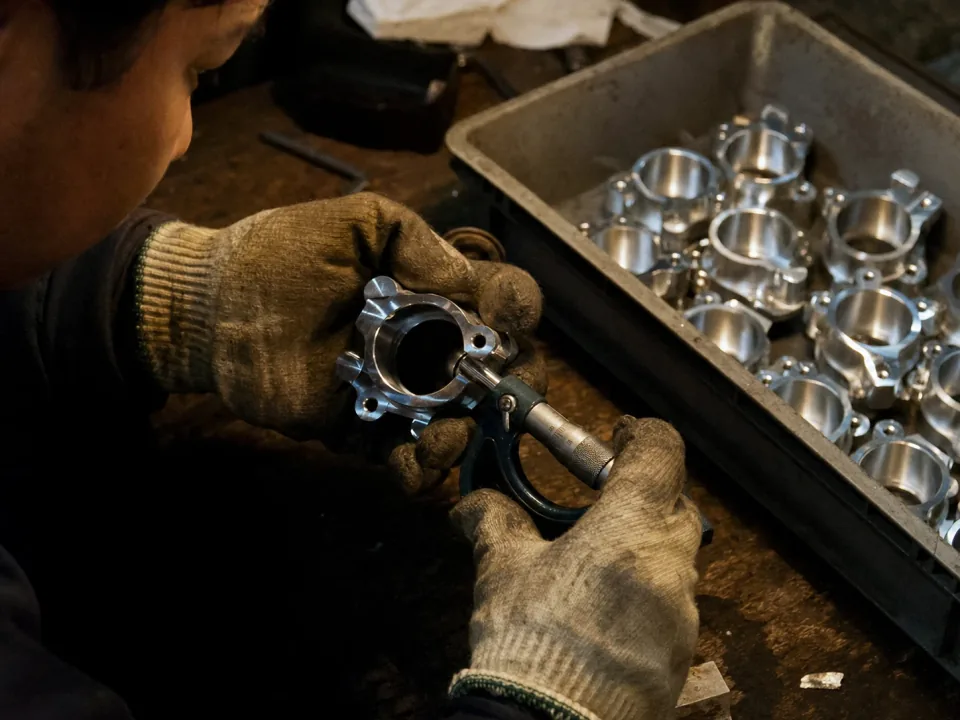
Operator at a milling machine on a discrete manufacturing floor

Production tracking across every bench

Every operation stamps itself on one live job record as it happens. Machining, welding, moulding and assembly book the operator, the machine and the time, so the job's history is one thread rather than a paper traveller and four whiteboards. Progress and OEE show on the wall TV while the shift can act.

  • Operator, machine and time booked per operation on the job
  • Live job status and OEE on the office screen and the wall TV
  • Scrap and rework raised at the bench with a reason
See production
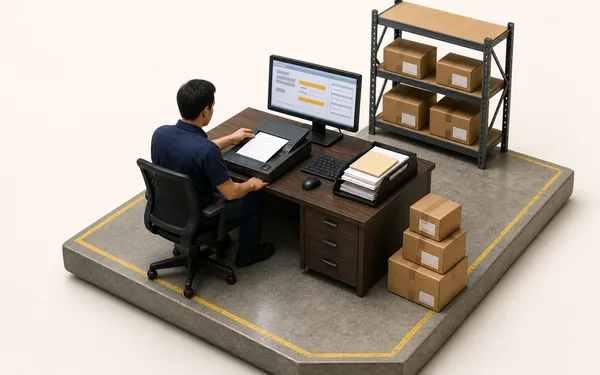
Incoming material stacked at a receiving bay

Material and quality records on every job

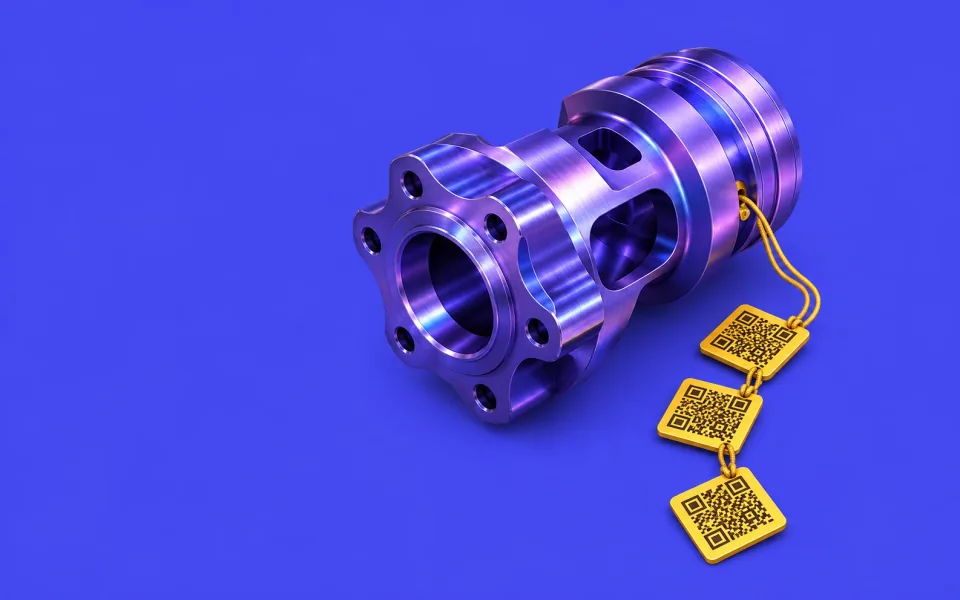
Every job records the material it used by variant, quantity and cost. Heat or lot numbers sit in a custom field on the job and the supplier cert is attached as a file, so both are a search in the job grid. A defect found on a step lands on the job's Quality tab with the step, the machine and the quantity.

  • Material used on each job, with quantity and cost
  • Heat and lot numbers in custom fields, searchable in the grid
  • Certs and drawings attached to the job or the order
See custom fields
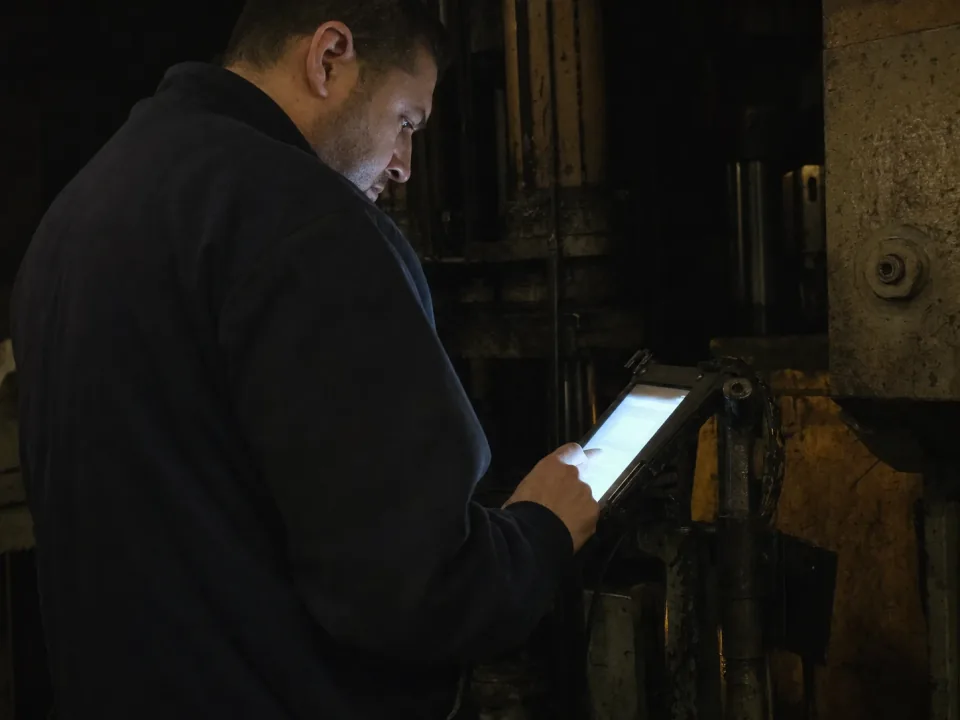
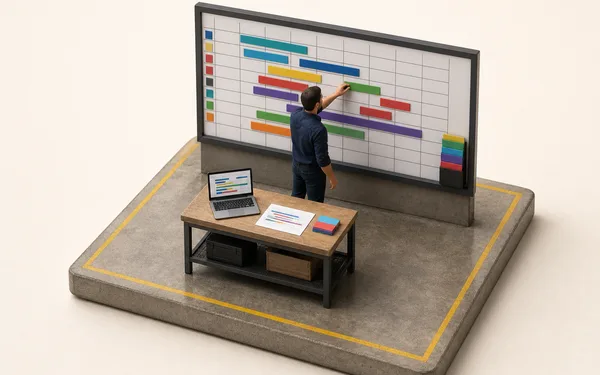
Planner at a desk with a laptop overlooking the shop floor

Discrete manufacturing ERP without the re-keying

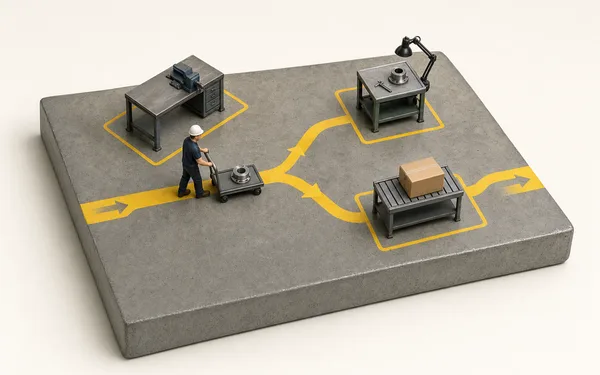
The commercial loop an ERP usually owns runs in Bulk too. Quote the job, release it, schedule it against real capacity, book stock against the job that used it and invoice it from the same record the floor worked on. Nothing is typed twice between the desk and despatch.

  • Quotes and orders turned into routed, scheduled jobs in one step
  • Stock booked against the job that consumed it, with shortages warned early
  • Invoices and credit notes raised from the delivery note
See scheduling
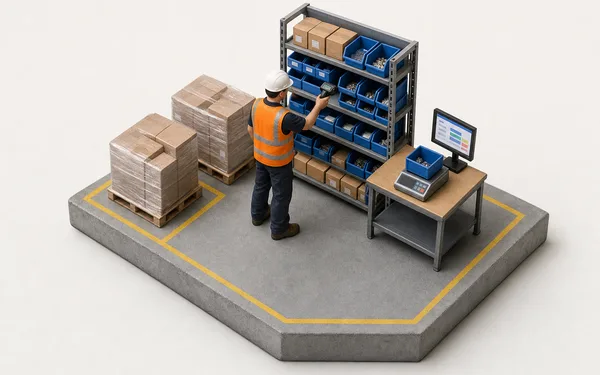
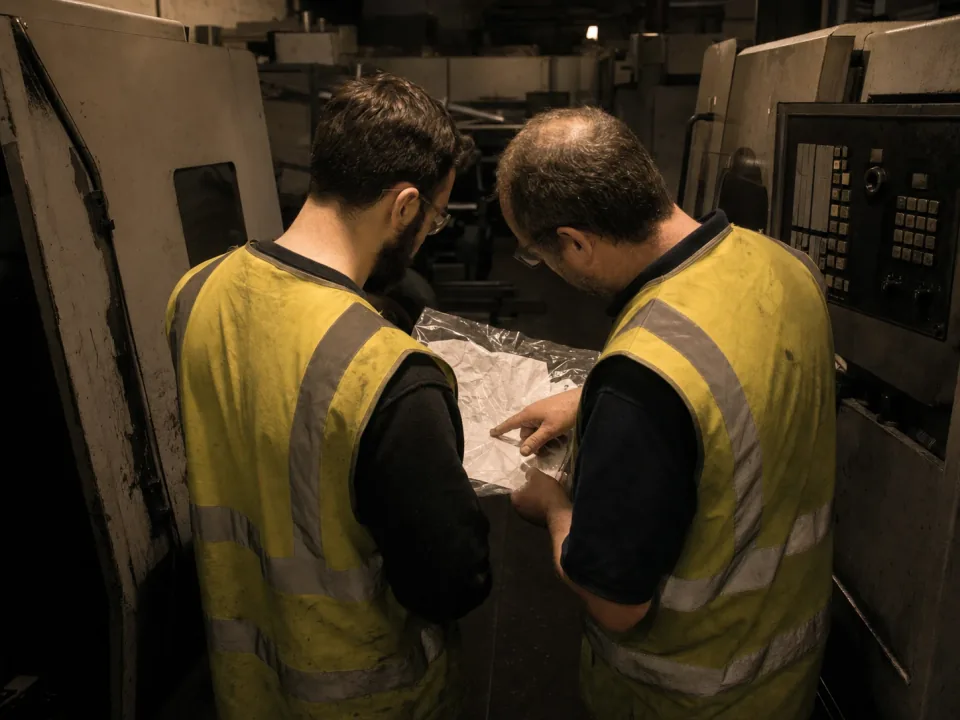
Veteran machinist explaining a setup to a younger colleague

Routings and work instructions on the job

Route quirks, setup notes and workarounds live on the routing, not in the head of the fifteen-year veteran. Each operation carries its work instruction and drawing revision, so a new starter runs the job the way it should be run and the shop keeps the knowledge when people move on.

  • Work instructions and drawing revisions on every operation
  • Setup notes and photos captured by the operator who knows the job
  • Revision changes flagged on open jobs
See routing

From material to invoice, one thread.

Put the material on the job

The supplier's cert attaches to the job and the lot number sits in a custom field, searchable in the grid.

See custom fields
Material on job 2031
  • Cert 4471-B.pdfEN 10204 3.1
  • Lot no. (custom field)4471-B
  • Bars used12

Same parts. Fewer surprises.

90%Less time chasing job status at Ferndale Engineering
99.3%First-time-right at final inspection
0Re-keys between desk and dispatch
“A customer query used to mean a two-day trawl through travellers. Now it is one search: the job, who ran each op, what was found and the cert attached, on screen while they are still on the phone. We got a planner's week back and stopped dreading the audit.”
FE
Operations Director — Ferndale EngineeringDiscrete manufacturing — machined & fabricated assemblies

Questions, answered.

01

Is Bulk an MES or an ERP for discrete manufacturing?

Both, on one record. An MES assumes an integrator and a PLC network; an ERP holds the order and the invoice but never sees the job. Bulk records every operation, drives the route and holds the quality record on the floor, and runs the commercial loop around it — the customer order, stock, invoices and credit notes — on the same record. Install the apps you need one at a time; where you keep an accounts package, Bulk syncs both ways with it.

02

Which kinds of discrete manufacturer is this built for?

The whole discrete world — machine shops, fabricators and welders, injection moulders, composites and PCB assembly, through to furniture and joinery makers, industrial machinery builders, building products factories and medical device manufacturers — plus the materials testing labs that check their work. It is the same engine underneath, configured to your route, your paperwork and your standard. Each sibling page goes deep on its vertical; this is the floor in general.

03

Does Bulk track component lots and serial numbers?

Not in stock. Bulk records the material each job used by variant, quantity and cost, and every operation with its operator and machine. Heat or lot numbers go in a custom field on the job and supplier certs attach to it as files, so both are searchable in the job grid, and a defect found on a step lands on the job's Quality tab. It does not hold lot or serial numbers against stock or link finished parts to component lots.

04

Can Bulk replace our ERP or accounts system?

For the plant, yes. Bulk holds the commercial loop an ERP usually owns — the customer order, jobs, stock, invoices and credit notes — on the same record as the work. Install the apps you need one at a time; where you keep an accounts package, Bulk syncs both ways with it. Rollout is one workflow end to end, never a big-bang cutover.

05

How long does rollout take?

One job type, end to end first — order to dispatch, proven on real work in weeks — then the rest of your routes follow on the same pattern. Your team shapes the configuration around your floor, not a template, and you can start with a free trial.

06

What does it cost for a shop like ours?

One per-site price with every module included — no per-module upsell, with hosting and rollout in the figure. You can start with a free trial, no card needed.

Run one job through.