


Bulk

CNC machine shop software that knows where every job is.

Bulk books every op on a live traveller with the operator, machine, setup sheet and time, and keeps the heat number and material cert on the job. A first-article miss raises a quality issue at the bench, not at despatch. Order to invoice on the same record.

Machine shop software that runs order to invoice.

Bulk is machine shop management software for CNC job shops: job tracking across every op, heat numbers and certs on the job, first article inspection and quality issues on one record, with the invoice raised from it. It is not CAM. It runs beside Fusion, Mastercam or your machine monitoring and holds the paperwork between them.

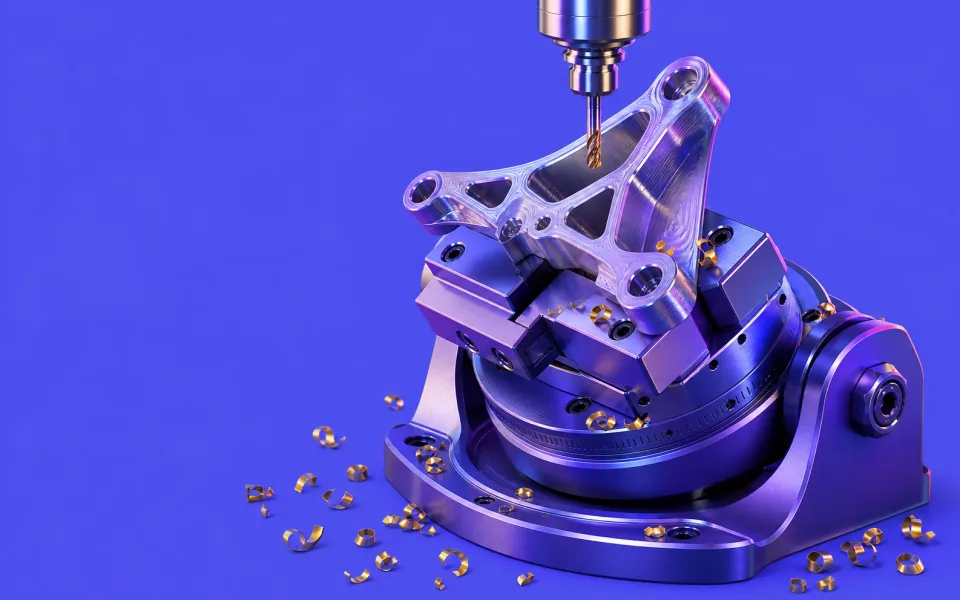
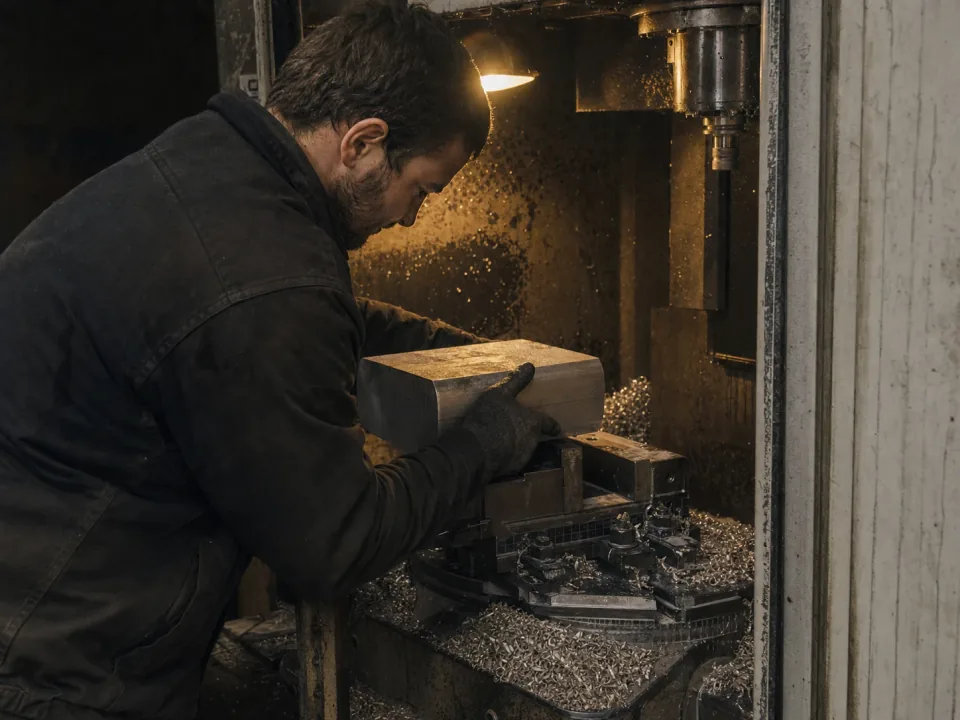
Machinist loading a billet into a CNC milling machine

Job tracking from op 10 to op 40

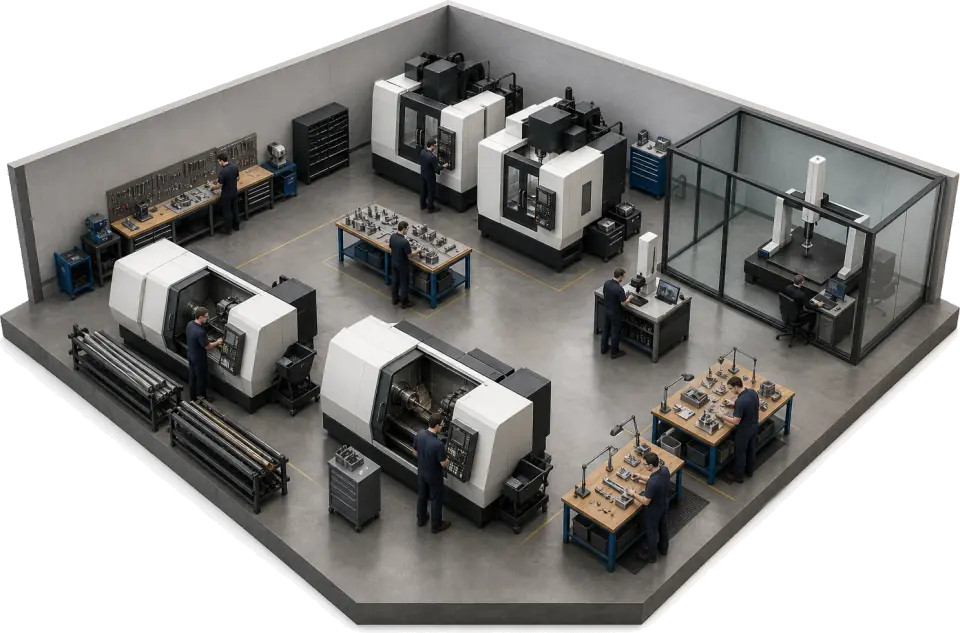
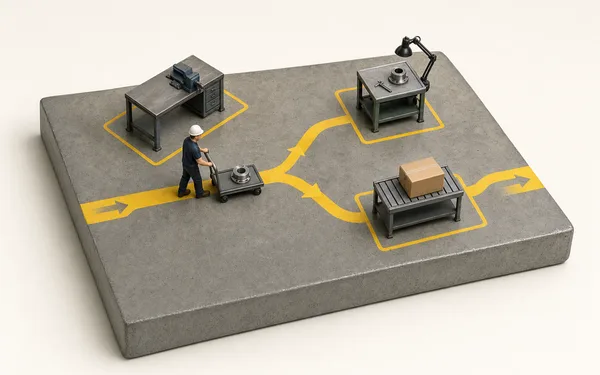
One live traveller carries the job across the saw, the lathe, the mill and the deburr bench. Each operation books the operator, the machine, the setup sheet revision and the time as it starts, so where a job is and what it has cost are one question rather than a walk round the shop.

  • Operator, machine and setup sheet revision recorded on every operation
  • Live job status and OEE by machine on the office screen and the wall TV
  • Actual time and cost per op against the quote
See routing
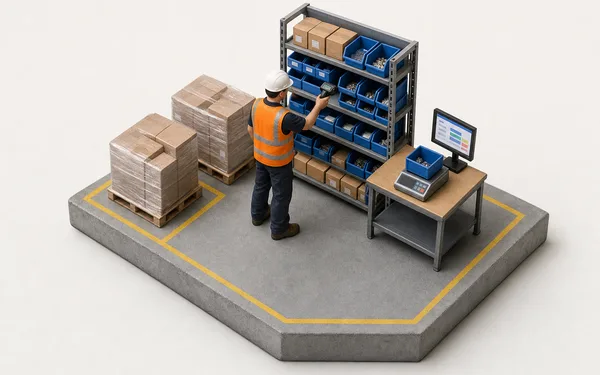
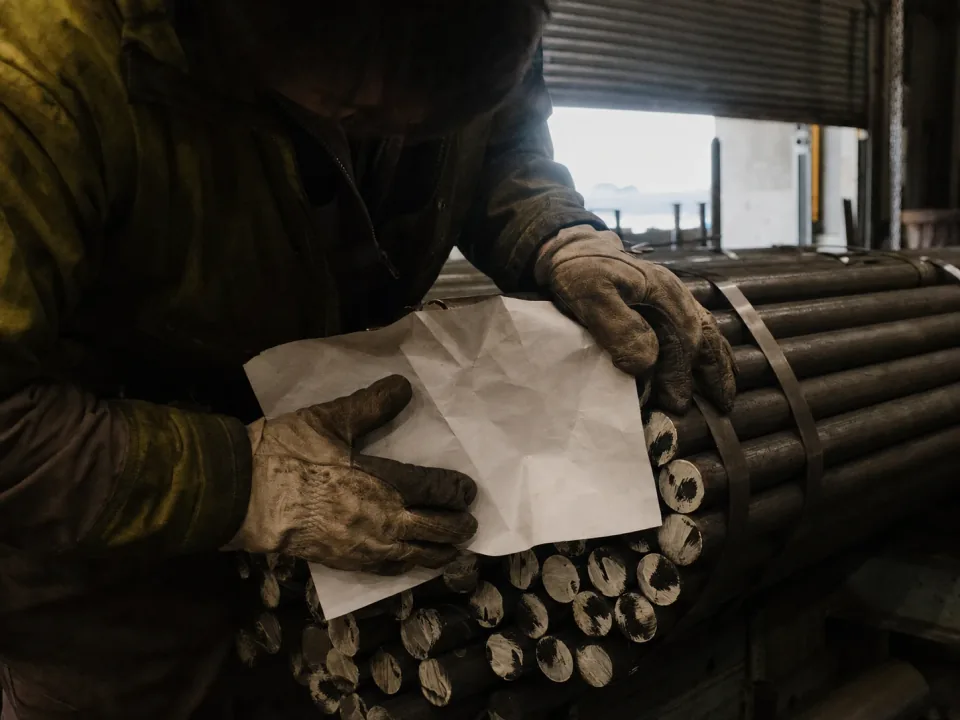
Operator checking stamped heat numbers on bundled bar stock in the stores

Heat numbers and material certs on the job

The heat or lot number goes in a custom field on the job and the material cert is attached to it as a file. Both stay with the job through every op, and the job grid searches by heat number, so a customer query or an AS9100 auditor starts from the jobs that carry that heat instead of an afternoon in the cert file.

  • Heat and lot numbers held as custom fields on the job and the order
  • Material certs, drawings and CMM reports attached to the job as files
  • Material used booked to the job by item, quantity and cost
See custom fields
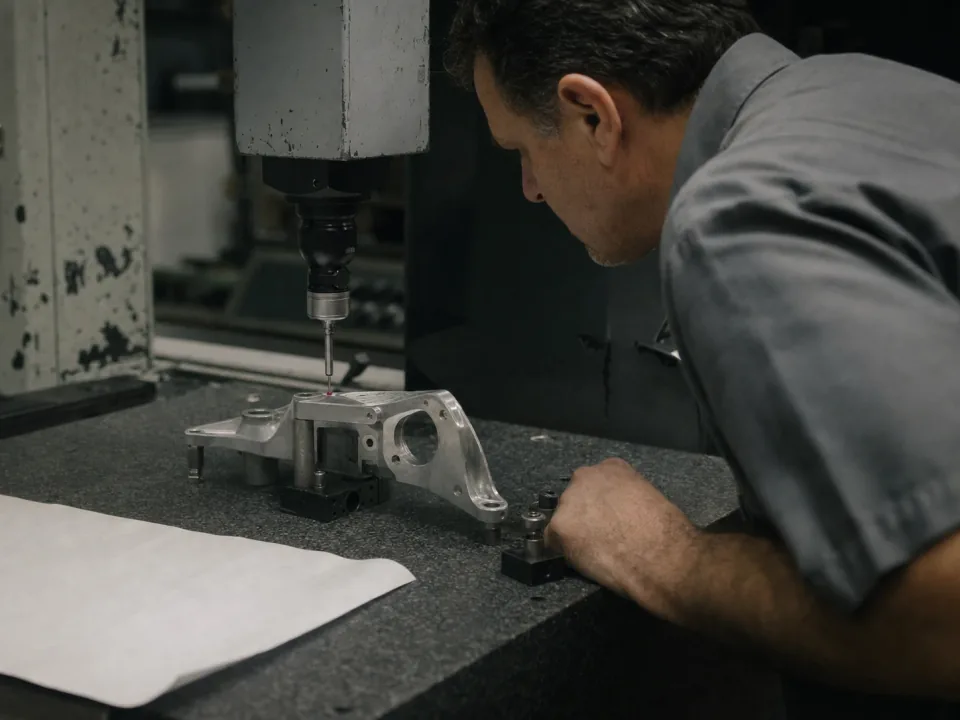
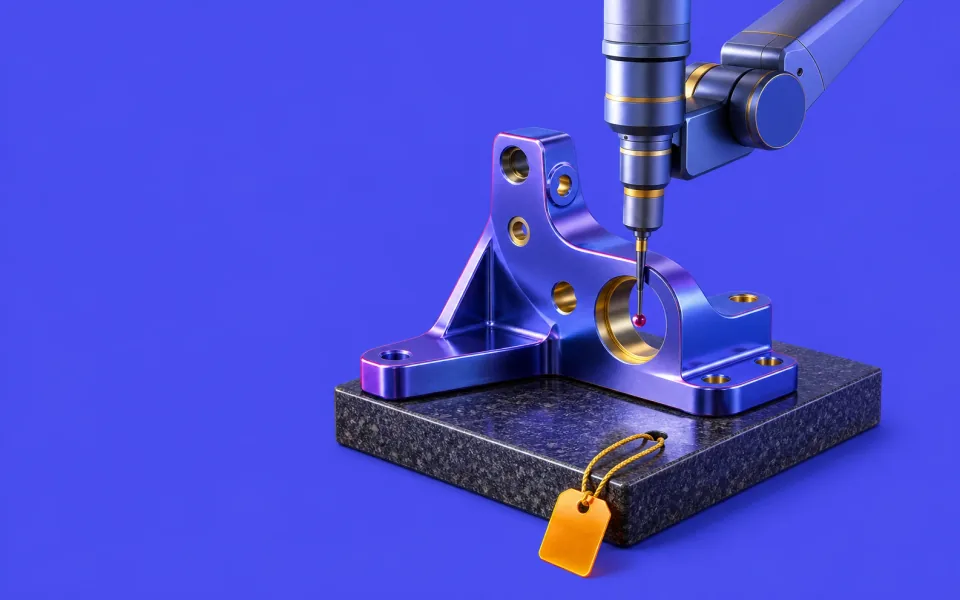
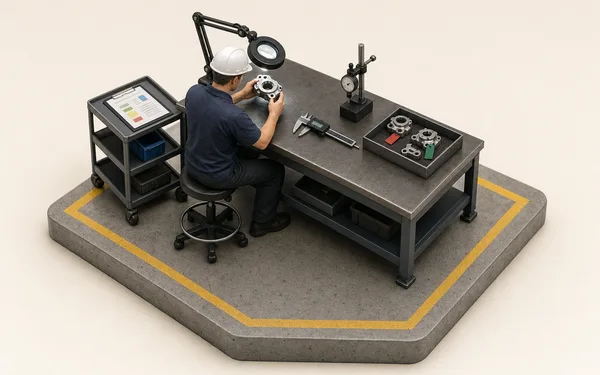
Inspector measuring a machined part on a CMM against a ballooned drawing

First article inspection on the job

The first-article check sheet is a form filled in on the job as each characteristic is measured, with the ballooned drawing and CMM report attached. An out-of-tolerance result raises a quality issue linked to the job, the op and the machine, and a quantity hold puts suspect parts in quarantine until they are released or scrapped.

  • First-article and in-process check sheets filled in on the job
  • Quality issues raised where the miss happens, with defect and quantity
  • Quantity holds with containment, released in full, in part or scrapped
See quality
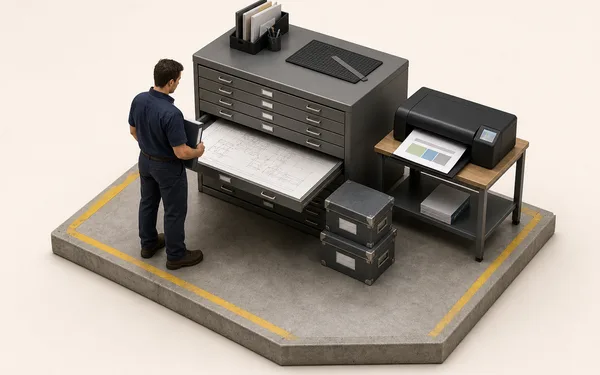
Quality engineer at a desk assembling a cert pack beside the shop floor

Quoting, scheduling and invoicing for the machine shop

The commercial loop an ERP usually owns runs in Bulk too. Quote the part from the routing, release it as a job, schedule it against real machine capacity and invoice it from the same record the machinists worked on. Stock is booked against the job that used it, so a shortage warns before Monday.

  • Machine shop quoting from the routing, with actuals fed back to the estimate
  • A live schedule across machines with a real date for the customer
  • Invoices and credit notes raised from the job, not a spreadsheet
See scheduling

From raw bar to invoice, one record.

Put the heat on the job

The heat number goes in a custom field on the job and the material cert is attached to it, typed once.

See custom fields
Material cert attached
  • Cert K31088.pdfEN 10204 3.1 · 2 pages
  • Heat no. (custom field)K31088
  • Billets6 × Ti-6Al-4V

Every job, on one screen.

−84%Time spent finding where a job is at Ashcombe Precision
+11 ptsOEE on the 5-axis cells in six months
0Re-keys between the traveller and the invoice
“A first article used to be a printout, a spreadsheet and a heat number biro'd on the job bag. Now the check sheet is filled in on the job with the material cert attached, and when a customer queries a heat number I search the jobs instead of trawling the job bags.”
AP
Danny Okafor, Quality ManagerAshcombe Precision Engineering — AS9100D subcontract machining

Questions, answered.

01

Is Bulk an ERP, an MES or job-shop software?

Both sides, on one record. A machining MES watches spindles and machine states; an ERP holds the order and the invoice but never sees the traveller. Bulk runs production tracking, multi-op routing, material usage and quality on the shop floor, and the commercial loop around it: the customer order, stock, invoices and credit notes. Install the apps you need one at a time; where you keep an accounts package, Bulk syncs both ways with it.

02

How does Bulk handle first article inspection and AS9102?

It records the first article; it does not build the report for you. The first-article check sheet is a form filled in on the job, with the ballooned drawing and CMM report attached as files. An out-of-tolerance result raises a quality issue linked to the job, op and machine. Bulk does not generate AS9102 Forms 1, 2 and 3 yet, but the evidence behind them sits on one job instead of across Word and Excel.

03

How do heat numbers and material certs work across a multi-op route?

The heat or lot number goes in a custom field on the job and the EN 10204 3.1 cert is attached to it as a file, so both travel with the job from op 10 to final inspection and the job grid searches by heat number. Material used is booked to the job by item with its cost. Bulk does not track heat lots or serial numbers in stock, so finding what used a heat means searching the jobs that carry it.

04

We already run machine monitoring or DNC — does Bulk replace it?

No. Keep your machine-monitoring or DNC system; Bulk runs the job, not the spindle. Where a system exposes cutting-time or utilisation data we can pull it into the OEE view, but Bulk's job is the traveller, the inspection record and the invoice around the machining, the record your customers and auditors ask for.

05

We do fabrication and welding as well — is there a page for that?

Yes — our metal fabrication & welding software page (/metal-fabrication-software) is the sibling to this one. It covers weld travellers, WPS and welder records, and heat numbers on the job for fab shops. Shops that do both machining and fabrication run one Bulk with both routes on the same floor; the two pages just speak the vocabulary of each trade.

06

How long does rollout take and what does it cost?

One part family end to end first, raw bar to invoice with its first-article record, proven on real jobs in weeks, then the rest follow on the same pattern. Never a big-bang cutover. Pricing is one per-site figure with every module included — no per-module upsell, hosting and rollout in the number. You can start with a free trial, no card needed.

Run one job through.