

Bulk

Injection moulding software. Every shot, every cavity, on record.

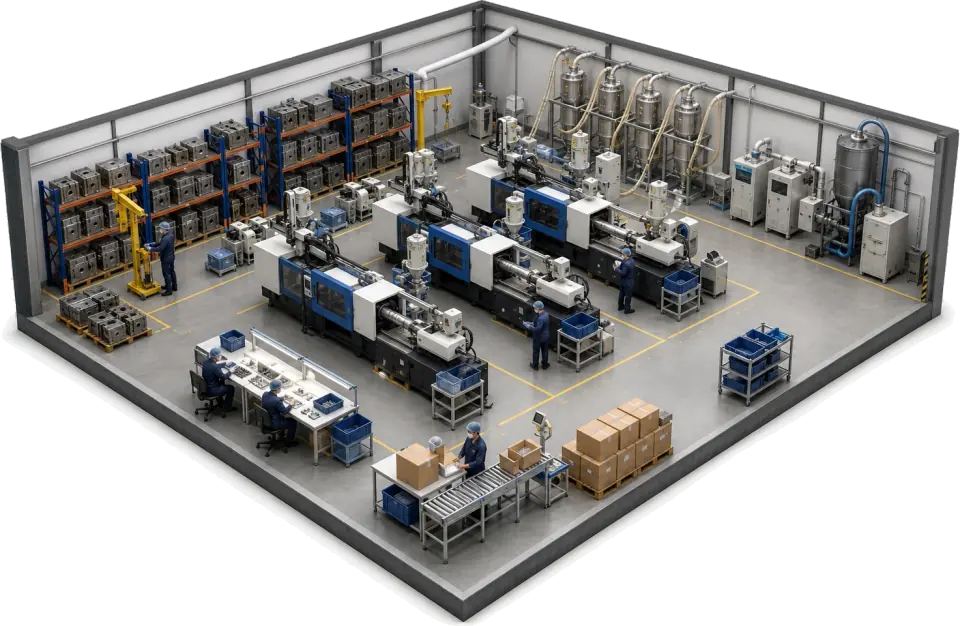
Bulk plans each run on tool, press and cavity count, then logs shots, downtime and per-cavity checks once as the press runs. A drifting impression is caught per cavity and raised as a quality issue on the job before it bleeds a week of scrap. Order to invoice on the same record.

Injection moulding software for every shot and every cavity.

Bulk is injection moulding production software for trade moulders: shot logs by press, tool and cavity, material usage by job, first-off approval and the order-to-invoice loop on one job record. It is not a mould flow or simulation tool. It runs beside them and beside your press controllers, and holds the record a customer or an auditor asks for.

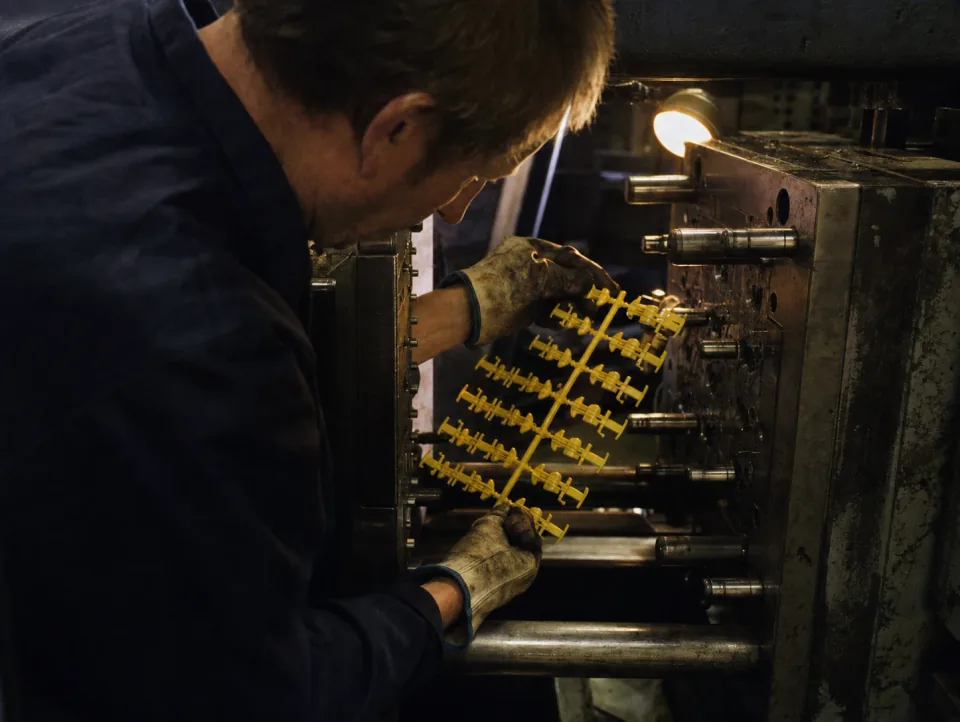
Setter checking a freshly ejected moulding at an open press platen

Production tracking by press, tool and cavity

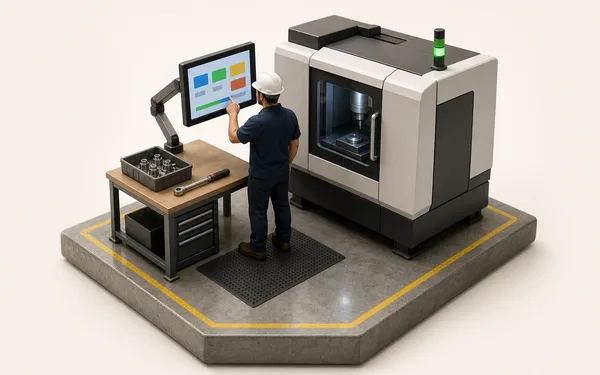
Every run is logged against the press, the tool and the cavities in it, with the setter, the process sheet revision and the shot count. Scrap gets an address, so a short shot on cavity 5 is a fact on the record rather than a guess at the end of the shift, and OEE by press shows on the wall TV.

  • Runs booked by press, tool, cavity and setter
  • Scrap and downtime with a reason, by cavity where it matters
  • OEE and shot count by press on the office screen and the wall TV

See production
Sacks of resin pellets and a masterbatch drum in a material store

Resin usage and certs on the job

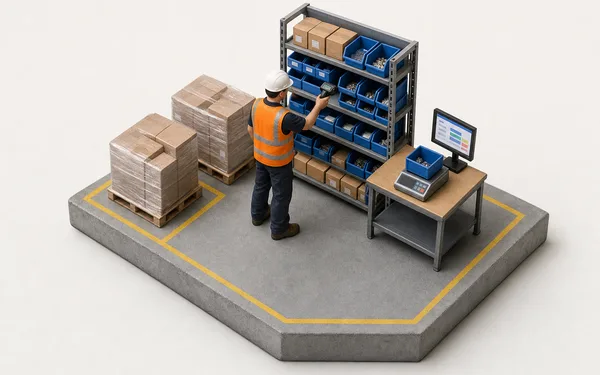
The resin, masterbatch and inserts a run used are booked to the job by grade, quantity and cost. Lot numbers sit in custom fields on the job and the supplier's cert is attached, so when an OEM asks about a suspect lot, the jobs that carry it are a search in the grid rather than a day in the delivery book.

  • Resin, masterbatch and inserts booked to the job with quantity and cost
  • Lot numbers in custom fields, searchable in the job grid
  • Supplier certs attached to the job or the order
See inventory
Operator writing on a clipboard shot log beside a running injection press

Shot logs, machine monitoring and OEE

Start on manual entry from the clipboard and bring press data in as you connect machines. Either way the shot log lands on the job, cycle time and downtime feed OEE, and the first-off approval with its weight and dimensions is on the run before production is released.

  • Manual or connected shot logging, on the same job record
  • First-off approval with weights, dimensions and photos on the run
  • Cycle time and downtime feeding OEE by press and tool
See OEE analytics
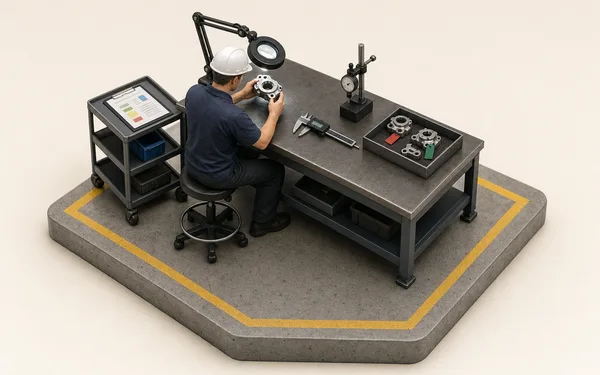
Quality technician weighing a moulded part on a bench scale

Quality checks, paperwork and invoicing on the job

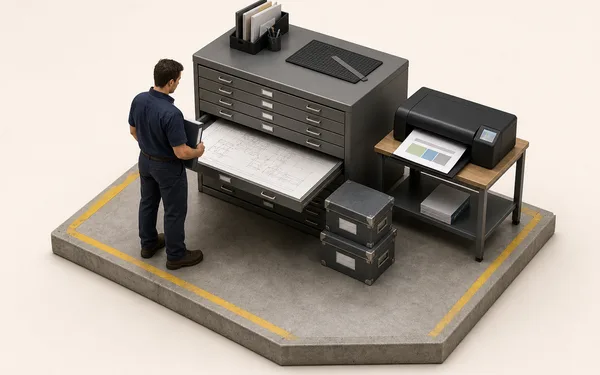
In-process checks are signed on the run with the reading and the gage. A failed check raises the NCR and puts the suspect quantity on hold until it is dispositioned. Travellers and box labels print from the job in your own layout, and the invoice is raised from the delivery on the same record, with nothing re-keyed into accounts.

  • In-process checks with readings on the run, NCR raised on a miss
  • Travellers, job sheets and box labels in your own layout
  • Invoices and credit notes raised from the delivery note
See quality

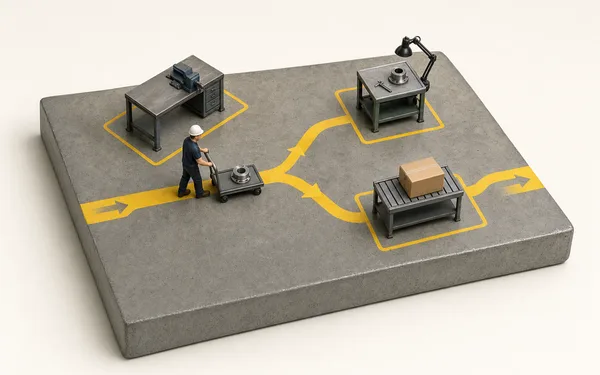
From resin to shipped part, one thread.

Receive the resin

Resin and masterbatch are received into stock by grade and quantity, with the delivery reference noted.

See inventory
Stock received
  • PP copolymer6 × 25 kg
  • MasterbatchMB-318
  • Reference #DN-44120

OEE you trust, scrap with an address.

−92%Time typing up shot logs at Dunmore Mouldings
0Re-keys between press and invoice
−27%Scrap across monitored tools
“A customer rang about a bad delivery on a Friday. Old way, that's my weekend gone in shot logs. In Bulk I had the run, the press, the setter and every check on it before the call ended. That's the difference.”
DM
Production Manager — Dunmore MouldingsInjection moulding — automotive & consumer

Questions, answered.

01

Is Bulk an MES or an ERP for injection moulding?

Both, and that's the point. An MES is machine-integration first — it wants sensors on every press before it does much. A plastics ERP holds the order and the invoice but never sees the press. Bulk runs the moulding floor — press and shot tracking, cavity checks, material usage by job, scheduling and OEE — and the commercial loop around it: the customer order, stock, invoices and credit notes on the same record, running on manual entry today and machine data as you add it. Install the apps you need one at a time.

02

Does Bulk track resin lots?

On the job, not in stock. A run is logged against its tool, press and cavity count, and the resin and masterbatch it used are booked to the job by grade, quantity and cost. Lot numbers go in custom fields on the job and the supplier's cert attaches to it as a file, so a lot number is a search in the job grid. Stock is held by grade, not by lot, and Bulk does not link lots to individual cavities or shipped boxes.

03

Does Bulk pull data straight from our presses?

Not directly. Bulk doesn't speak Euromap, OPC UA or MQTT to a press itself. A sensor gateway you run on the press or line posts on/off and numeric readings to Bulk over HTTPS, and they show as a sensor lane on the OEE timeline. Shot counts and cycles are entered by the setter or operator at the machine, and the same single-entry rule applies downstream.

04

Can we run SPC at cavity level?

Yes. Dimensional and process checks are recorded per cavity rather than per run, so a single drifting impression in a multi-cavity tool is caught before it bleeds a week of scrap. A failed first-off or an out-of-limit check raises an NCR on the same record, tied to the tool and cavity.

05

How does OEE work across a bank of presses?

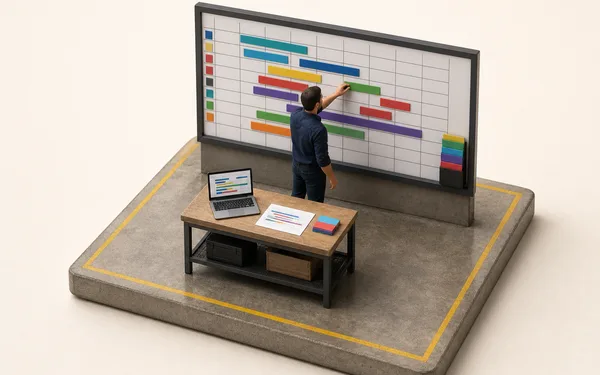
Availability, performance and quality are built from the downtime, cycle and reject data captured at each machine — so OEE is live per press and per tool, not a spreadsheet typed up a fortnight later. You can see which press is costing you and why, and decide where to send the maintenance hours.

06

What does it cost, and how long does rollout take?

One per-site price with every module included — no per-module upsell, hosting and rollout in the figure. Rollout is one tool end to end first: resin to shipped part, proven on real work in weeks, then the rest of the tools follow the same pattern. Never a big-bang cutover. You can start with a free trial, no card needed.

Run one tool through.