Bulk MES vs Tulip: build an MES, or configure one?
Tulip is a platform you build your MES on, with App Builders, partners or its services team doing the building. Bulk arrives as the MES, already built, and the people who run your production configure it to the floor. No build project, and no outside team learning your process.
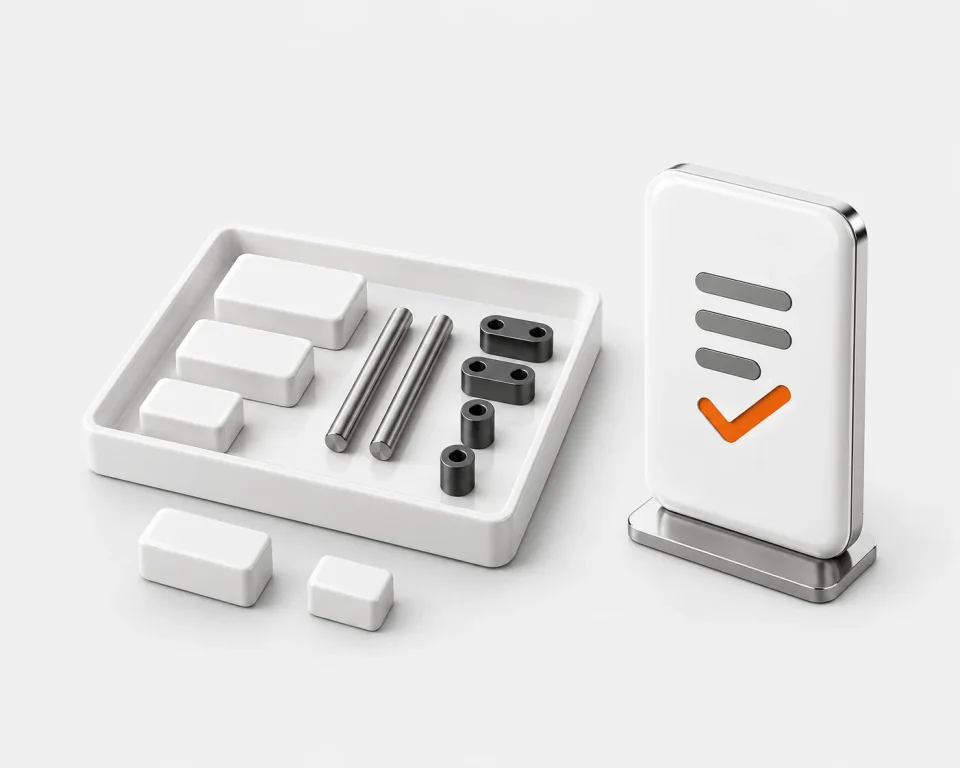
Tulip gives you parts to build with. Bulk arrives built.
The real difference is the work. On Tulip, someone learns to build, builds, and keeps building for as long as the floor runs. On Bulk, the MES already exists, and the people who run your production set it up to match the floor.
Tulip you build it
Train your App BuildersYour teamTulip University: 80+ lessons, two certification courses
JumpstartTulip Professional ServicesOne week on site
Proof of ValueTulip Professional ServicesUp to six weeks
Design and build the appsYour builders, or one of 60+ partnersOne showcase customer built over 90
Validate and deployYour buildersLive at a three-month average
Maintain, govern, retrainFor as long as you run itEvery process change is an app change
Bulk you configure it
We set up your workspaceBulk
Configure itYour production teamRoutings, fields, numbering, travellers, checklists
Run the floorEveryone on itReconfigure when the floor changes
Configure it yourself. Here's what that covers.
Production, quality, stock, documents and invoicing arrive built. What's left is shaping them to your floor, done by the people who know the line: no builder role, no certification course, no build project.
 Routings
Your process, step by step
Lay routings out on a drag-and-drop editor: steps, branches and rework loops, with versions, and an approval before a change goes live if you want one.
 Custom Fields and Naming Conventions
Your fields, your numbers
Add your own fields to orders, jobs, parts and customers, and set the number formats for orders, jobs and invoices.
 PDF Templates
Your travellers and labels
Lay out job travellers and labels on a drag-and-drop editor, with the barcodes and QR codes your floor scans.
 Audit Templates and Reasons
Your checks and reasons
Build checklists from scratch or copy one of 19 ready-made ones, and set your own downtime reasons, scrap categories and root causes.
 User Roles and Boards
Your roles and boards
Build roles from individual permissions, choose each person's sites, and put floor boards together from ready-made widgets.
We set up your workspace. After that, when the floor changes, someone on your team changes the configuration, not an app.See how configuration works
Two good tools. Different bets.
Tulip bets you'll invest in building. Bulk bets you'd rather configure what's already built, with your own people. Neither bet is wrong; they belong to different floors.
Pick Tulip when
Tulip shines when budget and engineering time aren't the constraint.
- You have the budget and the people to build, run and keep up your own apps
- You need native OPC UA, MQTT, edge hardware or computer vision
- You need validated GxP: Part 11, Annex 11, a validation pack
- A global, multi-site rollout with app governance
Pick Bulk when
You want the MES, not the toolkit: the modules exist, and your team shapes them to the floor.
- The people who run production should set it up, not an outside build team
- Nobody on your floor wants an app-builder job
- Routings, fields, travellers and checklists should be configured, not built
- Operators record at workstations, and machine sensors feed OEE
- The audit trail should exist without anyone configuring it
- Orders, jobs and invoices belong on one record
The platform vs the system.
Dimension by dimension. Tulip's side comes from its own published pages, and the rows Tulip wins say so as plainly as the rows Bulk does.
| Dimension | TulipFrontline operations platform | BulkPre-built MES |
|---|---|---|
| What you are buying | ||
| Product shape | A composable app platform: compose your MES from app suites and build guided workflows, terminals and dashboards on its data model. | A finished operator-entry MES: production, quality, inventory, documents and invoicing already built, then configured to your floor. |
| Who builds itBulk leads | Your App Builders, trained and certified through Tulip University, or one of 60+ implementation partners, or Tulip's Professional Services. The apps, and the skill to change them, are yours to keep up. | Nobody: the MES ships built. Your own production staff configure routings, fields, numbering, travellers, checklists and roles.How configuration works |
| Built for | Companies of all sizes, reaching up to global multi-site governance and regulated industries. | SMB discrete manufacturing and materials testing labs moving off paper and spreadsheets. |
| Where Tulip is ahead | ||
| Machine & edge connectivityTulip goes deeper | First-party and deep: OPC UA, MQTT, Node-RED, its own edge hardware and native computer vision. | Machine sensors linked to an asset send on/off and numeric readings to the OEE timeline through a sensor gateway, beside what operators record. No native OPC UA, edge hardware or computer vision. |
| Work instructionsTulip leads | Authors them: SOPs, photos and video become guided apps, accelerated with generative AI. | Shows steps and captures the record at the workstation. Bulk doesn't author instructions. |
| Validated GxP linesTulip leads | 21 CFR Part 11 / Annex 11 compliance, a validation pack and long-term support releases. | No validated-eQMS claim. For GxP pharma lines, Tulip is the safer pick. |
| The record & the defaults | ||
| Audit trailBulk leads | Record history and e-signatures are available as optional capabilities. | Written as the work happens, with nothing to switch on. Log entries can't be edited or deleted.Audit trail |
| One operations recordBulk leads | Apps share a common data model. The record is whatever you have composed on it. | Jobs, parts, tests and documents arrive already linked on one data thread.One data thread |
| Time to a running floorDifferent bets | First app live in hours or days; a three-month average for MES scope, by its own numbers. | Configuration, not a build programme. The modules already exist; your team sets up one workflow end to end and grows from there. |
| Beyond the floor | ||
| ERP relationshipBulk leads | Integrates with ERPs and enterprise systems, SAP and NetSuite connectors among them. | Holds the order-to-invoice loop itself: orders, jobs, stock, invoices and credit notes on one record. Syncs both ways where a plant keeps an ERP.Integrations |
Tulip details are drawn from its own published pages (tulip.co, tulip.co/platform, tulip.co/plans, tulip.co/solutions/composable-mes, tulip.co/platform/edge-connectivity), retrieved 2026-07-19. Tulip and all product names mentioned are trademarks of their respective owners. Bulk is not affiliated with or endorsed by Tulip. Spotted something out of date? Tell us and we'll fix it.
Run the bake-off, not the bake sale.
You don't have to take either vendor's word for it. Run one line through both candidates on your own orders, and let the record decide.
List what your travellers and trackers capture today

Run one line through both, on your own orders

Decide on the record each one kept
Let your own people set Bulk up
Have the person who runs the line add the fields, numbering and checklists your travellers carry, configured rather than built, while a Tulip pilot builds its first apps.
Give both the same week
Run the same orders through each. In Bulk, a customer's PDF purchase order can go through intake and become the production order and its jobs.
Bulk MES vs Tulip, answered.
Do we need consultants or an integrator to set up Bulk?
No. Bulk ships as a working MES. We set up your workspace, and from there your own people configure it: routings, custom fields, number formats, travellers and labels, checklists, downtime and scrap reasons, roles and boards. The person who knows the line makes the change. Tulip, by contrast, is built on: it has 60+ implementation partners and its own Professional Services for teams that want build help, though it also says its Library apps can be configured without outside help.
Is Tulip an MES?
Tulip positions it as a composable MES: you assemble MES capability from app suites in the Tulip Library and configure it to your process, and its own MES-scope implementation average is three months. It is a real MES option. The difference is that you build it, while Bulk ships as a finished operator-entry MES your own team configures.
Is Bulk a Tulip alternative?
For SMB discrete manufacturers and materials testing labs that want an MES their own production staff can configure, with an audit trail written as the work happens: yes, without staffing an app-building function or hiring a build partner. If you need deep machine and edge data capture, in-house app authoring, or validated GxP compliance, Tulip is the stronger fit and we would say so.
Does Bulk connect to machines like Tulip does?
Yes, through machine sensors, though not as deep. Sensors linked to an asset send on/off or numeric readings to Bulk through a sensor gateway over HTTPS, shown as a sensor lane on the OEE timeline beside what operators record (starts, stops, counts, checks). Tulip goes further: native OPC UA and MQTT, its own edge hardware and computer vision. If you need that depth, Tulip is the stronger pick.
Which is better for a small factory: Bulk or Tulip?
It depends on who will do the setup. Tulip rewards a team that will learn to build and maintain apps, or that brings in a partner to do it: it trains App Builders through its university, and one showcase customer built over 90 apps. If you would rather your production manager and quality lead shape the system than build one, Bulk is the finished MES: set up routings, fields, numbering and checklists to match how you already work, and start the floor on one workflow end to end.
Do Bulk or Tulip replace your ERP?
Tulip does not: it integrates with ERPs and enterprise systems. Bulk can: it holds the commercial loop an ERP usually owns, from the customer order through jobs and stock to invoices and credit notes, on the same record as the floor, and syncs both ways where a plant keeps one.
Can Bulk author work instructions like Tulip?
No. Tulip authors work instructions: turning SOPs, photos and videos into guided apps is one of the things it is genuinely best at. Bulk renders steps at the workstation and keeps the signed record of what happened; the instruction PDFs your team writes attach to each process revision and open at the station for the jobs loaded there.
Configure it yourself. Then judge which fits.
Start a free trial and set Bulk up on the travellers, trackers and checks you run today, with no build project. If machine data or GxP validation leads your list, Tulip may be the better fit. No card needed.