


Bulk

Food and beverage manufacturing software. CCP checks on the batch.

Bulk runs each batch as a job, with operator, line and time on every step, the CCP check sheet filled in on the job and the ingredients used logged with their cost. A reject opens a quality issue on the batch and a hold contains the quantity, so the evidence an auditor asks for is already on the record. Order to invoice on the same record.

Food manufacturing software with HACCP checks on the batch.

Bulk is food and beverage manufacturing software for small and mid-sized producers: batch jobs, HACCP check sheets, quality holds and the order-to-invoice loop on one batch record. It is not a laboratory system. It runs beside your lab and holds the record an audit asks for.

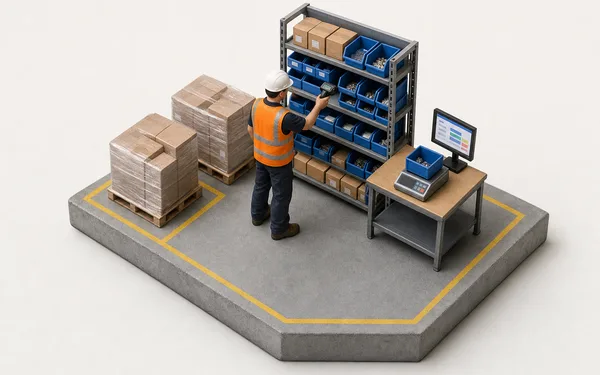
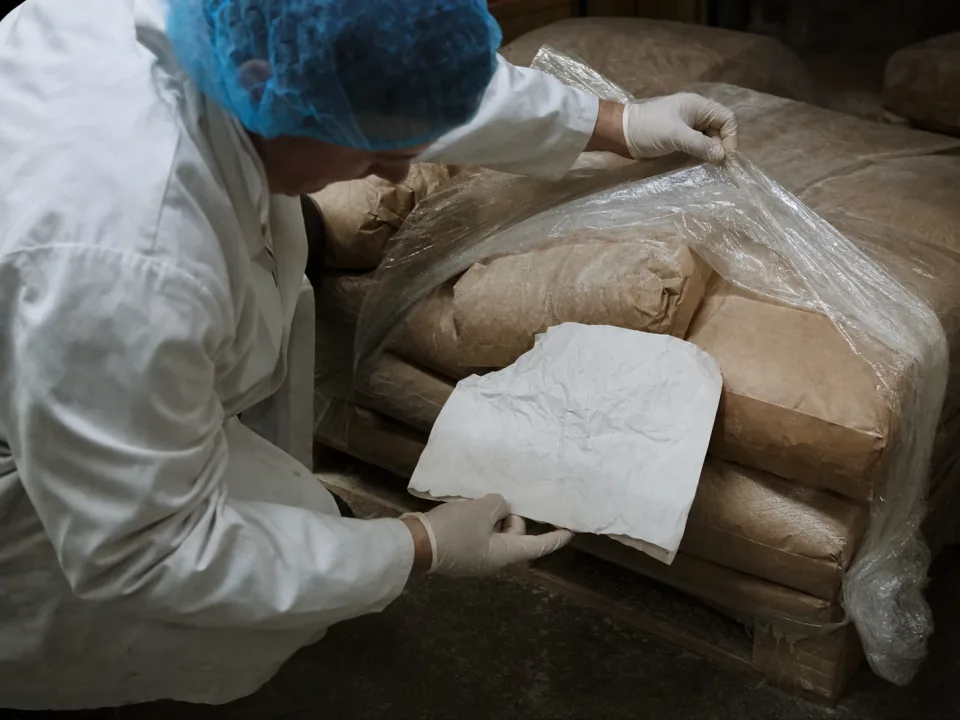
Operator checking sacks of ingredients stacked in a receiving bay

Ingredient usage and inventory

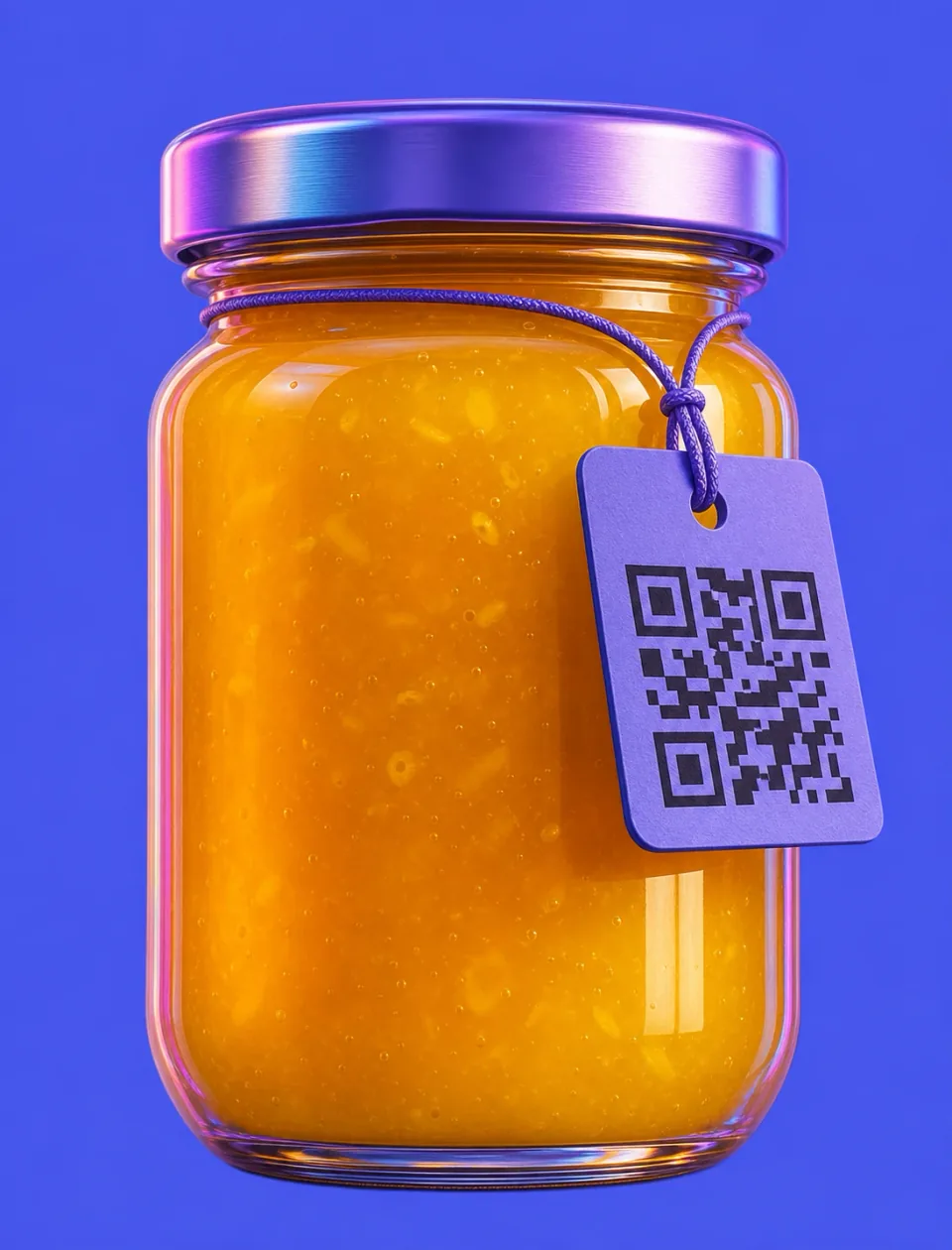
Operators log the ingredients and packaging a batch used at the station, by variant and quantity, and Bulk keeps the cost with it. Stock is one balance per variant per site, with low-stock alerts. A supplier lot reference fits in a custom field on the batch and the certificate of analysis attaches to it, both searchable in the grid.

  • Ingredients and packaging logged on the batch by variant, quantity and cost
  • Balances per site with low-stock alerts by email or a daily digest
  • Supplier lot references and CoAs kept on the batch, searchable in the grid
See inventory
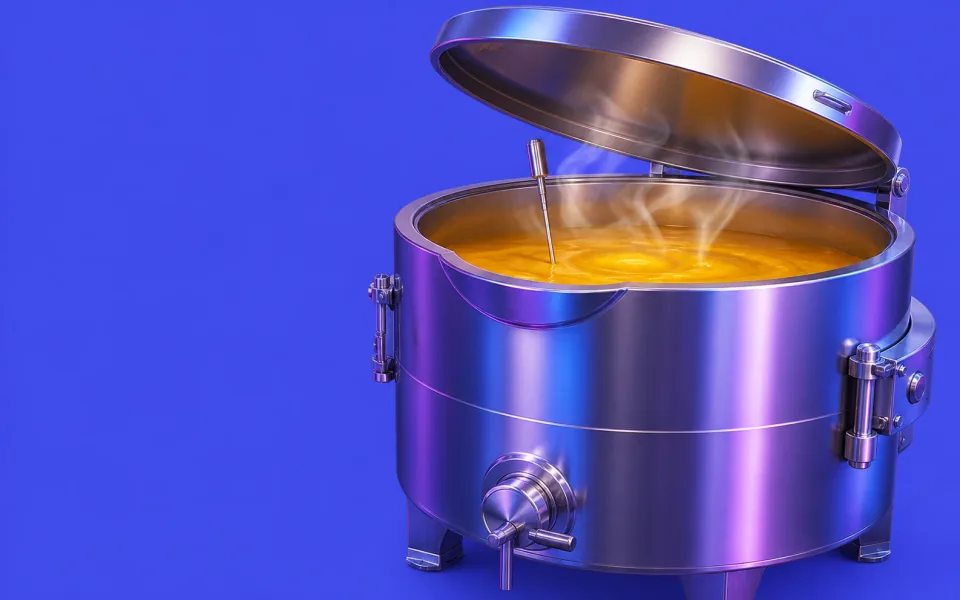
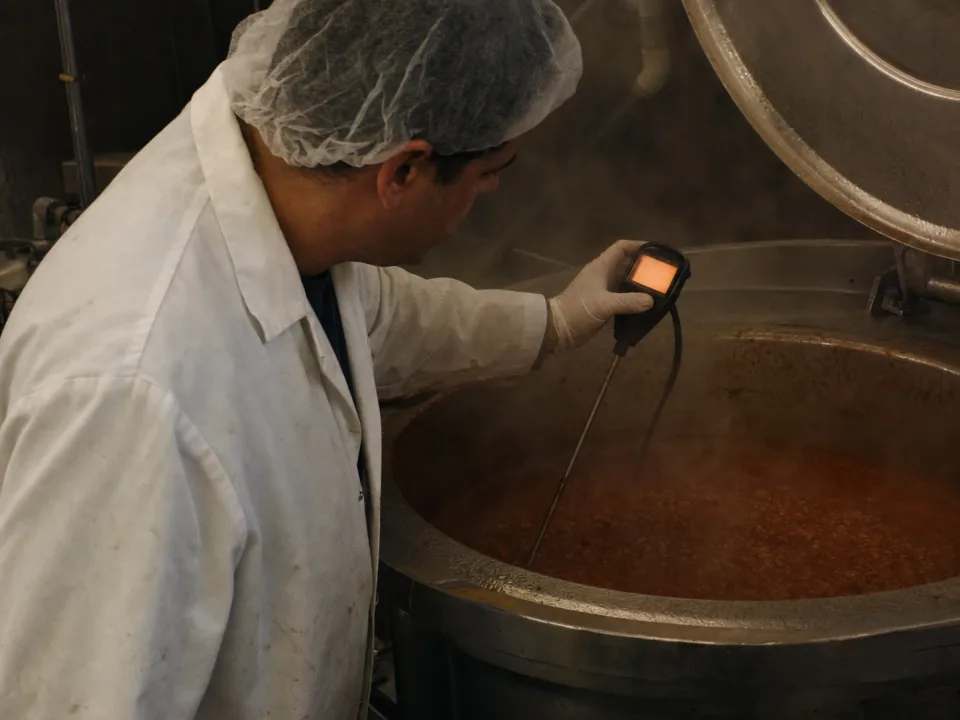
Operator taking a probe temperature reading from a cooking kettle

HACCP and CCP checks on the batch

Critical control points are recorded where they happen, on check sheets linked to the batch job: the probe temperature at the kettle, the metal detector test piece on the line, the cold store reading. A reject logged on the step opens a quality issue, a hold contains the quantity, and the evidence stays on the batch for the auditor.

  • CCP check sheets on the batch, with the step's operator, line and time
  • A reject opens a quality issue linked to the job, step and line
  • Holds contain the quantity and are released in full, in part or scrapped
See quality
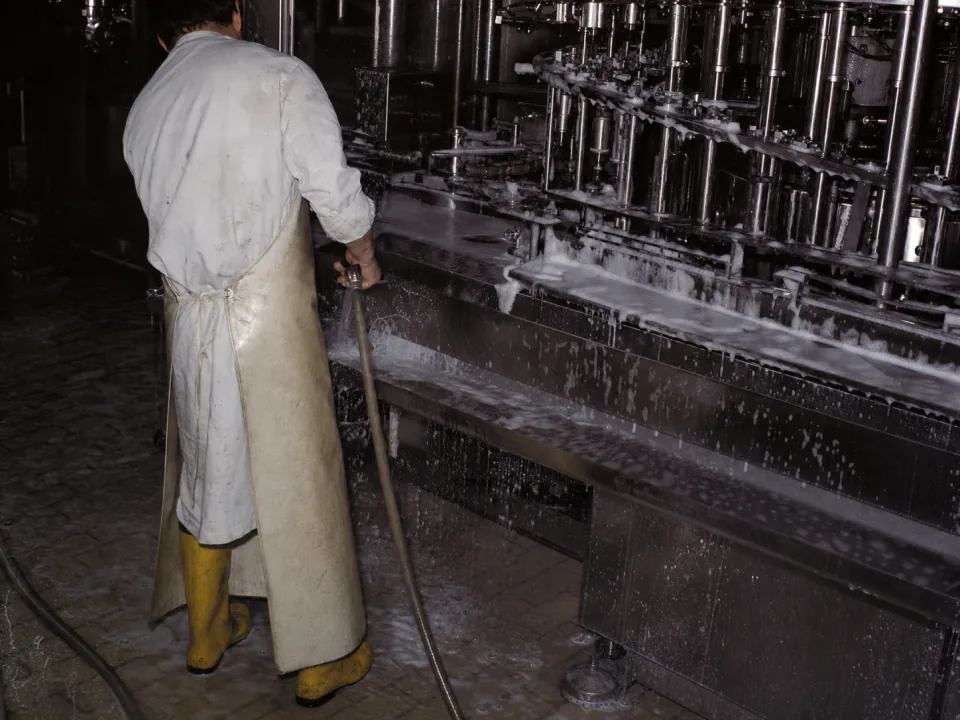
Operator washing down a stainless filling line between products

Allergen changeovers and cleandown sign-off

The changeover and cleandown between products run as a checklist against the line, with who did it, what was swabbed and a photo or signature where the template asks for one. The sign-off is on the record rather than in one supervisor's memory, and the schedule shows which product runs next on each line.

  • Cleandown and swab checklist run against the line, with photo and signature
  • A failed item can require a comment or photo before the checklist moves on
  • Changeover history kept on the record for the auditor
See audits
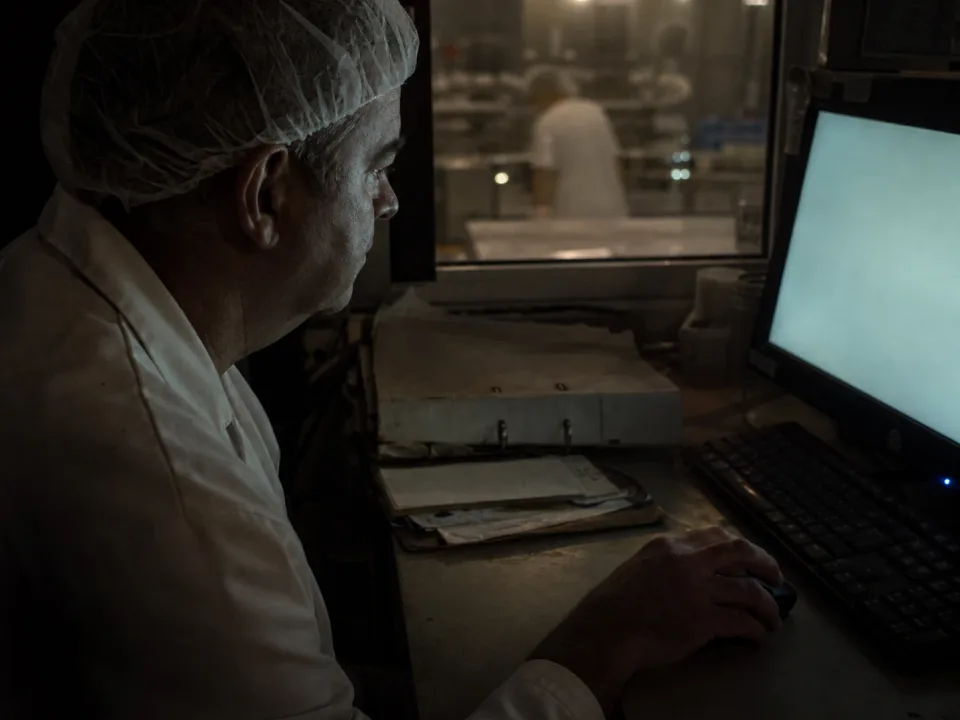
Technical manager at a desk terminal overlooking a packing line

Food manufacturing ERP on the same record as the batch

The commercial loop an ERP usually owns runs in Bulk too. Take the order, plan the batches against line capacity, log the ingredients each batch used and invoice the finished batches from the same record. Nothing is re-keyed between the technical office and accounts.

  • Orders turned into scheduled batches with a real delivery date
  • Ingredient and packaging usage logged on the batch with its cost
  • Invoices and credit notes raised from the finished batches
See invoicing

From the kettle to the invoice, one thread.

Log the ingredients

The ingredients a batch used are logged at the station by variant and cost; the supplier lot sits in a custom field.

See inventory
Batch 4810 materials
  • Flour, 25 kg sack24 sacks
  • Supplier lot (custom field)FL-2291
  • COA FL-2291.pdfAttached to batch

Every batch. On one record.

0Batch sheets re-typed into the office at Wrenfield Foods
Same dayInvoice raised from the finished batches
99.4%Right-first-time at final QC release
“The batch sheet used to be written at the line, typed up by the office and keyed again for the invoice. Now the operator, the check sheet and the ingredients used are on the batch as it runs, and a failed check shows up as an issue the same shift. The BRCGS audit went from a fortnight of prep to an afternoon.”
WF
Technical Manager — Wrenfield FoodsFood & beverage — chilled ready meals & sauces

Questions, answered.

01

Is Bulk an MES or an ERP for food and beverage?

Both, on one record. An MES assumes an integrator and a PLC network; an ERP holds the order and the invoice but never sees the batch. Bulk runs each batch as a job, carries the CCP check sheets and quality holds and keeps the audit record on the plant floor, and runs the commercial loop around it (the customer order, stock, invoices and credit notes) on the same record. Install the apps you need one at a time; where you keep an accounts package, Bulk syncs both ways with it.

02

Does Bulk track ingredient lots and best-before dates?

Not in stock. Bulk records the ingredients and packaging each batch used by variant, quantity and cost, and counts stock as one balance per variant per site. It does not hold lot numbers or best-before dates on stock or link lots from one batch to another. A supplier's lot reference can be kept in a custom field on the batch and the certificate of analysis attached as a file, both searchable in the job grid.

03

Does it capture HACCP and CCP evidence?

Yes. CCP check sheets, metal-detector checks, temperatures and QC results are filled in on forms linked to the batch job, with who did it and when. A reject logged on the step opens a quality issue linked to the job, step and line, and a quality hold contains the quantity while it is decided. Quality issues are generally available; holds, NCRs and CAPAs are in beta.

04

Will it help with a BRCGS or SALSA audit?

It helps. The CCP check sheets, quality issues, holds and audit checklists an auditor asks about sit on the same live record as the batch, so preparing for a BRCGS, SALSA or customer audit starts from a search rather than a fortnight of reconstruction. Bulk does not certify you; the standard is still yours to meet.

05

Can Bulk replace our ERP or accounts system?

For the plant, yes. Bulk holds the commercial loop an ERP usually owns — the customer order, stock, dispatch, invoices and credit notes — on the same record as the batch. Install the apps you need one at a time; where you keep an accounts package, Bulk syncs both ways with it. Rollout is one workflow end to end, never a big-bang cutover.

06

How long does rollout take?

One product end to end first, from the order to the invoice, proven on real batches in weeks. Then the rest of your lines follow on the same pattern. Your team shapes the configuration around your HACCP plan and your plant, not a template, and you can start with a free trial.

Run one batch through.