Bulk MES vs QAD Redzone: coach the crew, or run the order?
QAD Redzone coaches the crew: OEE, line-side checks and daily huddles, rolled out by a coach on your floor. Bulk MES runs the whole order around the line, from the customer's purchase order through jobs, quality and stock to the invoice, on one record.
One order, two scopes.
Follow one customer order from the purchase order to the invoice. Redzone goes deeper on the line and the crew than Bulk does. Bulk runs every stop around it, on the same record.
Customer PO
QAD Redzone: Arrives through your ERP
Bulk MES: Intake reads the PDF or scanned PO
Production order
QAD Redzone: Schedules imported from your ERP
Bulk MES: Approved, it becomes the order
Jobs & routing
QAD Redzone: Not positioned on its pages
Bulk MES: Jobs created with their routing
Station work
QAD Redzone: Real-time OEE, huddles and coaching
Bulk MES: Timer, counts, steps and downtime reasons
Quality
QAD Redzone: Line-side checks, HACCP to GMP
Bulk MES: Issues, holds, NCRs, CAPA and 8D
Stock
QAD Redzone: Parts levels seen through your ERP
Bulk MES: Consumables used per job, with cost
Invoice
QAD Redzone: Left to your ERP
Bulk MES: Invoices and credit notes on the order
Beyond the huddle, the whole order.
What Bulk MES runs on the line and around it, installed one app at a time. Each part is in Bulk today, and your own team configures it to the floor.
 Production
Jobs with their routing
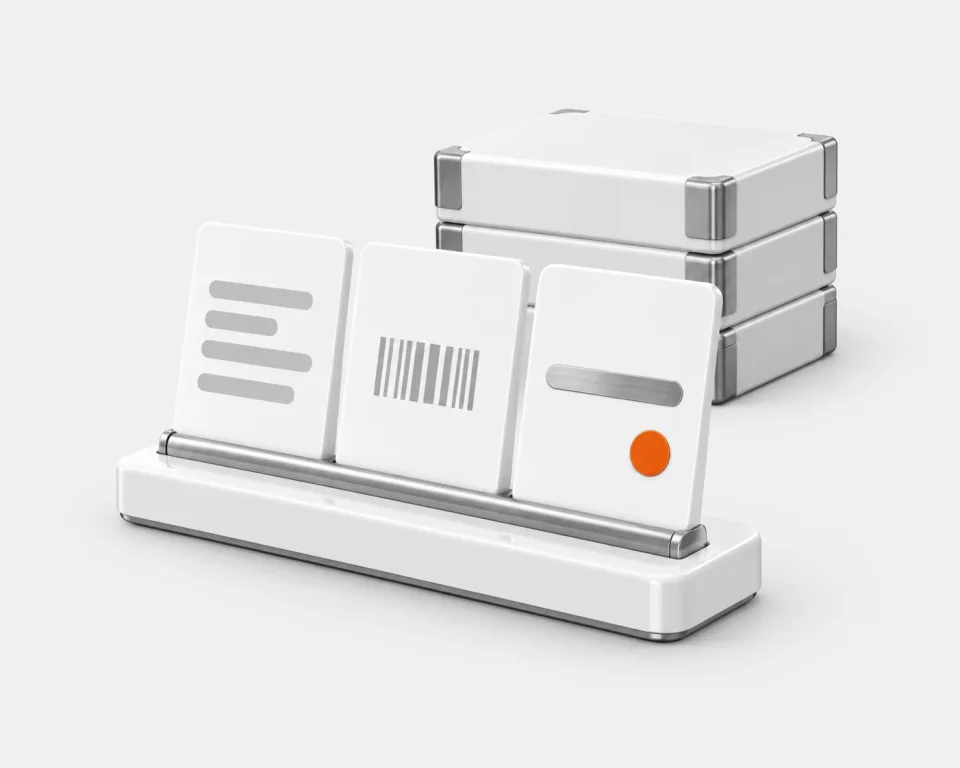
A customer's purchase order becomes the production order and its jobs, each with its routing. Travellers carry a barcode or QR code the station scans.
 OEE analytics
OEE from the work itself
Pausing the timer opens downtime with a reason, booked as availability, performance or quality loss. Asset-linked sensors add their own lane to the timeline.
 Teamboards
The board for the huddle
SQDCP or your own columns. Colour rules on KPIs or daily audits paint each day, and actions raised at the board become tasks.
 Audits
Checks on a schedule
The Shift Handover Report runs as a daily checklist, and pre-use checks can block a station until they pass.
 Fulfilment & invoicing
Out of the door, onto the invoice
Fulfilment and invoicing stations load whole orders. Jobs that reach the invoicing step go onto an invoice, and credit notes follow it.
Where you keep an accounts package or an ERP, Bulk syncs both ways with it. Dynamics 365 is live today.See the integrations
Two different jobs. Pick the one you have.
Redzone is built to change how crews run the line. Bulk is built to run the order around the line. Most plants need one more than the other.
Pick Redzone when
Redzone shines when culture change across many sites is the goal.
- You want coaches on your floor for 90 days, running kaizen with your crews
- You run several plants, especially in food, beverage or consumer goods
- You need HACCP, SQF or BRC checks in the operator workflow
- You want a CMMS and a frontline LMS from the same vendor
- OEE analysis by line, shift and product is the priority
Pick Bulk MES when
You want one system from the customer order to the invoice, set up by your own team.
- Paper travellers and spreadsheet trackers are the problem
- Customer purchase orders should become jobs without retyping
- Quality needs numbered NCRs, CAPAs and 8D reports with owners
- Stock used, invoices and credit notes belong on the same record as the work
- OEE should come from the jobs your operators run
- You want to start with one workflow end to end, then add apps
The crew platform vs the order system.
Dimension by dimension. Redzone's side comes from its own published pages, and the rows Redzone wins say so as plainly as the rows Bulk does.
| Dimension | RedzoneConnected workforce platform | BulkOrder to invoice |
|---|---|---|
| What you are buying | ||
| Product shape | A connected workforce platform in four modules (Productivity, Compliance, Reliability, Learning) with an AI layer, delivered with on-site coaching. | One system from the customer order to the invoice: intake, jobs and routings, the operator terminal, quality, stock and invoicing, installed one app at a time.One data thread |
| Built for | Enterprise manufacturers across multiple sites and regions, by its own FAQ, heaviest in food and beverage and consumer goods. | Small and mid-sized discrete manufacturers and materials testing labs moving off paper and spreadsheets. |
| Where Redzone is ahead | ||
| Coaching & cultureRedzone leads | Coaches from the shop floor embedded for 90 days, running kaizen events and 5 Whys sessions. Engagement is part of the product. | Software only. No coaching service. |
| MaintenanceRedzone leads | A CMMS built on a TPM platform, its Reliability module. | Maintenance audits, and pre-use checks that can block a station until they pass. No CMMS. |
| Frontline trainingRedzone leads | A frontline LMS, with training tied to daily tasks. | A skills matrix and training records with expiry dates. Bulk records training; it does not deliver lessons.Skills matrix |
| Food-safety complianceRedzone leads | HACCP, SQF, BRC, ISO and GMP checks embedded in operator workflows. | Audits and pre-use checks from your own templates. No food-safety templates in the library. |
| OEE & analyticsRedzone goes deeper | Real-time OEE for every line, shift and product, with Pareto, 5 Whys and fishbone tools and a customisable analytics platform. | OEE from the timer: a pause opens downtime with a reason, and asset-linked sensors add a lane to the timeline.OEE analytics |
| How each one runs | ||
| RolloutDifferent bets | A 90-day coaching program: a coach deploys to your floor in week one and directs the configuration. | Bulk sets up your workspace, then your own team configures one workflow end to end before adding the next. |
| Daily huddleBoth strong | Huddles and continuous-improvement routines built in. | Teamboards with SQDCP or your own columns, coloured by rules on KPIs or daily audits, with actions as tasks.Teamboards |
| Quality workflowsDifferent bets | A digital QMS with line-side checks built into QA and operator workflows. | Quality issues, holds, NCRs, CAPAs and 8D reports: numbered records with owners, dispositions and the job they came from.Quality & NCR |
| The order around the line | ||
| Orders & jobsBulk leads | Production schedules imported from your ERP. Work-order or traveller execution is not positioned on its published pages. | A customer's PDF or scanned purchase order goes through intake and becomes the production order and its jobs, each with its routing.Inbound & OCR |
| Inventory & materialsBulk leads | Parts inventory levels seen through its ERP integration; no inventory module on its published pages. | Consumable stock per variant and site, with what each job used and its cost. No lot, batch or serial tracking.Inventory |
| Beyond the floor | ||
| ERP relationshipBulk leads | Integrates with ERPs to import schedules and reconcile end-of-run reports, and calls itself a system of action beside them. | Holds the order-to-invoice loop itself: orders, jobs, stock, invoices and credit notes on one record. Syncs both ways where a plant keeps an ERP.Integrations |
Redzone details are drawn from its own published pages (rzsoftware.com, rzsoftware.com/product, rzsoftware.com/product/productivity, rzsoftware.com/coaching, rzsoftware.com/faq, rzsoftware.com/about-us), retrieved 2026-07-19. Redzone, QAD and all product names mentioned are trademarks of their respective owners. Bulk is not affiliated with or endorsed by Redzone. Spotted something out of date? Tell us and we'll fix it.
Test it on your own plant.
Name the problem first, then run the same week of orders through each candidate.
Name the problem: the crew, or the order
Follow one order from the PO to the invoice in each

Pick the one that fits the job
Start Bulk on one workflow
Have the person who runs the line set up the routing, fields and checklists one workflow needs, configured rather than built, and run it end to end before adding the next.
Give both the same orders
In Bulk, a customer's PDF purchase order can go through intake and become the production order and its jobs. Note where each candidate needs another system.
Bulk MES vs QAD Redzone, answered.
What is Redzone manufacturing software?
Redzone is a connected workforce platform that helps production, quality and maintenance teams work together in real time. It has four modules: Productivity (real-time OEE dashboards), Compliance (a digital QMS with line-side checks), Reliability (a CMMS built on TPM) and Learning (a frontline LMS), plus an AI layer called ChampionAI, and it is rolled out with on-site coaching.
Who owns Redzone software?
QAD acquired Redzone on 1 February 2023, and QAD is owned by the private equity firm Thoma Bravo. The company now brands itself QAD Redzone. Redzone launched with its first customers in 2013 and is headquartered in Miami, Florida.
What is the Redzone program?
Redzone's 90-day coaching program. In the first week a coach deploys Redzone to your floor and captures baseline OEE; from day 8 to day 60 the coach works with your team on kaizen events, 5 Whys sessions and supervisor coaching; the last month sustains the gains and ends with a Town Hall where operators present their wins.
Is Redzone a CMMS?
It includes one: its Reliability module is a CMMS built on a TPM platform, alongside Productivity, Compliance and Learning. Bulk has no CMMS. It runs maintenance audits and pre-use checks that can block a station until they pass, so a plant that needs maintenance work orders and spare parts should weigh Redzone, or a dedicated CMMS.
Is Bulk MES a Redzone alternative?
For a different problem. A multi-site food or consumer-goods group that wants coached culture change, a CMMS and food-safety checks is who Redzone is built for. If your trouble is the order itself (paper travellers, spreadsheet trackers, quality records, stock and invoicing kept in different places), Bulk MES is one system from the customer order to the invoice, set up by your own team.
Do Redzone or Bulk replace your ERP?
Redzone does not: it integrates with ERPs to import production schedules and reconcile end-of-run reports, and calls itself a system of action beside them. Bulk can: it holds the commercial loop an ERP usually owns, from the customer order through jobs and stock to invoices and credit notes, on the same record as the floor, and syncs both ways where a plant keeps one.
How do Bulk and Redzone measure OEE?
Redzone tracks real-time OEE for every line, shift and product, with built-in Pareto, 5 Whys and fishbone tools and a customisable analytics platform. In Bulk, OEE comes from the work itself: pausing the timer opens downtime with a reason, booked as availability, performance or quality loss, and asset-linked sensors add their own lane to the timeline. Redzone goes deeper on analysis; Bulk ties the figure to the job that ran.
Run your lines on it. Then judge which fits.
Start a free trial and set Bulk up on the lines, travellers and checks you run today. If coaching or maintenance leads your list, Redzone goes deeper. No card needed.