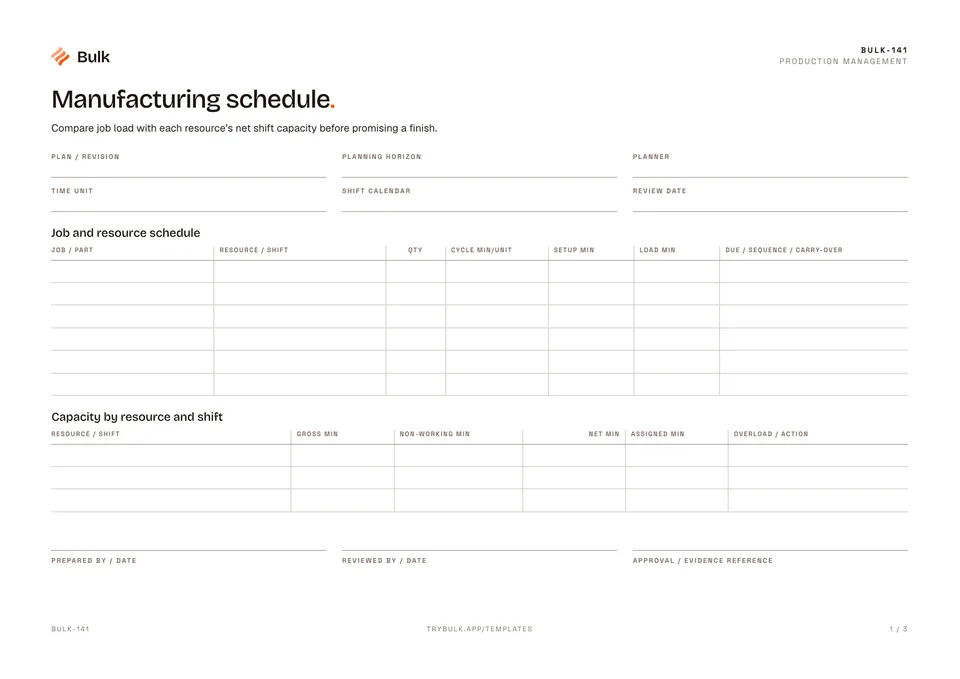
 Manufacturing scheduleCompare job load with each resource’s net shift capacity before promising a finish.
Work Order Form
Confirm the released revision, customer requirement, quantity and due date.
What it's for
This free work order template releases one job, production or maintenance, and records what happened against it until it is signed off. Use this work order form to keep the working record, its evidence and follow-up together. Confirm the released revision, customer requirement, quantity and due date. Make the distinction between production work and maintenance work explicit.
What you can download
The PDF contains the original blank form, followed by a completed fictional example and a separate instructions page. Print only the blank pages for use at work; keep the example and guide as references. The download is free; enter your email to receive a secure link valid for seven days. Product-news consent is optional.
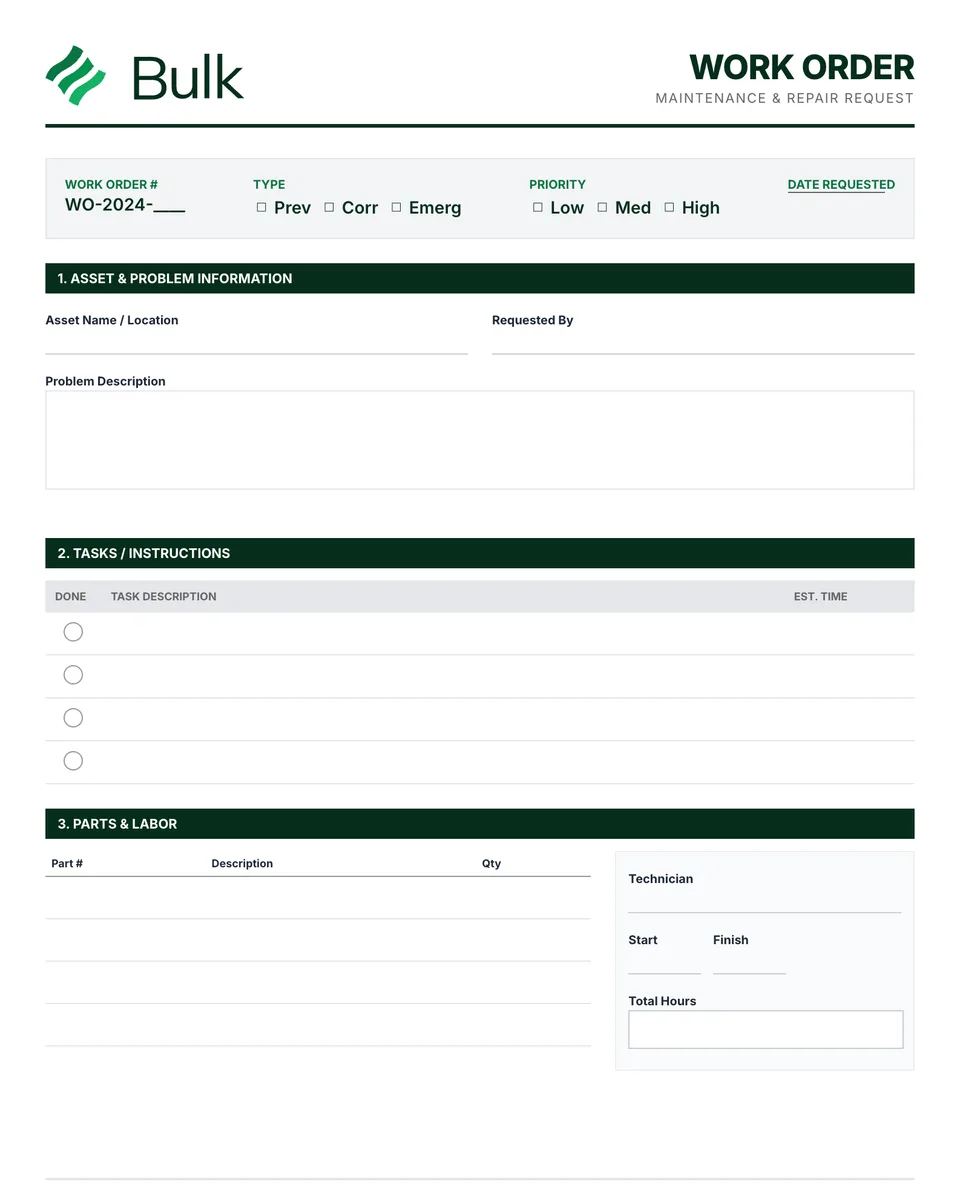
The blank work order is a single A4 page. The header records the work order number, revision, requester, date requested, who released it and when. Tick boxes set the type (Production, Preventive, Corrective or Emergency) and priority (Low, Medium or High) beside the due date. Job details cover the customer, part number and description, quantity required, asset or location and a job or problem description. Below that sit the routing and tasks table (operation number, description, work centre or team, target cycle time in seconds, estimated hours, done), the materials, parts and tooling list with lot or batch numbers, and progress checkpoints for start, two pause-and-resume pairs and completion, each with a time, signature and reason. The foot records the quality result, completed, scrap and rework quantities, total hours, downtime and completion date, with sign-off by the person who completed it, quality and the supervisor or requester.
Production vs maintenance work orders
A production work order authorises making a quantity of a part to a released revision. The fields that matter are the customer, part and revision, the routing, the materials and their lots, and the reconciliation of good, scrap and rework quantities at the end.
A maintenance work order authorises work on an asset: preventive tasks from a plan, corrective repairs or an emergency breakdown. There, the asset and location, the problem description, the tasks, the parts consumed and the downtime matter more than a customer or quantity.
The form handles both through its Type field, so one numbering system can cover the whole plant. Planned maintenance is scheduled on a preventive maintenance schedule, and the finished work is recorded in an equipment maintenance log.
What a good work order template includes
- Release control. A number, revision and a named person who released it. Work should not start on an unreleased order.
- A clear requirement. What to make or fix, to which drawing or revision, how many and by when.
- Operations in sequence. Each with a work centre and an expected time, so progress and delays are visible.
- Material traceability. Part numbers and lot or batch references for everything issued to the job.
- Progress checkpoints. Start, pause, resume and completion times with a reason for each pause.
- Reconciliation and sign-off. Accepted, scrap and rework quantities that add up, and the approvals needed to close.
How to fill in a work order
- Give the order a unique number, record who requested it and tick the type and priority.
- Write the requirement: customer, part and revision, quantity and due date for production; asset, location and fault for maintenance.
- Release it, with a name and date, only when the drawing, materials and capacity are confirmed.
- List the operations in order with work centres and target times, and record each material issue with its lot.
- Sign the start, each pause and resume, and completion, noting the reason for every pause.
- At the end, record completed, scrap and rework quantities, total hours and downtime, then collect the quality and supervisor sign-offs.
Completed manufacturing example
A released bracket order needs 100 acceptable parts. The example links two routing steps, 102 issued blanks, two scrap pieces and final quality sign-off.
The example reconciles 102 blanks to 100 accepted parts and 2 scrap pieces. Elapsed time and labour hours can differ; label each consistently.
Work order WO-014, revision B, asks for 100 BR-204 mounting brackets to drawing DR-204 B for a fictional customer. Operation 10 forms the bracket on press P-04 against a 30-second target cycle; operation 20 deburrs and inspects at cell C-02 against 45 seconds. Blanks come from lot LT-0914. The job starts at 08:00, pauses from 09:00 to 09:10 for a material check and completes at 10:30, with 2.50 total hours and 10 minutes of downtime recorded.
Common work order mistakes
- Starting before release. Work begun on a draft order often uses the wrong revision or unreleased material.
- Silently changing the requirement. A new quantity or revision should be a recorded change, not an overwrite.
- Unrecorded pauses. Without the reason and time, delays cannot be traced or fixed.
- Closing without reconciling. If issued material does not equal good plus scrap plus rework, something is missing.
- Using it as a commercial document. A work order does not price, bill or buy anything.
Work order, job card or purchase order?
“Work order”, “job order”, “job card” and “traveller” are often used for the same production document that travels with the parts. A purchase order buys from a supplier, and an invoice bills the customer once the goods ship; for that step use the manufacturing invoice template.
When to use this template
This form records an authorised job. It is not a purchase order, invoice or approval to bypass a quality hold.
Continue with Manufacturing schedule, Material Requisition Form, Quality Control Checklist.
For shared records, evidence and follow-up, explore Bulk production. Start a free trial to run it live, no card needed.
How to use it
- Confirm the released revision, customer requirement, quantity and due date. Make the distinction between production work and maintenance work explicit.
- List operations in sequence with the required materials, lot references and expected time. Record pauses and changes instead of silently replacing the original requirement.
- Reconcile completed, scrap and rework quantities. Obtain the required quality and supervisor sign-offs before closing the order.
Key features
- Work order number with revision and release control
- Customer, part, and quantity requirements
- Routing, operation steps, and target cycle times
- Material requirements and lot traceability fields
- Start, pause, and completion sign-off checkpoints
- Quality verification and supervisor approval section
- Completed fictional example and instructions
Ideal for
- Production planners releasing daily manufacturing jobs
- Operators documenting in-process job progress
- Quality teams validating completion criteria
Common uses
- Releasing a production job
- Recording routing and material usage
- Reconciling completed and rejected quantities
Questions, answered.
01
What is a work order form?
A work order form is the document that authorises one internal job and records what happened against it, from release through operations, materials and pauses to the final quantities and sign-off.
02
What should a work order include?
A unique number and revision, who requested and released it, the job type and priority, the due date, what to make or fix, the operations in order, the materials and lots used, progress checkpoints, completed, scrap and rework quantities, and the sign-offs needed to close it.
03
What is the difference between a work order and a purchase order?
A work order authorises work inside your plant. A purchase order buys goods or services from a supplier, and an invoice bills a customer. This form is none of the latter two.
04
Can I use this template for maintenance work orders?
Yes. Tick Preventive, Corrective or Emergency, fill in the asset or location and the problem description, and list the maintenance tasks as operations. Record the finished maintenance history in an equipment maintenance log.
05
How do you reconcile quantities on a production work order?
Material issued should equal accepted plus scrap plus rework, with any unused material returned. In the worked example, 102 blanks issued account for 100 accepted parts and 2 scrap pieces.
Related templates.
Manufacturing scheduleCompare job load with each resource’s net shift capacity before promising a finish.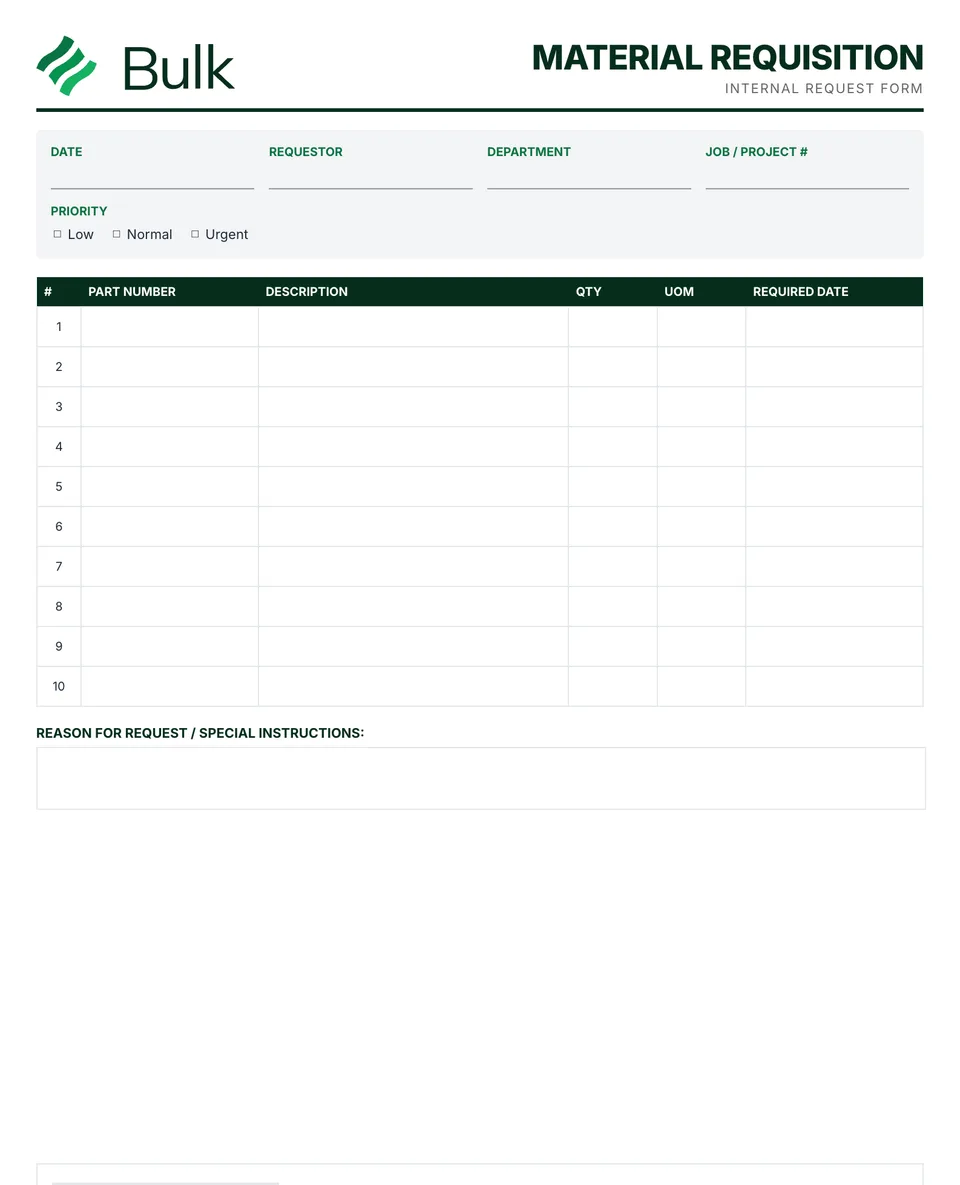 Material Requisition FormName the requesting department, job, cost centre, priority and need date.
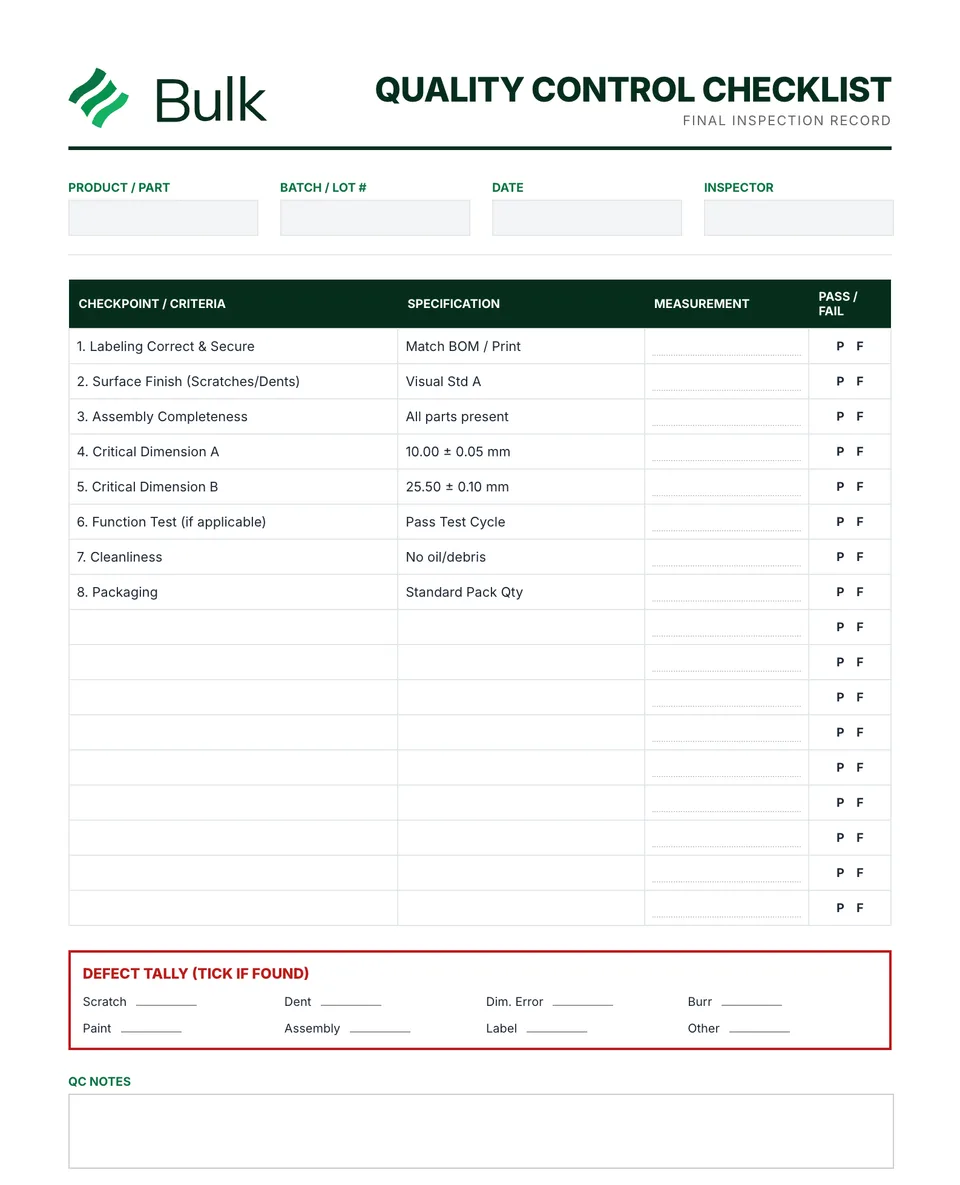 Quality Control ChecklistConfirm the product, revision, lot, inspection stage and approved plan.
Turn the form into a live workflow.
Bulk connects the same checks, evidence, owners and approvals to the work happening on your floor.