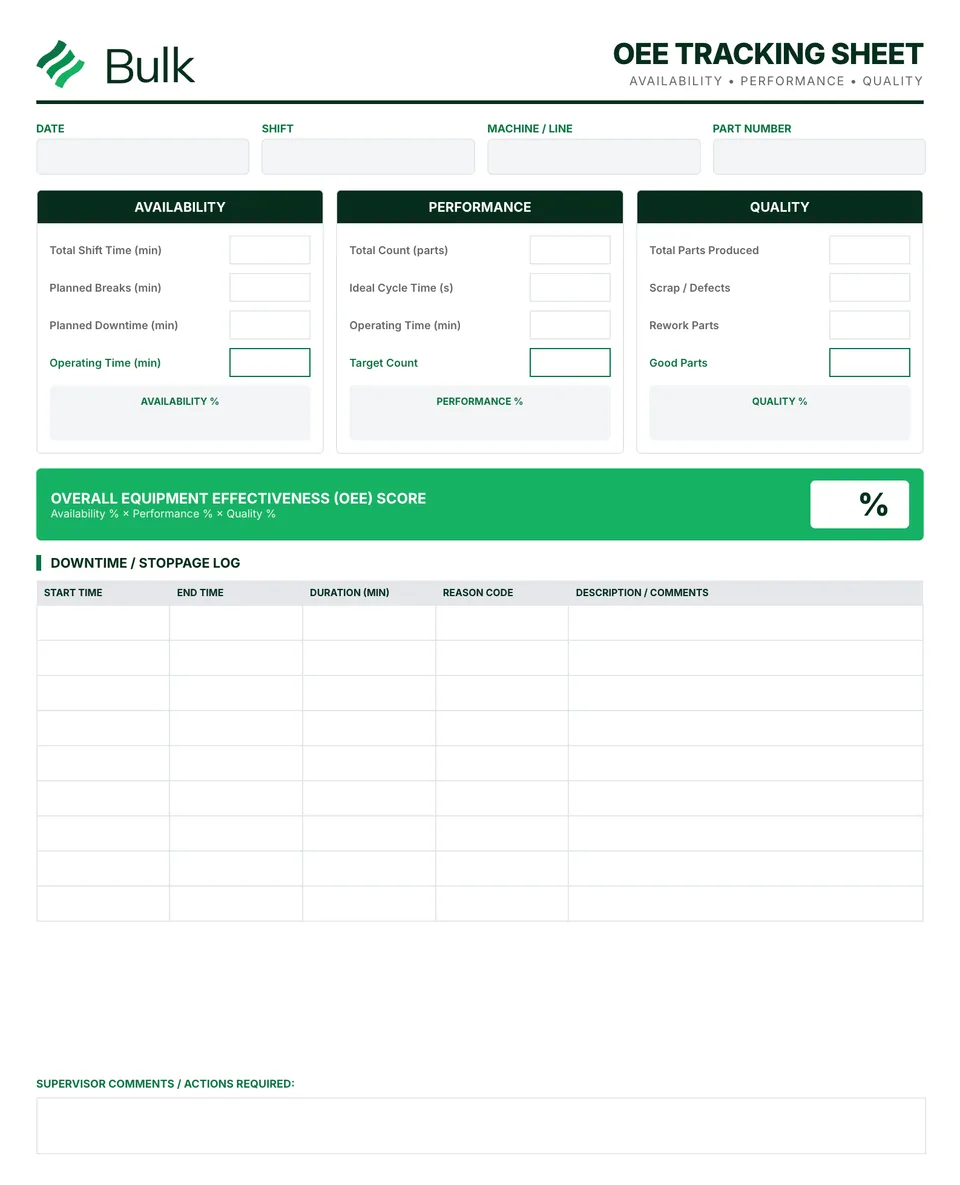
 OEE Tracking Sheet (Overall Equipment Effectiveness)Define the production window and planned exclusions before collecting data.
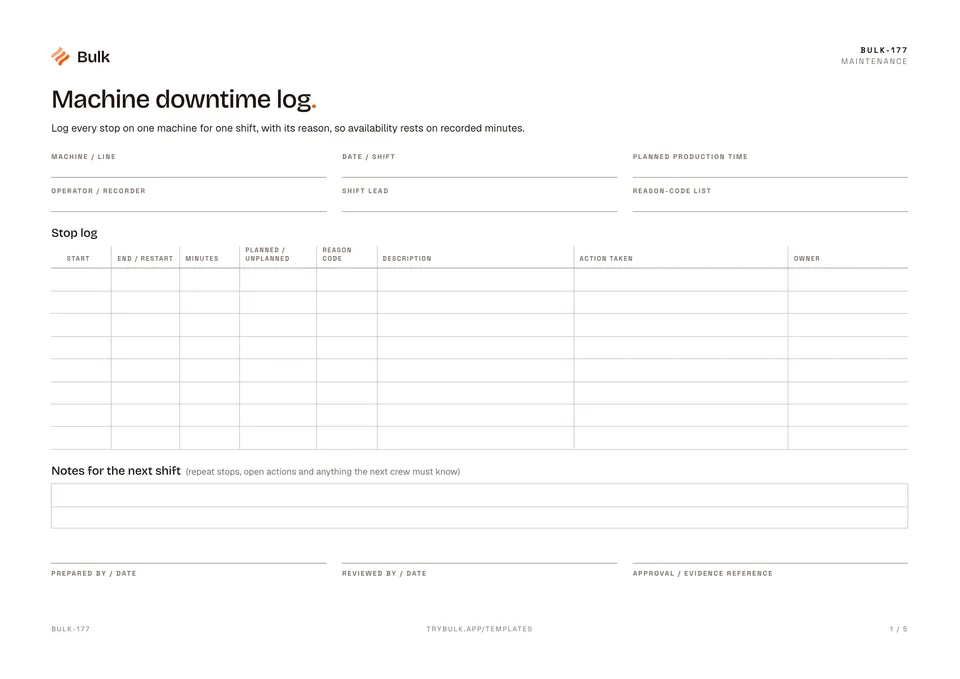
Machine downtime log
Log every stop on one machine for one shift, with its reason, so availability rests on recorded minutes.
What it's for
Log every stop on one machine for one shift, with its reason, so availability rests on recorded minutes.
What you can download
Available files: PDF. Each PDF includes the blank form first, a fictional completed example and instructions. The download is free; enter your email to receive a secure link valid for seven days. Product-news consent is optional.
Completed manufacturing example
A CNC machine runs an eight-hour day shift with a 30-minute break, so planned production time is 450 minutes. Six stops are logged to the minute: a 20-minute changeover and 15 minutes of planned lubrication, then a 25-minute coolant-pump breakdown, a 12-minute wait for bar stock, an 8-minute broken insert and a 4-minute chip jam.
Shift totals add 35 minutes of planned stops and 49 minutes of unplanned stops. Run time is 450 − 84 = 366 minutes, so availability is 366 ÷ 450 = 81.3%. The largest loss, the breakdown, goes into the notes for the next shift with a maintenance follow-up. The second page carries the reason-code key and the totals.
When to use this template
Use it when stops are not yet recorded, when you need evidence behind an availability figure, or when you want to find which reasons cost the most minutes. It is a manual shift record for one machine or line; agree your reason codes and whether short stops are logged individually before comparing machines or shifts.
Carry run time and availability to the OEE tracking sheet or check the full calculation with the OEE calculator. Rank reasons by minutes on a Pareto chart, and keep output and scrap on the production log.
In Bulk, operators pick a reason when they pause the timer at the station, each site keeps its own reason codes with an OEE category, and every stop feeds the OEE timeline, Pareto and reports. Explore Bulk OEE analytics and start a free trial to run it live, no card needed.
How to use it
- Write the planned production time first: shift length minus breaks and time with no demand. Stops outside that time are not logged.
- Log every stop inside planned production time as it happens, with start and restart times to the minute. Mark it planned (changeover, planned maintenance) or unplanned, and pick one reason code.
- At shift end, add the planned and unplanned minutes. Run time = planned production time − all stops; availability = run time ÷ planned production time.
- Carry run time and availability to the OEE tracking sheet or the OEE calculator, and rank reason codes by minutes on a Pareto chart to choose what to fix first.
Key features
- Stop log
- Notes for the next shift
- Reason-code key
- Shift totals
Ideal for
- Operators and shift leads recording stops on one machine or line
- Maintenance and CI teams building a downtime Pareto from shift records
Common uses
- Logging every stop in a shift with its reason code and action
- Working out run time and availability for the OEE tracking sheet
- Ranking downtime reasons by minutes to choose what to fix first
Questions, answered.
01
What should a machine downtime log include?
The machine, shift and planned production time, then one row per stop with its start and restart time, minutes, whether it was planned or unplanned, a reason code, a description, the action taken and the owner. Shift totals turn those rows into run time and availability.
02
How do you calculate downtime percentage?
Divide the downtime minutes by the planned production time and multiply by 100. In the example, 84 minutes of stops in 450 minutes of planned production time is 18.7% downtime, so availability is 366 ÷ 450 = 81.3%.
03
How does a downtime log feed OEE?
Availability is run time divided by planned production time, and run time is planned production time minus stops. Carry those figures to the OEE tracking sheet or the OEE calculator to add performance and quality.
04
What are common downtime reason codes?
Changeover, planned maintenance, breakdown, material shortage, tool change, quality hold, minor stop and no operator are a common starting set. Agree your own list before comparing machines, then rank the reasons by minutes on a Pareto chart.
Related templates.
OEE Tracking Sheet (Overall Equipment Effectiveness)Define the production window and planned exclusions before collecting data.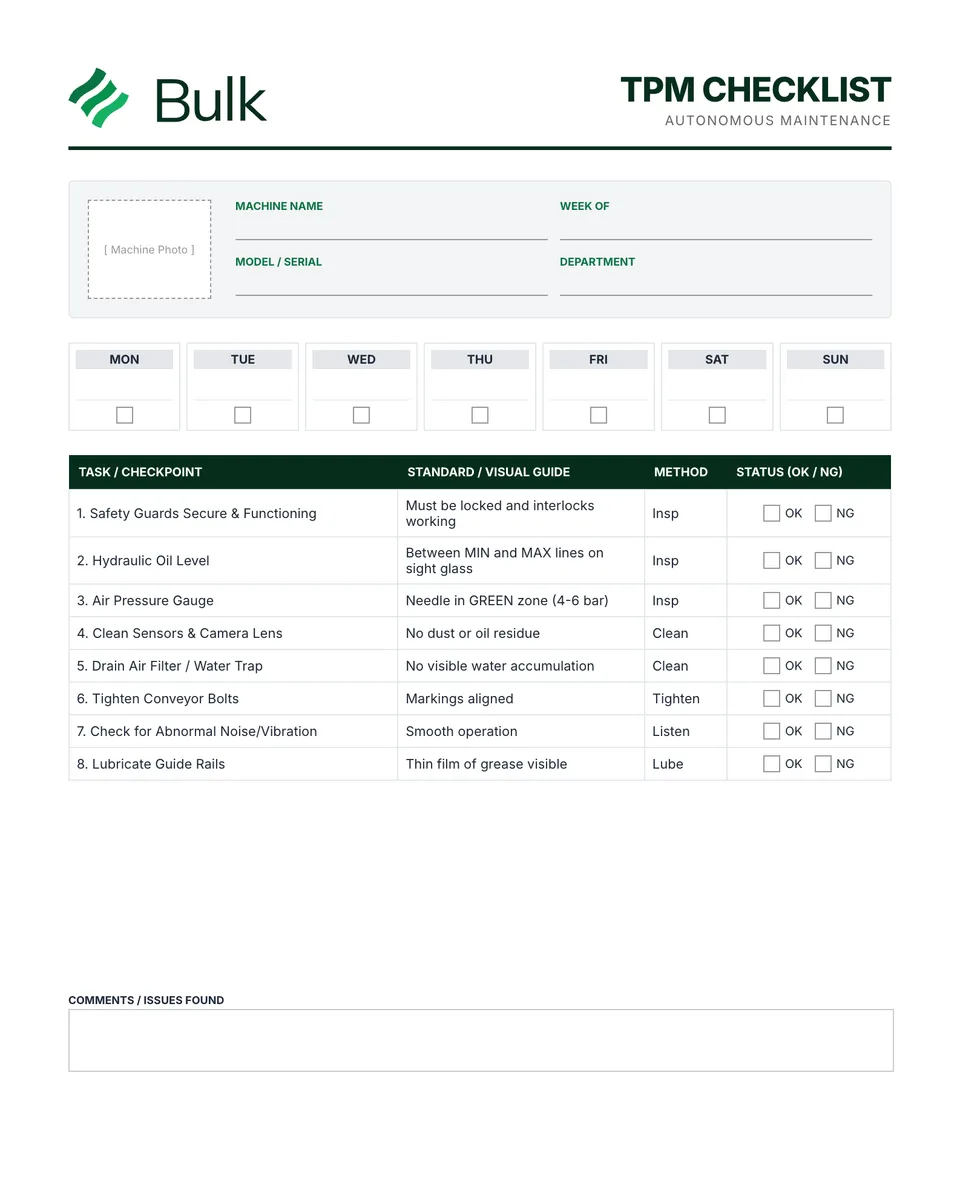 TPM Checklist (Total Productive Maintenance)Match each task and standard to the actual asset and manufacturer's instructions.
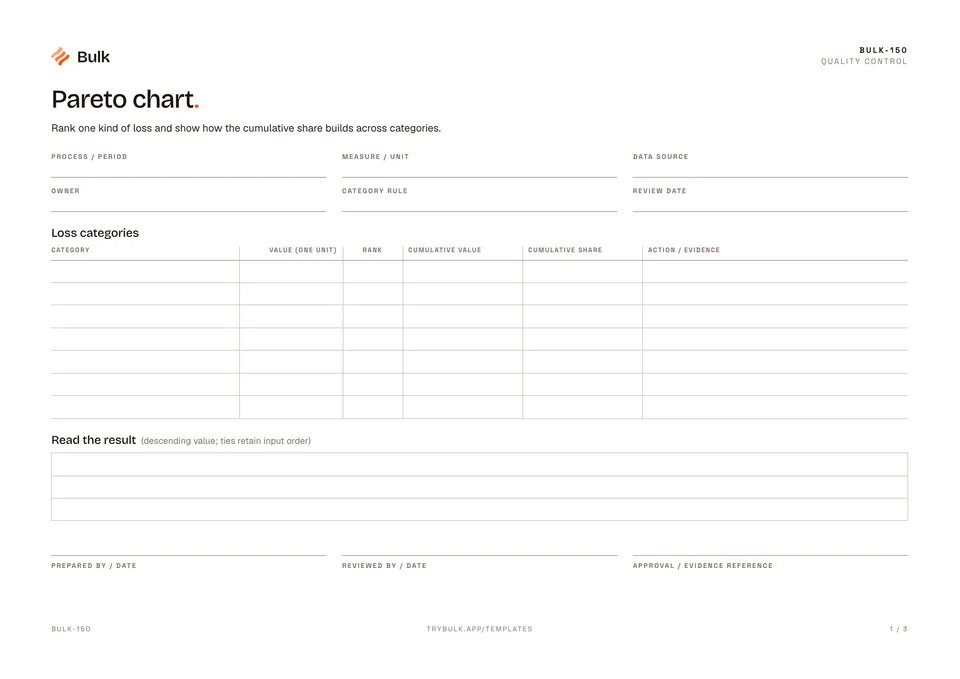 Pareto chartRank one kind of loss and show how the cumulative share builds across categories.
Turn the form into a live workflow.
Bulk connects the same checks, evidence, owners and approvals to the work happening on your floor.