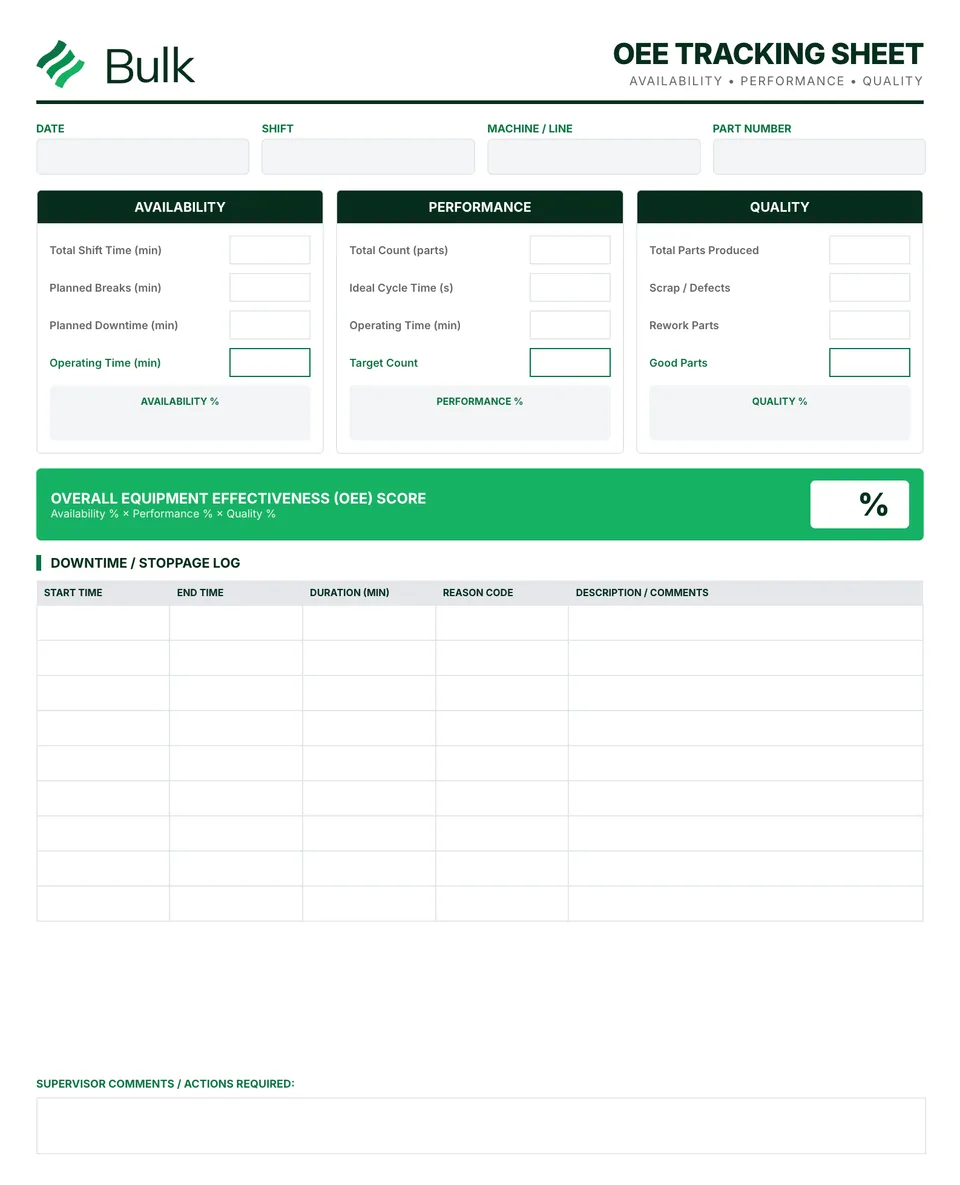
 OEE Tracking Sheet (Overall Equipment Effectiveness)Define the production window and planned exclusions before collecting data.
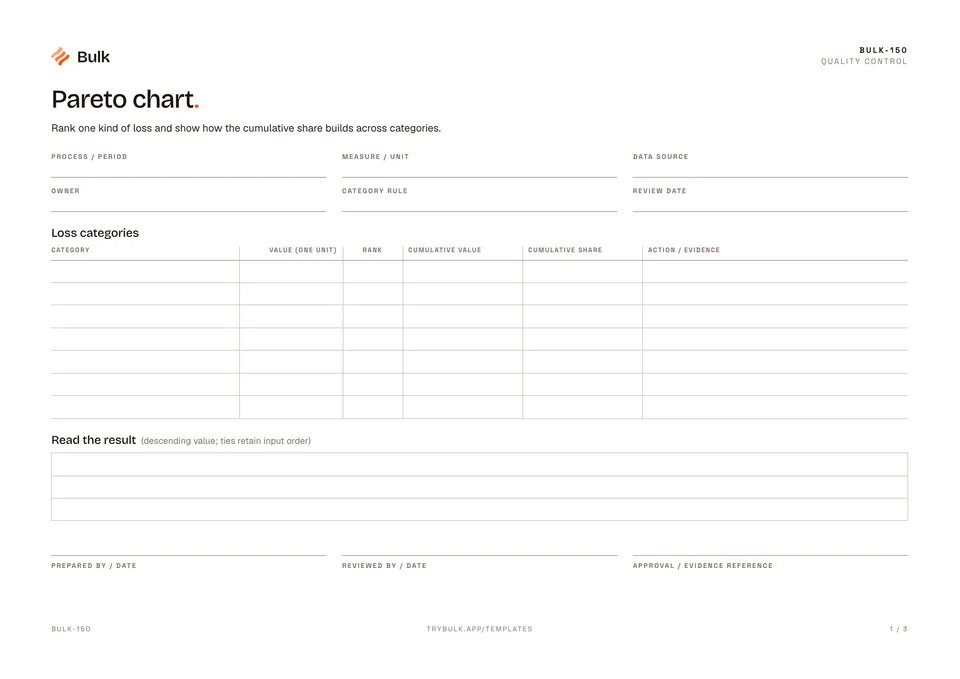
Pareto chart
Rank one kind of loss and show how the cumulative share builds across categories.
What it's for
Rank one kind of loss and show how the cumulative share builds across categories.
What you can download
Available files: PDF, Excel. Each PDF includes the blank form first, a fictional completed example and instructions. The Excel workbook includes an unused template and a separate completed example, with labelled inputs, calculation cells and print settings. The download is free; enter your email to receive a secure link valid for seven days. Product-news consent is optional.
Completed manufacturing example
Defect counts of 40 burrs, 20 undersize holes and 20 scratches total 80. The ordered cumulative shares are 50%, 75% and 100%. Equal counts retain their input order.
Use one measure and reporting period throughout. A count chart may rank priorities differently from a downtime or cost chart. With a zero total there is no percentage; the largest category still needs investigation before it can be called a root cause.
When to use this template
Use a separate workbook for a different measure or period.
Continue with OEE Tracking Sheet (Overall Equipment Effectiveness), 5 Whys worksheet, CAPA Form (Corrective & Preventive Action).
For shared records, evidence and follow-up, explore Bulk oee analytics. Start a free trial to run it live, no card needed.
How to use it
- Choose counts, minutes or cost for the whole analysis; do not mix units.
- Group categories consistently, enter non-negative values and sort descending. The workbook ranks ties in input order.
- Cumulative share = cumulative value / total. A zero total has no percentage or priority conclusion. Investigate causes before choosing corrective action.
Key features
- Loss categories
- Read the result
Ideal for
- Improvement teams choosing which loss category to investigate
Common uses
- Ranking recorded manufacturing losses by one consistent measure
Related templates.
OEE Tracking Sheet (Overall Equipment Effectiveness)Define the production window and planned exclusions before collecting data.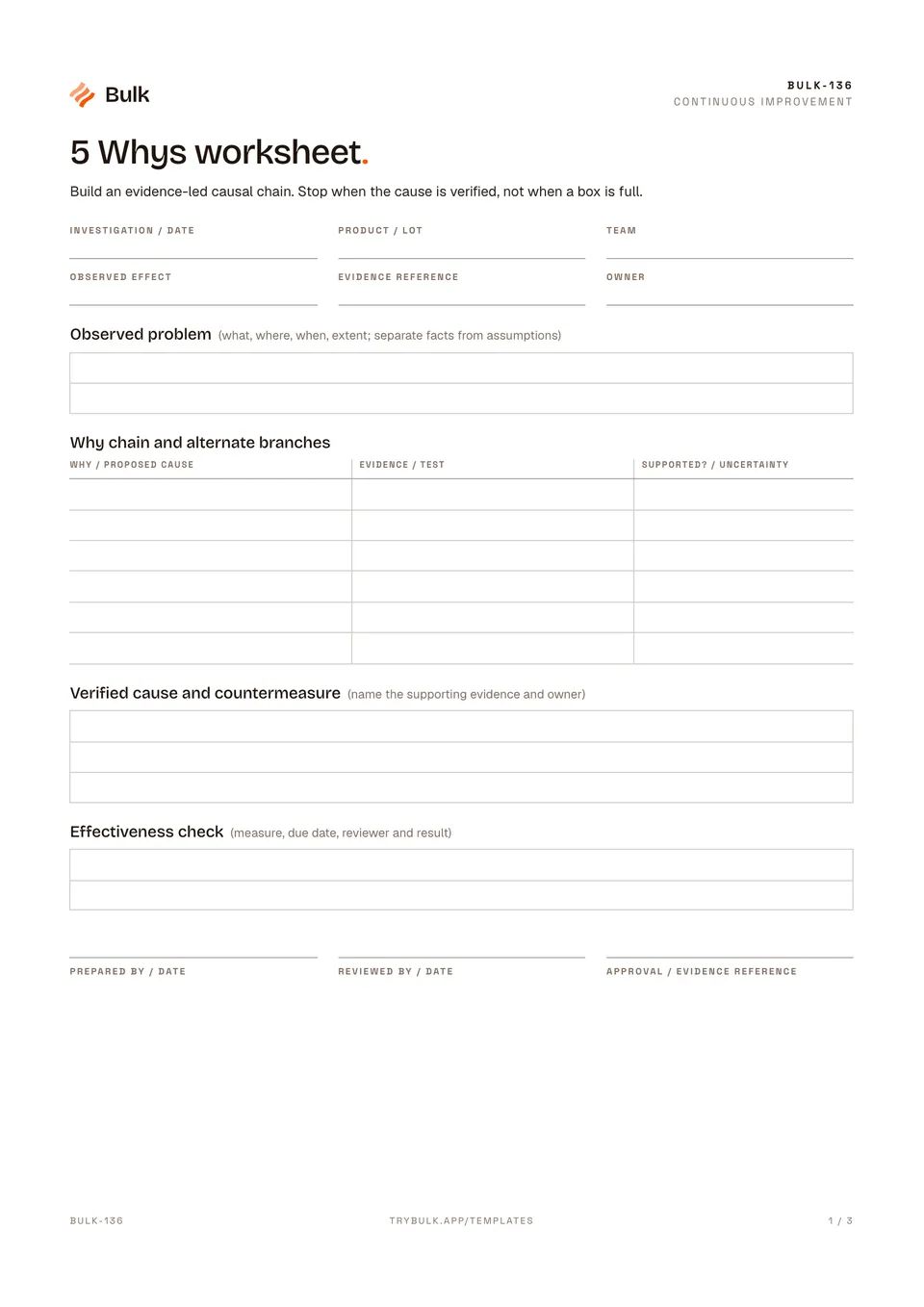 5 Whys worksheetBuild an evidence-led causal chain. Stop when the cause is verified, not when a box is full.
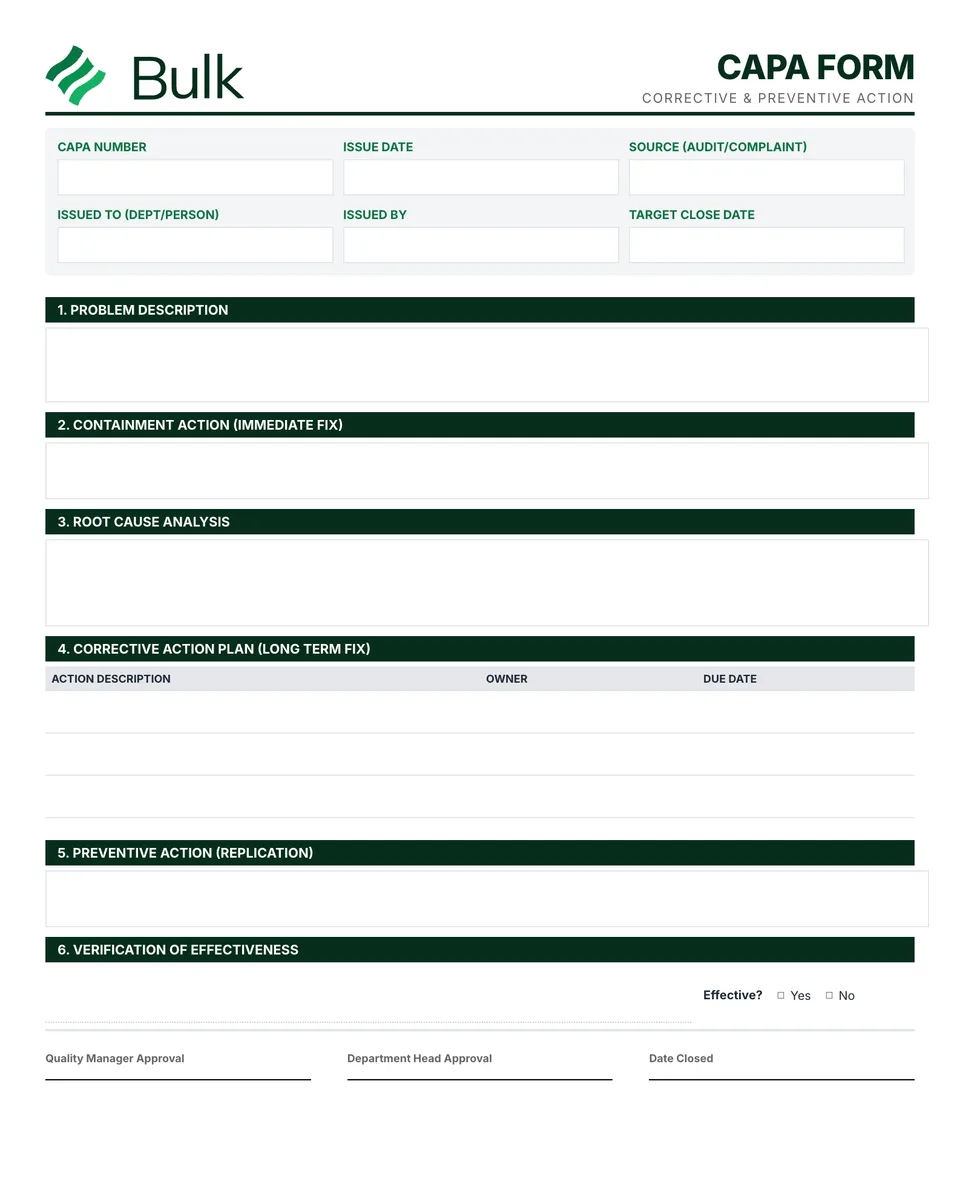 CAPA Form (Corrective & Preventive Action)Define the observed problem, scope and risk; link the NCR or complaint.
Turn the form into a live workflow.
Bulk connects the same checks, evidence, owners and approvals to the work happening on your floor.