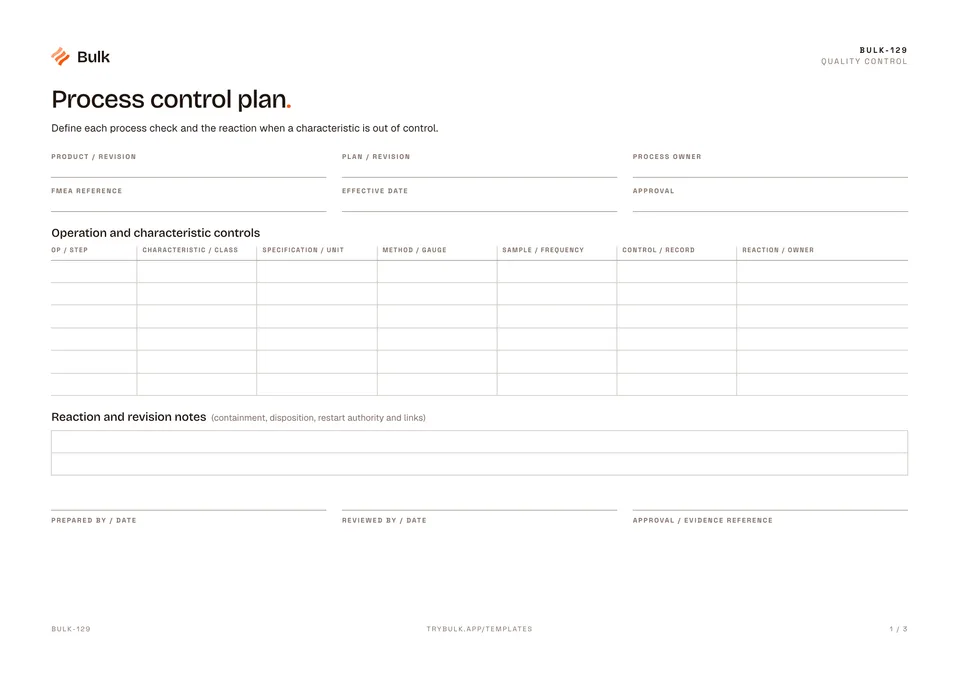
 Process control planDefine each process check and the reaction when a characteristic is out of control.
Incoming & Receiving Inspection Form
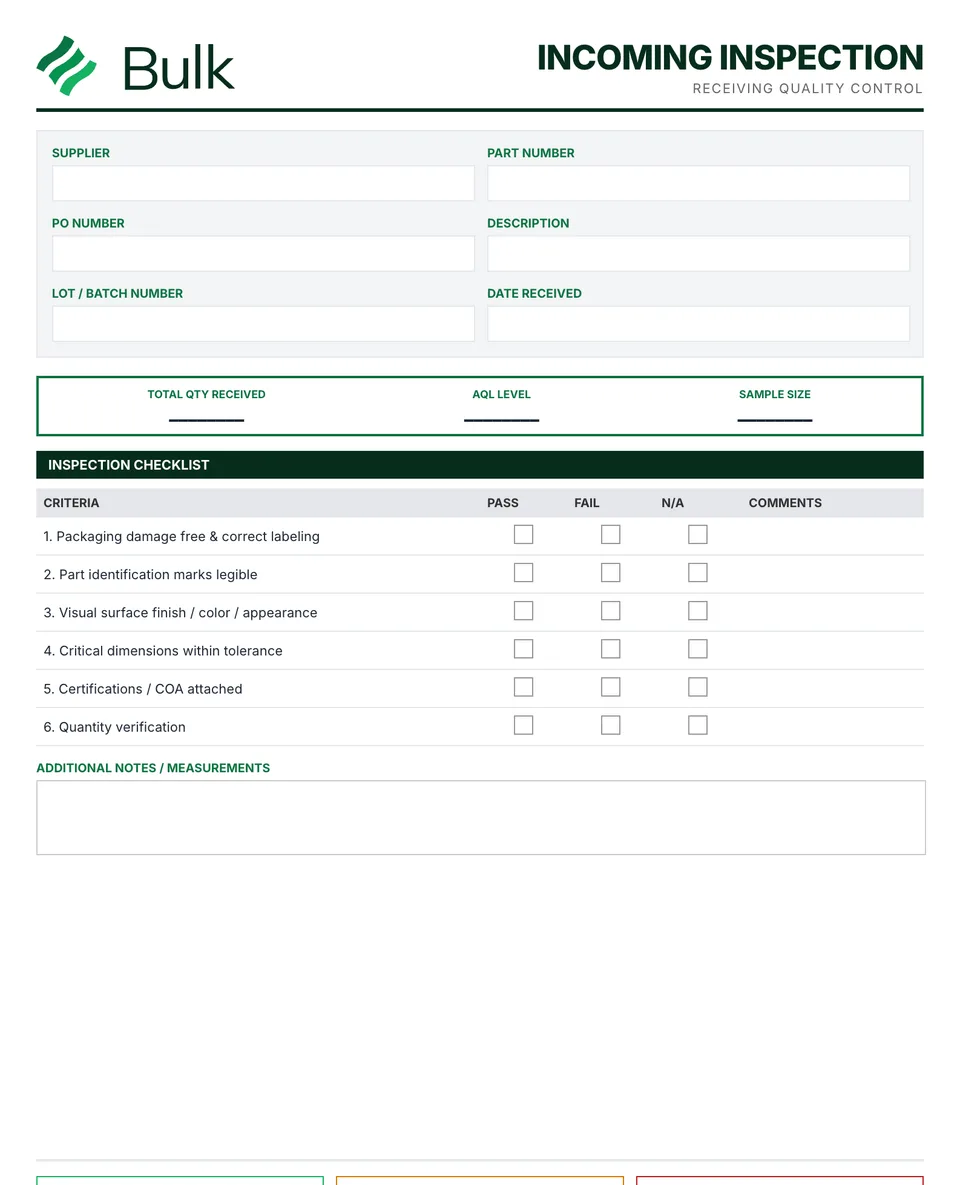
Match the delivery to the purchase order, part revision and lot.
What it's for
Use this incoming quality inspection form to keep the working record, its evidence and follow-up together. Match the delivery to the purchase order, part revision and lot. Check quantity, identification, packaging and required certificates.
Receiving inspection form or incoming inspection checklist?
Receiving inspection, incoming inspection and goods-in inspection all name the same step: checking a delivery before it enters stock. Use the checklist sections for quantity, identification, packaging and certificates, and the results sections for dimensional and visual checks. A held lot usually leads to a non-conformance report, and repeated supplier problems feed the supplier scorecard. For the first production run of a new or changed part, use a first article inspection instead.
What you can download
The PDF contains the original blank form, followed by a completed fictional example and a separate instructions page. Print only the blank pages for use at work; keep the example and guide as references. The download is free; enter your email to receive a secure link valid for seven days. Product-news consent is optional.
Completed manufacturing example
A 40-piece receipt is inspected in full under an example site plan. Six burr defects trigger a hold on the whole lot even though the measured dimensions pass.
The example uses 100% inspection, not the printed sample-size guide. Forty inspected and six defective does not mean the remaining 34 are automatically released while the lot is held.
When to use this template
Use the complete current sampling standard and customer plan where sampling applies. This worksheet’s reference strip is not a complete acceptance-sampling plan.
Reference guidance: NIST: acceptance sampling.
Continue with Process control plan, Non-Conformance Report (NCR), Supplier scorecard.
For shared records, evidence and follow-up, explore Bulk quality. Start a free trial to run it live, no card needed.
How to use it
- Match the delivery to the purchase order, part revision and lot. Check quantity, identification, packaging and required certificates.
- Use the approved inspection or sampling plan. A lot-size lookup alone does not define AQL, acceptance/rejection numbers, inspection severity or switching rules.
- Record actual results and defects, then state whether the lot is accepted, rejected or held. Segregate affected stock and link the authorised disposition record.
Key features
- Supplier and purchase order information tracking
- Quantity verification and packaging condition checks
- Dimensional and visual inspection results
- Sample size determination based on lot size
- Accept/reject decision with disposition instructions
- Completed fictional example and instructions
Ideal for
- Quality control inspectors at receiving
- Purchasing managers ensuring supplier quality
- Supplier quality engineers monitoring vendor performance
Common uses
- Checking received materials against the order
- Recording dimensional and visual results
- Holding a delivery for supplier review
Questions, answered.
01
What is a receiving inspection?
The check made when goods arrive and before they go into stock. It matches the delivery to the purchase order, part revision and lot, checks quantity, packaging and certificates, and inspects a sample or the whole lot against the approved plan.
02
What should an incoming inspection checklist include?
Supplier, purchase order, part number and revision, lot and quantity received; packaging, labelling and certificate checks; the sampling plan used; measured and visual results; and the accept, reject or hold decision with the name of the person who made it.
03
What happens when a received lot fails inspection?
Hold and segregate the whole lot, raise a non-conformance report and tell the supplier. Release, return, rework or scrap it only through the authorised disposition decision.
Related templates.
Process control planDefine each process check and the reaction when a characteristic is out of control.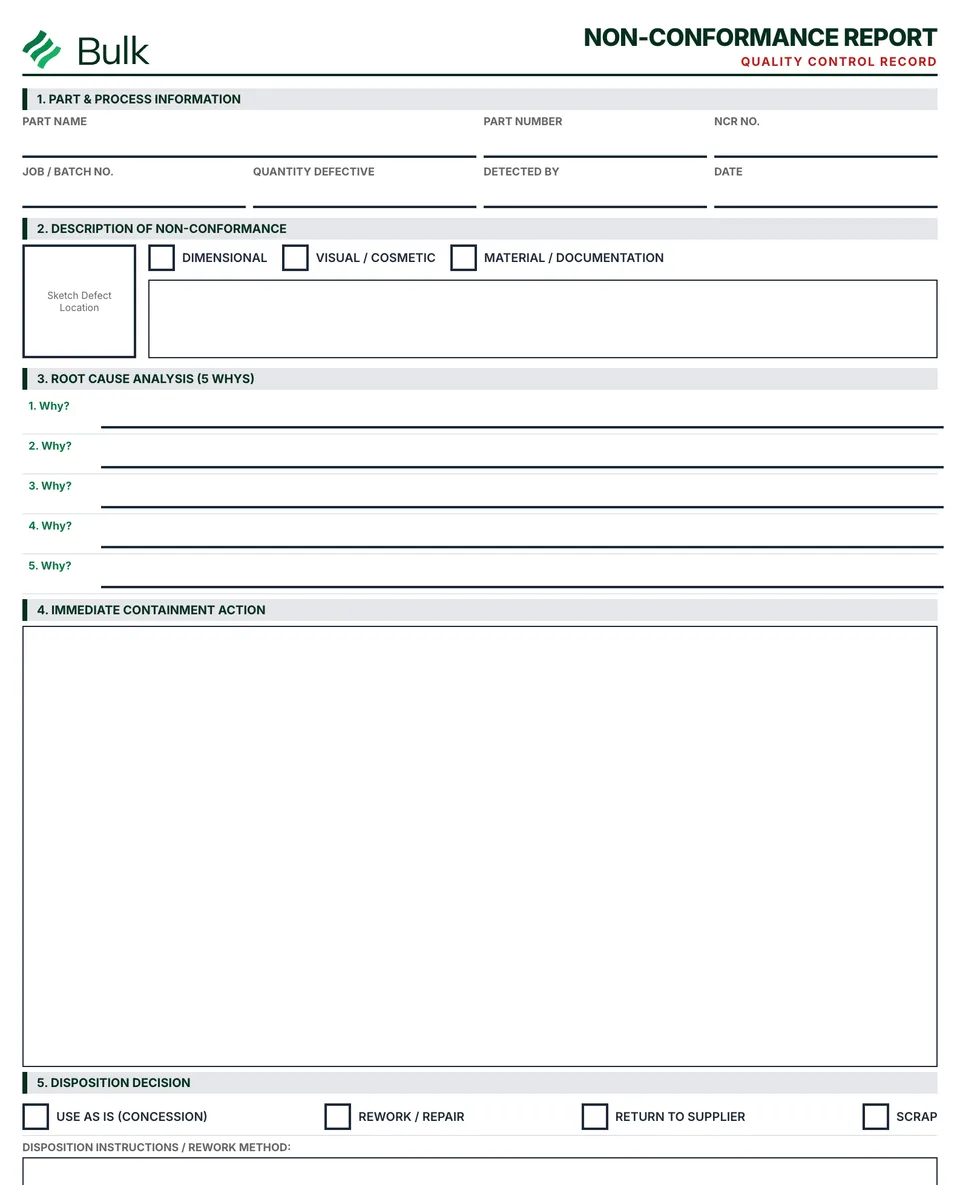 Non-Conformance Report (NCR)Identify the requirement and observed departure, using the part revision, lot, quantities and objective evidence..
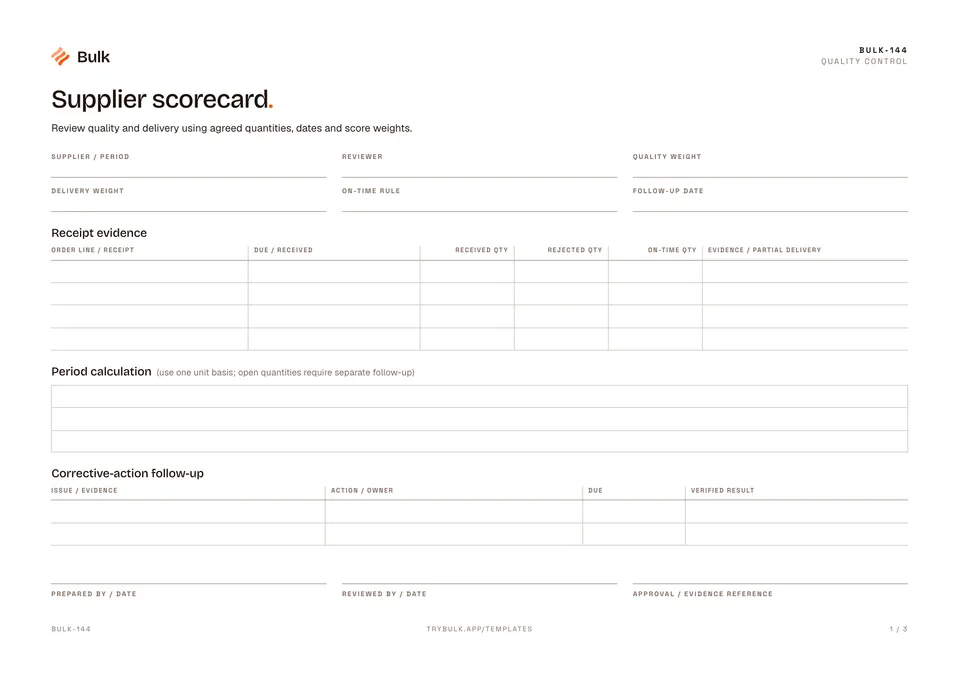 Supplier scorecardReview quality and delivery using agreed quantities, dates and score weights.
Turn the form into a live workflow.
Bulk connects the same checks, evidence, owners and approvals to the work happening on your floor.