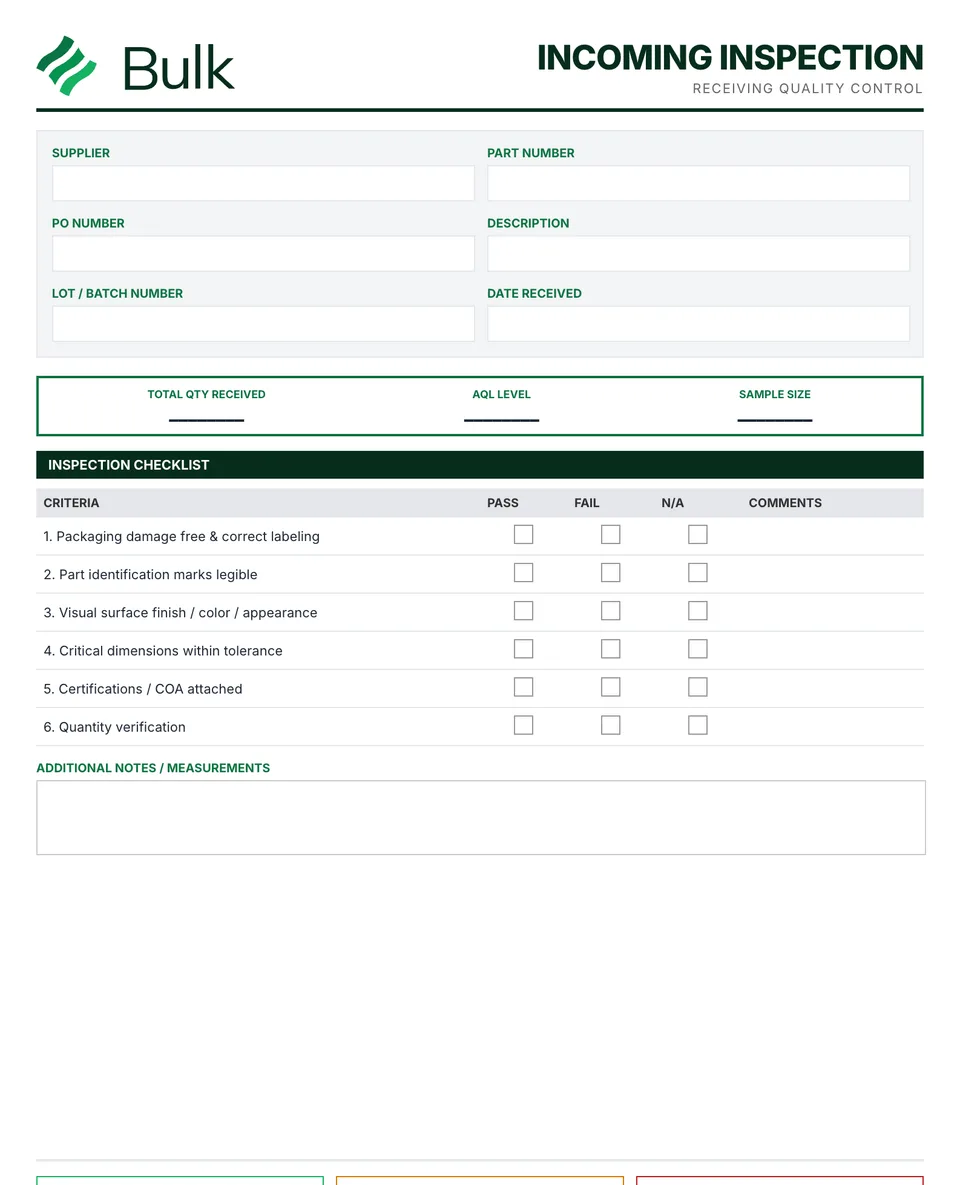
 Incoming & Receiving Inspection FormMatch the delivery to the purchase order, part revision and lot.
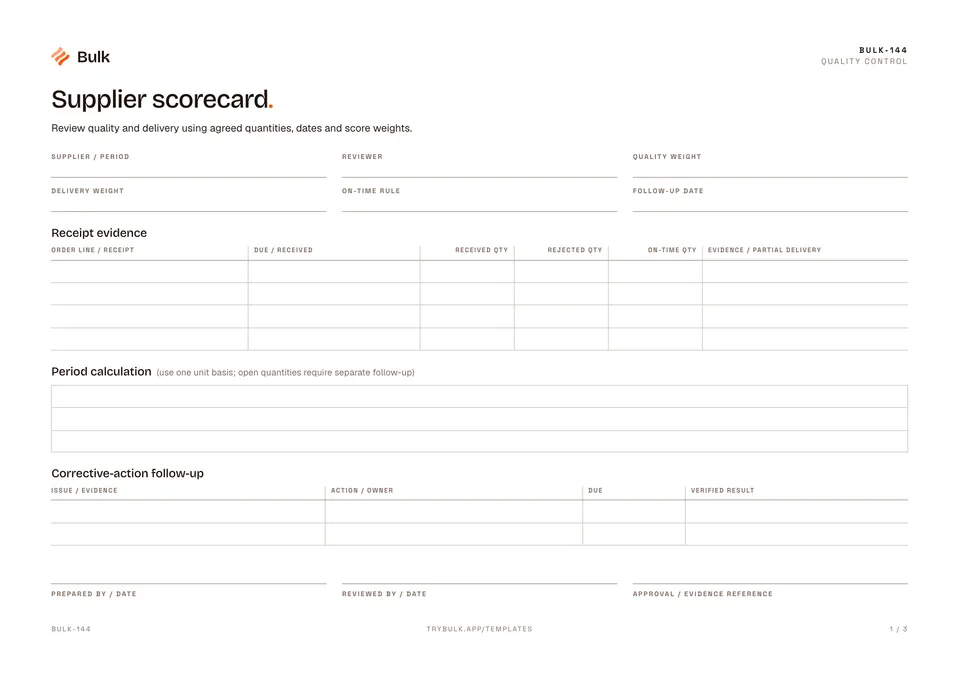
Supplier scorecard
Review quality and delivery using agreed quantities, dates and score weights.
What it's for
Review quality and delivery using agreed quantities, dates and score weights.
What you can download
Available files: PDF, Excel. Each PDF includes the blank form first, a fictional completed example and instructions. The Excel workbook includes an unused template and a separate completed example, with labelled inputs, calculation cells and print settings. The download is free; enter your email to receive a secure link valid for seven days. Product-news consent is optional.
Completed manufacturing example
The period receives 150 units, rejects two and receives 100 on time. Quality is 148/150 = 98.67%; on-time delivery is 100/150 = 66.67%. Weights of 60% and 40% give a score of 85.87%.
This is a receipt-based score. Fifty units still outstanding are reviewed separately so the score cannot hide an open delivery. A period with zero receipts has no score, and the weights must total 100%.
When to use this template
Quality and delivery evidence only; not a purchasing or supplier-management application.
Continue with Incoming Quality Inspection Form, Non-Conformance Report (NCR), CAPA Form (Corrective & Preventive Action).
For shared records, evidence and follow-up, explore Bulk quality. Start a free trial to run it live, no card needed.
How to use it
- Agree the quantity unit, reporting period, due-date source and on-time rule before scoring.
- Quality = accepted / received. Delivery = on-time received / received. A zero-volume period has no score; weights must total 100%.
- Record open and partial deliveries separately. Use the score to open a fact-based improvement discussion.
Key features
- Receipt evidence
- Period calculation
- Corrective-action follow-up
Ideal for
- Quality and operations teams discussing supplier performance
Common uses
- Reviewing quality and delivery using consistent receipt evidence
Related templates.
Incoming & Receiving Inspection FormMatch the delivery to the purchase order, part revision and lot.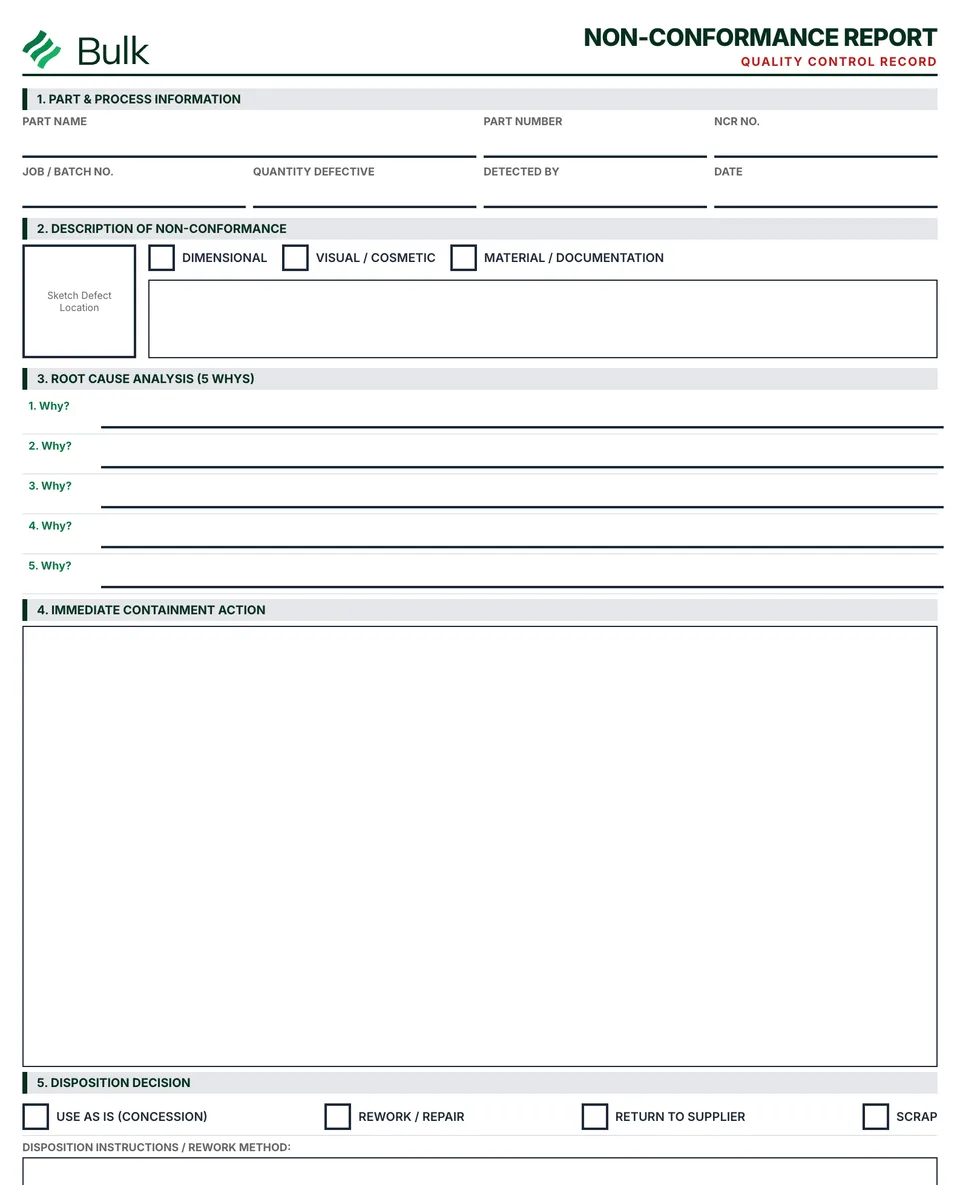 Non-Conformance Report (NCR)Identify the requirement and observed departure, using the part revision, lot, quantities and objective evidence..
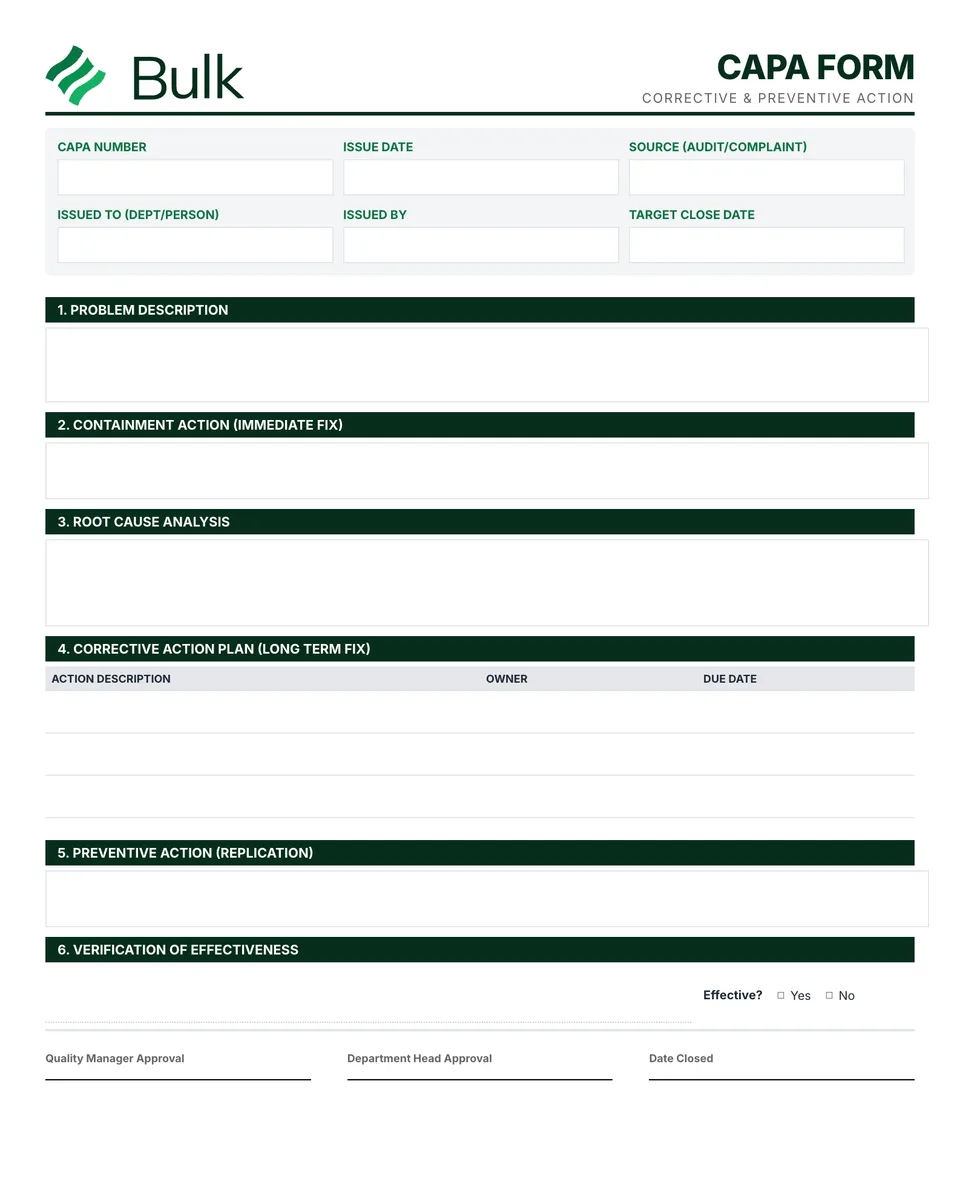 CAPA Form (Corrective & Preventive Action)Define the observed problem, scope and risk; link the NCR or complaint.
Turn the form into a live workflow.
Bulk connects the same checks, evidence, owners and approvals to the work happening on your floor.