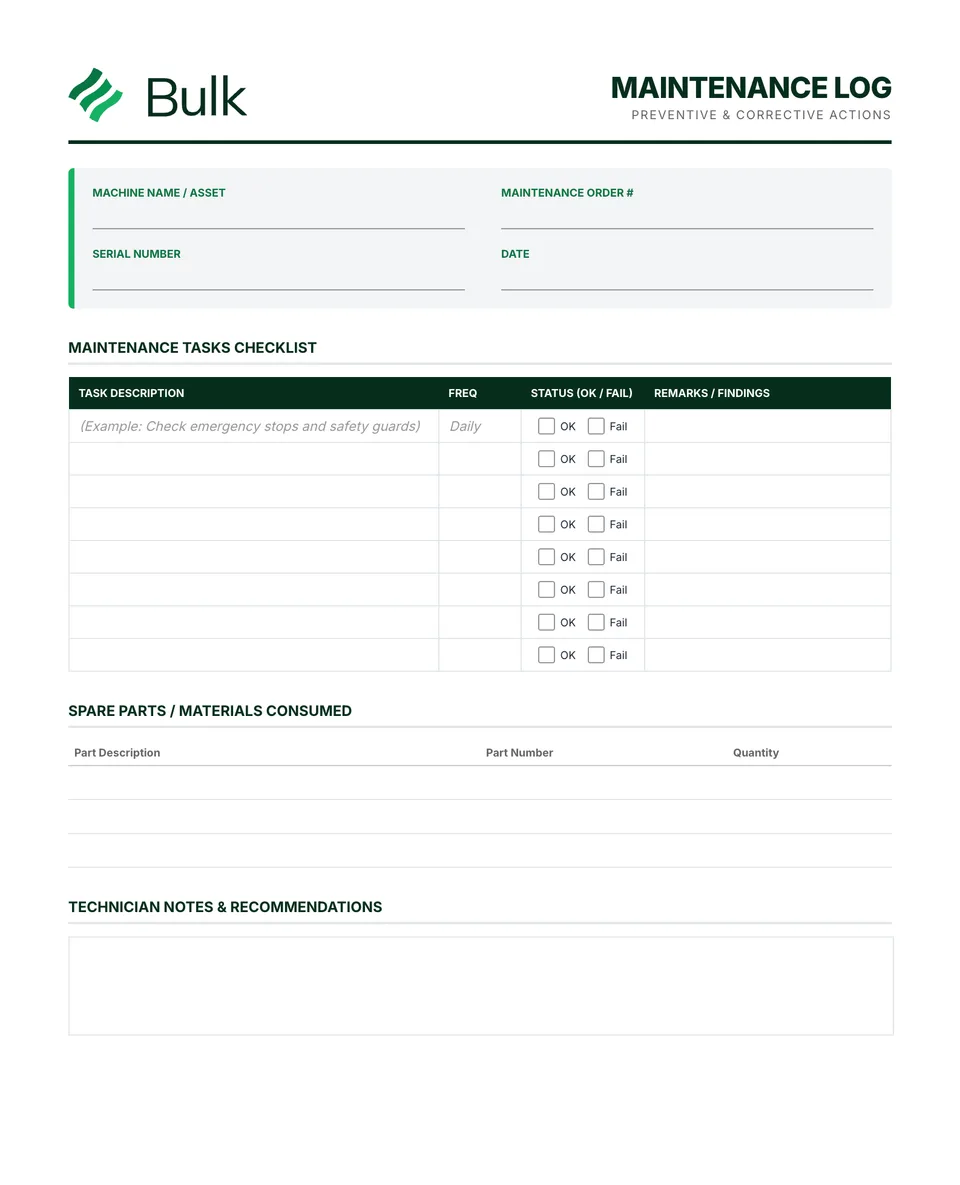
 Equipment Maintenance LogIdentify the asset and work order.
Lockout/Tagout Procedure (LOTO)
Identify every hazardous energy source and the machine-specific procedure, including stored or residual energy.
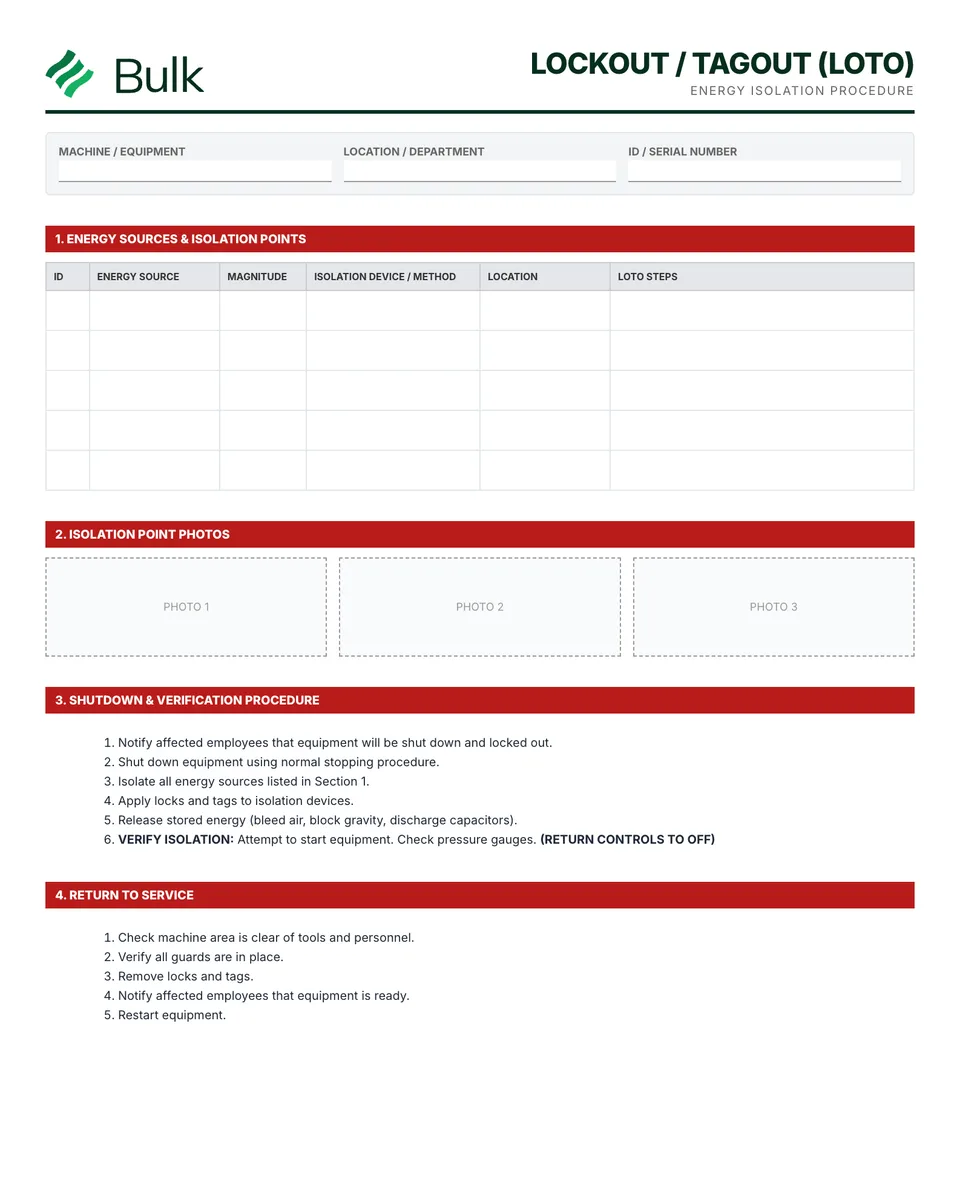
What it's for
Use this lockout/tagout procedure (loto) to keep the working record, its evidence and follow-up together. Identify every hazardous energy source and the machine-specific procedure, including stored or residual energy. Have an authorised competent person define the actual devices, methods and verification steps.
What you can download
The PDF contains the original blank form, followed by a completed fictional example and a separate instructions page. Print only the blank pages for use at work; keep the example and guide as references. The download is free; enter your email to receive a secure link valid for seven days. Product-news consent is optional.
Completed manufacturing example
A conveyor record links two identified energy sources to a separate approved machine-specific procedure. Two authorised people record their personal lock references and removal times.
References E1 and E2 are identifiers, not sufficient isolation instructions. The example deliberately points to LOTO-CV02 rev B for the approved technical method.
When to use this template
A completed worksheet does not make a person authorised or replace an energy-control programme. Exceptional lock removal and group work require the applicable written procedures.
Reference guidance: OSHA: control of hazardous energy.
Continue with Equipment Maintenance Log, Risk Assessment Form, Safety Training Record.
For shared records, evidence and follow-up, explore Bulk safety. Start a free trial to run it live, no card needed.
How to use it
- Identify every hazardous energy source and the machine-specific procedure, including stored or residual energy. Have an authorised competent person define the actual devices, methods and verification steps.
- Use the approved shutdown, isolation and verification procedure. Record each person's lock and the group-control arrangements where applicable; do not use this generic sequence as a machine instruction.
- Before restart, complete the authorised checks, personnel notification and lock-removal process. Record the release and review the procedure when equipment or conditions change.
Key features
- Equipment-specific energy source identification
- Step-by-step shutdown and isolation procedures
- Lockout device application points and methods
- Stored energy dissipation and verification
- Multi-person lockout coordination
- Safe restart and notification procedures
- Completed fictional example and instructions
Ideal for
- Safety managers developing LOTO programs
- Facility engineers documenting energy control procedures
Common uses
- Documenting an approved asset isolation method
- Recording group lockout ownership
- Retaining verification and restart references
Related templates.
Equipment Maintenance LogIdentify the asset and work order.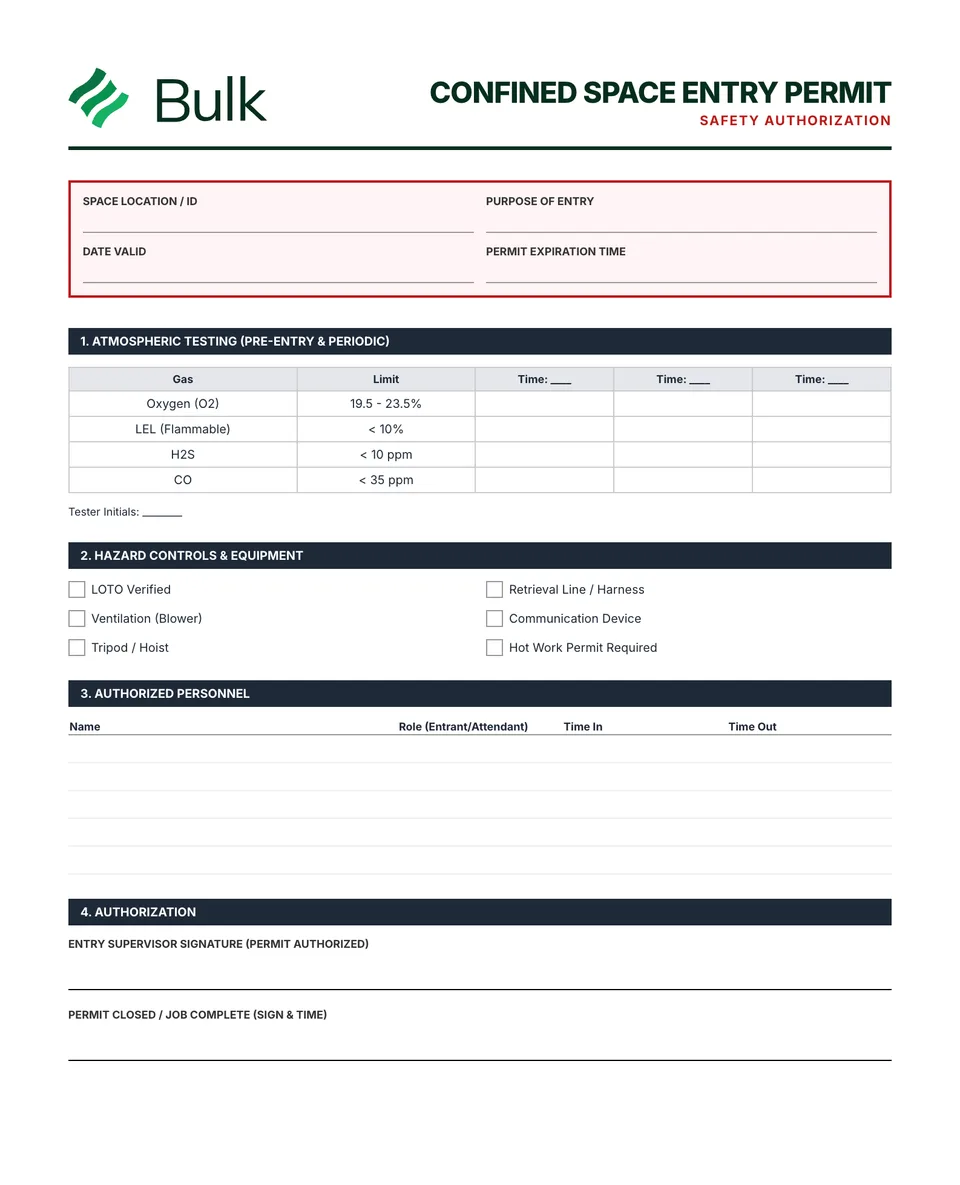 Confined Space Entry PermitDetermine whether entry can be avoided and classify the space under the applicable programme.
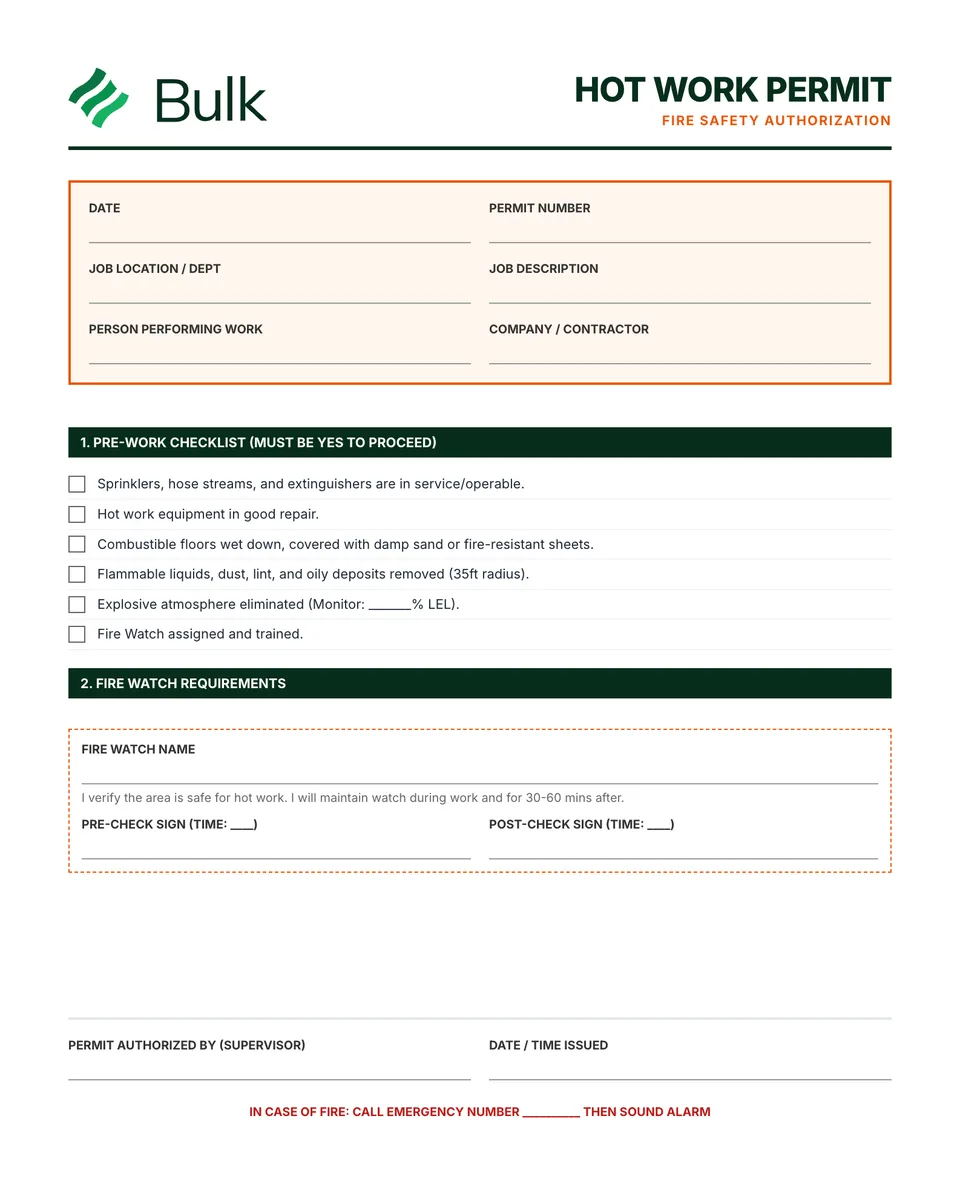 Hot Work PermitIdentify the job, location and proposed method, and consider whether the work can be moved or completed without hot work.
Turn the form into a live workflow.
Bulk connects the same checks, evidence, owners and approvals to the work happening on your floor.