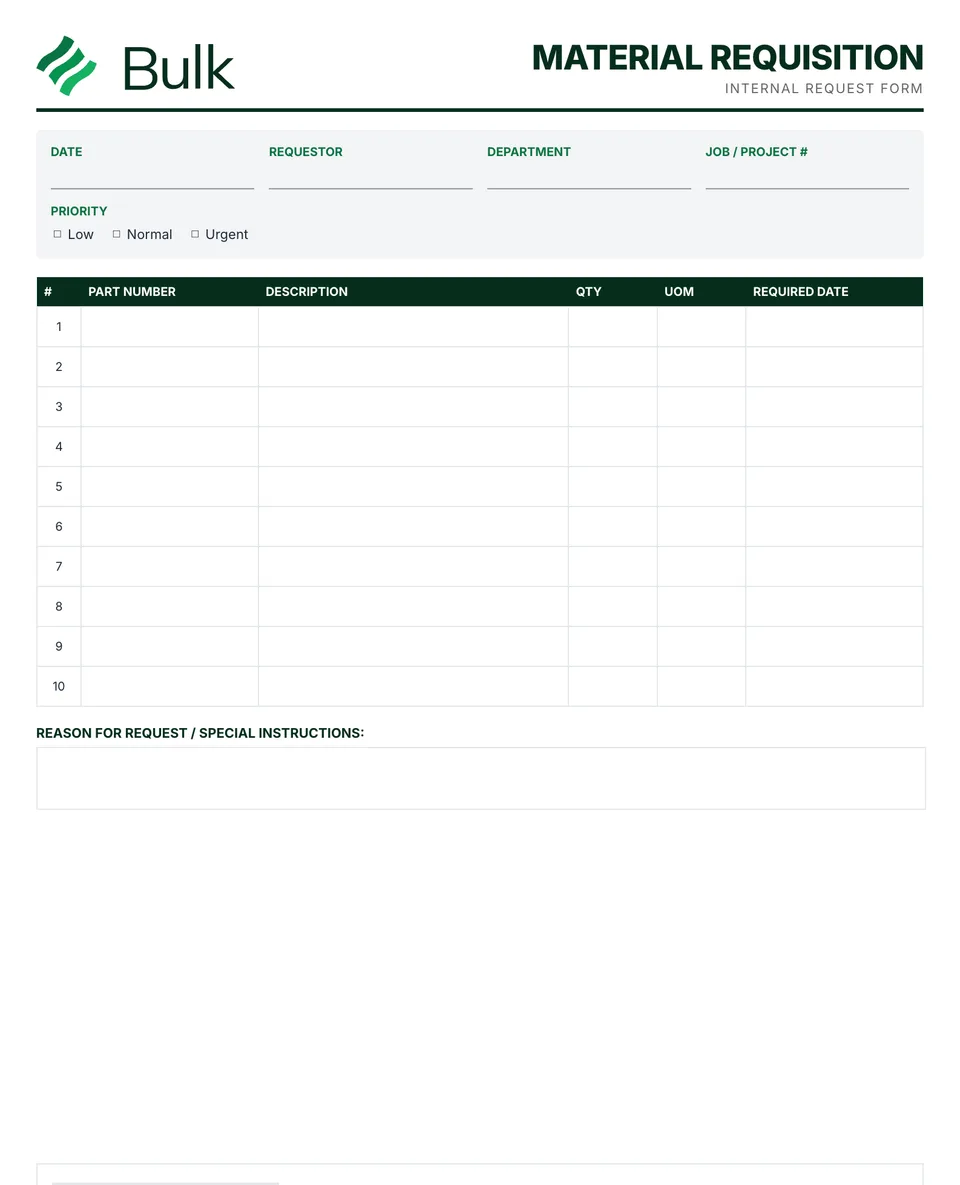
 Material Requisition FormName the requesting department, job, cost centre, priority and need date.
Kanban Card Template
Choose the part, revision, supplying point, consuming point and standard container.
What it's for
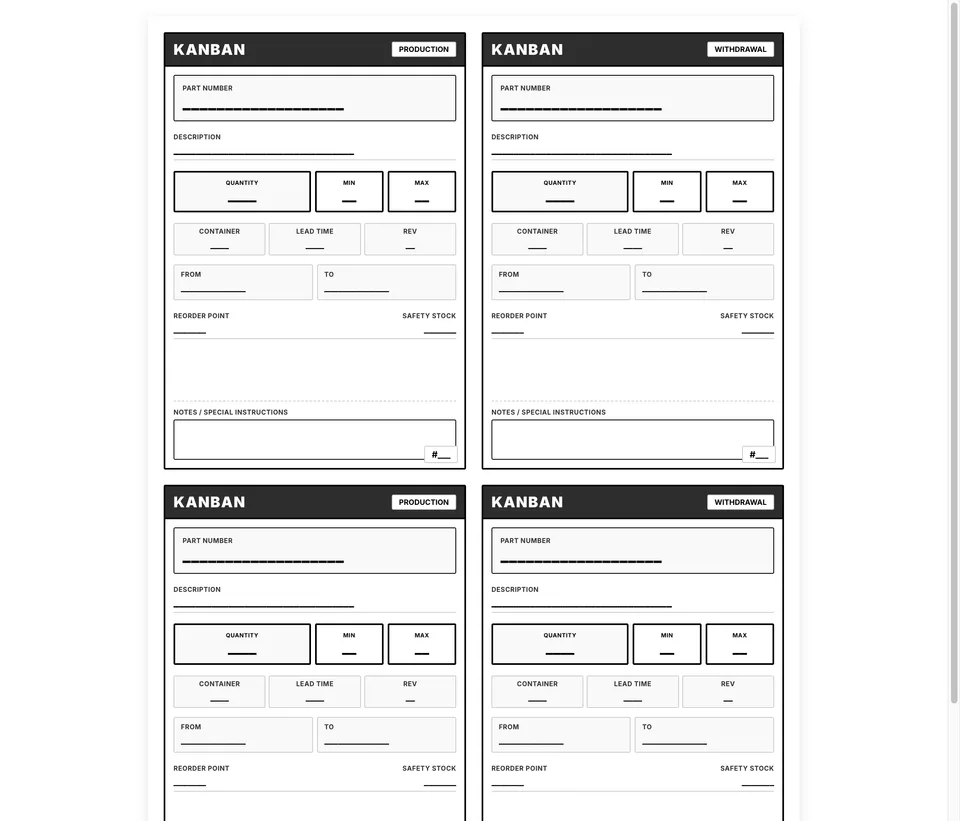
This free kanban card template gives you one card per container: when the container is opened, the card goes back to trigger production or a withdrawal. Use this kanban card template to keep the working record, its evidence and follow-up together. Choose the part, revision, supplying point, consuming point and standard container. Confirm the replenishment signal with the people who use it.
What you can download
The PDF contains the original blank form, followed by a completed fictional example and a separate instructions page. Print only the blank pages for use at work; keep the example and guide as references. The download is free; enter your email to receive a secure link valid for seven days. Product-news consent is optional.
The blank sheet is an A4 page of four kanban cards: two production kanban cards and two withdrawal kanban cards, side by side. Every card carries the part number and revision, a barcode or QR space, description, container type, quantity per container, min and max, lead time, reorder point, safety stock, from (supplier or process), to (point of use), storage location or address, a “card _ of _” number and a notes line. The example page shows the same layout filled in, and the last page explains how to use and review the cards.
Production kanban vs withdrawal kanban
A production kanban is the signal to make. When a container is opened at the point of use, its card returns to the supplying process as permission to produce one more container’s worth, and no more.
A withdrawal kanban (also called a move or conveyance kanban) is the signal to move. It authorises taking one full container from a store or supermarket to the point of use.
Many plants run a two-card system with both; smaller shops often start with a single-card loop, where one card both pulls from the store and triggers replenishment. A supplier kanban works the same way with an external supplier as the “from”. Decide which type each loop uses before printing, and do not mix counts from the two types when you think about stock.
What fields a kanban card needs
- Part number, revision and description so the right item is made or moved.
- Container type and quantity per container. The card only works if every container holds the same amount.
- From and to. The supplying process or supplier, and the point of use.
- Storage location or address so a full container goes back to the same place every time.
- Lead time, reorder point, safety stock, min and max as agreed planning inputs for the loop.
- Card number within the loop (“card 2 of 4”) so a missing card is noticed.
- Notes for handling instructions or the return route.
How to make kanban cards
- Pick one part and one loop, and agree the container and quantity with the people who fill and use it.
- Work out the number of cards. A common starting formula is demand during the replenishment lead time plus safety stock, divided by the container quantity, rounded up.
- Fill in one card per container and number them uniquely within the loop.
- Print at actual size on heavy paper or card, cut along the borders and laminate or sleeve each card. A coloured sleeve per loop or card type helps at a glance.
- Fix a card holder or pocket to each container, set up the return point, and walk the loop with the team to test it.
- Check for lost cards regularly and reissue the controlled set when demand, lead time or the container changes.
Completed manufacturing example
The page shows production and withdrawal layouts for a 20-piece bracket tote. These are alternative card types; define the approved loop and its unique card numbers before use.
In an approved loop, four containers of 20 pieces represent 80 pieces. Do not add production-card and withdrawal-card counts to infer physical stock. The reorder point and buffer are illustrative inputs, not a sizing calculation.
This kanban card sample is for BR-204 mounting brackets at revision B, moved in blue totes of 20 from stores S-01 to assembly cell C-02 and stored at location A-02-B. Each card shows a minimum of 20, a maximum of 80, a one-day lead time, a reorder point of 40 and safety stock of 20, and the four cards are numbered 1 to 4 of 4, with a note to return the card when the container is opened.
Common kanban card mistakes
- Too many cards. Extra cards quietly turn a pull loop back into excess stock.
- Cards that do not come back. A lost card means a container that is never replenished; count cards in the loop.
- Duplicate numbers. Without unique numbers, nobody can tell whether a card is missing.
- Changing the container without reissuing cards. The card quantity and the real quantity drift apart.
- Copying the example’s settings. Size the loop from your own demand and replenishment time.
When to use this template
Do not copy the example’s stock settings into a real process without validating demand and replenishment time. A barcode space does not create a working stock integration.
Continue with Material Requisition Form, Stocktake and cycle count, Value Stream Map Template.
For shared records, evidence and follow-up, explore Bulk inventory. Start a free trial to run it live, no card needed.
How to use it
- Choose the part, revision, supplying point, consuming point and standard container. Confirm the replenishment signal with the people who use it.
- Set quantities and card count using an agreed demand, lead-time and buffer method. Number each card uniquely within the loop.
- Print and cut the cards, confirm locations on the floor and test the return path. Investigate missing cards and revise the controlled set when conditions change.
Key features
- Part number and description identification
- Storage location and address information
- Container type and standard quantity
- Reorder point and lead time information
- Supplier or production area details
- Barcode or QR code area for scanning
- Completed fictional example and instructions
Ideal for
- Lean manufacturing teams implementing pull systems
- Material planners transitioning from MRP to kanban
- Suppliers managing vendor-managed inventory (VMI)
Common uses
- Identifying a standard material container
- Trialling an approved replenishment loop
- Recording supplying and consuming locations
Questions, answered.
01
What information goes on a kanban card?
At minimum the part number, revision and description, the container type and quantity, where it comes from and where it goes, the storage location, and the card number within the loop (card 1 of 4). This template also has min and max, lead time, reorder point, safety stock, a barcode or QR space and notes.
02
What is the difference between a production kanban and a withdrawal kanban?
A production kanban tells the supplying process to make one container's worth. A withdrawal kanban, sometimes called a move or conveyance kanban, authorises moving a full container from the store to the point of use. The template prints both layouts.
03
How many kanban cards do I need?
A common starting point is demand during the replenishment lead time plus safety stock, divided by the container quantity and rounded up. Validate the result against real demand and lead time, and review it when either changes.
04
How should I print kanban cards so they last?
Print at actual size on heavy paper or card, cut along the card borders, and laminate them or put them in clear sleeves. Coloured sleeves are a simple way to tell loops or card types apart, since the template prints in one colour.
05
Can I add a barcode or QR code to the cards?
Yes. Each card has a barcode or QR space for a printed label. The space on its own does not connect the card to a stock system; that needs whatever system you scan into.
Related templates.
Material Requisition FormName the requesting department, job, cost centre, priority and need date.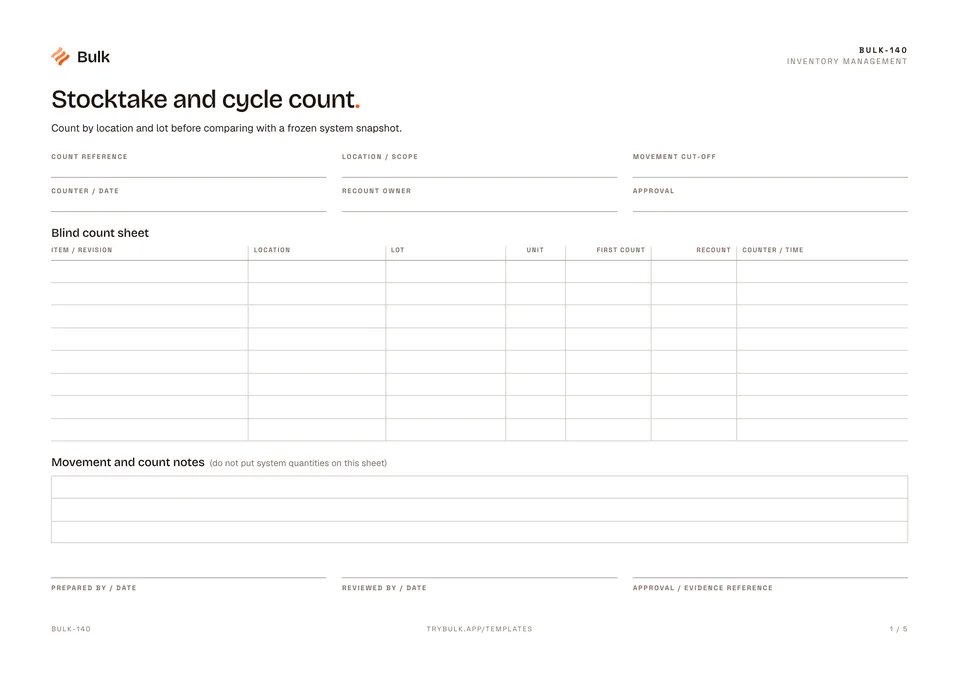 Stocktake and cycle countCount by location and lot before comparing with a frozen system snapshot.
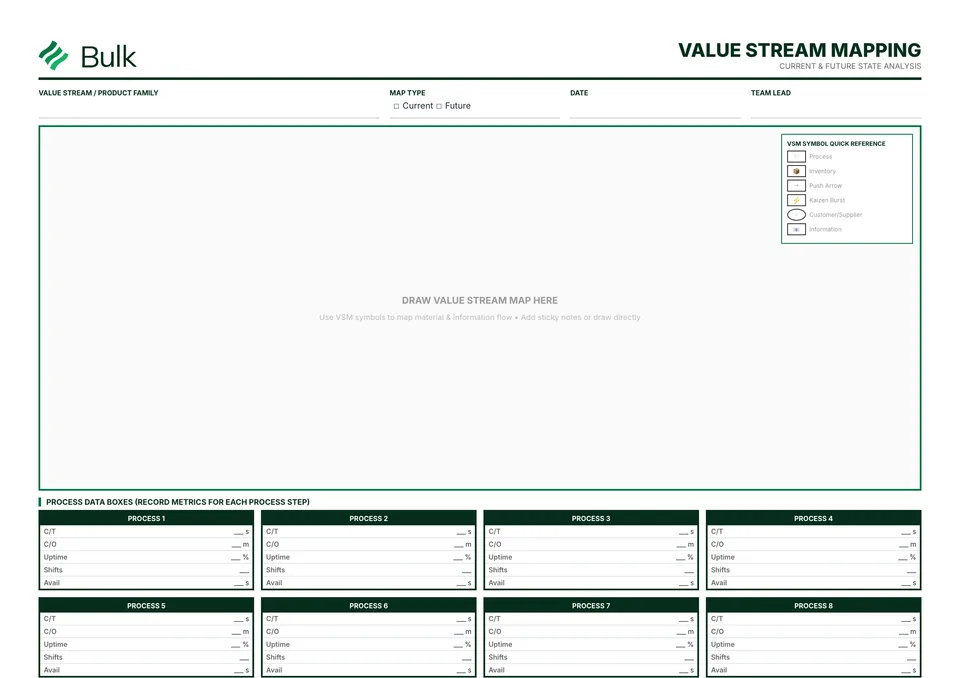 Value Stream Map TemplateChoose one product family and a current or future state.
Turn the form into a live workflow.
Bulk connects the same checks, evidence, owners and approvals to the work happening on your floor.