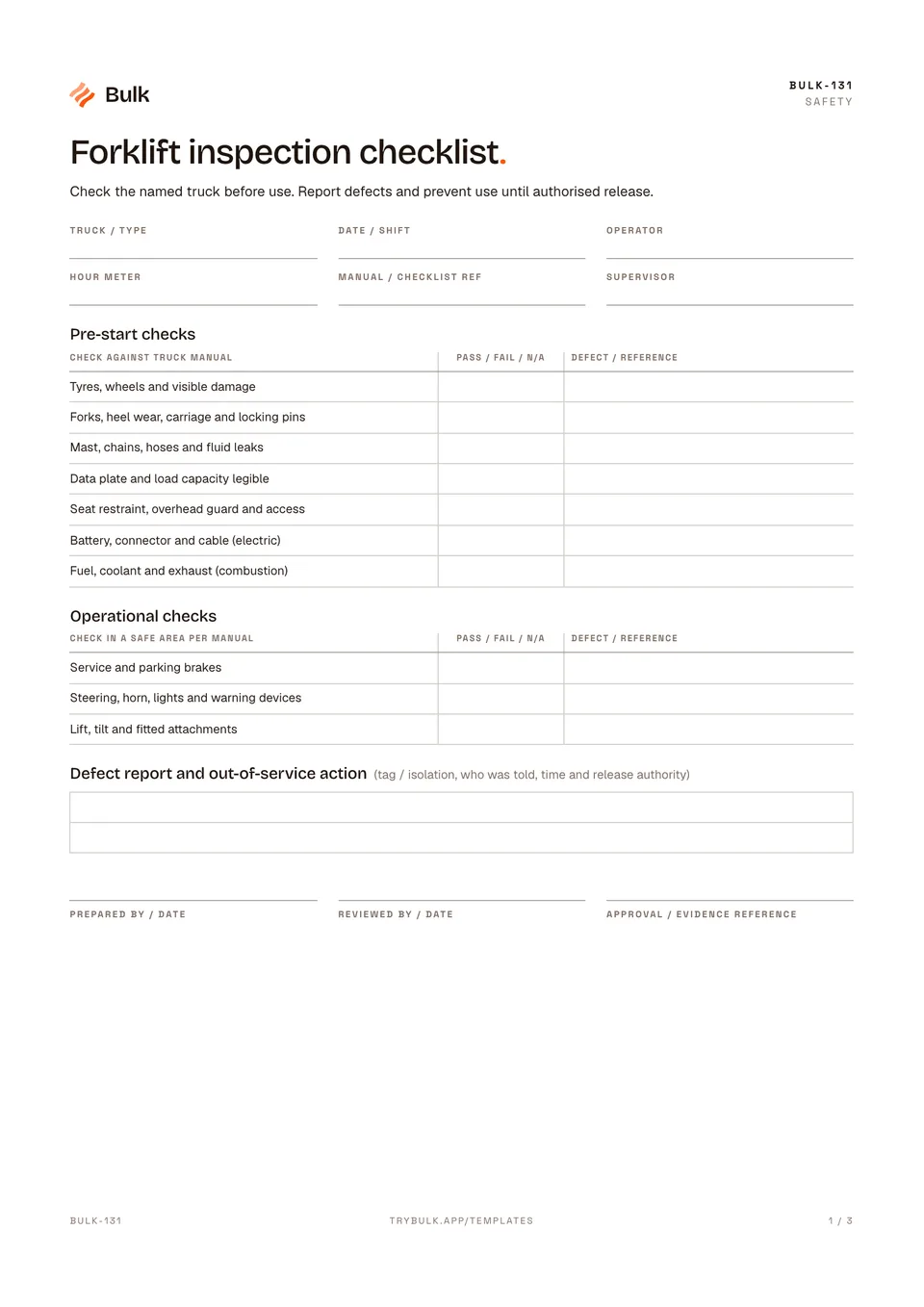
 Forklift inspection checklistCheck the named truck before use. Report defects and prevent use until authorised release.
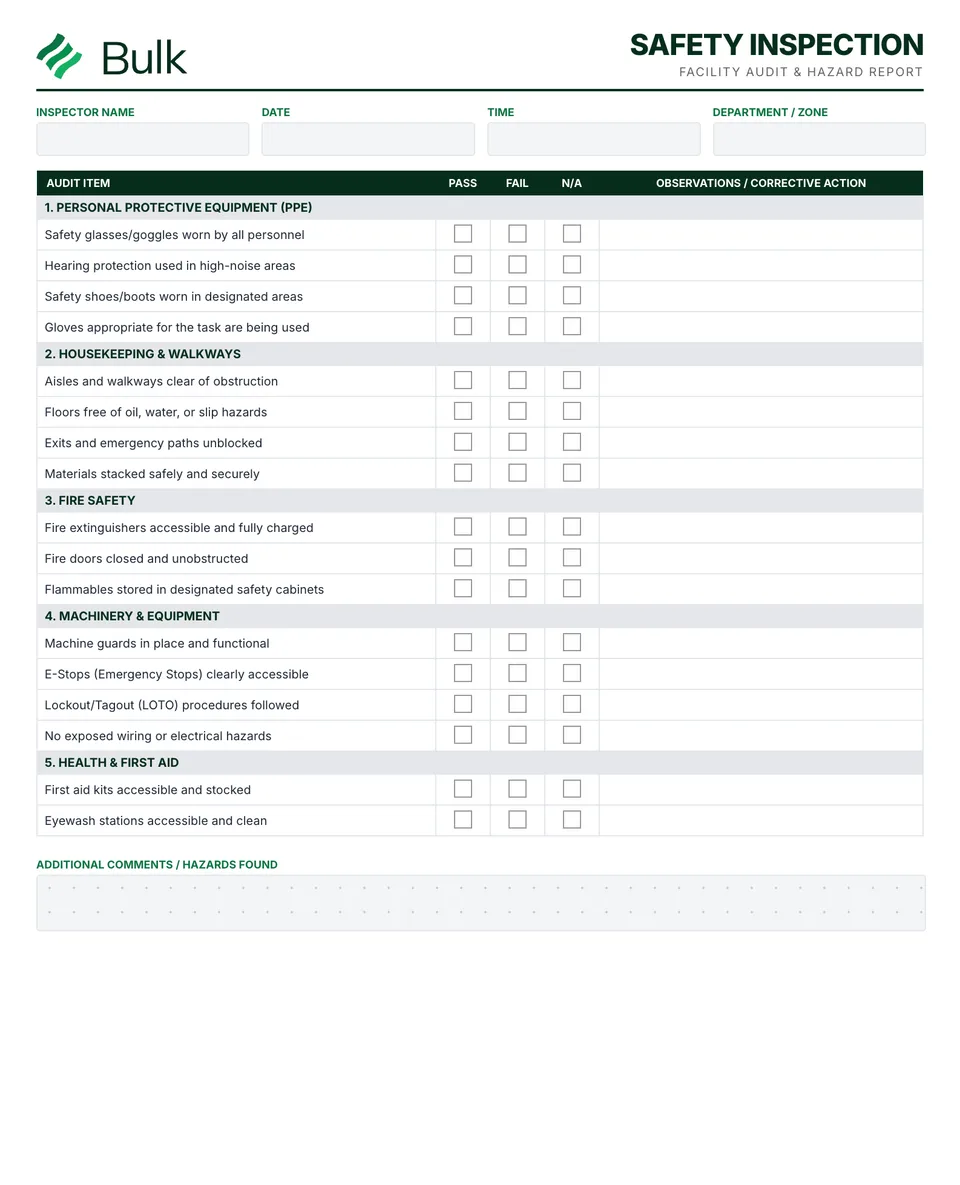
Safety Inspection Form
Define the area, scope and applicable checks with the responsible people.
What it's for
Use this safety inspection form to keep the working record, its evidence and follow-up together. Define the area, scope and applicable checks with the responsible people. Adapt the generic prompts to the actual equipment, hazards and site requirements.
What you can download
The PDF contains the original blank form pages, followed by a completed fictional example and a separate instructions page. Print only the blank pages for use at work; keep the example and guide as references. The download is free; enter your email to receive a secure link valid for seven days. Product-news consent is optional.
Completed manufacturing example
A weekly area inspection identifies an obstructed aisle, records immediate correction and retains a separate trolley action. The follow-up checks that the route stays clear.
The inspection result and action closure are separate records. Removing one tray fixes the obstruction; it does not by itself explain or prevent recurrence.
When to use this template
This is a general workplace inspection aid, not an OSHA audit certification or a substitute for equipment-specific statutory inspections.
Reference guidance: OSHA: hazard identification.
Continue with Forklift inspection checklist, Risk Assessment Form, Incident Report Form.
For shared records, evidence and follow-up, explore Bulk safety. Start a free trial to run it live, no card needed.
How to use it
- Define the area, scope and applicable checks with the responsible people. Adapt the generic prompts to the actual equipment, hazards and site requirements.
- Record what was observed for every applicable item. For each failure, document the location, evidence, immediate control, priority and action owner.
- Verify the completed action rather than accepting a tick alone. Retain unresolved items, evidence references and the next review date.
Key features
- Comprehensive safety checklist covering all major hazard categories
- Pass/fail checkboxes with space for detailed notes
- Hazard severity and priority classification
- Photo documentation capability for visual records
- Corrective action assignment with due dates
- Follow-up verification section for completion tracking
- Completed fictional example and instructions
Ideal for
- Safety managers conducting routine facility inspections
- Safety committee members on facility walk-throughs
Common uses
- Recording a workplace inspection
- Assigning actions to observed hazards
- Following up unresolved inspection findings
Related templates.
Forklift inspection checklistCheck the named truck before use. Report defects and prevent use until authorised release.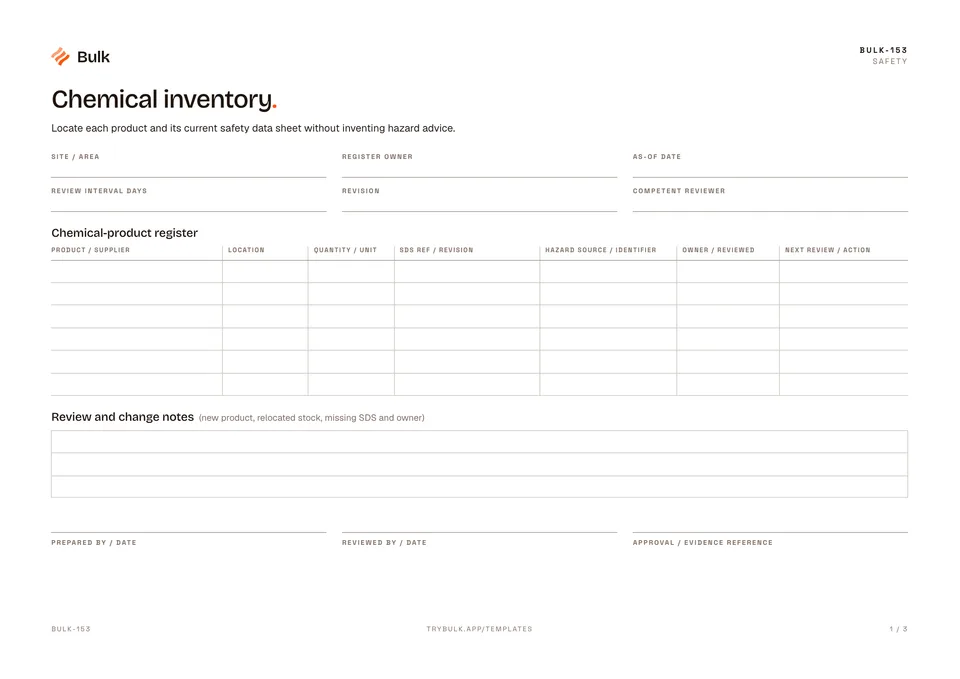 Chemical inventoryLocate each product and its current safety data sheet without inventing hazard advice.
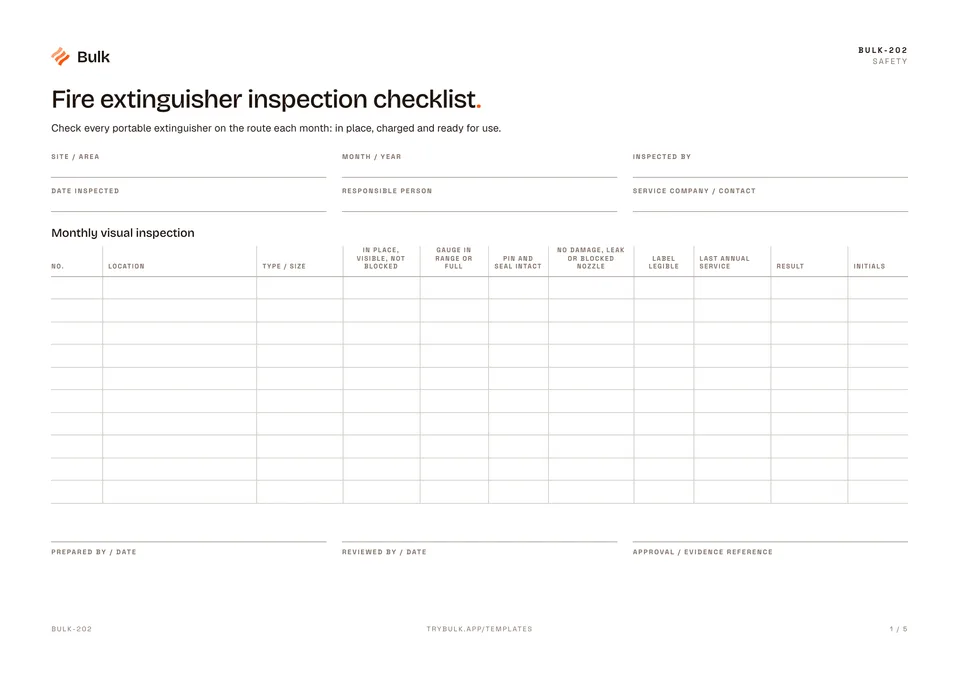 Fire extinguisher inspection checklistCheck every portable extinguisher on the route each month, record defects and keep the annual service dates in one place.
Turn the form into a live workflow.
Bulk connects the same checks, evidence, owners and approvals to the work happening on your floor.