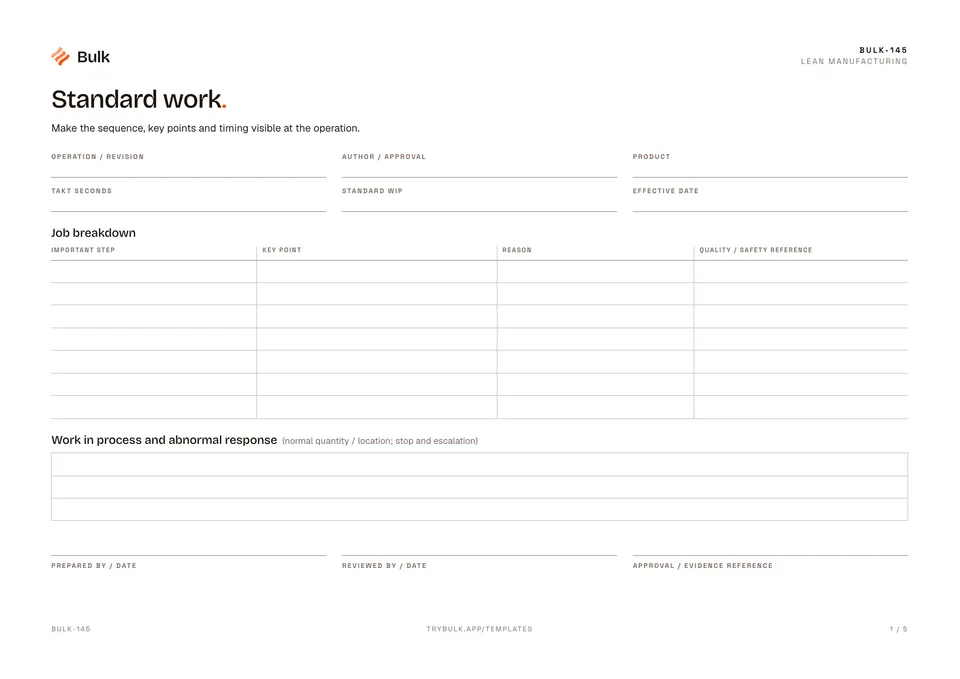
 Standard workMake the sequence, key points and timing visible at the operation.
Standard Operating Procedure (SOP) Template
Define the scope, owner, revision and approval.
What it's for
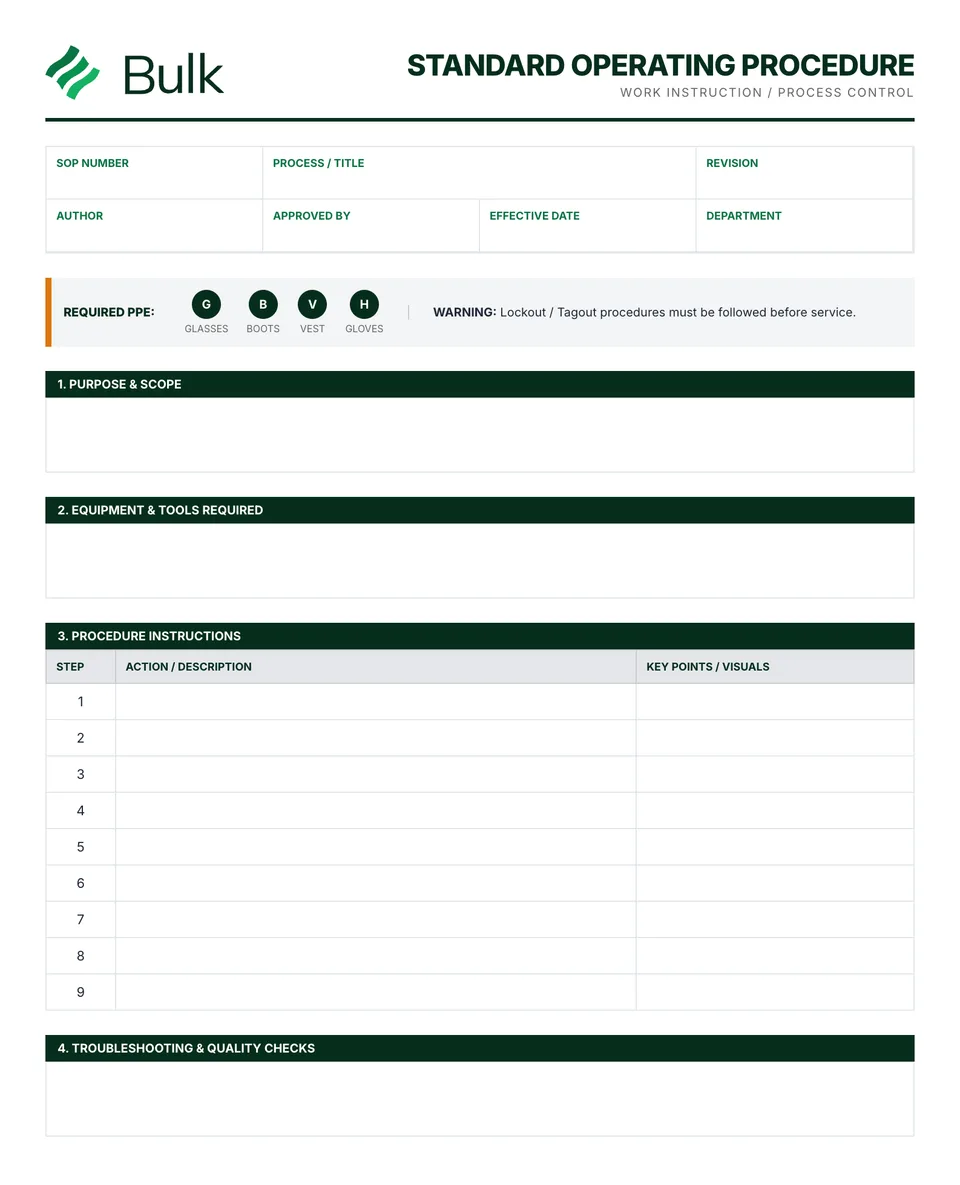
This free SOP template is a controlled standard operating procedure form for one manufacturing process: who performs it, what it needs, each step, the checks and the revision record. Define the scope, owner, revision and approval. Observe the real task and identify prerequisites, materials and relevant safety controls.
What you can download
The PDF contains the original blank form pages, followed by a completed fictional example and a separate instructions page. Print only the blank pages for use at work; keep the example and guide as references. The download is free; enter your email to receive a secure link valid for seven days. Product-news consent is optional.
The blank SOP form runs to two pages. Page one carries the document header (SOP number, process title, revision, department, author, approver and effective date), purpose and scope, a responsibilities table (who performs, checks and owns the procedure), safety requirements with PPE tick boxes and a lockout/tagout reminder, a materials, equipment and tools list, and the first 12 numbered steps with a key points column. Page two continues the steps to 20, then adds quality checks and acceptance criteria, a troubleshooting table, the revision history and author and approver signatures with a next review date.
What a good SOP template includes
- Document control. A unique SOP number, revision letter, effective date and a named approver, so everyone can tell which copy is current.
- Scope and exclusions. The area, products and conditions the procedure covers, and what it does not cover (the example excludes held material).
- Responsibilities. A role for each of perform, check and own. Roles last longer than names.
- Safety and materials. Required PPE, the relevant assessment or isolation reference, and every tool, part and consumable with its specification.
- Numbered steps in active voice. One action per step, starting with a verb, with the key point that makes it right in its own column.
- Measurable checks. Each quality check tied to a step, with an acceptance limit, tolerance or reference sample and the method or gauge.
- A response when it goes wrong. Troubleshooting rows that say what to do, not just what might happen.
- Revision history. One row per change, with who changed it and who approved it.
How to write an SOP with this template
- Pick one process and one owner. If the task changes by product family, write the variant into the scope or start a separate SOP.
- Watch the task being done by an experienced operator and note each action in the order it happens, including the checks they do without thinking.
- Write each step as a single instruction (“Place 20 brackets in the tray”) and move the detail that makes it right (count, position, reference) into key points.
- Add the quality checks at the step where they happen, each with a measurable acceptance criterion and the response when it fails.
- Fill in troubleshooting from real problems the team has seen, then list the materials and PPE the steps actually use.
- Trial the draft with a trained operator who did not write it. Fix anything they had to ask about, then approve, train affected people, withdraw old copies and set the next review date.
Completed manufacturing example
A six-step packing SOP defines released material, a 20-piece tray, two checks and a response to held stock. Unused continuation rows stay clearly unused.
The example’s acceptance check is 20 pieces of the correct part and revision in an intact tray. A quality hold stops the task even when the count is correct.
SOP-014, “Bracket packing”, is at revision B. It runs from confirming the job and quality release, through checking the tray and dividers, placing and counting 20 BR-204 brackets and applying the label with its lot, to moving the tray into the released dispatch lane. Revision B added the divider check, and the next review falls on 14 December 2026.
Common SOP mistakes
- Vague verbs. “Check the part” or “work carefully” cannot be followed or audited. Say what to check, against what, and how.
- Several actions in one step. When a step fails, nobody can tell which part of it went wrong.
- Checks without limits. A check with no acceptance criterion or reaction plan invites a different answer from every operator.
- Written at a desk. Procedures drafted without watching the task miss the real sequence and the workarounds.
- Uncontrolled copies. An SOP without a revision history or a way to withdraw old versions ends up with three versions on the floor.
SOP, work instruction or standard work?
Searches for a free SOP template, a free standard operating procedure template, an SOP form or an SOP format usually want the same thing: a controlled document with the sections above. A work instruction is the detailed how-to for one task and often sits inside or beneath an SOP. Standard work adds timing against takt and the work sequence at a station, while a one-point lesson teaches a single point visually. For a longer walk-through of writing each section, read our guide on how to create an effective SOP template; this page is the download.
When to use this template
This is a procedure layout and example, not an approved instruction for your plant. Site risk controls and technical limits must be supplied by the process owner.
Reference guidance: HSE: machinery maintenance.
Continue with Standard work, One-point lesson, Operator skills matrix.
For shared records, evidence and follow-up, explore Bulk documents. Start a free trial to run it live, no card needed.
How to use it
- Define the scope, owner, revision and approval. Observe the real task and identify prerequisites, materials and relevant safety controls.
- Write one action per step using observable checks and references. State the response when a requirement is not met; do not rely on vague instructions such as work carefully.
- Trial the procedure with trained users, obtain approval, train affected people and control obsolete versions. Review after a process change or the agreed date.
Key features
- Standard format with clear sections and numbering
- Purpose, scope, and responsibility definitions
- Materials, equipment, and safety requirements
- Step-by-step procedure instructions
- Quality checks and acceptance criteria
- Document control footer with revisions and approvals
- Completed fictional example and instructions
Ideal for
- Quality managers developing QMS documentation
- Process owners standardizing manufacturing procedures
- Operations managers capturing best practices
Common uses
- Writing a production work instruction
- Defining an inspection or packing sequence
- Controlling procedure revisions and approval
Questions, answered.
01
Is this SOP template free?
Yes. The standard operating procedure template is a free PDF. Enter your email to receive a secure download link valid for seven days; product-news consent is optional.
02
What should a standard operating procedure include?
A controlled SOP names the process, owner, revision and approver, then covers purpose and scope, responsibilities, safety requirements, materials and tools, numbered steps, quality checks with acceptance criteria, troubleshooting and a revision history. The blank form has a section for each.
03
What is the difference between an SOP and a work instruction?
An SOP sets out who does a process, what it needs and which controls apply. A work instruction goes deeper on how to do one task. On a small process the two often live on one sheet, which is how this template is laid out, with a key points column for the how.
04
How many steps should an SOP have?
As many as the task needs, with one action per step. The form has 20 numbered rows across two pages; if a procedure runs well past that, it is usually two procedures and reads better split.
05
How often should an SOP be reviewed?
After any change to the process, equipment or materials, after an incident, and at the next review date written on the form. The worked example sets its next review three months after the effective date.
Related templates.
Standard workMake the sequence, key points and timing visible at the operation.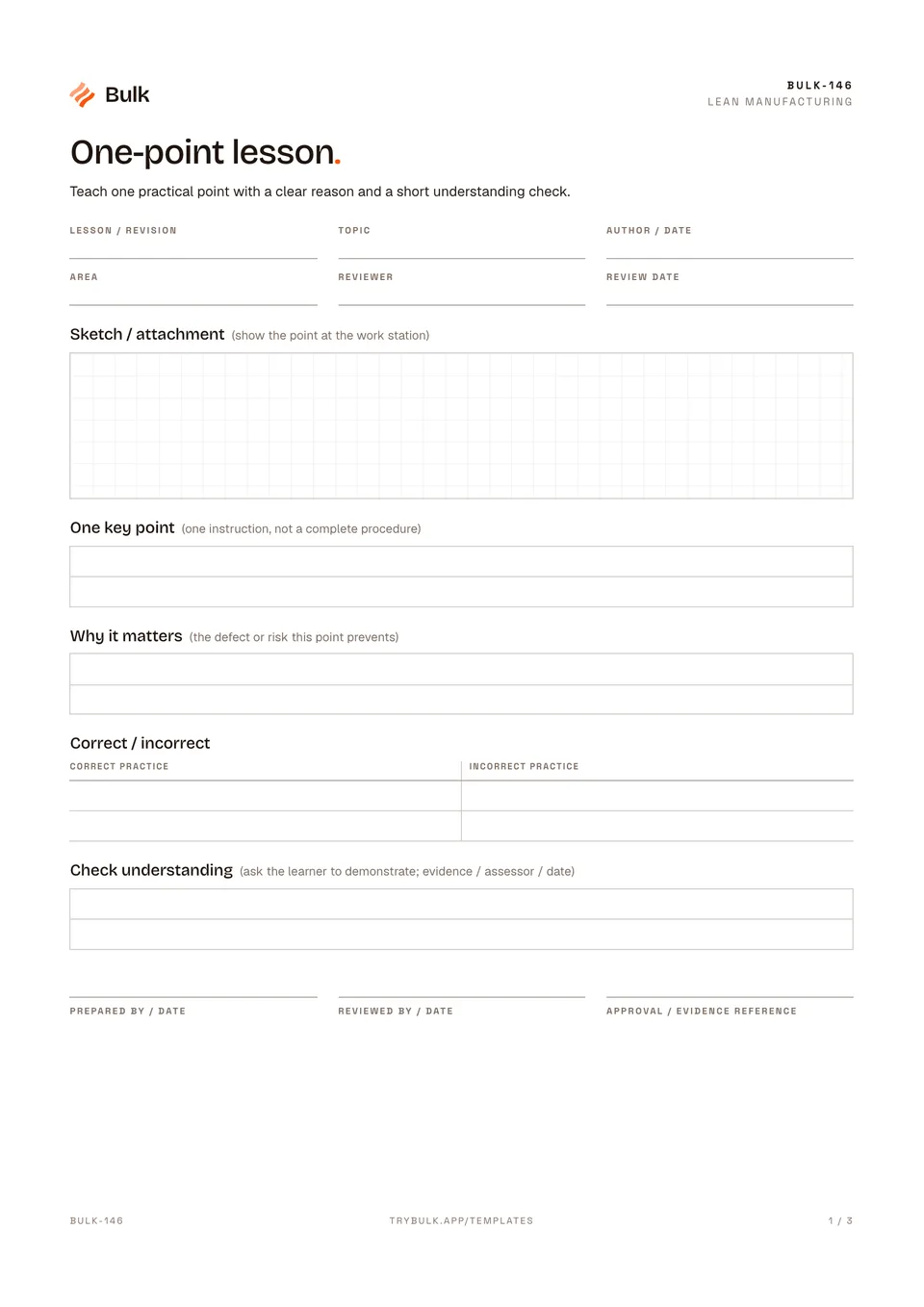 One-point lessonTeach one practical point with a clear reason and a short understanding check.
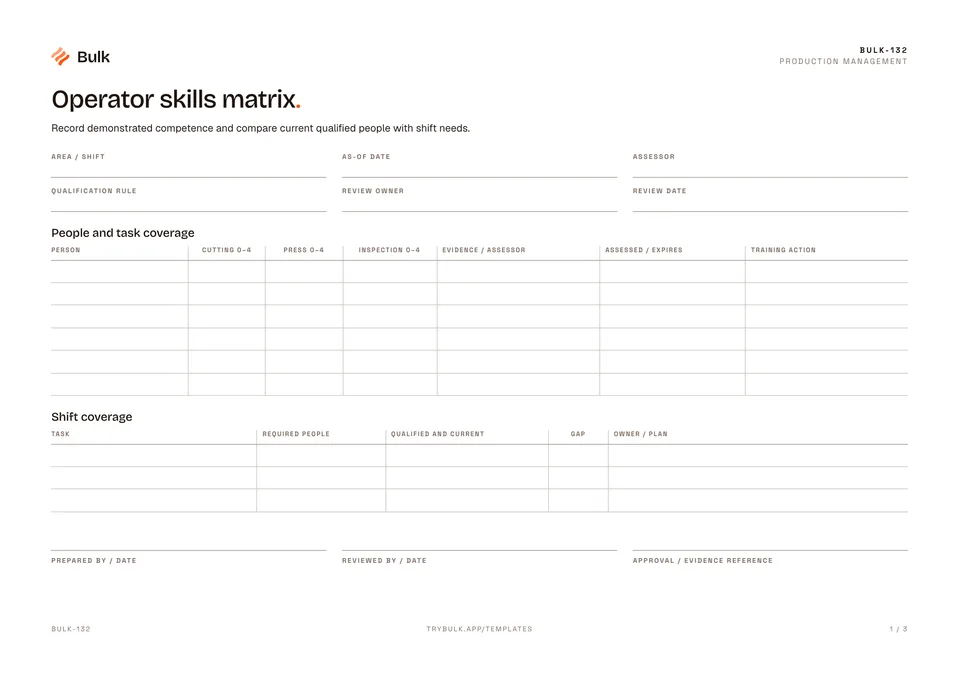 Operator skills matrixRecord demonstrated competence and compare current qualified people with shift needs.
Turn the form into a live workflow.
Bulk connects the same checks, evidence, owners and approvals to the work happening on your floor.