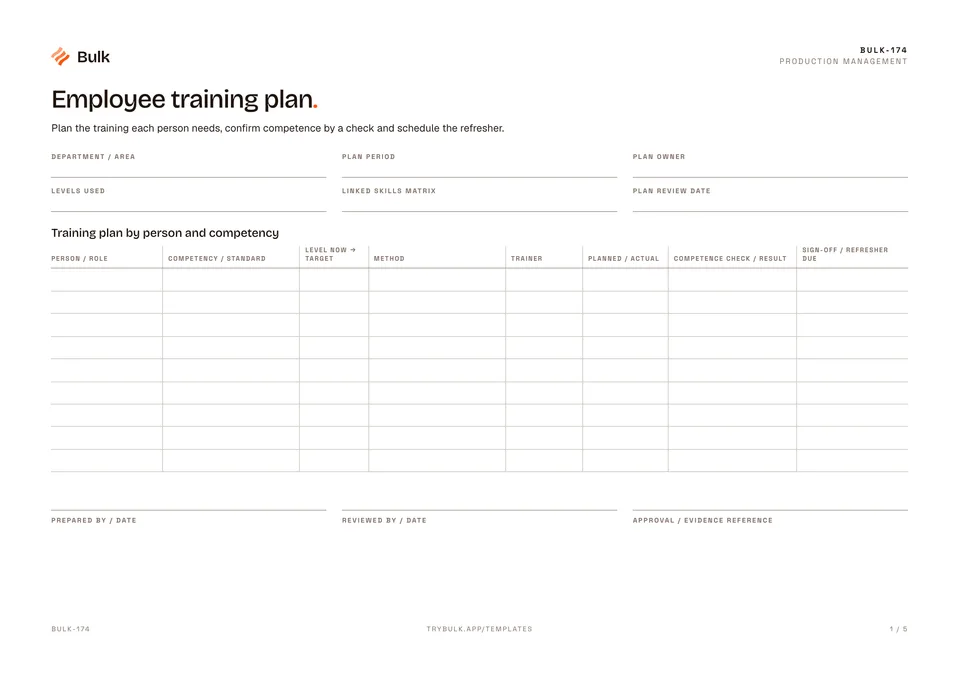
 Employee training planPlan the training each person needs, confirm competence by a check and schedule the refresher.
Operator skills matrix
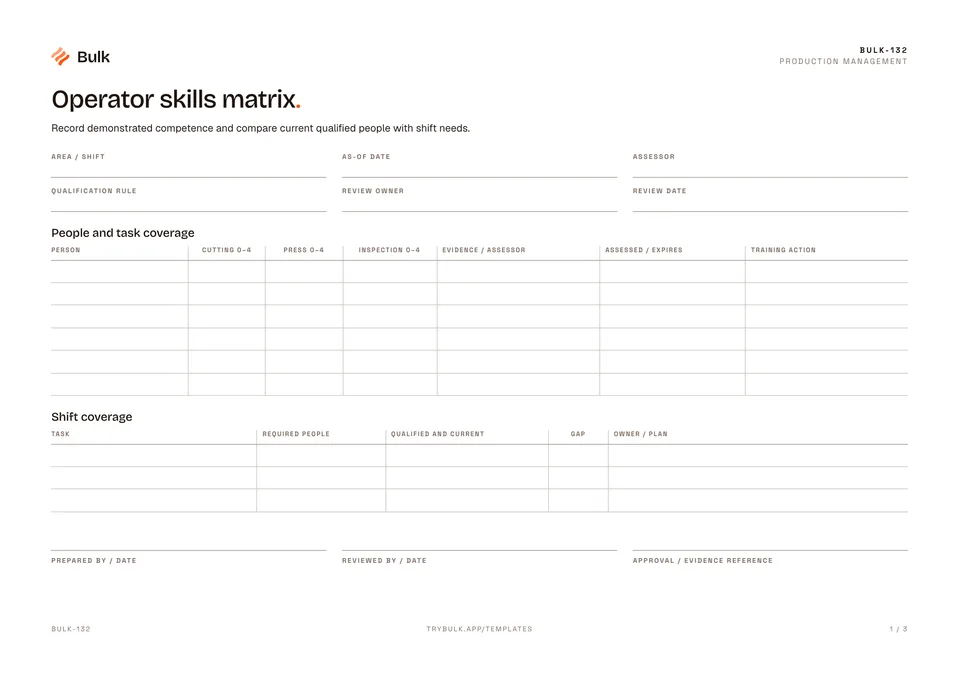
Record demonstrated competence and compare current qualified people with shift needs.
What it's for
Record demonstrated competence and compare current qualified people with shift needs. This free skills matrix template works as an operator training matrix too: one grid of people against tasks, with the evidence and expiry behind each rating and a shift coverage count underneath.
What you can download
Available files: PDF, Excel. Each PDF includes the blank form first, a fictional completed example and instructions. The Excel workbook includes an unused template and a separate completed example, with labelled inputs, calculation cells and print settings. The download is free; enter your email to receive a secure link valid for seven days. Product-news consent is optional.
The blank skills matrix is one A4 landscape page. The header records the area and shift, as-of date, assessor, qualification rule, review owner and review date. The people and task coverage table has a row per person with a 0–4 rating for each task (the PDF is laid out for cutting, press and inspection), the evidence and assessor, the assessed and expiry dates, and a training action. The shift coverage table below lists each task with the people required, the number qualified and current, the gap and the owner and plan.
Skills matrix vs training matrix
People searching for a skills matrix template and a training matrix template often want the same grid, but the two answer different questions. A skills matrix asks “who can do this task independently today?” and needs assessed levels, evidence and expiry dates. A training matrix asks “who has completed which training?” and tracks courses, inductions and refreshers. This template is a skills matrix that records the training action for each person; plan the training itself with a training plan and keep attendance on a safety training record.
The skill levels
- 0 Unassessed. No assessment yet; not the same as unable.
- 1 Aware. Knows what the task is and its hazards, but does not perform it.
- 2 Supervised. Can perform the task with a qualified person present.
- 3 Independent. Assessed as able to perform the task alone to the standard.
- 4 Trainer. Independent and able to teach and assess others.
The qualification rule in the header states what counts towards cover. In the example it is level 3 or above, with evidence and a valid assessment.
How to build a skills matrix
- List the tasks for one area or cell, using the same task names as your standard work or SOPs.
- Add each person and rate them 0 to 4 per task, based on an observed assessment rather than attendance.
- Record the evidence reference, the assessor, the assessment date and when it expires.
- Set the as-of date and count, per task, the people at level 3 or 4 whose assessment is valid on that date.
- Compare that count with the number of qualified people the shift needs and record the gap.
- Give each gap an owner and a training action, and set the next review date.
Completed manufacturing example
Lee is assessed at level 3 for cutting and inspection and level 2 for the press. Alex is level 3 for the press. Cutting needs two qualified people but has only one, leaving a one-person coverage gap.
The Excel calculation counts levels 3–4 only when evidence and assessment dates are valid at the chosen as-of date. Availability and shift assignment still need checking; a training attendance record alone does not prove competence.
The example covers cell B on the day shift as of 14 September 2026, assessed by Mira Chen, with the rule “level 3+, evidence and a valid assessment”. Alex is level 1 for cutting and level 2 for inspection, so the plan for the cutting gap is to cross-train Alex, owned by Jon. Press and inspection each need one qualified person and have one, so their plans are to maintain cover, and Lee’s training action is supervised press practice.
Common skills matrix mistakes
- Counting attendance as competence. Someone who sat the course is not yet independent.
- Expired assessments. A level 3 from three years ago may no longer be true; record expiry dates.
- Ignoring availability. Qualified people on holiday or another shift do not cover this one.
- Rating everyone a 4. If everyone is a trainer, the matrix is not telling you anything.
- Gaps without owners. A red cell with no plan and no date stays red.
When to use this template
Coverage is a planning count, not a substitute for site authorisation or safety-critical certification.
Continue with Training plan, Safety Training Record, Standard work.
For shared records, evidence and follow-up, explore Bulk training. Start a free trial to run it live, no card needed.
How to use it
- Levels: 0 unassessed, 1 aware, 2 supervised, 3 independent, 4 trainer. Attendance alone is not competence.
- Count only levels 3–4 with evidence, an assessment date no later than the as-of date, and an expiry date on or after it.
- Confirm people are actually assigned and available for the shift. Plan training for each uncovered task.
Key features
- People and task coverage
- Shift coverage
Ideal for
- Supervisors and training owners checking task-specific competence
Common uses
- Planning qualified shift cover and targeted cross-training
Questions, answered.
01
What is a skills matrix?
A skills matrix is a grid of people against tasks showing each person's assessed level on each task. It shows at a glance who can do what, where cover is thin and who needs training next.
02
What is the difference between a skills matrix and a training matrix?
A skills matrix records demonstrated competence on each task. A training matrix usually tracks which courses or instructions each person needs and has completed. Completed training is an input to competence, not proof of it, so many plants keep both.
03
What do the skill levels 0 to 4 mean?
On this template, 0 is unassessed, 1 aware, 2 able to work under supervision, 3 independent and 4 able to train others. Only levels 3 and 4 with valid evidence count towards shift cover.
04
How do you calculate shift coverage from a skills matrix?
For each task, count the people at level 3 or 4 whose assessment is current on the as-of date, compare that with the number the shift needs, and record the gap with an owner and a plan. Then confirm those people are actually rostered.
05
Is the skills matrix template available in Excel?
Yes. The download includes an Excel workbook with an unused template and a separate completed example, with labelled inputs, calculation cells and print settings, alongside the PDF.
Related templates.
Employee training planPlan the training each person needs, confirm competence by a check and schedule the refresher.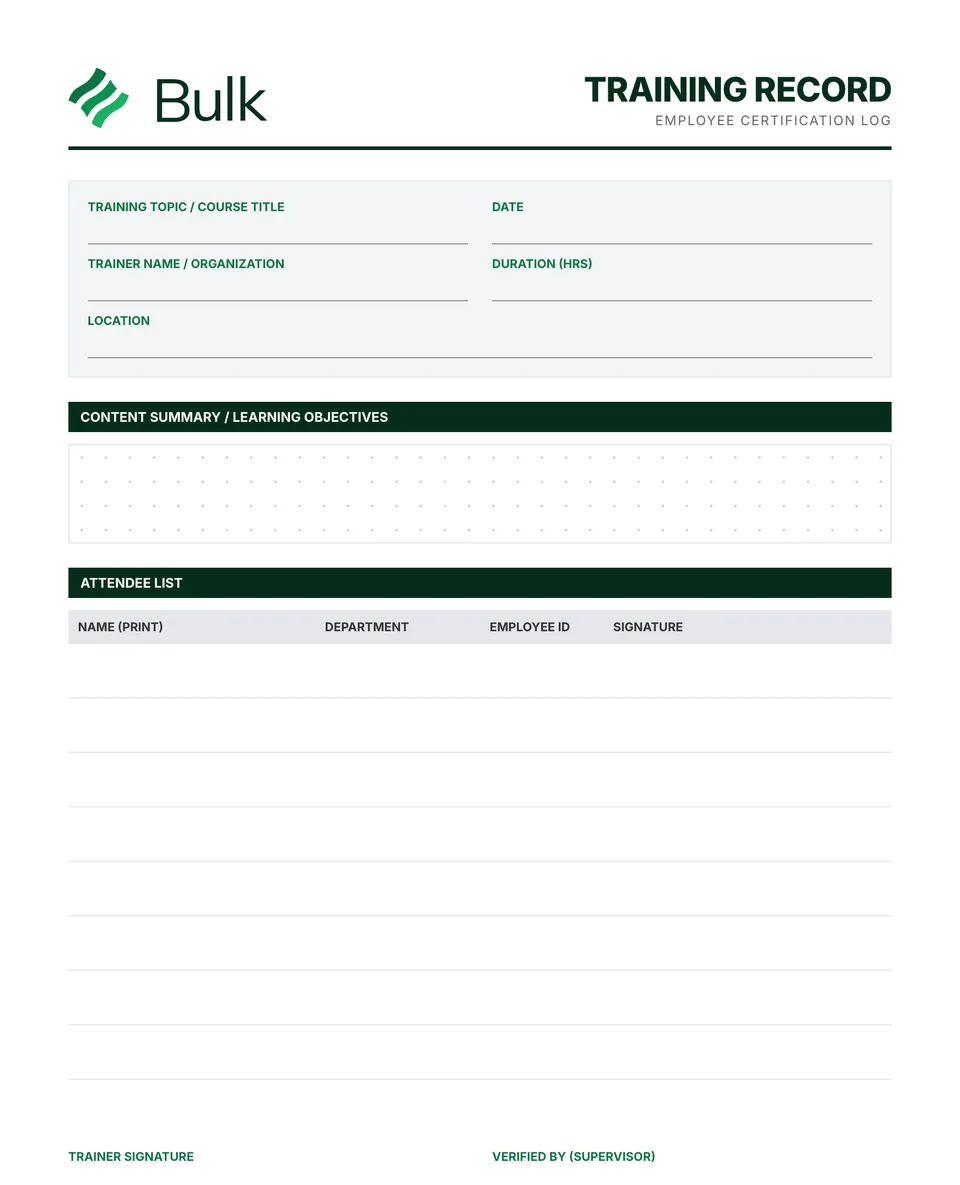 Safety Training Record & OSHA Training LogRecord the topic, procedure revision, objectives, trainer, date and duration.
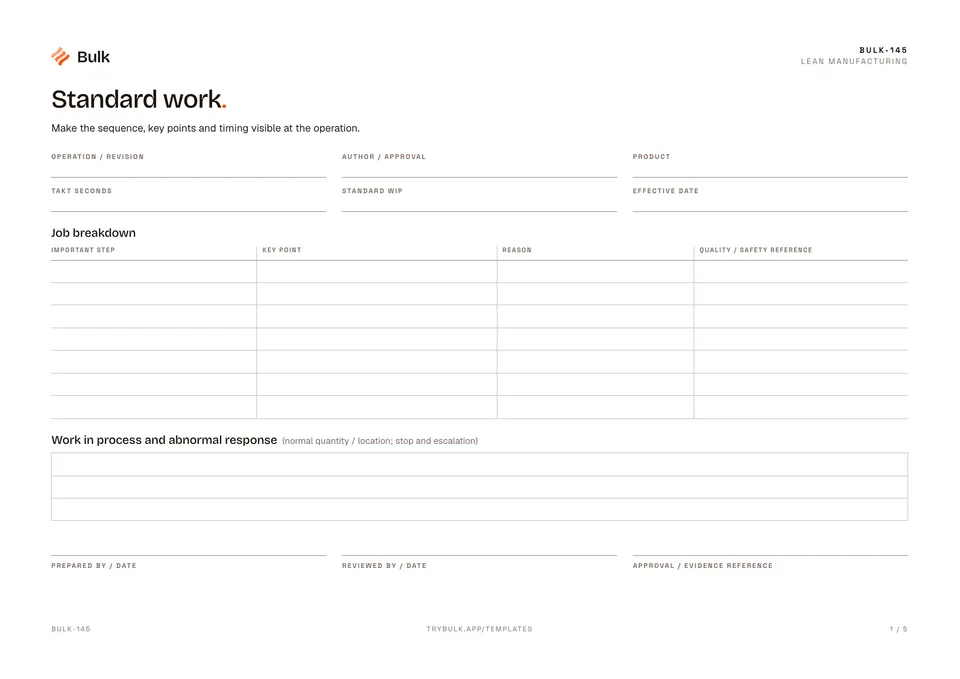 Standard workMake the sequence, key points and timing visible at the operation.
Turn the form into a live workflow.
Bulk connects the same checks, evidence, owners and approvals to the work happening on your floor.