How to Write an SOP: Step-by-Step Guide With an Example
How to write an SOP (standard operating procedure) step by step: pick one task, watch it done, write checkable steps and define the record. With an example.
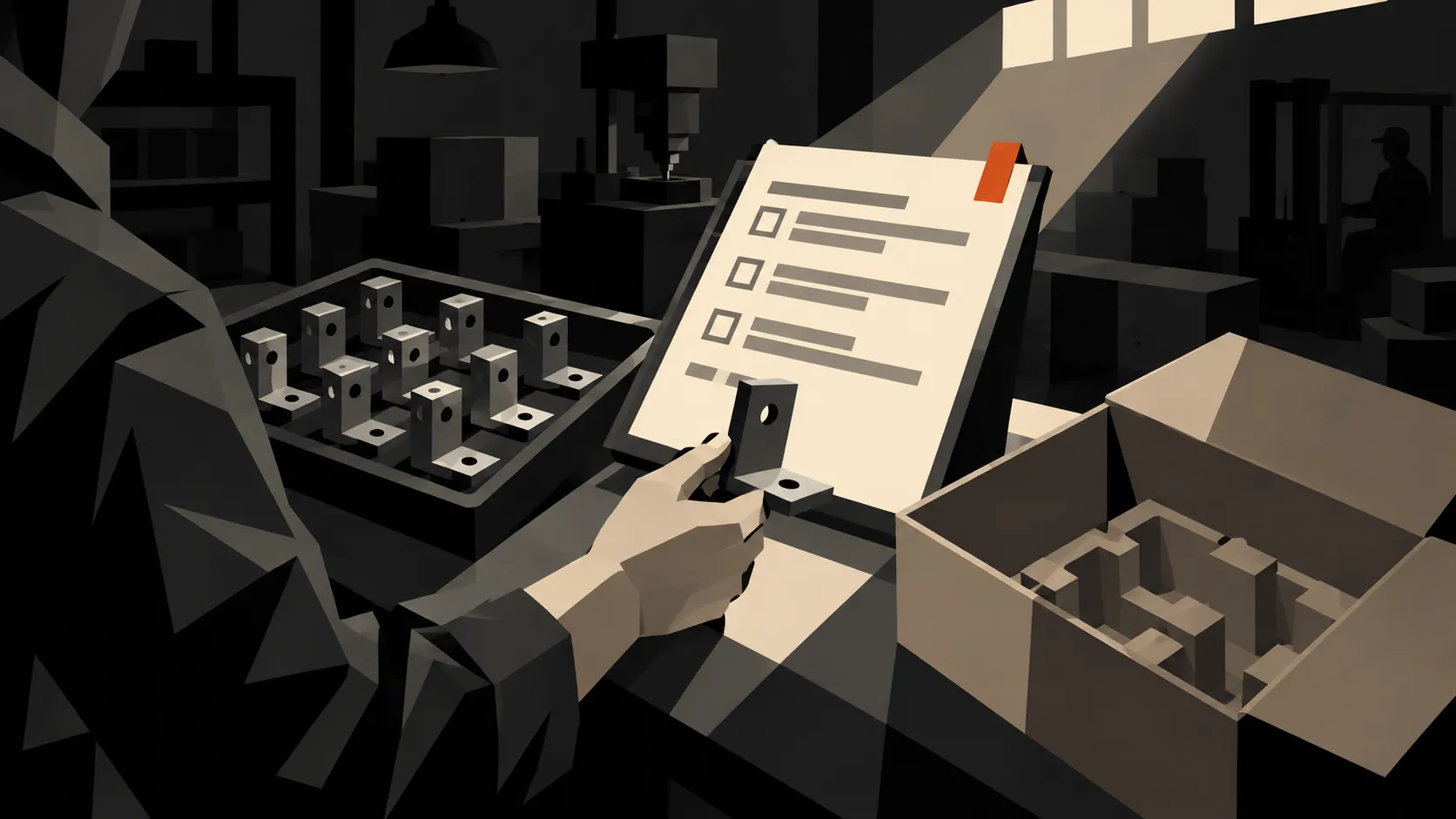
“Check the parts before packing.” It sounds like an instruction until someone asks which parts, what to check, and what happens if the count is wrong.
Knowing how to write an SOP, a standard operating procedure, comes down to answering those questions before the next person has to ask them. A good SOP gives the task a familiar structure: what it covers, who does it, the steps to follow, and the record to leave behind.
This guide shows how to write that procedure step by step, fill it with instructions people can use, and test it at the workstation. We’ll use a packing check on a manufacturing floor as the example throughout.
Need a starting point? Get the free standard operating procedure template. It’s a PDF, delivered through an emailed download link. If you prefer to write in Word or Google Docs, use the section outline below as your starting structure.
What is a standard operating procedure template?
A standard operating procedure, or SOP, describes how to carry out a recurring task. The template is the blank structure you reuse when documenting each task.
For example, a packing SOP might start when a released job reaches the packing bench and end when the checked shipment is ready for dispatch. Its template prompts the author to name the required records, define the checks, and explain who can resolve a mismatch.
That structure saves the next author from starting with an empty page. It also helps readers find the same information in the same place. Someone looking for the current revision shouldn’t have to search a different corner of every document.
Keep three things distinct:
- The procedure explains how to do the work.
- The template gives authors the headings and fields to fill in.
- The completed record shows what happened on a particular job.
A checked box on a packing record is evidence of a check. A checked box on the master SOP is just a mark on the instructions.
What should an SOP template include?
Use the following outline for your process documentation template. Keep a section when it helps someone perform, check, or control the work. If a section doesn’t apply, say why instead of leaving an unexplained blank.
| Section | What to put in it |
|---|---|
| Title and document ID | A specific task name and a unique reference, such as “Packing check for bracket orders” and “SOP-PACK-001.” |
| Revision and approval | Version, effective date, owner, reviewer, and approval record. Distinguish a draft from a released procedure. |
| Purpose | The result the procedure should produce. One or two sentences is usually enough. |
| Scope | Where the procedure starts and ends, who uses it, and which cases need a different procedure. |
| Responsibilities | The roles that perform the work, check it, and decide what happens when it cannot continue. |
| Before you start | Required training, records, tools, materials, and task-specific safety instructions. |
| Procedure | Numbered actions in the order the work happens, with checks at the relevant steps. |
| Acceptance and exceptions | What counts as a pass, what stops the task, and who handles a failure. |
| Records and references | What to record, where to save it, and which related instructions or specifications apply. |
| Change history | What changed, why it changed, and which revision replaced the previous one. |
Don’t spend the first afternoon designing a cover page. Draft the steps first. A polished header won’t tell a packer what to do with an order that has two different quantities on its paperwork.
How to write an SOP, step by step
1. Choose one task with a clear finish
“Warehouse operations” is too broad for a first SOP. “Check a bracket order before sealing the carton” gives you something you can watch and test.
Write the start and finish before anything else:
- Start: A job released for packing arrives at the bench with its job record and packing list.
- Finish: The quantity and identity checks are recorded, and the shipment is ready for the dispatch procedure.
Name the exclusions too. This example does not cover product inspection, decisions about rejected parts, or transport booking. Those need their own instructions and owners.
2. Choose a format that fits the work
A numbered list works well when the task follows one sequence. If the next action depends on a result, show the decision where it occurs.
| Format | Use it when | Example |
|---|---|---|
| Numbered steps | The work happens in a set order. | Checking an order before packing. |
| Steps with substeps | One stage needs several separate actions. | Preparing a station before a new job. |
| Checklist | Trained users need a reminder of known checks. | Confirming the handover record is complete. |
| Flowchart | Different results send work down different paths. | Deciding who handles a delivery discrepancy. |
These are common SOP formats, also described in Microsoft’s overview of procedure types. You can combine them. A numbered packing procedure can include a short checklist at the final check.
Separate the layout decision from the file type. A PDF is useful for distributing a fixed layout; an editable document is useful while drafting. Neither choice, by itself, tells readers whether they have the approved version.
3. Watch someone do the task
Take your outline to the bench and ask an experienced person to work through a normal job. Note which documents they open, which labels they compare, and where they pause.
Then ask about an awkward case. What happens when the label is unreadable? Where does a short order wait? Who can authorize it to move?
Those answers often reveal the missing steps. “Ask the supervisor” needs more detail if the night shift has no supervisor at that station. Write the role or contact route that people can actually reach.
Don’t turn every habit you observe into a rule. Where two operators use different methods, ask the process owner to agree the method before you write the final instructions.
4. Write actions someone can check
Start each step with a verb. Name the object, the comparison, and the result to record. Replace words such as “properly” and “as needed” with the condition that matters.
| Vague instruction | Usable instruction |
|---|---|
| Check the order. | Compare the job number on the tray label with the job number on the packing list. |
| Make sure the quantity is correct. | Count the parts and compare the total with the quantity on the packing list. Record the actual count. |
| Deal with any discrepancies. | If the count differs, leave the carton open, mark the job as on hold, and notify the packing lead. |
| Complete the paperwork. | Enter the job number, actual count, checker name, date, and result on the packing record. |
Use one name for each thing. If the document is a “packing list” in step two, don’t call it a “dispatch sheet” in step five.
5. Put checks beside the actions
For each step that can fail, write the pass condition and the next action if it fails. A separate quality section can explain the overall rules, but readers need the relevant check at the point of use.
In our example, matching the job number is a pass condition. A mismatch stops packing until the packing lead resolves it. “Use your judgment” would leave the most important decision unwritten.
For measurements, use the approved specification and state the units. Don’t invent tolerances to fill a blank in the template. Reference the exact drawing, specification, or inspection plan that supplies them.
6. Define the record before releasing the procedure
Decide what evidence the next person needs. For the packing check, that might be the job number, actual count, checker, date, and pass or hold result.
Say where the record goes. “Save the form” isn’t enough if people can save it to a desktop, a shared folder, or three different job records.
Keep the blank master separate from completed records. Give users a clear way to create a new record without writing over the instructions or a previous job’s results.
A worked operations SOP example
Here is what the outline looks like when filled in. This is an illustrative packing procedure, not an approved instruction for a particular plant. The process owner would need to confirm the sequence, roles, and checks before use.
Title: Packing check for bracket orders
Document ID: SOP-PACK-001
Revision: Draft 01
Owner: Packing lead
Approval and effective date: Pending review
Purpose: Confirm that the parts and quantity at the packing bench match the order before the carton is sealed.
Scope: Applies to bracket jobs released for packing. Starts with the labeled tray and packing list at the bench. Ends with a completed packing record and a shipment ready for dispatch. Product acceptance follows the separate inspection process.
Before starting: Have the released job record, packing list, labeled parts, specified packaging, and a blank packing record available. Follow the site’s approved handling instructions for the parts.
- Confirm release. Check that the job record shows release for packing. If release is missing or unclear, stop and contact the packing lead.
- Match the identity. Compare the job number and part number on the tray label with the packing list. If either differs, put the job on hold and notify the packing lead.
- Count the parts. Record the actual quantity on the packing record. Compare it with the packing list. A mismatch goes on hold for the packing lead to resolve.
- Check the packaging instruction. Confirm the required packaging and label details from the job record. If either is missing, ask the packing lead before packing.
- Pack and check. Pack to the job’s packaging instruction. Before sealing, compare the carton label with the packing list and confirm the quantity recorded in step three.
- Record completion. Enter the checker name, date, and result. Save the packing record against the job. Seal and move the carton to the dispatch area only when all checks have passed and any hold has been resolved under the site’s hold procedure.
Exception record: For a mismatch, record what differed and the packing lead’s resolution against the job. Repeat the affected check after correction. Do not change an expected quantity simply to match the count.
Change history: Draft 01 created for review at the packing bench. No production release yet.
Notice how little background explanation sits between the actions. The instructions name the things the packer needs to compare. The purpose and scope provide the context above them.
Customize the template for your team
Keep the common headings, then adapt the detail to the task. An operations SOP template for packing needs different fields from a laboratory procedure or an office approval process.
For manufacturing, consider the job, part, drawing revision, equipment, and inspection records involved. For a laboratory, the relevant details may include sample identity, method reference, instrument, and result records. For an office process, name the request, approval role, deadline, and destination for the completed work.
The question is the same in each case: what would someone have to guess if this field were missing?
Add visuals where words leave room for error
A close photograph can show which label to read. An annotated screenshot can show the exact field to complete. A short flowchart can make an exception path easier to follow.
Put each visual beside the step it explains. Crop out unrelated equipment, mark the relevant detail, and give it a caption that states what the reader should notice. Keep the instruction in text too, so the meaning doesn’t depend on a tiny arrow or a color difference.
For an actual workstation SOP, use photos of the real equipment and approved setup. A stock or generated illustration can introduce an article like this one, but it cannot establish the correct control, guard, or part orientation on your equipment.
Review, approve, and keep it current
Give the draft to someone trained for the task who didn’t write it. Have them work through a suitable trial while the author observes. Record every point where they need an explanation. Fix those gaps before treating the document as ready.
The EPA’s guidance on preparing SOPs recommends review by people with appropriate experience, testing draft procedures, and making current copies available where the work happens. Those are useful checks when reviewing your own draft.
Before release, confirm that:
- The process owner agrees with the method and exceptions.
- Relevant quality and safety reviewers have checked the parts they own.
- Referenced documents are available and correctly identified.
- Required approvals and the effective date are recorded.
- People affected by the change have the training or briefing they need.
- Old copies are removed from use or clearly marked as superseded.
An SOP template doesn’t establish compliance on its own. Have the responsible people check the finished procedure against the requirements that apply to your work, including customer specifications and your own quality system.
Set a review date, but also define what triggers an earlier review: changed equipment, a revised specification, an incident, or repeated confusion at the same step. Record what changed and why. Replacing a file called “final” with “final-new” makes the history harder to follow.
Common questions about writing SOPs
Is there one standard template for an SOP?
There isn’t one layout that suits every task. Use a consistent structure within your organization, then add the detail the work requires. A short packing check and a complex test method can share document-control fields without having the same number of sections or pages.
Can I write an SOP in Word or Google Docs?
Yes. Start with the headings in this guide, then add the steps and checks. Decide who can edit the master, who approves changes, and how readers find the released version. The writing tool doesn’t make those decisions for you.
How long should an SOP be?
Long enough to follow without guessing. If a task fits on one page, keep it there. If it needs supporting work instructions, link them at the relevant steps rather than squeezing everything into small type.
Is Bulk’s free SOP template editable?
The download is a PDF. Don’t expect a Word document or a Google Docs file. You can use it as a reference for the layout, or start an editable document with the outline in this article.
Download the free SOP template
Start with one task people ask about every week. Draft it with the person who does the work, test it with someone else, and correct the parts that still need a spoken explanation.
The free SOP template includes sections for purpose, scope, responsibilities, equipment, steps, quality checks, and revisions. Enter your email on the template page to receive the PDF download link.
When you need to manage procedures across more jobs and teams, explore Bulk’s document library and production tools. Start by getting one procedure right at the bench where it’s used.