Manufacturing OCR: from purchase order to production job
Learn how manufacturing OCR turns customer documents into reviewed order data, where extraction fails, and how to test it before releasing jobs.
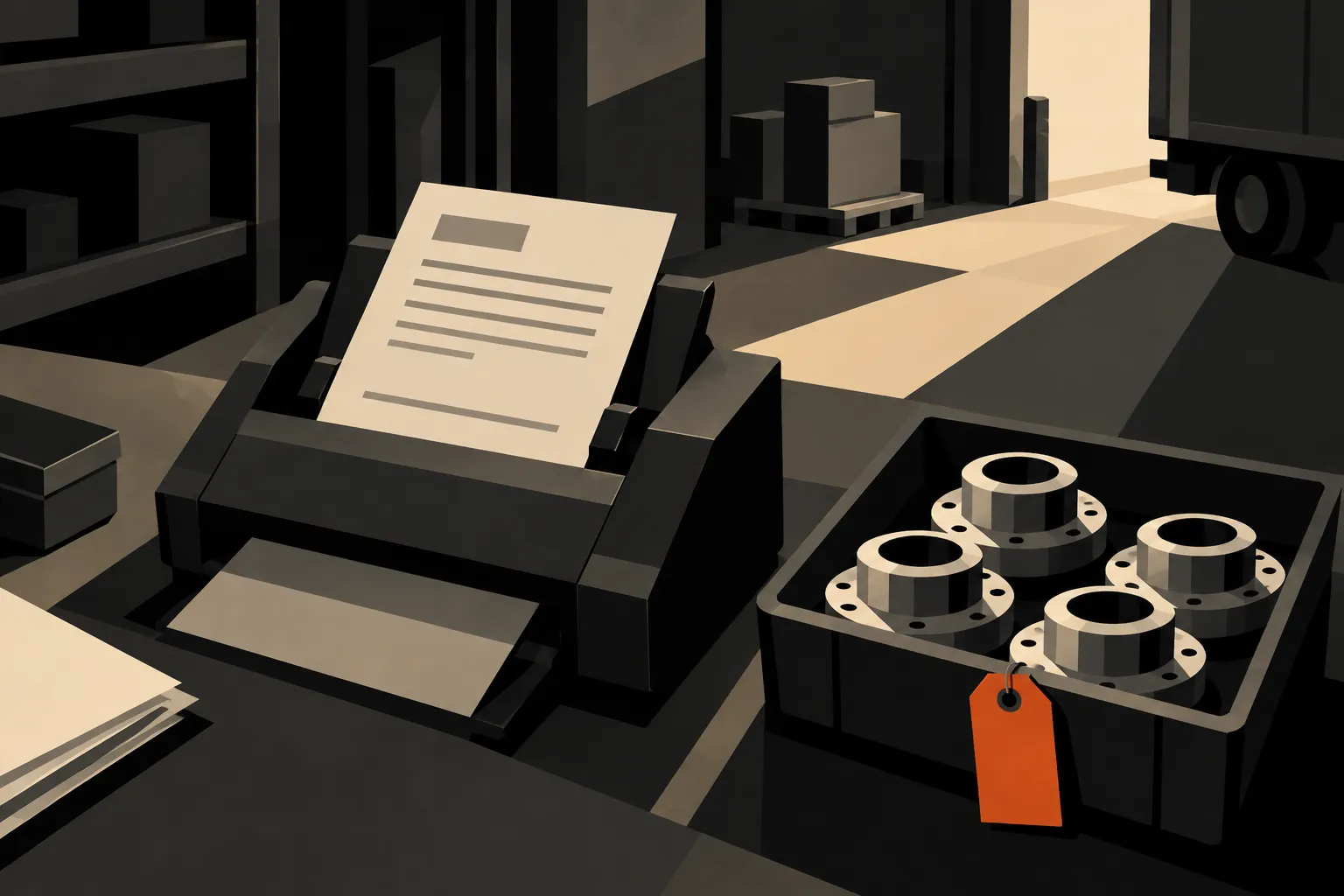
Manufacturing OCR turns text in scanned documents into data that a production team can use. For customer-order intake, the useful result is a reviewed set of part numbers, quantities and dates linked to the original document. Reading the page is only the first step. Someone still needs to check what those values mean before they become work.
Start by separating two tasks that often get bundled together: reading a customer purchase order to create production work, and reading a supplier delivery note to receive material. They need different matching rules and different destination records. An accurate part number in the wrong workflow can still create the wrong transaction.
What manufacturing OCR actually does
Optical character recognition, or OCR, recognises characters in an image. Document extraction adds structure: which text is an order reference, which date is the requested delivery date, and which quantity belongs to which line. Matching then connects those values to your own customers, parts and routes.
IRIS’s purchase-order capture overview describes this distinction in practice, covering document import, extraction and validation. A searchable PDF is useful, but it is not yet a production order.
| Document | What to identify | What needs a separate check |
|---|---|---|
| Customer purchase order | Customer, order reference, part, quantity, dates | Part revision, route and whether the order already exists |
| Customer schedule | Part, release quantity, delivery period | Whether a row replaces or adds to an earlier release |
| Supplier delivery note | Supplier, delivered item, quantity, lot reference | Receipt against what was ordered and what physically arrived |
| Material certificate | Material identity, heat or lot, stated results | Whether the certificate belongs to the material being used |
Choose one of these workflows for a pilot. Testing them as one undifferentiated stack hides which step is working.
A customer PO example: read, match, review, release
Consider a hypothetical customer order for 120 brackets. The PDF uses the customer’s part code, gives a requested delivery date, and includes a second date in its footer. The extraction needs to identify the correct line quantity and delivery date. Matching needs to connect the customer’s code to the intended internal part and route.
A reviewer should see the source and proposed values together. If the part match is ambiguous, the item needs a decision. If the quantity is 120 boxes rather than 120 pieces, accepting the characters without checking the unit produces an order error.

In Bulk, Inbound & OCR provides document extraction and matching to production data, with an inbound workflow that can create jobs from ready items. Approval behaviour depends on the configured workflow and routing policy. Decide which orders need human sign-off, then test that path with both valid and incomplete lines.
This is customer-order intake. Do not assume it also provides supplier purchasing or three-way accounts-payable matching. Those are separate capabilities to establish when evaluating your process.
Where extraction errors hide
The difficult cases are often plausible values in the wrong place. A document may contain a previous quantity, a revised quantity and a subtotal. A repeated table header can look like another line. A customer part number can differ from an internal code by one suffix that identifies the revision.
Use a test pack that contains these cases, along with rotated scans, multi-page tables, duplicate uploads and unfamiliar layouts. Include documents that should be rejected. A test containing only clean examples tells you little about the review queue your team will face.
Check three levels separately:
- Field accuracy: did the system read the expected value and unit?
- Record accuracy: did it attach that value to the correct line, customer and part?
- Workflow accuracy: did only the intended work get created, with exceptions held for resolution?
Do not accept a single headline accuracy percentage without its denominator and test conditions. Character accuracy does not establish that every order is correct.
Measure the pilot at the intake desk
Record the time from document arrival to a checked order, the number of fields corrected, and any incorrect or duplicate jobs created. Compare similar documents before and during the pilot. Include the time spent handling failed extraction and resolving unknown part codes.
Keep the source document attached to the resulting record. It gives planners a way to answer a later query without asking the reviewer to remember why they changed a value. Decide who owns master-data corrections too: repeatedly fixing the same customer code in each order leaves the underlying problem untouched.
Connect intake to the rest of the job
The next test is downstream use. Can production open the right instruction? Can quality find the originating order? Does the person preparing an invoice have the agreed commercial information, without copying it from the PDF again?
Bulk’s data thread connects the order with the work around it. Start by proving one document type through inbound review and job creation. Expand only after the team can explain every mismatch, recover a failed submission and retrieve the original document from the resulting work.