Digital thread in manufacturing: from order to invoice
Learn how a digital thread connects manufacturing records, keeps quality exceptions traceable, and links the customer order to the invoice.

Cover: AI-generated editorial illustration.
A digital thread in manufacturing connects the records that explain a product and the work done to it. It lets someone follow an order into its jobs, find the inspection results, and trace the invoice back to the work being charged. Each record keeps its identity and history as information moves between people and systems.
That matters when the numbers change. If a customer orders 100 parts and inspection rejects two, production, quality and finance need to understand the difference. Copying “100” into every screen would hide it. A useful thread preserves the relationship between what was ordered, what was made, what passed and what can be billed.
This guide follows that example and shows how to test one handoff before extending the approach across a plant.
What is a digital thread in manufacturing?
The wider digital thread can reach from product design through manufacturing, inspection and service. NIST’s Digital Thread for Manufacturing programme examines how product information moves between engineering, manufacturing and quality, including how measurement results feed back to design.
For a plant manager, a practical starting point is the operational record: the customer order, its production jobs, the output and quality evidence, and the commercial documents. This is the part of the thread covered here. Connecting these records does not, by itself, establish a complete design-to-service thread.
“One record” is useful shorthand for that shared context. An order, a job and an invoice are still different records with different purposes. The important question is whether their links survive a change, so the next person can find the source without rebuilding it in a spreadsheet.

A single source of truth needs clear ownership
A single source of truth in manufacturing means there is an agreed authority for each fact. Production records completed work. Quality records the inspection decision. Finance records the agreed charge. Other views should reuse those facts or show how they were derived.
An uncontrolled second copy breaks that arrangement. A planner might update a quantity in a workbook while a printed traveller still carries the old value. The next person must decide which to trust, often without knowing when either changed.
Copies are not inherently wrong. An issued invoice needs a stable account of what was billed, and a report may deliberately describe the end of last month. Those are useful snapshots when their date, source and purpose are clear. Problems arise when two independently editable copies both claim to be the current answer.
A digital thread can connect separate systems. It needs reliable identifiers, clear responsibility for changes and visible failures at the boundaries. A fast dashboard alone does not establish those controls. Ask where a figure came from, how current it is, and what happens when an update fails.
Worked example: 100 ordered, 98 accepted
Consider a hypothetical job for 100 machined flanges. All 100 pass through machining. Final inspection rejects two, and the customer agrees to accept and pay for a partial delivery of 98. This is an example of the records to preserve, not a claim about a customer’s results or a default billing rule.
The original order still records demand for 100. The job records the work performed. The inspection records 98 accepted, two rejected and the reason for that decision. The delivery and invoice cover the agreed 98, while the remaining two stay open for a replacement or another agreed resolution.
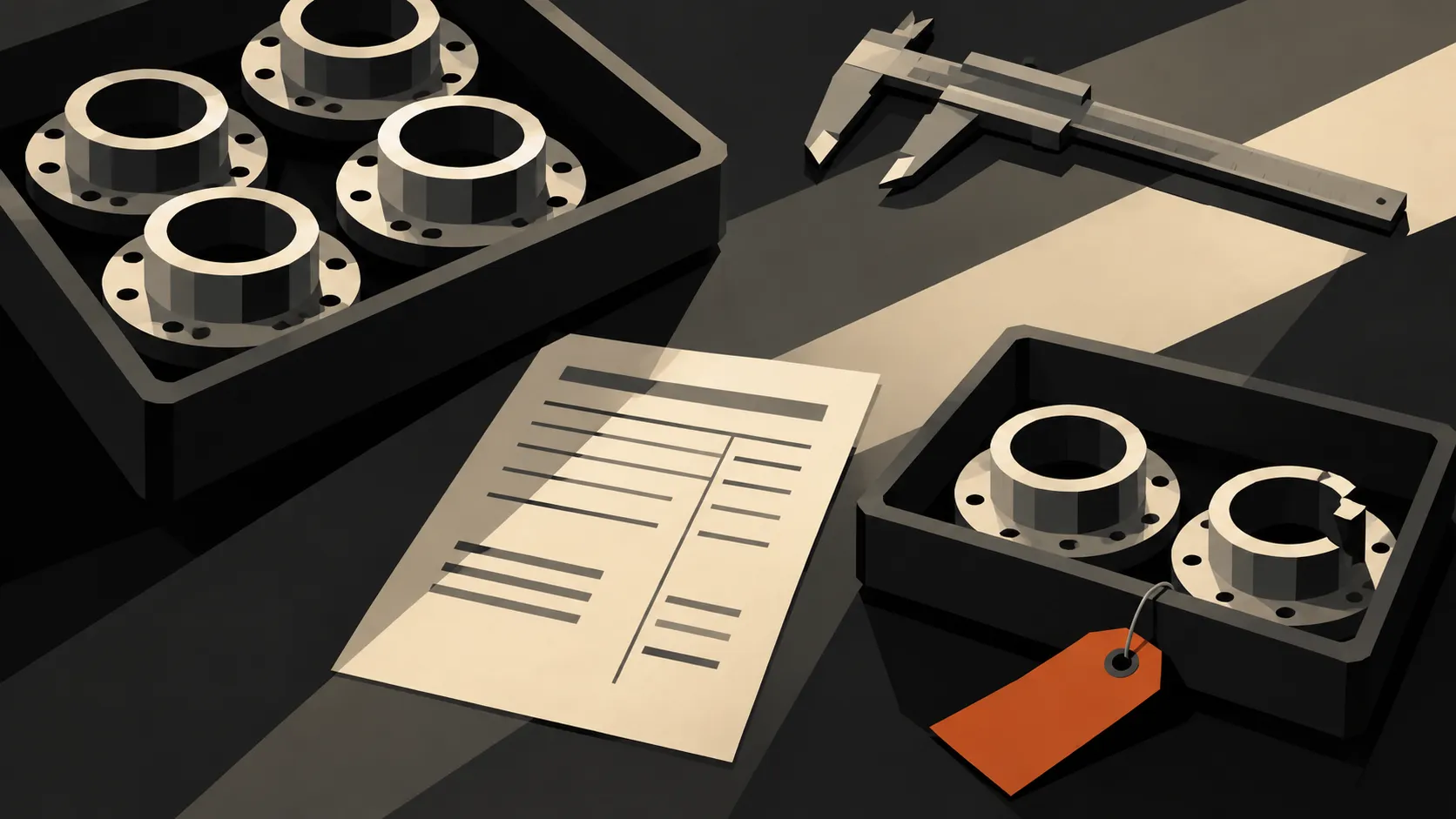
The test becomes more useful when something goes wrong. Suppose someone initially records all 100 as accepted, then notices the two defects. Can the authorised person correct the result? Can the planner find the revised quantity and the reason? If an invoice has already been issued, does the correction follow a controlled commercial process?
Do not silently overwrite the order quantity to make the screens agree. That would erase the customer’s original requirement. Do not assume every rejected part automatically reduces an invoice either: fixed-price work, rework charges and partial deliveries depend on the commercial agreement.
Digital thread vs digital twin
A digital thread connects information across a product’s life. A digital twin represents a physical object or process using data and models, for example to monitor behaviour or simulate a change. IBM’s comparison of digital twins and digital threads explains the distinction and how the two can work together.
For the flange example, finding the inspection result from the job is a thread problem. Modelling how a machine behaves under different conditions is a twin problem. You can improve the first handoff without first building a simulation of the factory.
How Bulk connects the order-to-invoice record
Bulk is one operating system for the plant, installed one app at a time. Its data thread connects the production work with the commercial loop an ERP usually owns.
In the current implementation, Quality issues can link to production jobs and record the affected quantity. Invoicing creates a draft against a production order with selected eligible jobs. Issued documents retain snapshots rather than acting as freely editable views of whatever a job says today.
That is why “the same record” should mean traceable work and commercial context. It does not mean an operator’s output count becomes the invoice quantity without review. Billing still depends on the services, prices and approval rules configured for the work.
You can start a free trial with no card and test the thread on your own workflow, one app at a time. The broader manufacturing ERP guide covers questions to ask when evaluating the rest of the system.
Start with one handoff you can prove
Choose a recurring point where someone retypes information or searches for missing evidence. Keep the pilot small enough to follow real work through its exceptions.
- Map the records. Take one completed order and identify its jobs, inspection results and invoice. Note where someone had to copy a value or search by a different reference.
- Name the owner of each fact. Agree who records output, who releases work, and who approves billing. Define units and the meanings of ordered, produced, accepted and invoiced quantities.
- Test a correction. Use a rejected part, a changed order or a partial delivery. Verify both the next person’s view and the history of the change.
- Test an interruption. If separate systems exchange data, interrupt that exchange in a test environment. Check how people recognise stale information and recover without creating duplicate records.
- Measure the work around the handoff. Count repeated entries, time spent finding evidence and unresolved mismatches before and during the pilot. Expand when the process works and the people using it can explain the records.
Start with the number your team spends time arguing about. Follow it back to the event that created it, then forward to the next decision. The first useful digital thread is the one that makes that path clear.