SQDCP boards: meaning, metrics and a 10-minute meeting
Learn what SQDCP means, choose useful measures for each column, and run a short daily meeting that leaves every agreed action with an owner and due date.
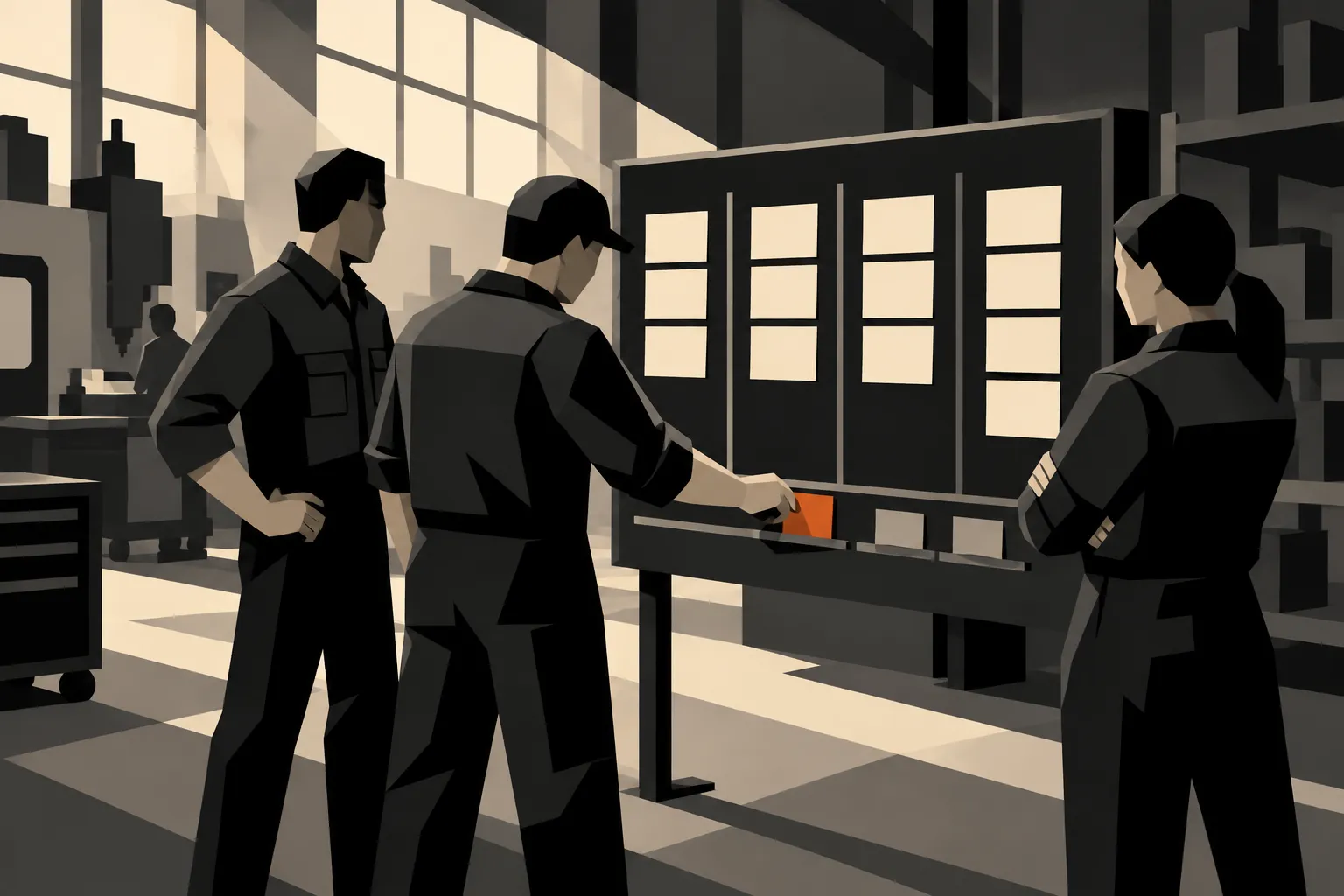
An SQDCP board organises daily manufacturing management around Safety, Quality, Delivery, Cost and People. Each area shows a small set of measures and the problems requiring attention. A useful meeting ends with decisions, named owners and a time to check progress.
Some teams use SQCDP, placing Cost before Delivery. Agree the meaning and sequence locally. The letters are a way to organise the conversation, not a substitute for deciding what the team can act on today.
What each SQDCP column means
Choose measures close enough to the work that the team can explain a change. Put the definition, time period, target and data owner beside the measure. An unexplained red square invites arguments about the number instead of a decision about the work.
| Column | Example measure | A useful daily question |
|---|---|---|
| Safety | Open hazards awaiting a control | What needs attention before work continues? |
| Quality | First pass yield for a defined operation | Which failure needs containment or investigation? |
| Delivery | Due work completed against the agreed plan | Which blocked job threatens the next handoff? |
| Cost | Rework hours recorded this shift | Where did extra effort go, and can we address its cause? |
| People | Required skills covered on today’s work | Where do we need trained cover or support? |
These are suggested measures, not a universal scorecard. A cell with long jobs may learn more from blocked milestones than a daily finished-unit count. A lab may need overdue test stages. Start with a measure whose source and response the team understands.
Treat missing data as unknown, with a visible owner for resolving it. Do not colour it green. For Safety, avoid rewarding a low reported-incident count in a way that discourages people from raising concerns.
A suggested 10-minute SQDCP meeting
Use ten minutes as a working limit for the routine review, not a reason to rush a serious issue. Immediate hazards follow the plant’s safety procedure; they do not wait for a board meeting.
- Minutes 0 to 2: follow up. Check yesterday’s commitments and any immediate safety concerns.
- Minutes 2 to 6: review changes. Walk the columns and focus on exceptions, using the source record when a measure needs explanation.
- Minutes 6 to 9: decide actions. Agree the next step, owner and due time. Escalate work the team cannot resolve.
- Minute 9 to 10: confirm. Read back commitments and set the next check for issues that need a separate discussion.
The time boxes are a suggested agenda. Move detailed root-cause work to a session with the people and evidence it needs, while keeping the immediate containment and ownership clear.

Turn a red measure into a specific action
In a hypothetical assembly cell, three jobs are waiting for the same component. “Improve delivery” gives nobody a useful task. “Confirm the missing component’s availability and report the revised start plan by 11:00” gives an owner something concrete to complete.
Record the issue and the action separately. The issue describes what is wrong; the action describes the next step. Add the owner, due time and the evidence expected on completion. If that first action only establishes the cause, the underlying issue may still be open.
A repeated red does not need a fresh duplicate task every morning. Check the existing response, change it where new evidence warrants that, and escalate when the owner lacks the authority or resources to proceed.
Paper or digital: choose for the handoff
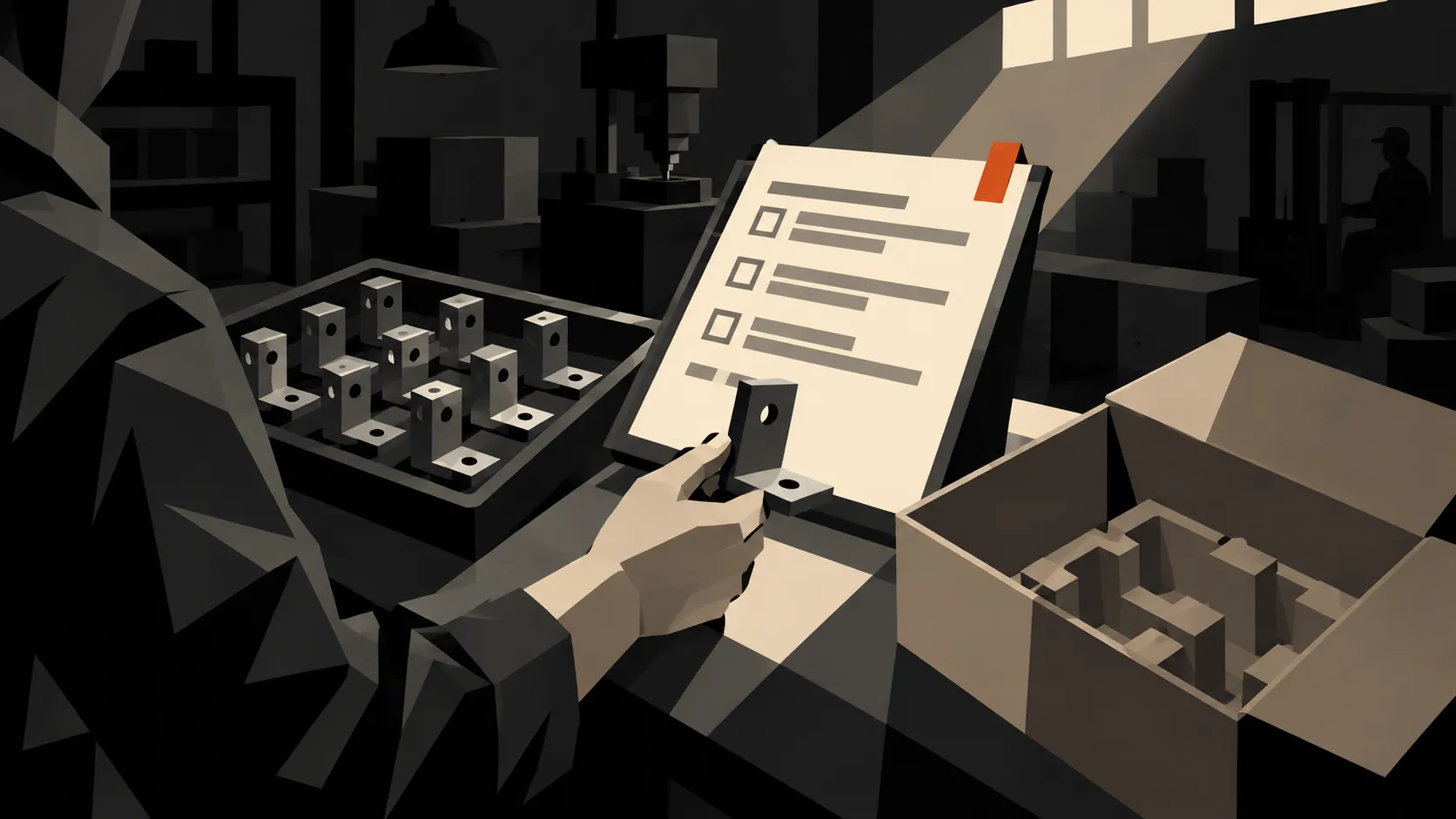
A physical board can work well when it is maintained, understood and connected to a dependable action log. To start on paper, Bulk’s SQDCP board template gives each column a printed checklist and a place to record actions and owners. A digital board can make it easier to retain history, share records between shifts and open the detail behind a measure. Neither medium fixes unclear ownership.
The Lean Enterprise Institute’s discussion of visual management makes a useful distinction between a board that is displayed and one that helps people understand the work. Judge the board by the decisions it supports.
If you choose a screen, verify that text is readable from the meeting position and that the team can find the underlying record without derailing the discussion. Confirm the update time and filters. A live connection can still display the wrong population.
How Bulk supports the board
Bulk Teamboards provides configurable board categories and task views. The current task interface includes an issue, action, deadline and assignee, while task widgets can filter by status and due period. Those controls support the meeting’s follow-up when the team uses them consistently.
Decide which measures are entered manually and which are connected to operational data. Do not assume every column automatically derives from production, quality or attendance records. Test the particular board configuration, its access and the detail available behind each measure.
Review the habit after the first week
Check whether the same unresolved actions return without progress, whether people trust the definitions, and whether the meeting produces decisions the team can carry out. Reduce measures that attract attention but never affect a decision.
For the Quality column, use the first pass yield worked example to agree the counting rule. Then build one teamboard around the next shift’s decisions, with a small number of measures and an action list the team will revisit.