Metal fabrication software: how to choose for your shop
Compare design, nesting, welding and shop management software, then test your shortlist with a drawing change, material trace and delayed outside operation.
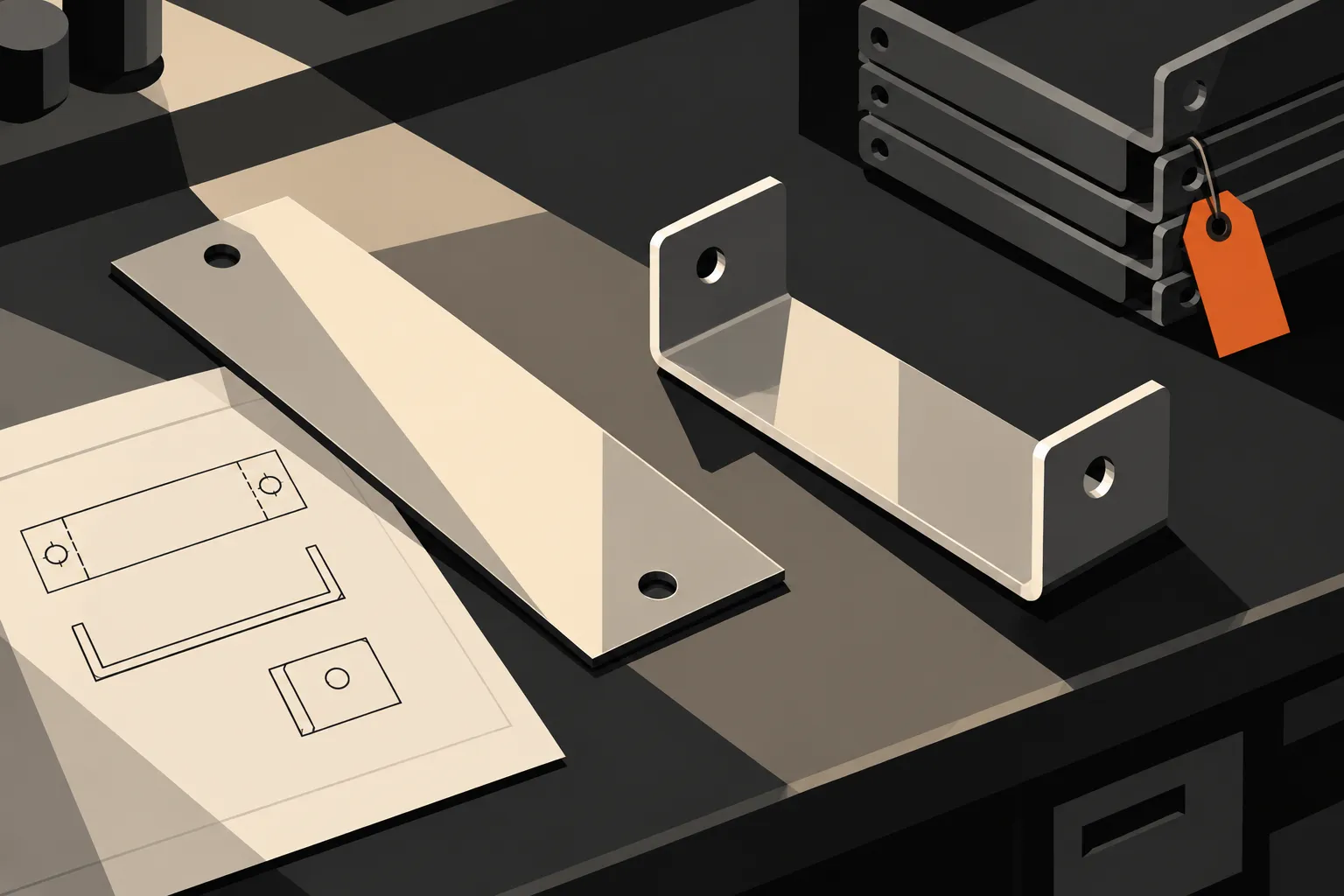
AI-generated editorial illustration.
Metal fabrication software covers several different jobs: designing a part, preparing it for cutting, managing welding records and running the shop from customer order to invoice. The right choice starts with the work you need to control. A tool that prepares a part for cutting answers a different question from a system that tells the planner which assemblies are waiting for inspection.
Before comparing products, choose one recent order that was difficult to manage. Perhaps the drawing changed after cutting started, a material certificate was hard to find, or an outside finishing operation missed its return date. Use that order to establish which software you need and what a convincing demonstration must show.
Which type of metal fabrication software do you need?
Start with the person doing the work and the record they need to leave behind. For sheet metal, a flat pattern describes the shape before bending; nesting arranges parts on the stock to be cut. The categories overlap, so check the proposed package rather than assuming a product name establishes its scope.
| Work you need to control | Software to investigate | What to bring to the demo |
|---|---|---|
| Part geometry, assemblies and flat patterns | Computer-aided design (CAD), including sheet metal or structural detailing tools | A representative drawing, material thickness and required output file |
| Part arrangement on stock and cutting instructions | Nesting and computer-aided manufacturing (CAM) | A real mix of parts, stock sizes and the target machine |
| Welding procedures, qualifications and joint records | Welding management and weld tracking software | A procedure, a welder record and a sample weld map |
| Orders, materials, schedules, work in progress and billing | Fabrication shop software, manufacturing execution or manufacturing ERP | A complete order with a change or delay partway through |
The distinction shows up in suppliers’ own descriptions. Autodesk’s sheet metal tools cover creating and documenting designs, including flat patterns. SigmaNEST describes importing parts, arranging them for material and machine requirements, and producing cutting programs. These are related tasks, but a design file alone does not establish which physical parts have been made.
For the business around production, ECI’s metal fabrication ERP overview describes estimating, order generation, scheduling and inventory. ERP means enterprise resource planning. MES, or manufacturing execution system, refers to managing and recording work on the floor. A single platform can cover both operational and commercial work; inspect the actual workflow before deciding how many systems you need.
If you are searching for steel fabrication software, be specific about the output. Detailing structural members, programming a cutting machine and tracking a fabricated assembly through the shop are separate requirements, even when a supplier connects them.
Check how a drawing change reaches the floor
Bring two revisions of the same drawing. Release a sample job against the first revision, then introduce the second after some material has been cut.
Ask the supplier to show how the planner identifies affected work and how the operator sees the authorised drawing. Inspect the cutting file as well as the PDF. A current drawing attached to a job is of limited use if the machine program still represents the previous geometry.
The system should make the decision about existing work visible. Some parts may be usable, some may need rework and some may need replacing. Define who can make that decision and what evidence the next person sees. Do not assume uploading a new file safely changes work already in progress.

Include quoting in this exercise if it is part of your project. Ask the estimator to retain the original assumptions and record the agreed change. Extra cutting, bending or outside processing should have a clear commercial decision behind it. An updated job cost is not, by itself, permission to charge the customer more.
Follow the material after it is cut
A material total and a material identity answer different questions. Knowing that enough steel is on hand helps planning. Knowing which stock supplied a particular assembly helps investigate a material concern.
Where your work requires that trace, test the physical handoff as well as the database. Start with a labelled sheet or section and its supplier certificate. Cut it into pieces for two jobs. Then ask the operator how each piece remains identifiable at the next station, and ask the quality lead to retrieve the source certificate from either job.

A remnant is usable material left after cutting. If you reuse it, test whether the proposed system records the information your team needs, such as its shape or dimensions, material grade, thickness and location. SigmaNEST’s published inventory features include a remnant database and sheet tracking. Ask which of those functions are included in the edition under discussion and which records transfer to the shop system.
Have the demonstrator correct one mistaken material assignment. You should be able to explain both the current link and what was corrected. If the process relies on labels, scanning or manual selection, include that step in operator training and the pilot. Software cannot recover an identity that nobody captured.
Decide how much weld tracking you actually need
Welding shop software can mean a job list for a small fabrication business or a specialist system for procedures, qualifications and individual welds. Make that distinction before comparing feature lists.
For example, TWI’s Welding Qualifier manages welding procedure specifications (WPSs), procedure qualification records (PQRs), welder qualifications and continuity. Its Welding Coordinator describes production records such as welder IDs and weld dates, plus manufacturing reports containing welding and inspection documents. These are specific capabilities to evaluate, not functions to infer from a general quality module.
If your work needs joint-level records, bring a sample assembly with numbered joints. Ask the supplier to follow one joint through the procedure used, the welder, inspection and any repair. Then retrieve those records from the assembly without searching separate folders.
Test any claimed qualification control with an unsuitable or expired sample qualification. A stored certificate, an on-screen warning and a block on an action are three different controls. Establish which the system provides, what it checks and who may override it. Have your welding or quality lead define the applicable requirements; a generic “compliance” label is too broad to evaluate.
Make the schedule account for work outside the shop
Choose an order with an outside operation, such as coating. Give it an expected return date, then delay that date during the demonstration. Ask the planner to show what remains in-house, what is away and which next operation is now at risk.
A routing is the sequence of operations for a job. For this test, use the sequence your floor follows, including inspection and any outside work. If a supplier schedules only the internal operations, establish how the external wait is represented and who updates it.
Next, move a priority order ahead of the sample job. Look for the effect on the constrained resource, whether that is a press brake, welding bay or inspection station. Have the planner explain the revised promise date and any manual judgement behind it. A bar that moves on a calendar is only one part of the test.
Ask an operator to record progress from the device they would actually use. Count the steps needed to identify the job and record output or a problem. If connectivity is unreliable, test an interruption and recovery. Treat offline behaviour as a separate requirement until the supplier demonstrates it for that device and workflow.
Run the shortlist through one fabrication order
Use the following hypothetical exercise as a starting point. It is an acceptance test for suppliers, not a description of automatic Bulk behaviour.
Order twelve welded brackets. The route is cut, bend, weld, outside coating and final inspection. Each bracket has a base and two side plates. Use synthetic drawing, material and customer records so every supplier can run the same exercise.
- Release the work. Enter the accepted order and identify the drawing revision, components, operations and due date. Note every place someone must re-enter a part number or quantity.
- Change the drawing after cutting starts. Six bases have been cut when the hole position changes. Ask engineering to record whether those six can be used, reworked or replaced. Follow that decision into the instructions for the remaining work.
- Trace one assembly. Retrieve the material source for its base and side plates. Where your process requires it, include the weld and inspection records. Correct one deliberately incorrect entry and inspect the resulting history.
- Delay coating. Record which assemblies have left the shop and revise their expected return date. Ask planning and customer service to explain the impact from their normal views.
- Prepare the commercial follow-up. Review any agreed change charges and prepare an invoice draft under the sample order’s billing terms. Trace its lines back to the work or charge they cover. Do not assume that a production count is also a shipped or billable quantity.
At each step, record the outcome as demonstrated, needs configuration, needs another product or not demonstrated. Keep the evidence: the records created, the decision history and the person who performed each action. A feature that requires an administrator or a spreadsheet should appear that way in the comparison.
Ask the people who will use the system to perform their own steps. The estimator, planner, operator, quality lead and person preparing invoices will notice different problems. Agree the few results that are essential before anyone starts scoring optional features.
Where Bulk fits
Bulk is one operating system for the plant, installed one app at a time, with the commercial loop around production on the same data thread. Its invoicing workflow provides a concrete connection to examine: an invoice draft starts from a production order and selected eligible jobs. The person preparing it can work from linked production records rather than creating an unrelated invoice record.
That makes the order-to-invoice approach relevant when your main problem is carrying work between the floor and office. Keep your CAD, cutting and specialist welding requirements explicit when discussing scope. Have Bulk demonstrate the fabrication tests above in the proposed setup, including any connection to tools you intend to keep.
Start with Bulk’s metal fabrication overview, then start a free trial and run one drawing change or material-trace problem through it.
Buy the workflow you can prove
Before committing, ask for a written scope covering the demonstrated workflow, outstanding configuration, integrations and who will maintain them. Compare data preparation, machine interfaces, labels and devices, training, support and ongoing licences alongside the subscription. Ask for an export of the sample order and its supporting records so you can inspect what you would be able to retrieve later.
Pilot one complete workflow with a representative set of jobs. Measure repeated entries per order, time to find a drawing or certificate, and time to identify work affected by a change. Compare those with the same measures before the pilot. Extend the rollout when the people doing the work can show that the records support their decisions.