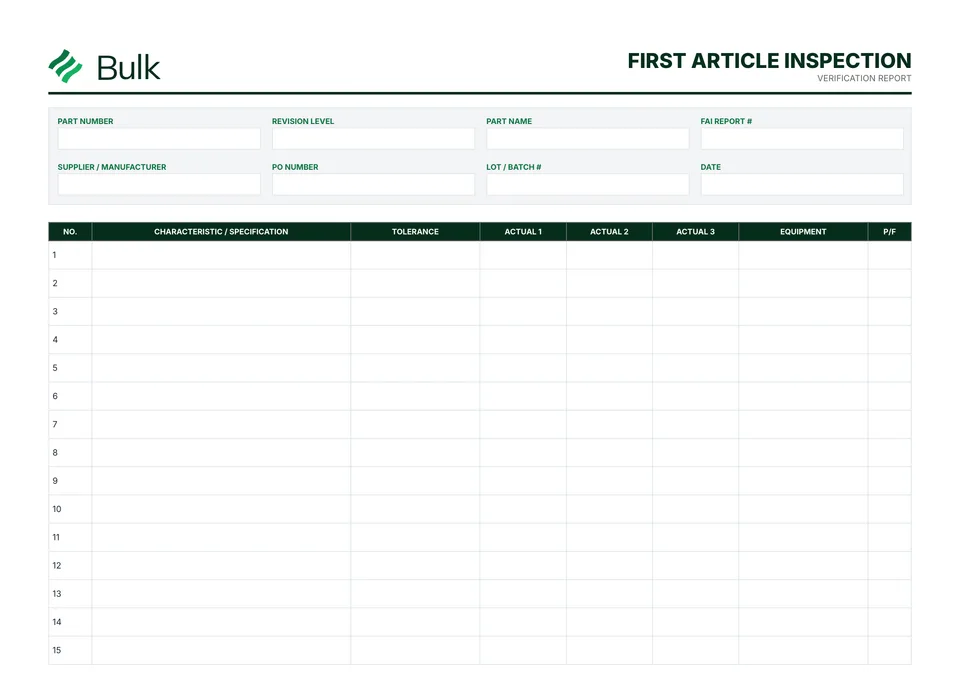
 First Article Inspection Report (FAIR)Agree the applicable first-article scope and customer requirements.
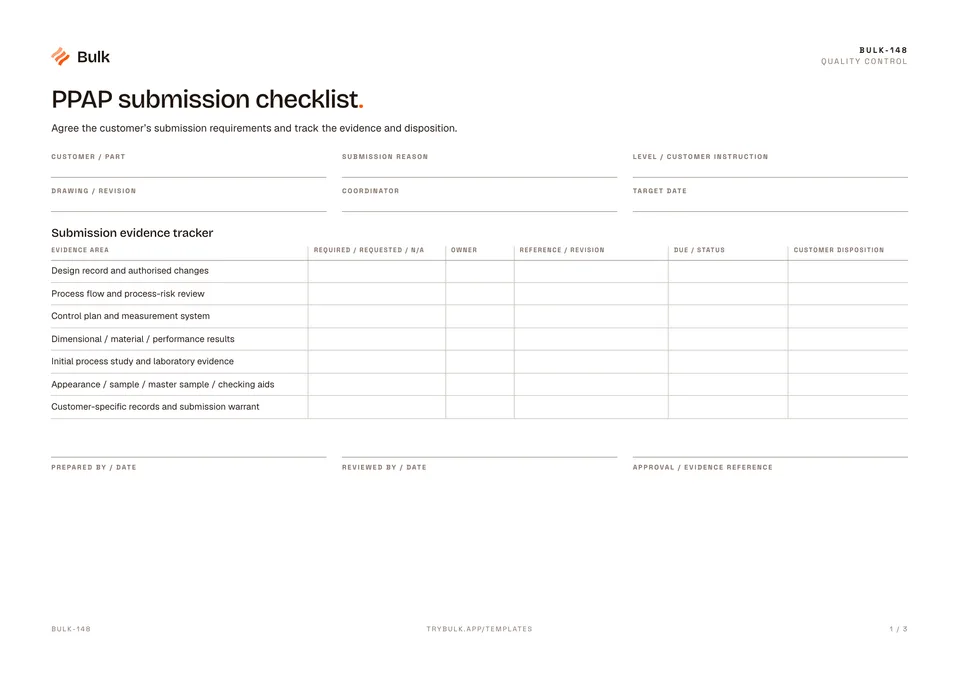
PPAP submission checklist
Agree the customer’s submission requirements and track the evidence and disposition.
What it's for
Agree the customer’s submission requirements and track the evidence and disposition.
What is PPAP?
PPAP means Production Part Approval Process: the automotive industry’s way, set out by AIAG (the Automotive Industry Action Group) in its PPAP manual, for a supplier to prove to a customer that a part and the process that makes it are ready for series production. The evidence has to show that the parts meet every requirement in the design records and specifications, and that the process can keep making them that way at the quoted rate.
A submission can draw on 18 elements, from the design records, design and process FMEAs, process flow diagram and control plan to measurement system analysis, dimensional and material test results, initial process studies, sample parts and the Part Submission Warrant (PSW) that summarises it. The customer chooses a submission level from 1 to 5, which sets how much of that evidence it receives; level 3 is the default.
A PPAP is needed for a new part and again for changes the customer must approve, such as an engineering change, new or moved tooling, a new material or subcontractor, or a process moved to another site. This checklist tracks the evidence; the customer’s own requirements decide what goes in.
What you can download
Available files: PDF. Each PDF includes the blank form first, a fictional completed example and instructions. The download is free; enter your email to receive a secure link valid for seven days. Product-news consent is optional.
Completed manufacturing example
The fictional submission tracker links required evidence to owners, revision references and customer decisions. One appearance-related requirement is marked not applicable only because a written customer agreement is recorded.
Replace the fictional customer references with the actual submission requirements. A complete internal tracker is not customer approval. Use the customer’s current required elements, submission level and approved forms; this is not the official AIAG package.
When to use this template
Original high-level tracker, not a reproduction of the PPAP manual, an official warrant or certification of compliance.
Continue with First Article Inspection Report (FAIR), Process control plan, FMEA Template (Failure Mode and Effects Analysis).
For shared records, evidence and follow-up, explore Bulk quality. Start a free trial to run it live, no card needed.
How to use it
- Use the customer’s current submission instructions and licensed AIAG PPAP manual (4th edition, 2006) where contractually applicable.
- Expand each evidence area to the exact items requested. Record N/A rationale and customer agreement; never silently omit a requested item.
- A quality practitioner must review the pack and customer-specific requirements. Record the customer disposition separately from internal readiness.
Key features
- Submission evidence tracker
- Scope agreement and release
Ideal for
- Quality teams tracking a customer-defined submission package
Common uses
- Coordinating PPAP evidence and outstanding customer decisions
Questions, answered.
01
What does PPAP stand for?
Production Part Approval Process. It is the automotive method, set out in the AIAG PPAP manual, by which a supplier shows a customer that its production process makes parts that meet every design record and specification requirement, consistently and at the production rate. The customer approves the part before shipments or changes go ahead.
02
What are the PPAP submission levels?
Five levels set how much the customer sees. Level 1 is the Part Submission Warrant only (with an appearance approval report where required); level 2 adds product samples and limited supporting data; level 3 adds samples and complete supporting data; level 4 is the warrant plus requirements the customer defines; level 5 is the warrant, samples and complete data reviewed at the supplier's site. Level 3 is the default unless the customer says otherwise.
Related templates.
First Article Inspection Report (FAIR)Agree the applicable first-article scope and customer requirements.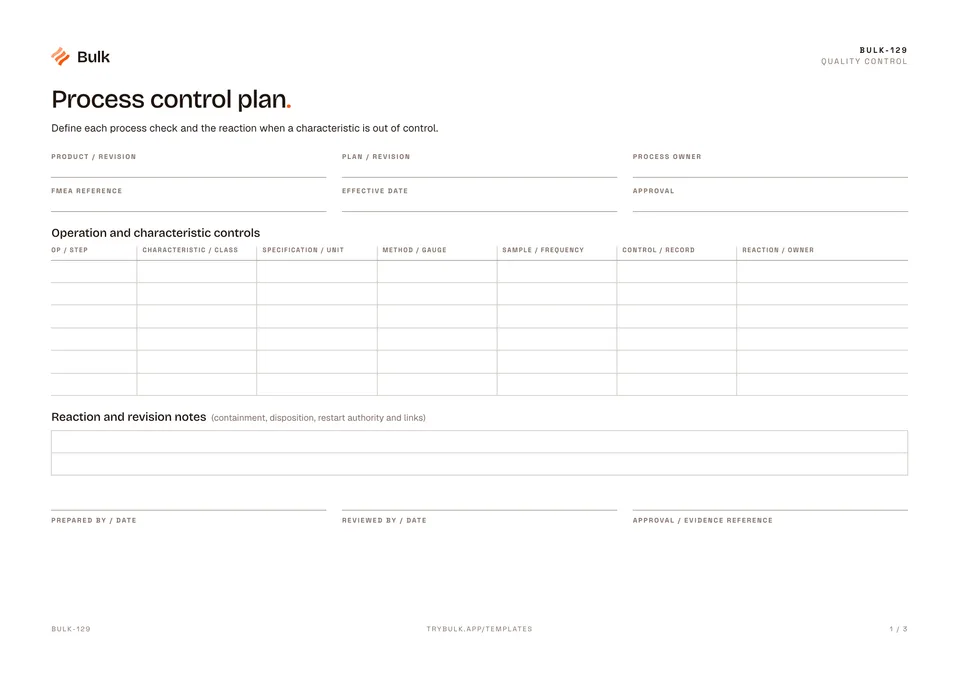 Process control planDefine each process check and the reaction when a characteristic is out of control.
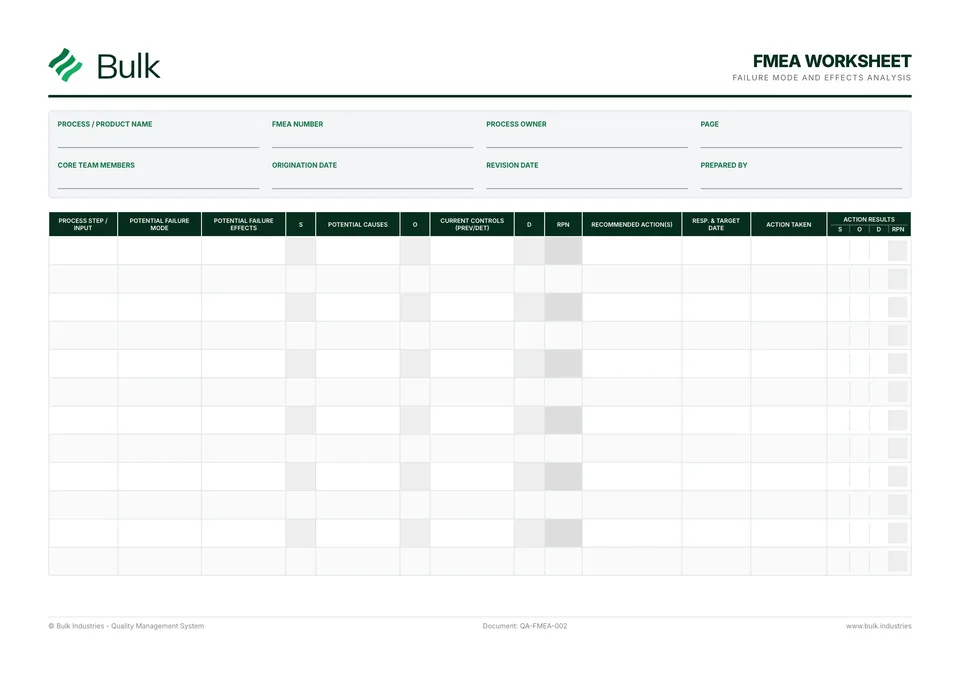 FMEA Template (Failure Mode and Effects Analysis)Define the process boundary and use an agreed rating rubric.
Turn the form into a live workflow.
Bulk connects the same checks, evidence, owners and approvals to the work happening on your floor.