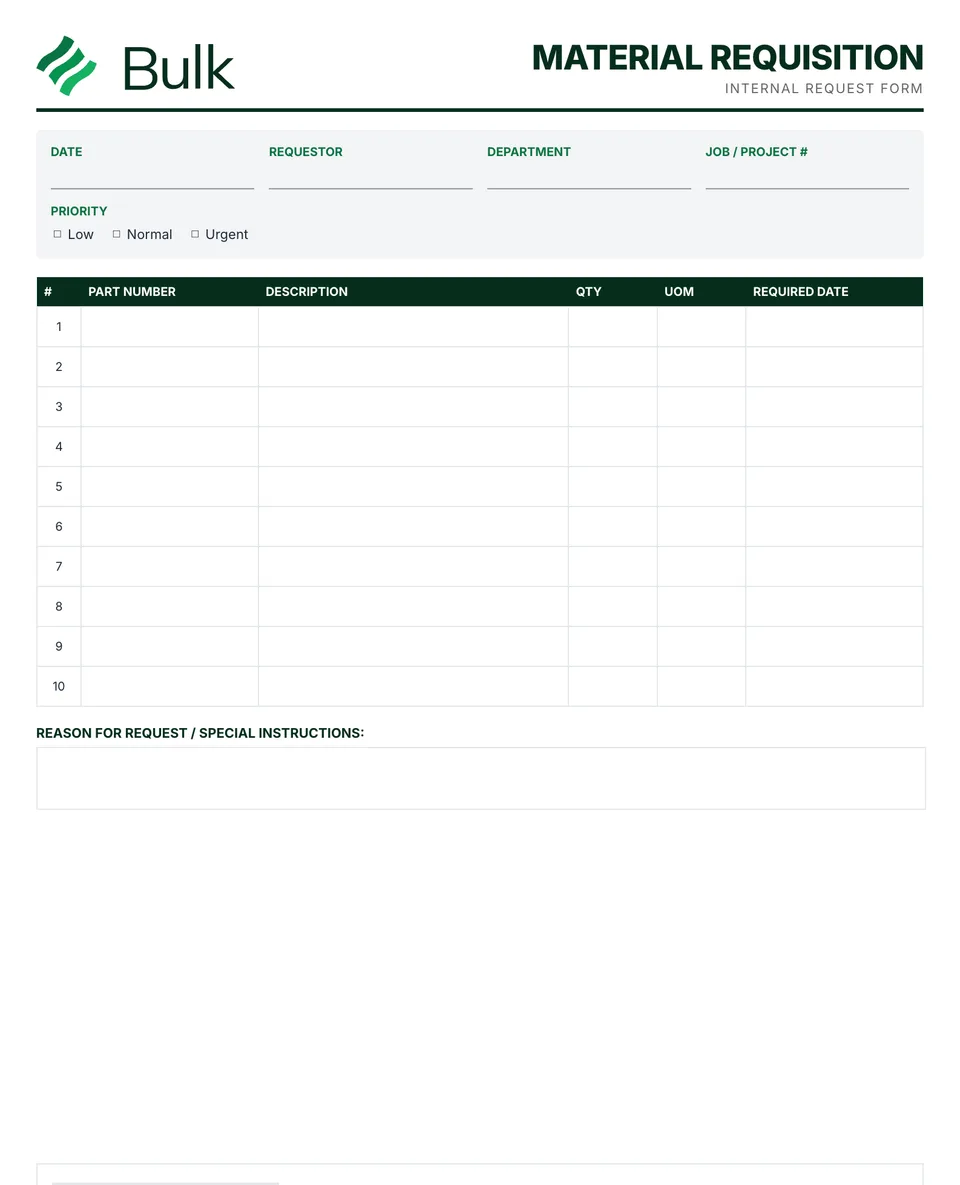
 Material Requisition FormName the requesting department, job, cost centre, priority and need date.
Stocktake and cycle count
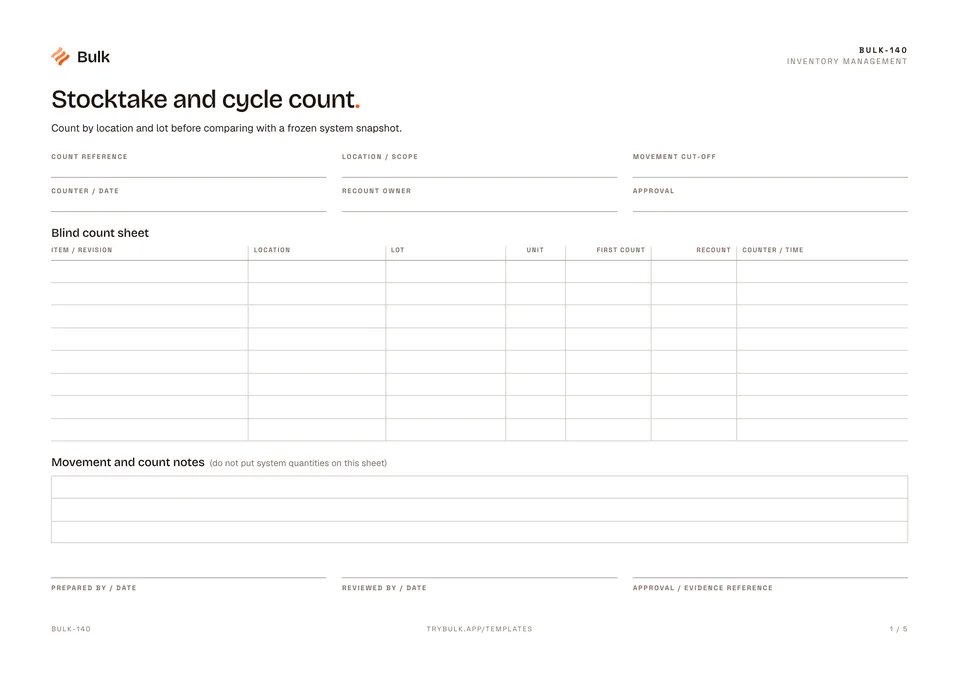
Count by location and lot before comparing with a frozen system snapshot.
What it's for
Count by location and lot before comparing with a frozen system snapshot.
What you can download
Available files: PDF, Excel. Each PDF includes the blank form first, a fictional completed example and instructions. The Excel workbook includes an unused template and a separate completed example, with labelled inputs, calculation cells and print settings. The download is free; enter your email to receive a secure link valid for seven days. Product-news consent is optional.
Completed manufacturing example
Bin A-01 contains 98 bolts against a frozen quantity of 100, so its variance is −2. Bin A-02 contains 52 against a snapshot of 50 plus a recorded receipt of two, giving zero variance.
Expected stock equals snapshot plus net movement after the cut-off. Accepted physical count minus expected stock gives the variance. Keep the blind count separate, retain any recount and investigate before approving an adjustment.
When to use this template
The workbook separates the blind print sheet from reconciliation. It does not write stock adjustments to Bulk.
Continue with Material Requisition Form, Bill of materials, Delivery note and packing slip.
For shared records, evidence and follow-up, explore Bulk inventory. Start a free trial to run it live, no card needed.
How to use it
- Freeze or record the system snapshot and movement cut-off. Give counters only the blind sheet.
- Count each bin and lot in its own unit. Record a recount separately; a blank recount is not zero.
- Expected quantity = snapshot + net movements since cut-off. Variance = accepted physical count − expected quantity. Approve every adjustment before posting.
Key features
- Blind count sheet
- Movement and count notes
- Reconciliation and approval
- Adjustment authorisation
Ideal for
- Stores teams and reviewers reconciling cycle counts
Common uses
- Counting inventory by bin and lot without showing counters the expected balance
Related templates.
Material Requisition FormName the requesting department, job, cost centre, priority and need date.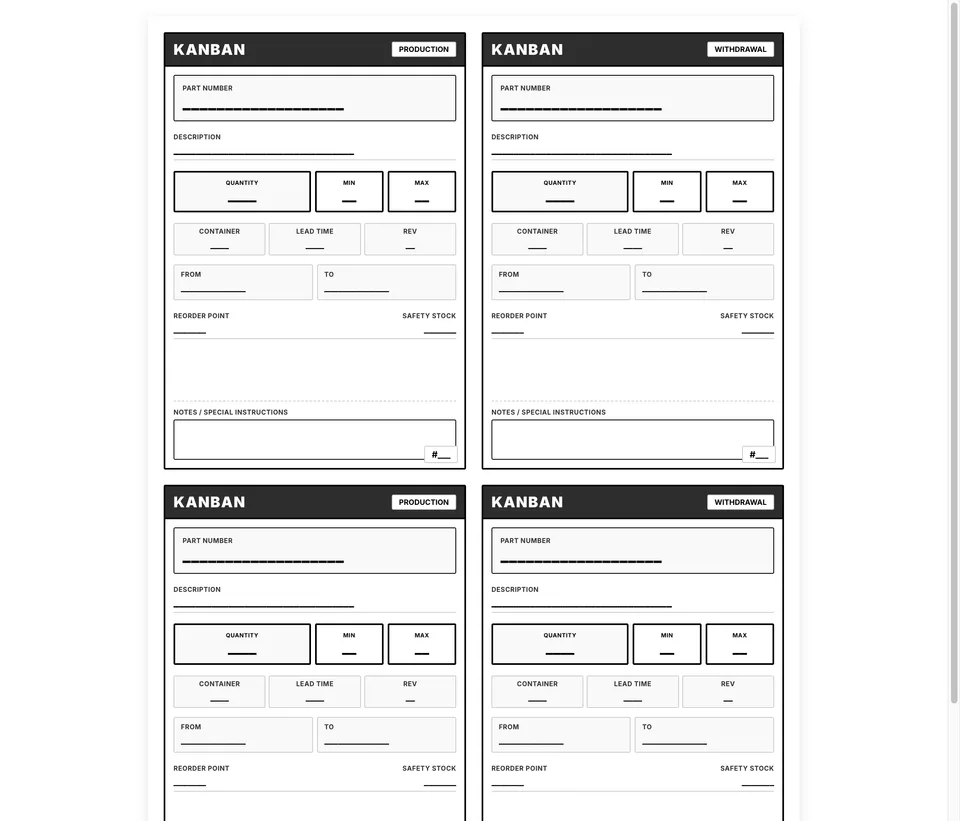 Kanban Card TemplateChoose the part, revision, supplying point, consuming point and standard container.
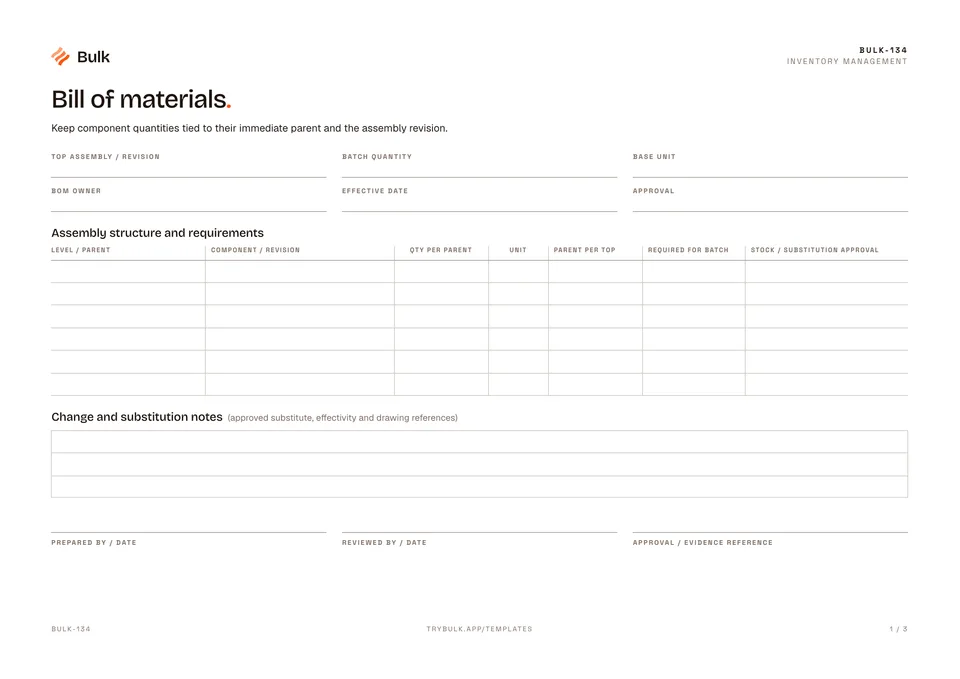 Bill of materialsKeep component quantities tied to their immediate parent and the assembly revision.
Turn the form into a live workflow.
Bulk connects the same checks, evidence, owners and approvals to the work happening on your floor.